Introducing the Ditto Fire OS Receiver
The new Ditto Fire OS Receiver brings wireless screen mirroring, digital signage and emergency alerts to Fire OS devices. It joins Windows, Apple TV...

This new Ditto update introduces Ditto Connect for Chrome OS.
View a detailed breakdown of everything that’s new with Ditto.
Visit our Knowledge Base if you have questions.
Don’t forget: Subscribe to our blog so you never miss an update.
The new Ditto Fire OS Receiver brings wireless screen mirroring, digital signage and emergency alerts to Fire OS devices. It joins Windows, Apple TV...
Ditto now runs on Android-powered displays. The new Ditto Android Receiver gives schools and businesses another way to bring wireless screen...
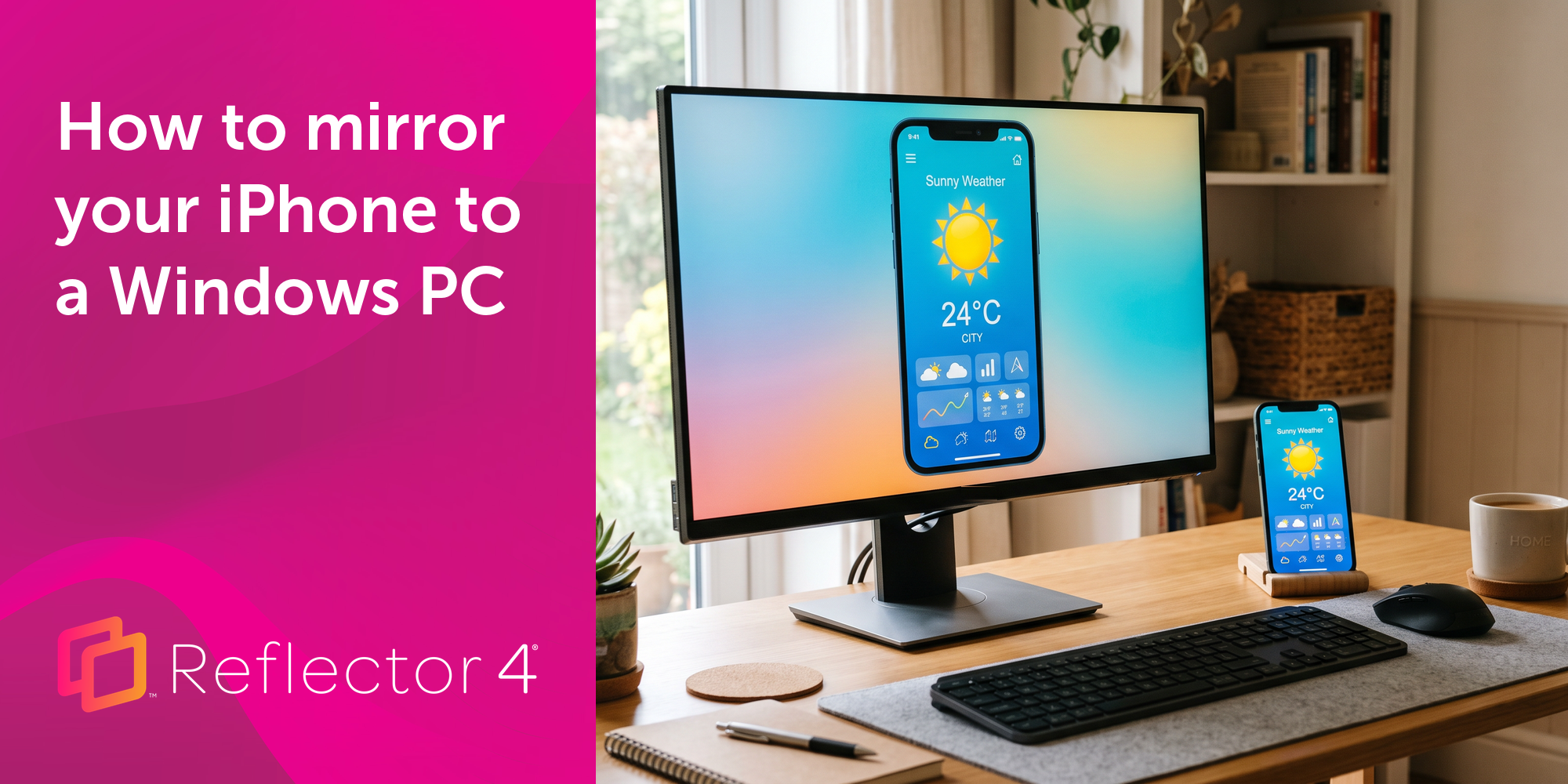
Windows still can't receive AirPlay connections on its own. Try to open Screen Mirroring on an iPhone in a room full of PCs. The list comes back...
The latest Ditto update adds the ability to initiate screen mirroring via the Chrome web browser on Chrome OS, Mac and Windows devices.
This Ditto Connect for Chrome OS update improves the quality of screen mirroring connections on Chrome OS devices.
Chromebook screen mirroring is easy with Ditto. Wirelessly present Chromebooks to Apple TV and other receiver types. Learn more about Ditto Connect...
Mirror any device to your screen — wirelessly.
One universal license for each app — works on macOS and Windows.
— or buy Reflector 4 on its own —



For schools, districts or volume licensing — contact us.

Stream audio and video from your Mac or PC to any screen.
One universal license for each app — works on macOS and Windows.
— or buy AirParrot 3 on its own —
For schools, districts or volume licensing — contact us.