Introducing the Ditto Fire OS Receiver
Transform Amazon Fire OS-powered TVs in your school or business into screen sharing, digital signage and emergency alerting hubs with Ditto.

This update introduces improvements to Ditto Connect for iOS and Ditto tvOS Receiver.
Visit our Knowledge Base if you have questions.
Don’t forget: Subscribe to our blog so you never miss an update.
Transform Amazon Fire OS-powered TVs in your school or business into screen sharing, digital signage and emergency alerting hubs with Ditto.
Transform Android-powered TVs, projectors and IFPs in your school or business into receivers for screen sharing, digital signage and emergency alerts.
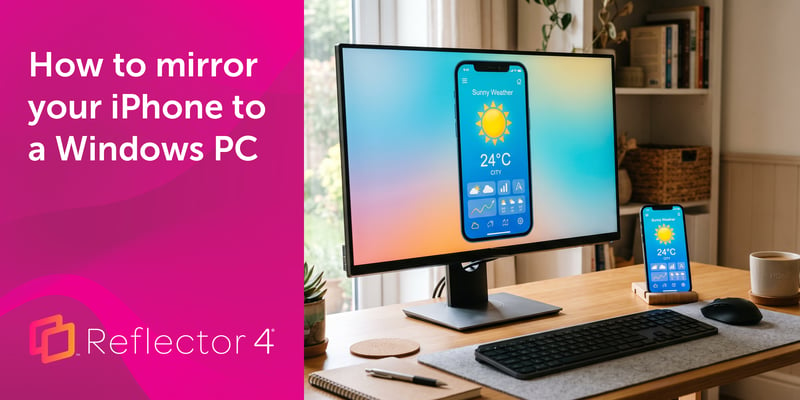
Windows can't receive AirPlay natively. Install Reflector 4 to wirelessly mirror an iPhone to your PC in four steps. No cables, adapters or extras...
Ditto works with more devices and added new receiver applications for better screen mirroring. See everything that’s new.
Ditto adds a new renderer and improves performance on unstable networks.
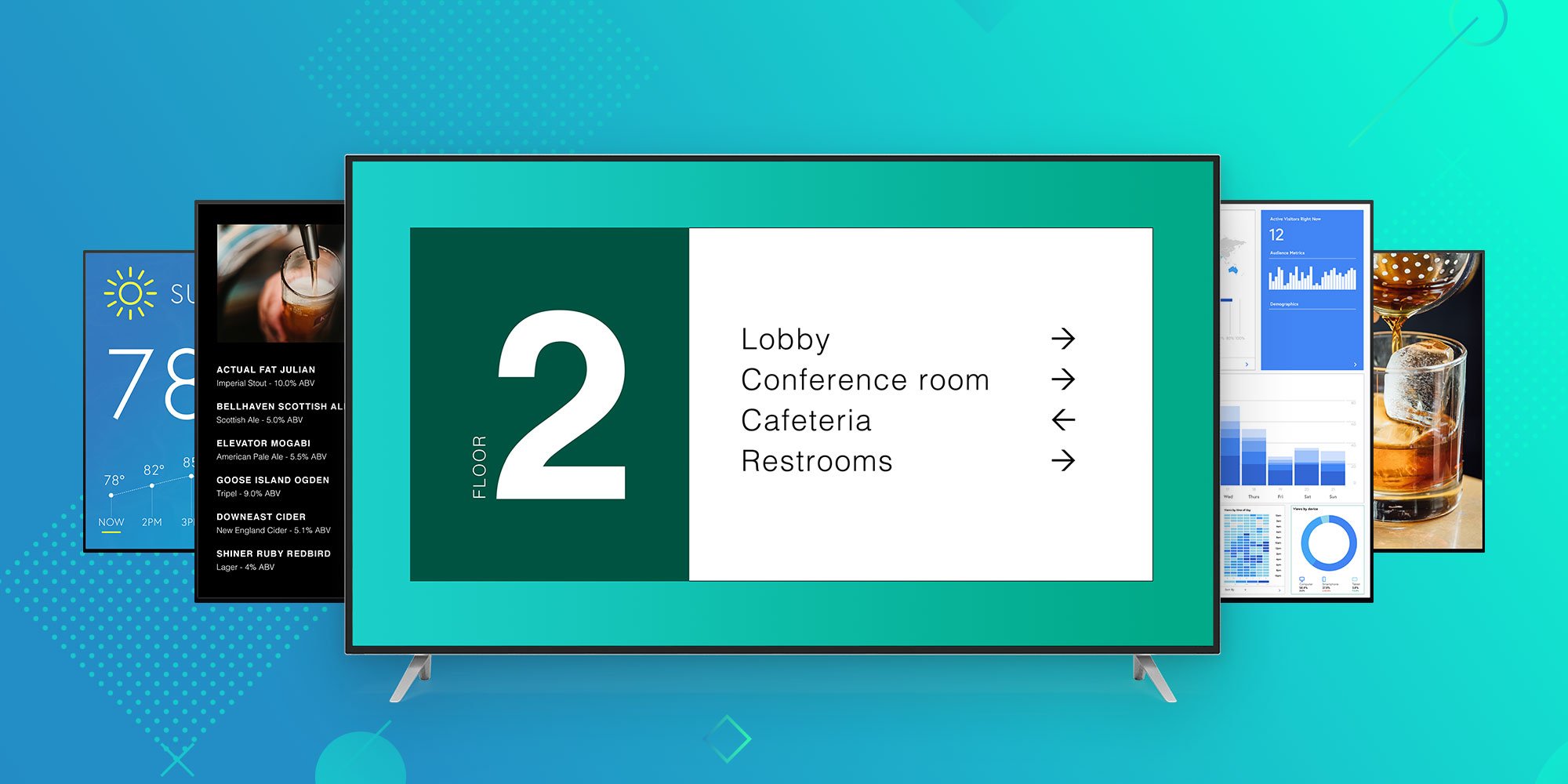
Ditto brings digital signage for Apple TV and Windows to any business or university. Learn why Ditto is the best way to educate, inform and engage...

Mirror any device to your screen — wirelessly.
One universal license for each app — works on macOS and Windows.
— or buy Reflector 4 on its own —



For schools, districts or volume licensing — contact us.

Stream audio and video from your Mac or PC to any screen.
One universal license for each app — works on macOS and Windows.
— or buy AirParrot 3 on its own —
For schools, districts or volume licensing — contact us.