Introducing the Ditto Fire OS Receiver
The new Ditto Fire OS Receiver brings wireless screen mirroring, digital signage and emergency alerts to Fire OS devices. It joins Windows, Apple TV...

2 min read
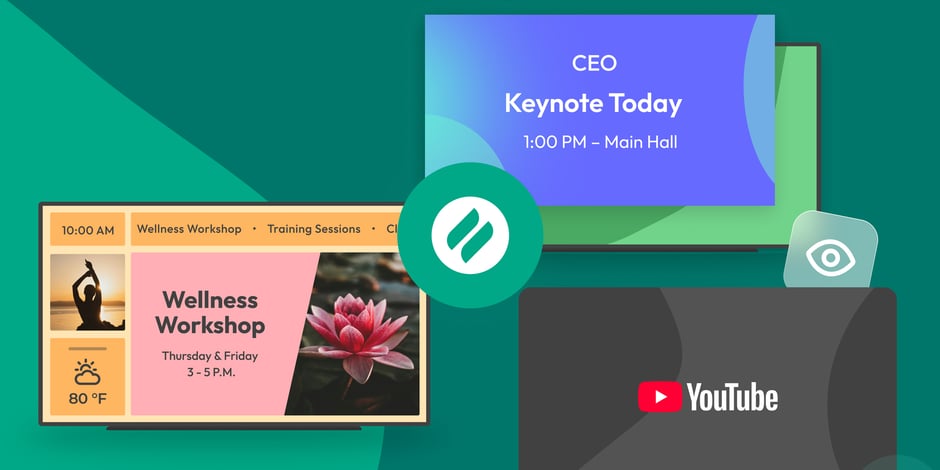
The takeover begins now. Three major Ditto digital signage updates help you bring the right signage to the right moment.
This release gives your organization the ability to:
Pause regular signage and instantly push special content to your screens
Create information hubs using multi-zone digital signage layouts
Stream live or on-demand YouTube videos as digital signage
The new digital signage takeover feature lets you instantly pause your signage and temporarily replace it with priority content for any moment. Use it to broadcast morning announcements, stream live events via YouTube or display special event signage.
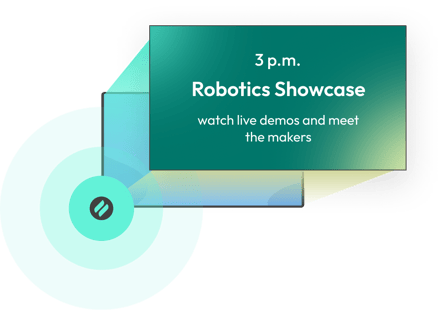
When the takeover ends, your regularly scheduled signage returns. You never have to worry about losing, replacing or resetting your evergreen signage content.
Apply a takeover to every screen in your organization or to specific screens in certain spaces. Display takeovers give you the ability to stay nimble and quickly show digital signage that makes sense for the moment.
Get step-by-step instructions for display takeovers here.
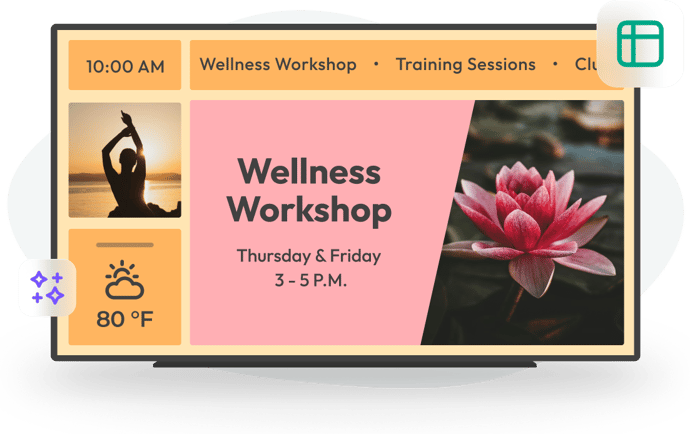
New digital signage layouts allow you to split your displays into multiple customizable content zones.
Previously, signage items appeared full screen and rotated one at a time. You can still do that, but now we’ve added the ability to keep content fixed on the screen as other items continue to rotate in and out, allowing you to turn any digital sign into an information hub.
Signage zones allow you to display up to five different pieces of content at once, including images, videos, scrolling text, logos, weather and more.
Get step-by-step instructions for digital signage zones here.
You can now include live or on-demand YouTube videos as part of your digital signage. Ditto users can still stream YouTube videos from their devices to Ditto-enabled displays, but now organizations and teams can also include them directly in their digital signage flow.
Play a recorded presentation, a looping product demo or a livestream. The choice is yours.
Get step-by-step instructions for YouTube digital signage here.
Go to the Ditto Account Portal to check out the latest updates. Visit our Knowledge Base if you have questions.
Don’t forget: Subscribe to our blog so you never miss an update.

The new Ditto Fire OS Receiver brings wireless screen mirroring, digital signage and emergency alerts to Fire OS devices. It joins Windows, Apple TV...

Ditto now runs on Android-powered displays. The new Ditto Android Receiver gives schools and businesses another way to bring wireless screen...

Windows still can't receive AirPlay connections on its own. Try to open Screen Mirroring on an iPhone in a room full of PCs. The list comes back...
The latest Ditto release brings new digital signage scheduling functionality that makes it easier than ever to display signage where and when you...
The new Ditto roles feature improves digital signage management in your spaces. Use roles to give digital signage permissions to your Ditto users.
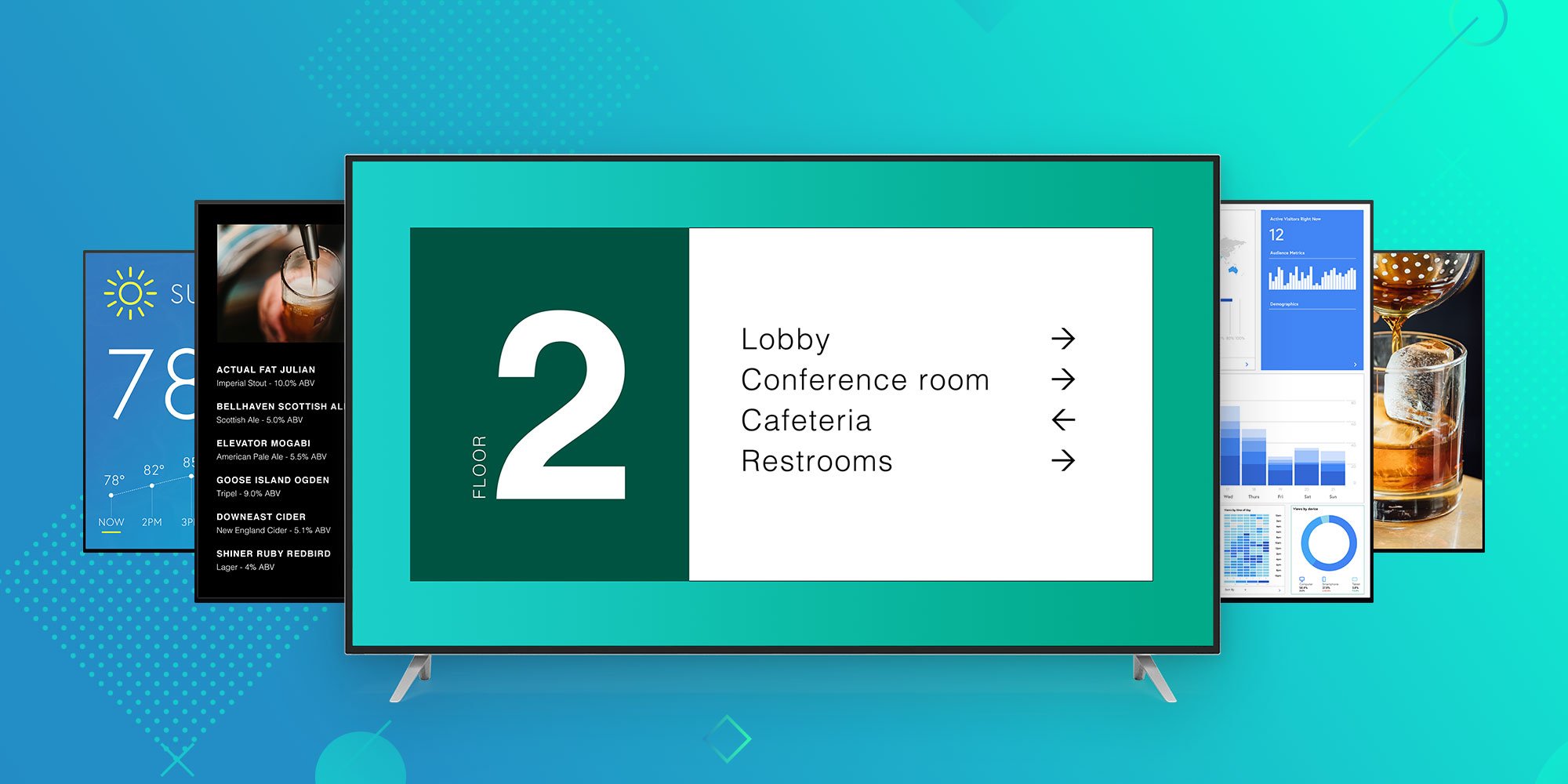
Ditto brings digital signage for Apple TV and Windows to any business or university. Learn why Ditto is the best way to educate, inform and engage...

Mirror any device to your screen — wirelessly.
One universal license for each app — works on macOS and Windows.
— or buy Reflector 4 on its own —



For schools, districts or volume licensing — contact us.

Stream audio and video from your Mac or PC to any screen.
One universal license for each app — works on macOS and Windows.
— or buy AirParrot 3 on its own —
For schools, districts or volume licensing — contact us.