Introducing the Ditto Fire OS Receiver
The new Ditto Fire OS Receiver brings wireless screen mirroring, digital signage and emergency alerts to Fire OS devices. It joins Windows, Apple TV...

2 min read
 Ditto now runs on Android-powered displays. The new Ditto Android Receiver gives schools and businesses another way to bring wireless screen mirroring, digital signage and emergency alerts to the screens throughout their organization.
For IT teams, that means more options when building out meeting rooms, classrooms and shared spaces. Enjoy more receiver flexibility than ever before with the same great Ditto experience.
Every organization has a different technology strategy. That's why it's so important to be able to choose a receiver platform that makes sense for each space.
Previously, you needed an Apple TV or Windows device connected to your display to run the Ditto receiver app. Now, Android gives IT teams another receiver platform to deploy Ditto where (and how) they need it.
Countless TVs, interactive flat panels (IFPs) and projectors already run an Android operating system. That means you no longer need an external device connected to your display or projector to use Ditto. Just download the Ditto Android Receiver app directly from the Google Play Store on compatible devices and you're good to go.
The Ditto Android Receiver brings multi-purpose functionality to Android-powered displays. Organizations can use it for:
Wireless screen mirroring — Let people share Mac, Windows, iPhone, iPad, Android and Chromebook screens to Android-powered displays without HDMI cables, adapters, set-top boxes or proprietary hardware.
Digital signage — Keep Android-powered screens useful between presentations with announcements, schedules, branded content and other important information. No external media player required.
Emergency alerts — Deliver urgent messages to Android-powered displays when people need updates and information in a hurry.
Ditto receivers move between these experiences without adding multiple disconnected systems for IT teams and users to manage.
Adding another receiver platform does not create another workflow for end users to navigate.
People still wirelessly present to Ditto-enabled displays the same way as before. They enter a room code in Ditto Connect and start sharing. The same approach works across the devices people already bring into classrooms and meeting spaces.
The arrival of Ditto Android Receiver gives organizations more ways to use Ditto with the hardware they already have.
Whether your spaces use Android, Windows or Apple TV receivers, the goal stays the same: make every display easier to use, easier to manage and more useful throughout the day.
Compare compatible Ditto receivers.
Download the Ditto Android Receiver from the Google Play Store on your displays.
Don't have Ditto in your school or business? Start a 30-day free Ditto trial here.

The new Ditto Fire OS Receiver brings wireless screen mirroring, digital signage and emergency alerts to Fire OS devices. It joins Windows, Apple TV...

Ditto now runs on Android-powered displays. The new Ditto Android Receiver gives schools and businesses another way to bring wireless screen...

Windows still can't receive AirPlay connections on its own. Try to open Screen Mirroring on an iPhone in a room full of PCs. The list comes back...
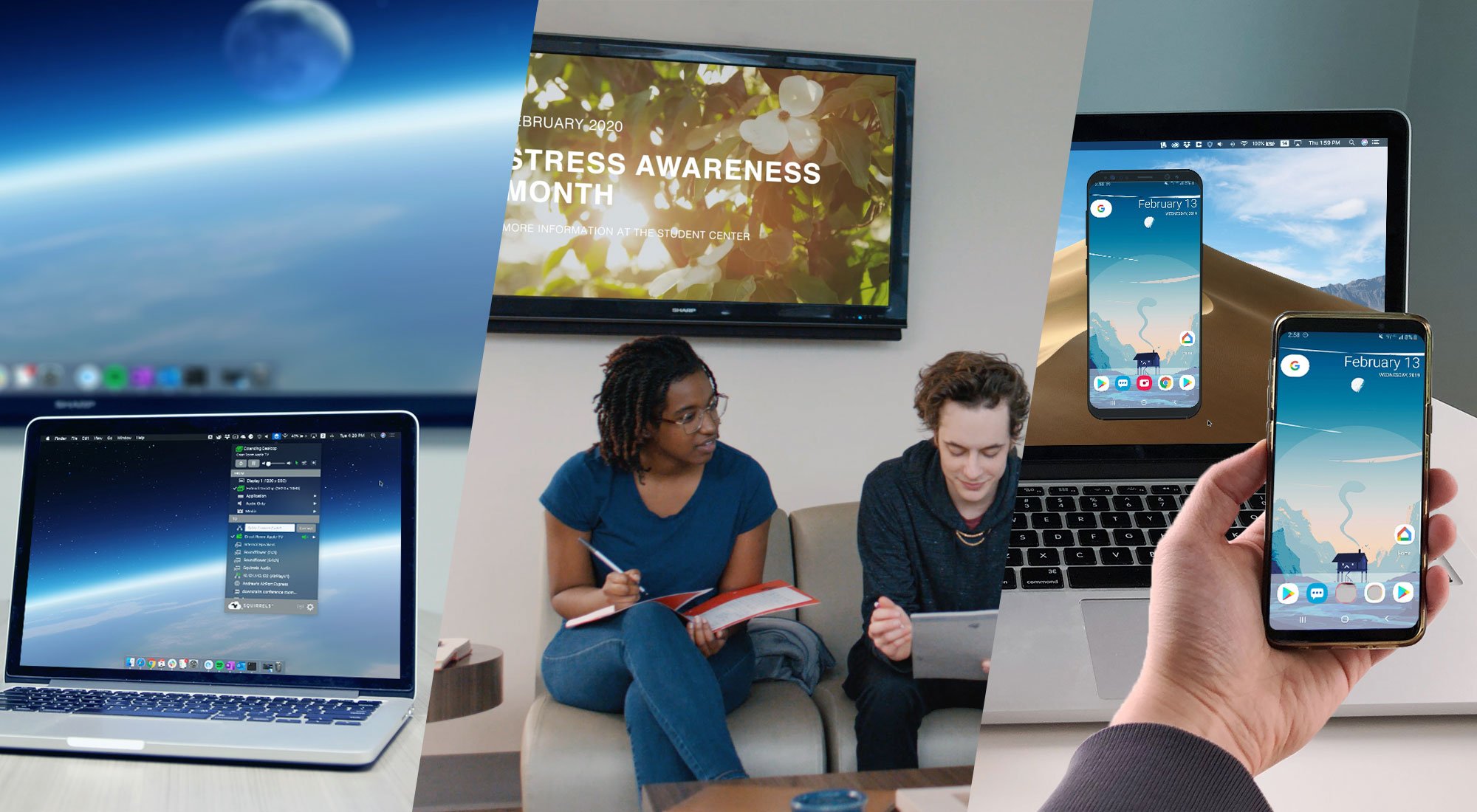
Learn the difference between these screen mirroring technologies made by Squirrels. Discover which software is best for you: Ditto, AirParrot or...
Intel Unite will be discontinued on December 31, 2023. Transition to Ditto to keep your screens and spaces collaboration-ready before time runs out.

Android, Windows, Mac, iOS and Chrome OS can all screen mirror wirelessly with Ditto. See everything that’s new.

Mirror any device to your screen — wirelessly.
One universal license for each app — works on macOS and Windows.
— or buy Reflector 4 on its own —



For schools, districts or volume licensing — contact us.

Stream audio and video from your Mac or PC to any screen.
One universal license for each app — works on macOS and Windows.
— or buy AirParrot 3 on its own —
For schools, districts or volume licensing — contact us.