Introducing the Ditto Fire OS Receiver
Transform Amazon Fire OS-powered TVs in your school or business into screen sharing, digital signage and emergency alerting hubs with Ditto.

2 min read
Windows doesn't include AirPlay. Apple TV doesn't support Miracast, the wireless display standard built into Windows devices. That's why your PC can't see the Apple TV that every iPhone and Mac connects to instantly. The two were never designed to talk to each other. For many people and organizations, that's a problem.
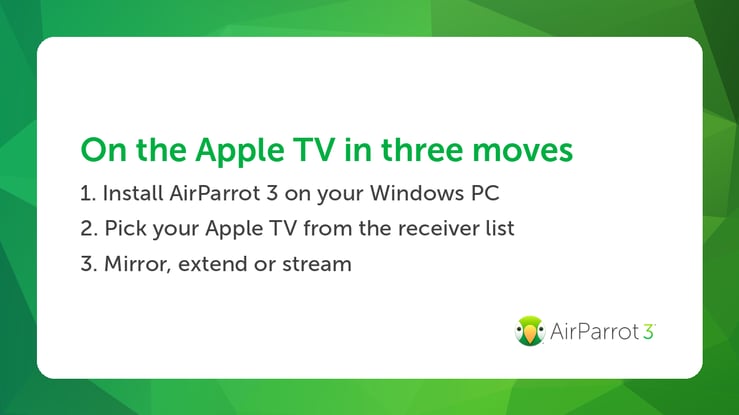
AirParrot 3 solves this by adding AirPlay to Windows. Install it on your PC. The Apple TV will now show up as a display you can mirror to, extend your screen to or stream media to, the same way it does for Apple devices.
There are no HDMI cables or adapters involved, and nothing changes in your Windows display settings. Disconnect and everything goes back to normal.
Mirroring the whole screen is the default, but AirParrot 3 gives you two more options that are often more useful.
Specific-app mirroring shares a single application to the Apple TV and keeps everything else hidden on your PC. The room sees your presentation while your email and notifications stay private. If you present from a Windows laptop with any regularity, this becomes the feature you use most.
Extend Desktop treats the Apple TV as a second monitor, giving you more workspace without buying another display. We covered this in detail in our guide to using a TV as a wireless second monitor.
Media streaming sends a video file directly to the Apple TV instead of mirroring a player window. AirParrot handles the format conversion and plays with 5.1 surround passthrough when the file supports it. Because the file streams independently, playback stays smooth even while you use the PC for something else.
AirPlay is a moving target. Apple revises the protocol and ships new Apple TV software regularly, and third-party AirPlay tools for Windows have a history of breaking after those updates and never getting fixed.
This is the core of what we do at Squirrels. Our engineers have decades of combined experience with AirPlay and screen mirroring, and we've kept AirParrot compatible through every iteration of the protocol, resolving changes quickly while other products stay broken. AirParrot 3 supports Apple TV generations from the Apple TV 2 through current hardware on the latest OS updates. Mirroring performance is tuned to stay smooth.
AirParrot 3 also runs well on Surface Pro tablets, and the AirParrot Remote app for iPhone and iPad can control mirroring and streaming from across the room.
The free trial is the fastest way to find out how well this software works on your network and your hardware. Download it, install it on your PC and look for your Apple TV in the receiver list.
Transform Amazon Fire OS-powered TVs in your school or business into screen sharing, digital signage and emergency alerting hubs with Ditto.
Transform Android-powered TVs, projectors and IFPs in your school or business into receivers for screen sharing, digital signage and emergency alerts.
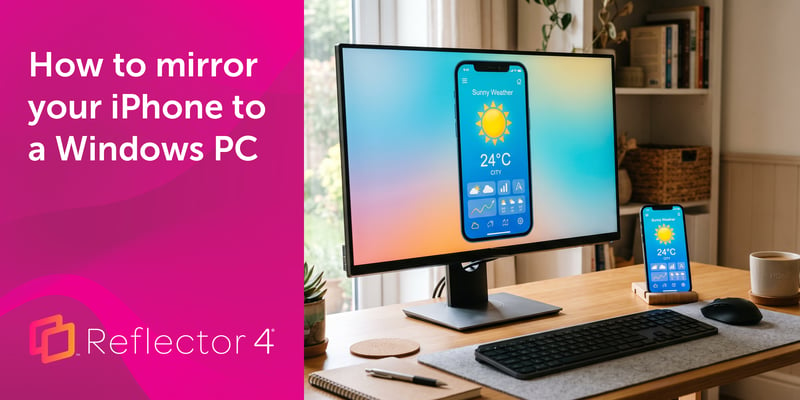
Windows can't receive AirPlay natively. Install Reflector 4 to wirelessly mirror an iPhone to your PC in four steps. No cables, adapters or extras...
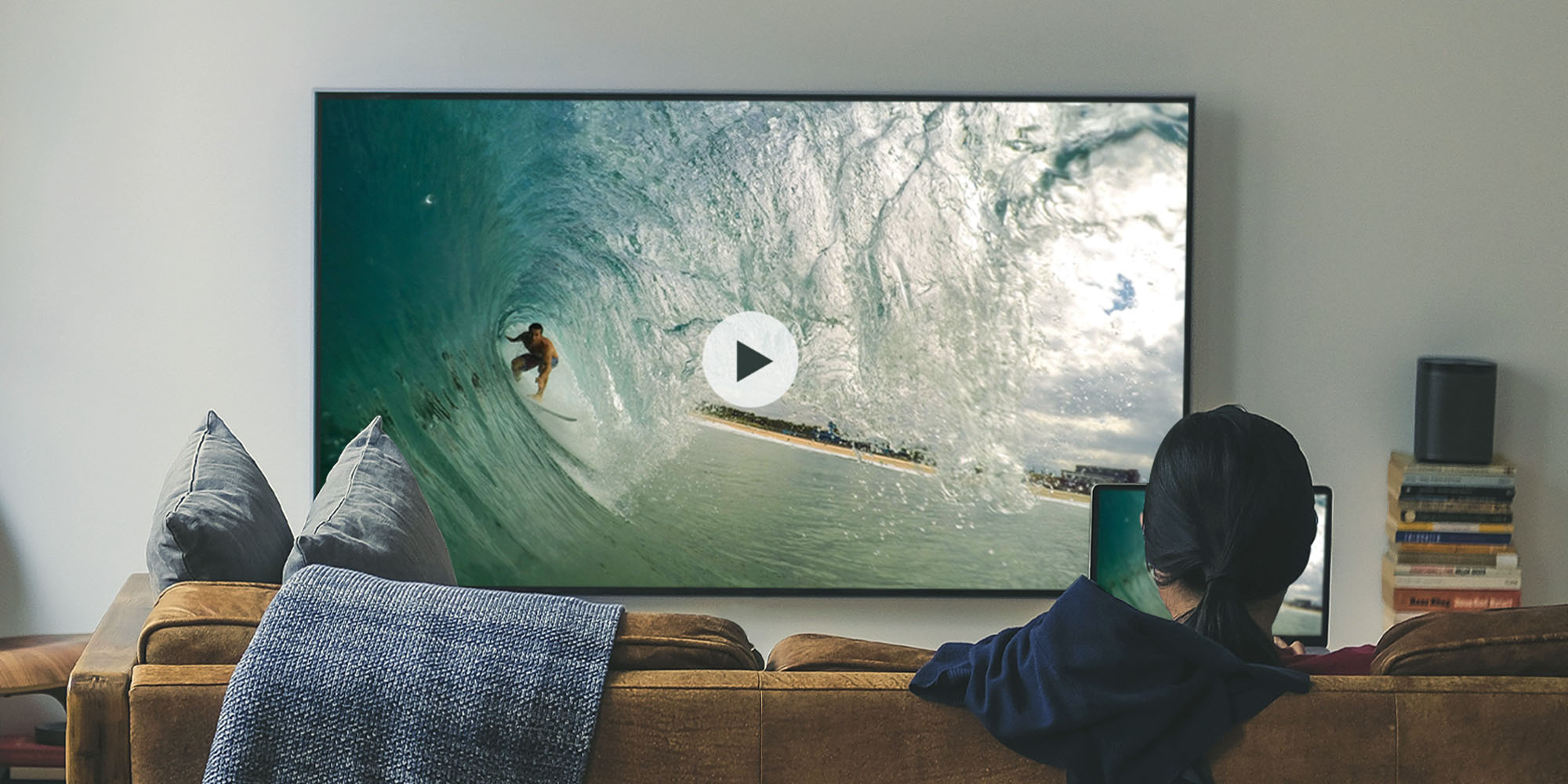
AirParrot 3 is now compatible with certain AirPlay 2-enabled and Chromecast built-in devices. Plus, AirParrot Remote received a new update. Learn all...
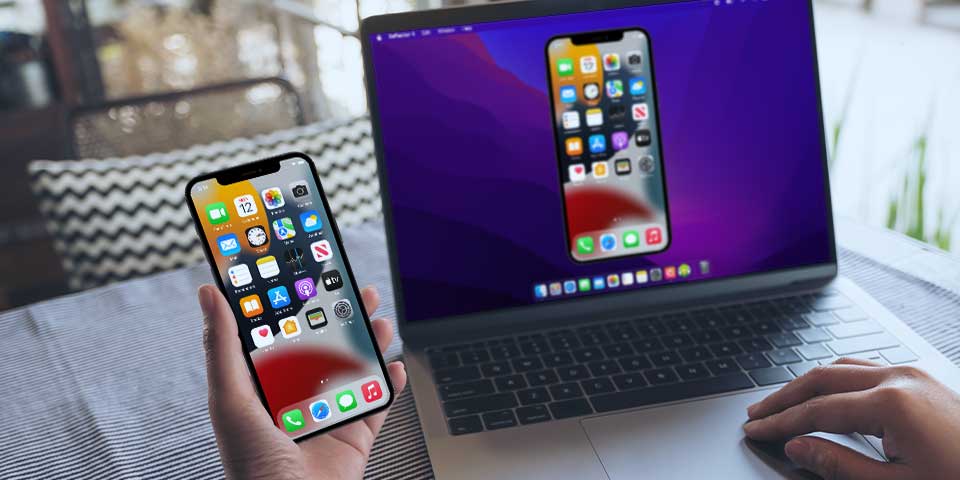
Learn how to screen mirror iOS 15 iPhones. Discover easy steps to cast your iPhone screen to MacBook and other devices using AirPlay and Reflector.
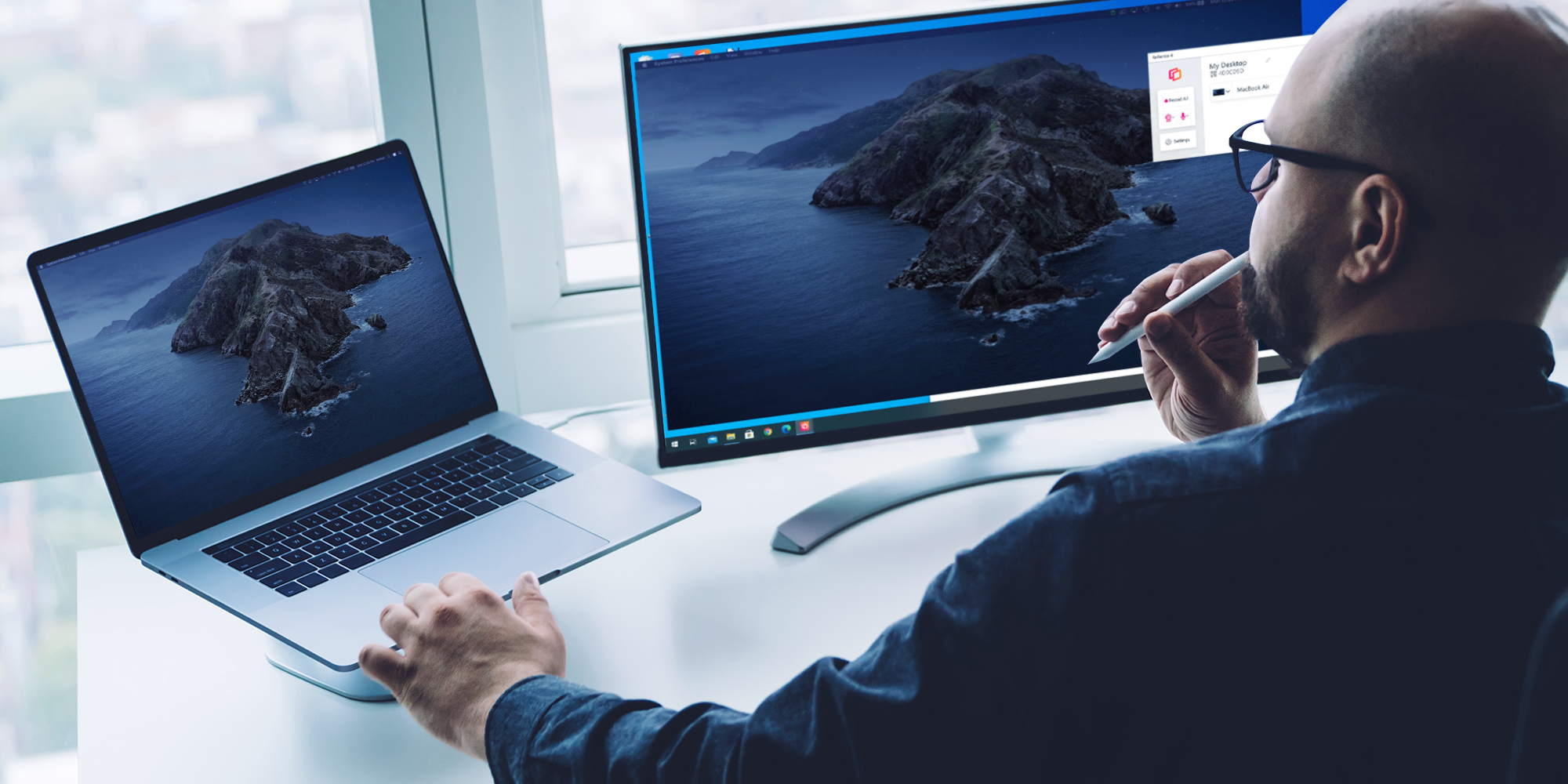
This quick guide shows you how to extend your macOS desktop to your Windows computer using AirParrot and Reflector.

Mirror any device to your screen — wirelessly.
One universal license for each app — works on macOS and Windows.
— or buy Reflector 4 on its own —



For schools, districts or volume licensing — contact us.

Stream audio and video from your Mac or PC to any screen.
One universal license for each app — works on macOS and Windows.
— or buy AirParrot 3 on its own —
For schools, districts or volume licensing — contact us.