Introducing the Ditto Fire OS Receiver
The new Ditto Fire OS Receiver brings wireless screen mirroring, digital signage and emergency alerts to Fire OS devices. It joins Windows, Apple TV...

1 min read
The latest Ditto updates improve screen mirroring quality and increase compatibility within specialized network environments.
We added the ability to enable native resolution mirroring on Ditto Connect for macOS and Ditto Connect for Windows. The result is greatly improved mirroring resolution when users mirror Mac and Windows devices to Ditto receivers. Ditto account admins can enable native resolution mirroring in the Rooms section of the Ditto Account Portal.
We also added the ability to set Ditto receivers on static IP addresses. Previously, Ditto receivers used the last known IP address. This update can help meet network security requirements and accommodate more specialized network setups. Access this setting option in the Receivers section of the Ditto Account Portal.
Get complete details about this release here.
Here's a snapshot of what’s new in Ditto:
Ditto Connect for macOS:
Ditto Connect for Windows:
Ditto Account Portal:
Visit our Knowledge Base if you have questions.
Don’t forget: Subscribe to our blog so you never miss an update.
The new Ditto Fire OS Receiver brings wireless screen mirroring, digital signage and emergency alerts to Fire OS devices. It joins Windows, Apple TV...
Ditto now runs on Android-powered displays. The new Ditto Android Receiver gives schools and businesses another way to bring wireless screen...
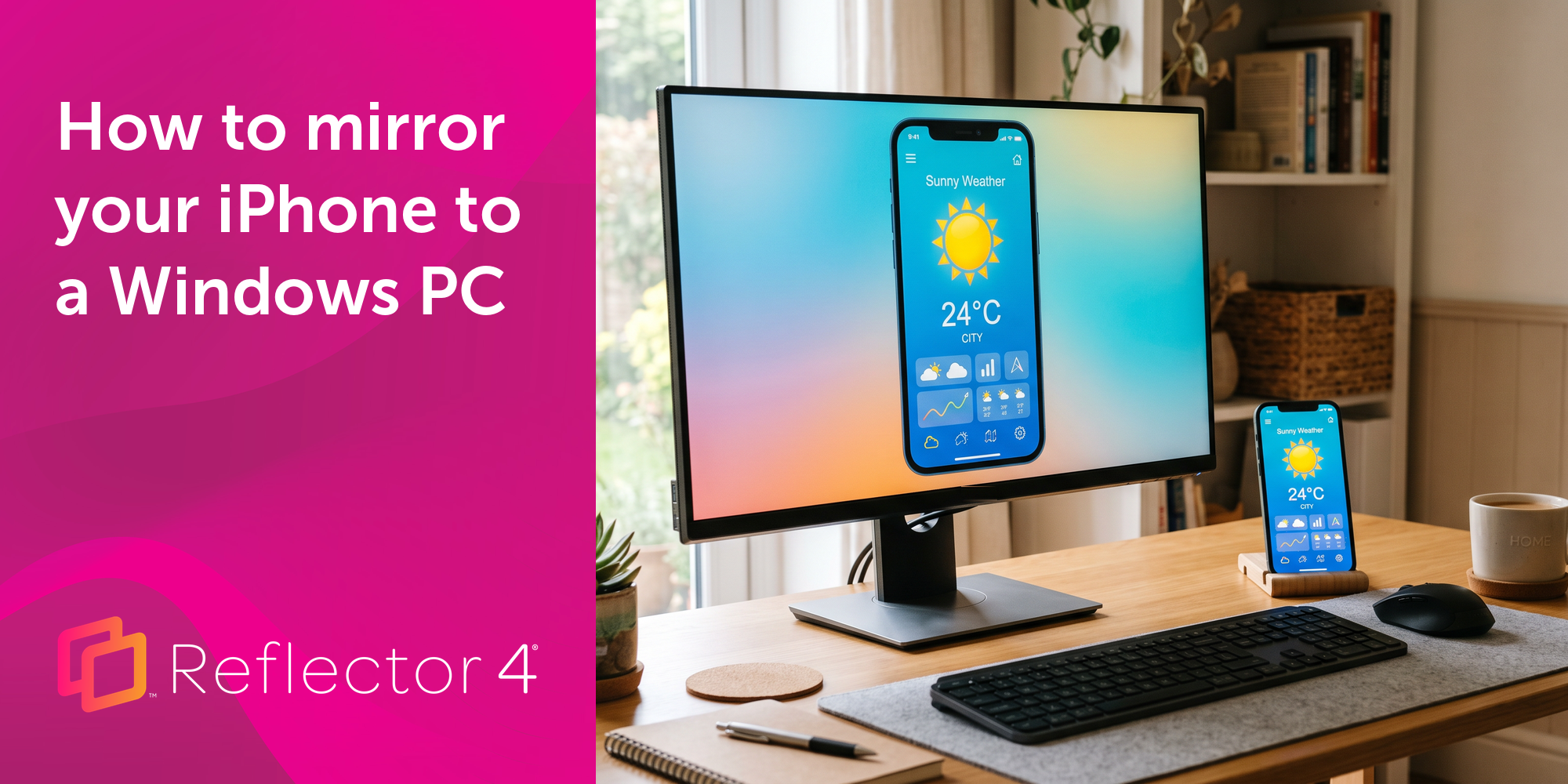
Windows still can't receive AirPlay connections on its own. Try to open Screen Mirroring on an iPhone in a room full of PCs. The list comes back...
The latest Ditto update adds the ability to initiate screen mirroring via the Chrome web browser on Chrome OS, Mac and Windows devices.
This Ditto Connect update allows users to select which receivers they want to screen mirror to when multiple receivers are linked to the same Ditto...
This Ditto receiver update adds audio sharing capabilities when using direct browser mirroring and includes support for future remote moderation...
Mirror any device to your screen — wirelessly.
One universal license for each app — works on macOS and Windows.
— or buy Reflector 4 on its own —



For schools, districts or volume licensing — contact us.

Stream audio and video from your Mac or PC to any screen.
One universal license for each app — works on macOS and Windows.
— or buy AirParrot 3 on its own —
For schools, districts or volume licensing — contact us.