Introducing the Ditto Fire OS Receiver
The new Ditto Fire OS Receiver brings wireless screen mirroring, digital signage and emergency alerts to Fire OS devices. It joins Windows, Apple TV...

2 min read
Your school's bring-your-own-device (BYOD) policy shouldn't require a survival guide for screen sharing.
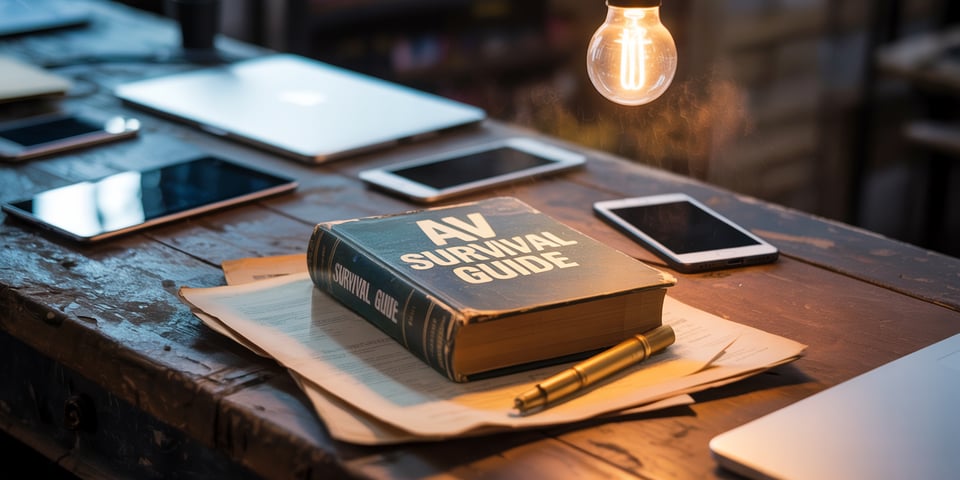
A mix of MacBooks, Windows laptops, iPads, Chromebooks and Android phones are in and out of classrooms around your school on a daily basis. Educators and students expect reliable screen sharing regardless of what device they brought.
People don’t want to dig through drawers for adapters or read a two-page PDF with cryptic instructions. They don’t want to worry about whether Room 205 still needs HDMI or if someone swapped it to USB-C last semester.
Screen sharing has become a critical part of the collaboration and learning process. Educators and students need the technology to work. That’s not an unreasonable request. It’s what they expect in every other aspect of this digital life.
If you’re in IT, you’ve seen what happens when screen sharing doesn't work across platforms. It leads to confusion and downtime.
A guest speaker needs to present but "nothing connects"
A student presentation turns into a USB file transfer
Faculty avoid using technology in the room because they "don't know how it works"
The IT team spends time answering the same questions and fixing the same problems every day
We recently wrote about what this kind of inconsistency costs you in the long run—missed moments, lost time and a slow erosion of trust in your tech.
But here’s the better question: what does it look like when it works?
The best AV experience is one you don’t have to think about. It just works.
It’s the same across buildings. It supports whatever device walks through the door. It doesn’t require lengthy tutorials, incompatible cables or missing dongles. Lessons and classes start on time, keeping focus on what’s being shared, not how it's being shared.
You know it's working when educators and students don’t have to ask, “Hey, how do I present wirelessly in this room again?”
Ditto simplifies screen sharing across every device without adding more layers for IT teams and users to manage.
Compatible with macOS, Windows, iOS, iPadOS, ChromeOS and Android
Connect via browser or with an easy-to-use app
Consistent process across all displays in all classrooms and meeting rooms
Central management gives IT total control
Works with hardware already installed in rooms
Ditto makes which BYOD devices students and staff bring irrelevant. It works if it has a screen. Whether it’s a student’s Chromebook, a faculty laptop or a guest’s phone.
Give your campus the experience your users already expect—no matter what device they bring.
BONUS: Ditto includes digital signage and campus emergency alerts.
The new Ditto Fire OS Receiver brings wireless screen mirroring, digital signage and emergency alerts to Fire OS devices. It joins Windows, Apple TV...
Ditto now runs on Android-powered displays. The new Ditto Android Receiver gives schools and businesses another way to bring wireless screen...
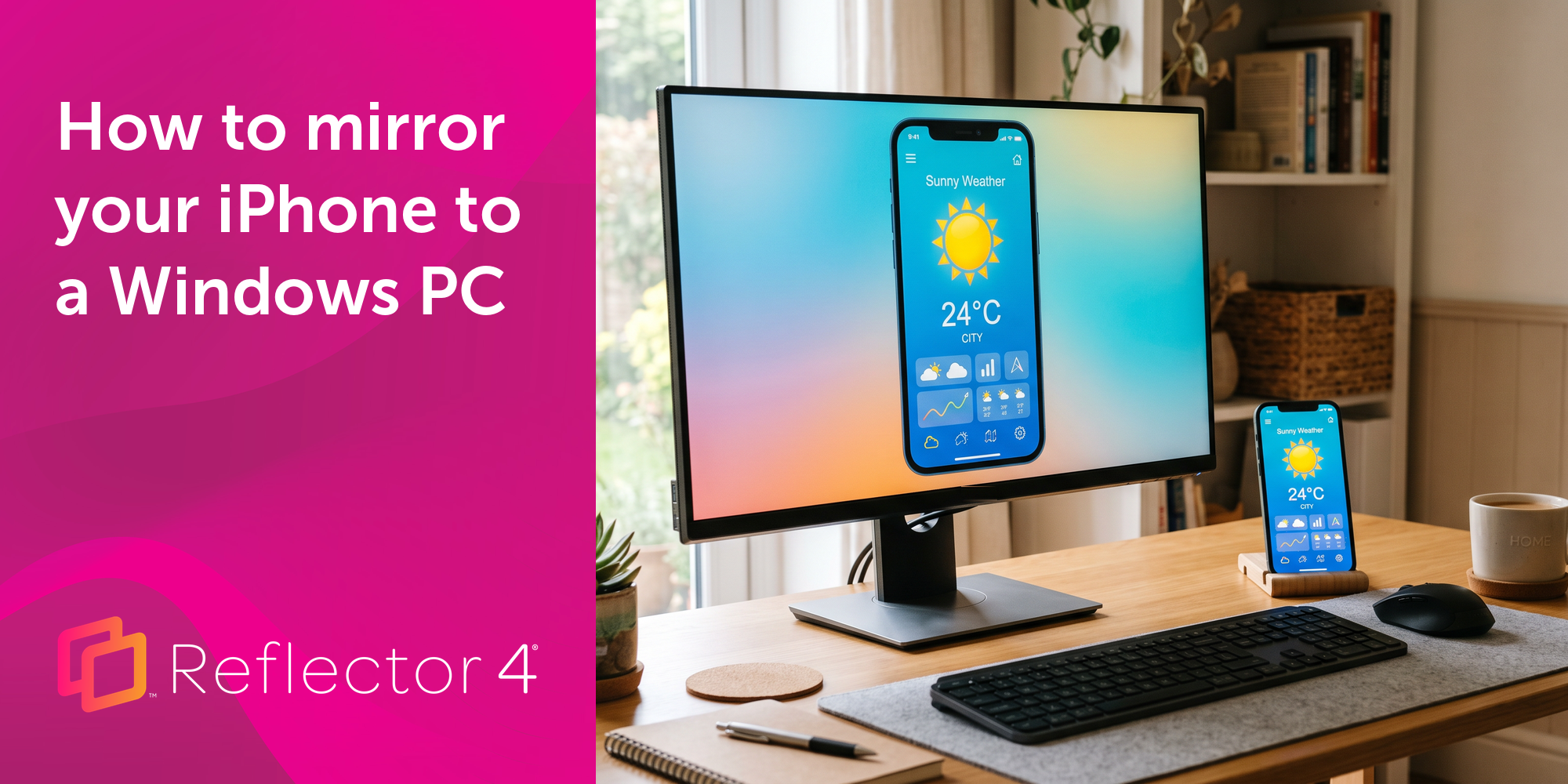
Windows still can't receive AirPlay connections on its own. Try to open Screen Mirroring on an iPhone in a room full of PCs. The list comes back...
This new update to Ditto improves performance while making the user experience even better. See all that's new here.
What’s the difference between media streaming, screen mirroring, casting and screen sharing? Get the answers here.
This new Ditto update improves the Account Portal experience and remedies an issue with Ditto Connect for Windows. See the details here.
Mirror any device to your screen — wirelessly.
One universal license for each app — works on macOS and Windows.
— or buy Reflector 4 on its own —



For schools, districts or volume licensing — contact us.
Stream audio and video from your Mac or PC to any screen.
One universal license for each app — works on macOS and Windows.
— or buy AirParrot 3 on its own —
For schools, districts or volume licensing — contact us.