Introducing the Ditto Fire OS Receiver
The new Ditto Fire OS Receiver brings wireless screen mirroring, digital signage and emergency alerts to Fire OS devices. It joins Windows, Apple TV...

1 min read
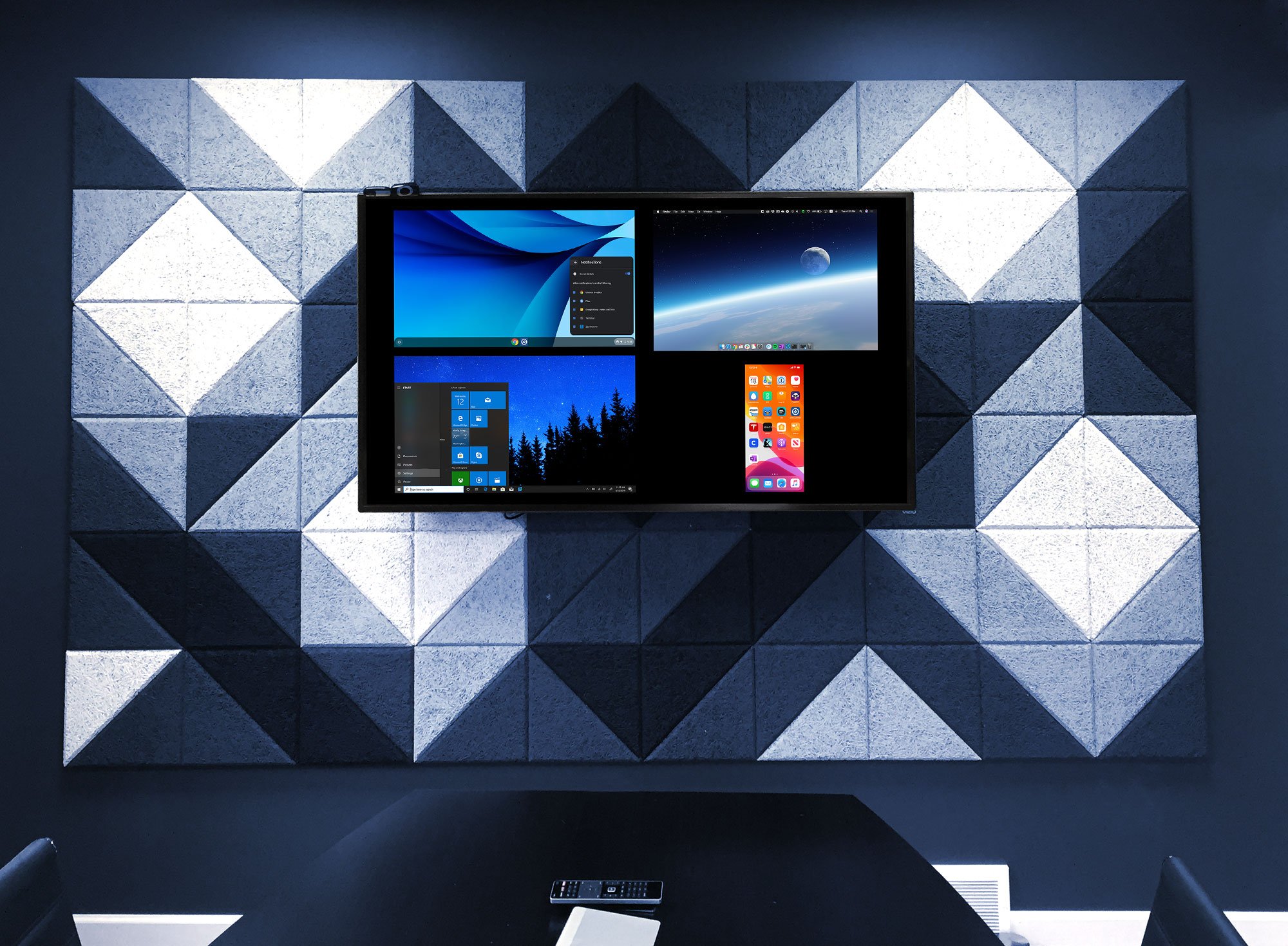
The newest version of Ditto has us seeing double. And triple. And quadruple.
Why? Now you can screen mirror up to four devices simultaneously to an Apple TV with the Ditto tvOS Receiver.
When presenting one screen just won’t cut it, no need to fret. You and three other colleagues can share your devices to the big screen at the same time using Ditto. (Or share four of your own devices all at once — we won’t judge).
No more switching between users and devices. No more craning necks. Simply open the Ditto Connect app on your device and enter your room code. The Ditto tvOS Receiver smartly resizes all connected devices automatically, displaying each screen at the best size and resolution.
What if you have a Mac, but your colleague has a Windows PC and an Android tablet? Ditto tvOS Receiver displays more than one type of device. Wirelessly screen mirror any combination of the following devices:
Using the Ditto Windows Receiver instead? Multiple device mirroring is already baked in.
Here’s to sharing more and displaying your way.
Find the Ditto tvOS Receiver here on the App Store for Apple TV.

The new Ditto Fire OS Receiver brings wireless screen mirroring, digital signage and emergency alerts to Fire OS devices. It joins Windows, Apple TV...

Ditto now runs on Android-powered displays. The new Ditto Android Receiver gives schools and businesses another way to bring wireless screen...

Windows still can't receive AirPlay connections on its own. Try to open Screen Mirroring on an iPhone in a room full of PCs. The list comes back...

Learn how to wirelessly screen mirror an Android phone or tablet to multiple TVs at the same time with Ditto. This method works with popular Android...
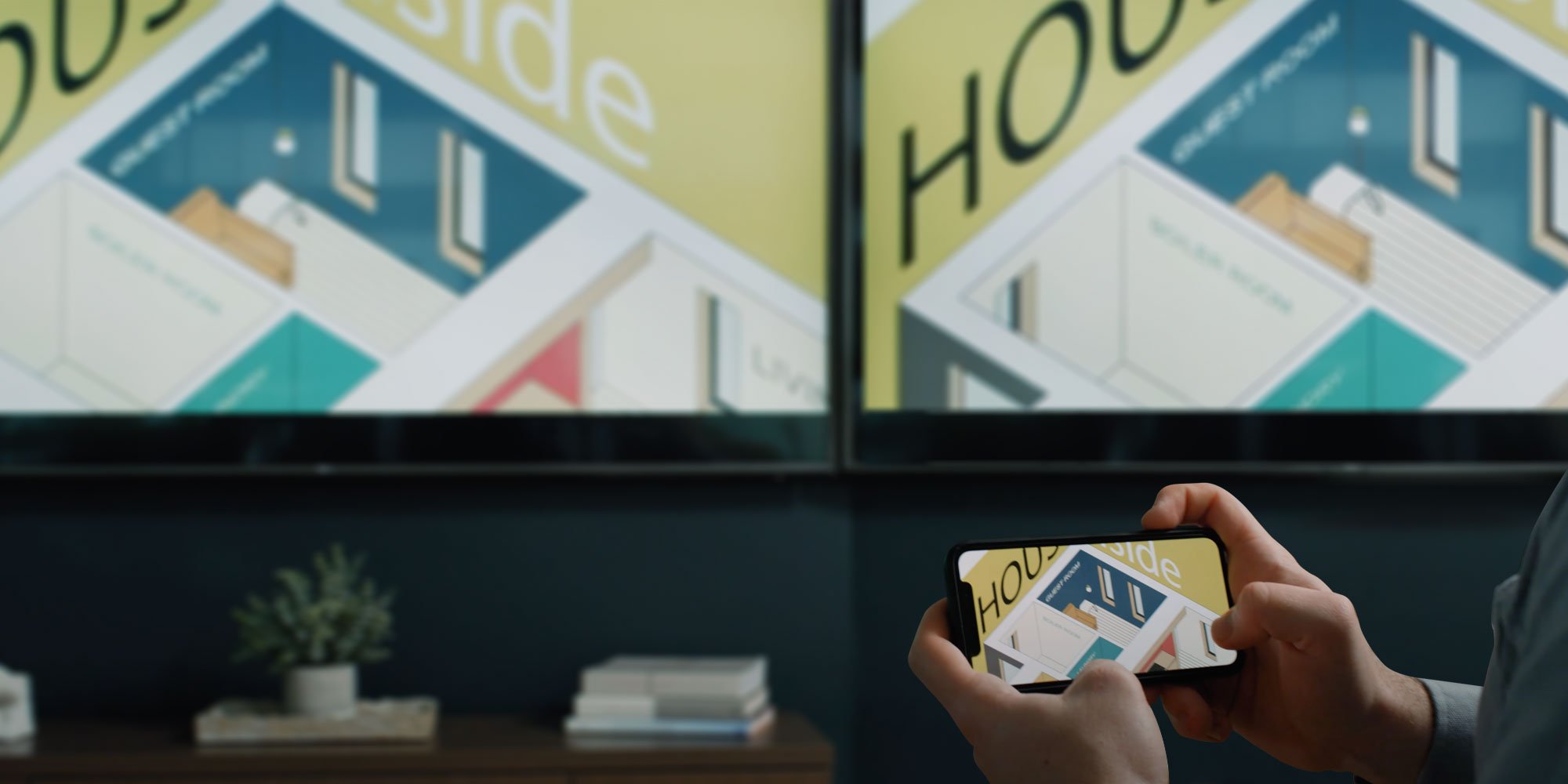
Need to AirPlay mirror your iPhone to multiple Apple TV receivers? Learn how to wirelessly screen mirror your iPhone to multiple Apple TVs at the...
![How to Wirelessly Screen Mirror a Chromebook to Apple TV and Windows [2020 Update]](https://blog.airsquirrels.com/hubfs/Blog%20Images/B317%20-%20Mirror%20Chromebook%20Ditto/Chromebook-Blog.jpg)
Learn how to screen mirror Chromebooks to an Apple TV or Windows device with this quick how-to guide. Wirelessly present Chromebooks and more.

Mirror any device to your screen — wirelessly.
One universal license for each app — works on macOS and Windows.
— or buy Reflector 4 on its own —



For schools, districts or volume licensing — contact us.

Stream audio and video from your Mac or PC to any screen.
One universal license for each app — works on macOS and Windows.
— or buy AirParrot 3 on its own —
For schools, districts or volume licensing — contact us.