Introducing the Ditto Fire OS Receiver
Transform Amazon Fire OS-powered TVs in your school or business into screen sharing, digital signage and emergency alerting hubs with Ditto.

1 min read
The latest Ditto updates arrive on Apple TV in the Ditto tvOS Receiver app. This release improves audio sync while screen mirroring to Apple TV and fixes a couple bugs to deliver an improved Ditto experience. In addition, the Ditto Director app is now available on Windows devices.
We improved audio transmission when mirroring to Apple TV. The update better syncs audio with mirrored content for a more seamless and immersive screen sharing experience.
We fixed an issue that prevented Apple TV device names from showing when pairing Apple TVs to Ditto accounts, resulting in all paired Apple TVs being named “Apple TV” in the Ditto Account Portal. This made it difficult for Ditto admins to identify specific Apple TVs when needed. With this update, Apple TV device names show as intended when Apple TVs are paired in the account portal.
We improved detection of receiver IP address changes to prevent potential issues when users try to initiate screen mirroring connections. This update corrects an error that in some circumstances blocked users from being able to connect when a receiver's IP address changed.
We recently released the Ditto Director app on Windows, enabling Windows device users to manage Ditto screen mirroring sessions using moderation controls. Learn more about Ditto Director for Windows and download the app.
Here's a snapshot of what’s new in Ditto:
Ditto tvOS Receiver:
Ditto Director for Windows:
Visit our Knowledge Base if you have questions.
Don’t forget: Subscribe to our blog so you never miss an update.
Transform Amazon Fire OS-powered TVs in your school or business into screen sharing, digital signage and emergency alerting hubs with Ditto.
Transform Android-powered TVs, projectors and IFPs in your school or business into receivers for screen sharing, digital signage and emergency alerts.
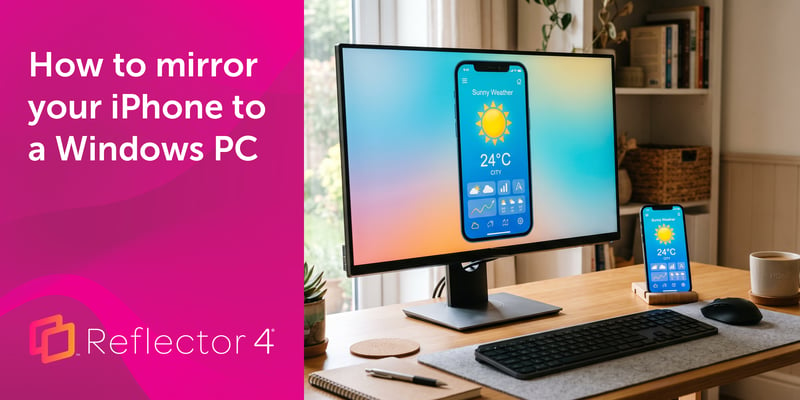
Windows can't receive AirPlay natively. Install Reflector 4 to wirelessly mirror an iPhone to your PC in four steps. No cables, adapters or extras...
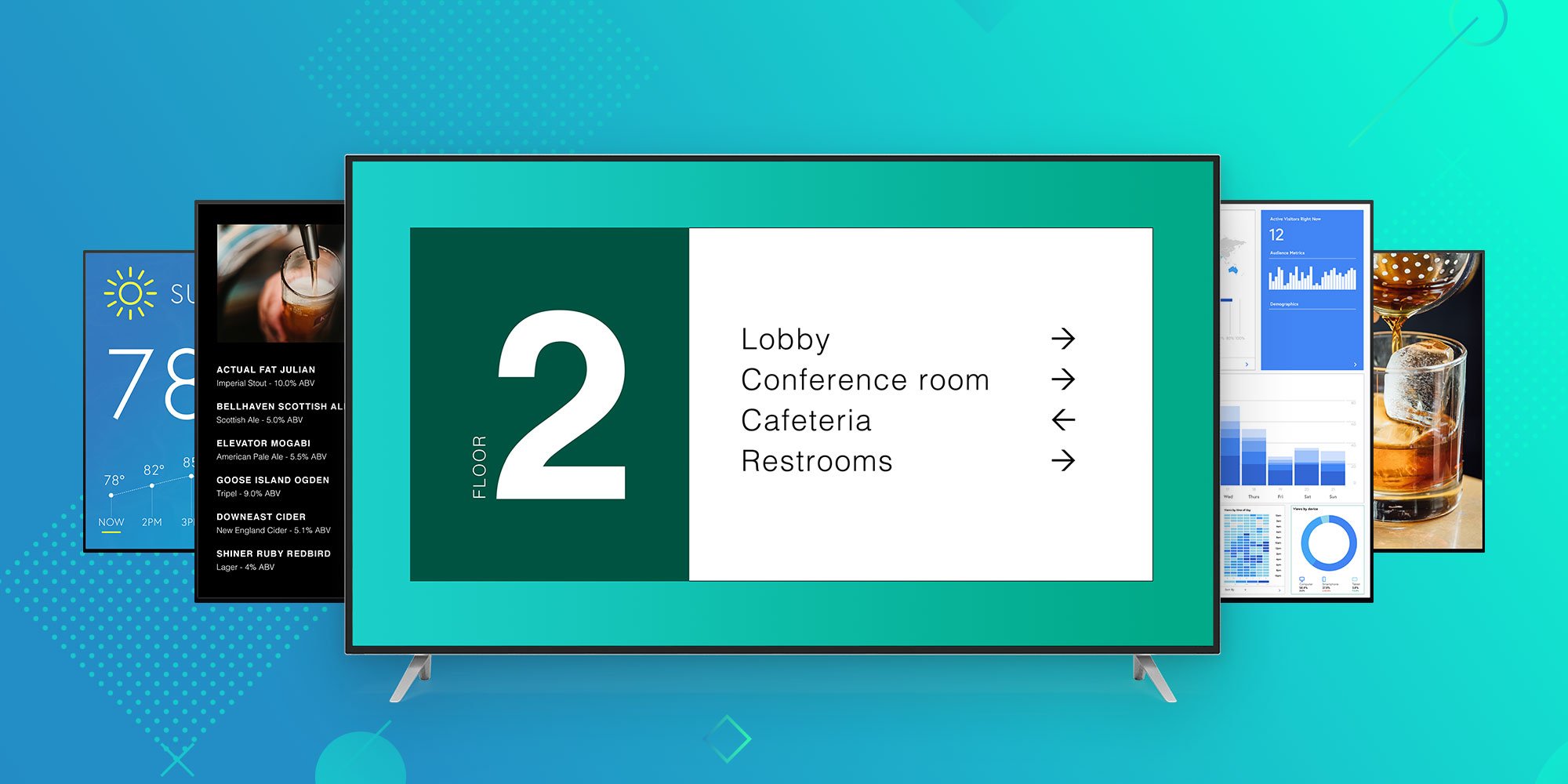
Ditto brings digital signage for Apple TV and Windows to any business or university. Learn why Ditto is the best way to educate, inform and engage...
/Ditto%20Product%20Update.png)
Ditto screen-sharing service receives update that adds compatibility with tvOS 10.2 support and Apple TV device verification.
Chromebook screen mirroring is easy with Ditto. Wirelessly present Chromebooks to Apple TV and other receiver types. Learn more about Ditto Connect...

Mirror any device to your screen — wirelessly.
One universal license for each app — works on macOS and Windows.
— or buy Reflector 4 on its own —



For schools, districts or volume licensing — contact us.

Stream audio and video from your Mac or PC to any screen.
One universal license for each app — works on macOS and Windows.
— or buy AirParrot 3 on its own —
For schools, districts or volume licensing — contact us.