Introducing the Ditto Fire OS Receiver
Transform Amazon Fire OS-powered TVs in your school or business into screen sharing, digital signage and emergency alerting hubs with Ditto.

1 min read

Do you dread checking your work calendar each morning? Do you scroll through the list of meeting requests, rescheduled start times, location changes and let out an exasperated sigh?
If you shudder at the sheer number of meetings you attend, you’re not alone. Fourteen billion meetings are held each year in the U.S.
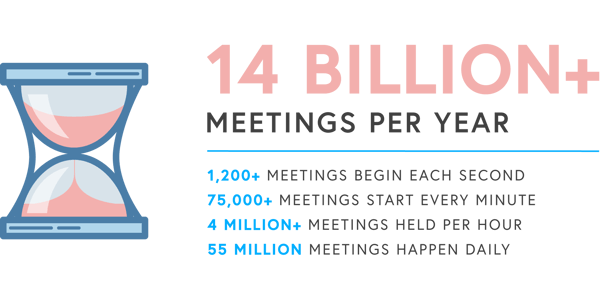
The financials are even more startling: Unproductive meetings cost businesses $399 billion per year. That’s a whole lot of cash going down the drain.
 What’s the problem here? What makes meetings go bad?
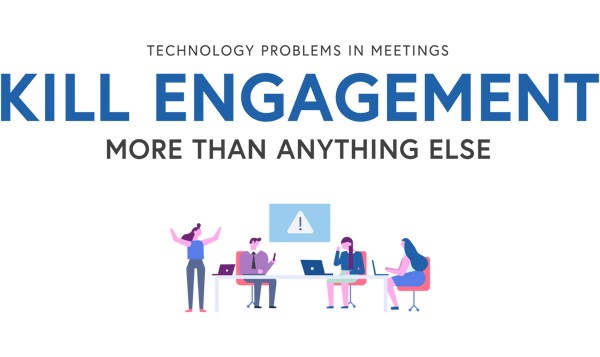
A lot of things can turn a meeting into an unproductive time suck, but technology problems are the real meeting killers.
 The good news
Companies can re-engage employees and prevent lost time and business. You don't have to be impeded by unneeded status updates, unnecessary communication and an unruly work calendar.
Transform Amazon Fire OS-powered TVs in your school or business into screen sharing, digital signage and emergency alerting hubs with Ditto.
Transform Android-powered TVs, projectors and IFPs in your school or business into receivers for screen sharing, digital signage and emergency alerts.
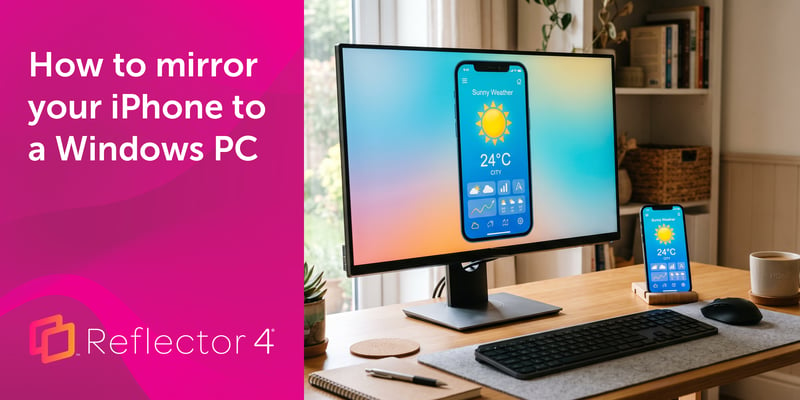
Windows can't receive AirPlay natively. Install Reflector 4 to wirelessly mirror an iPhone to your PC in four steps. No cables, adapters or extras...
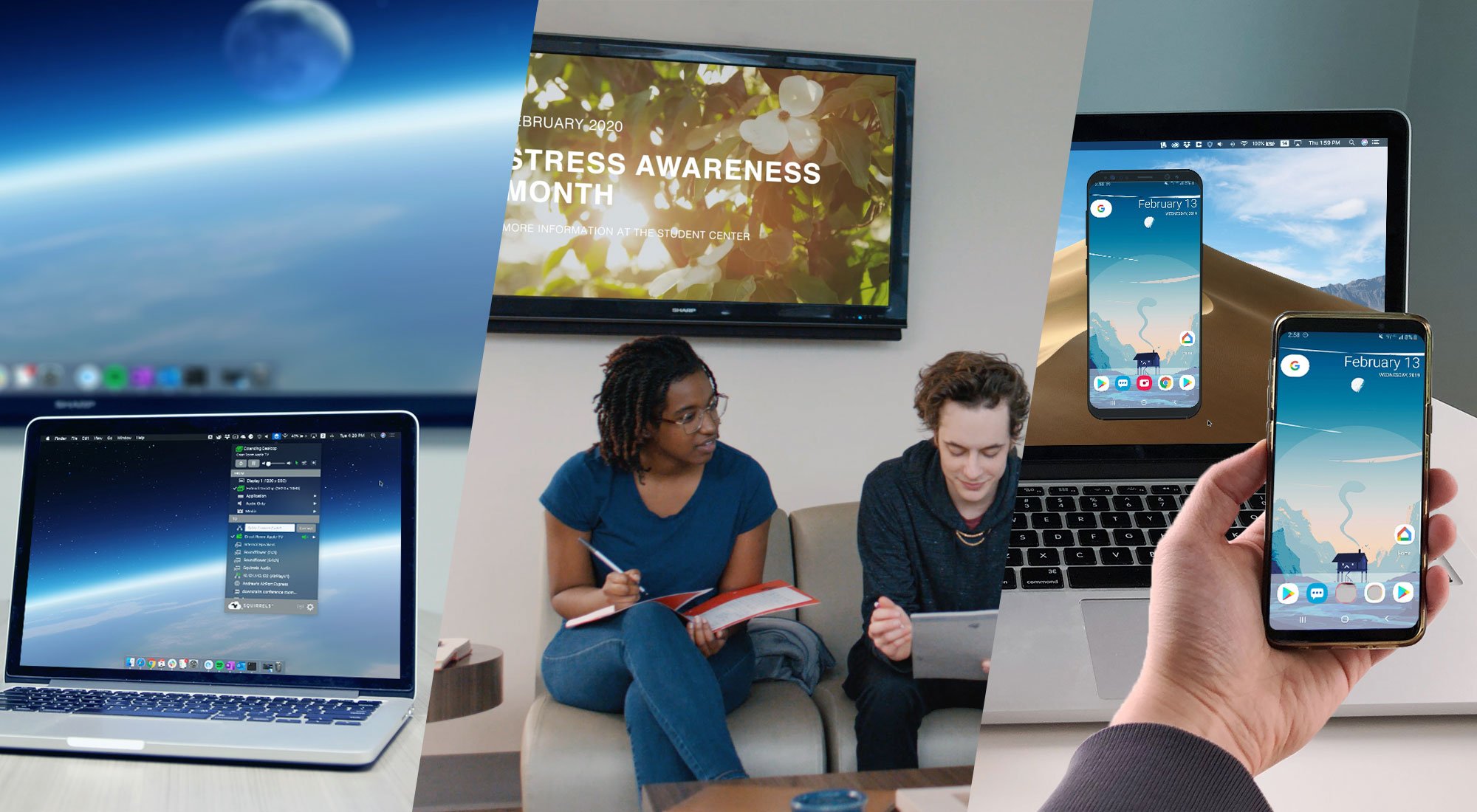
Learn the difference between these screen mirroring technologies made by Squirrels. Discover which software is best for you: Ditto, AirParrot or...
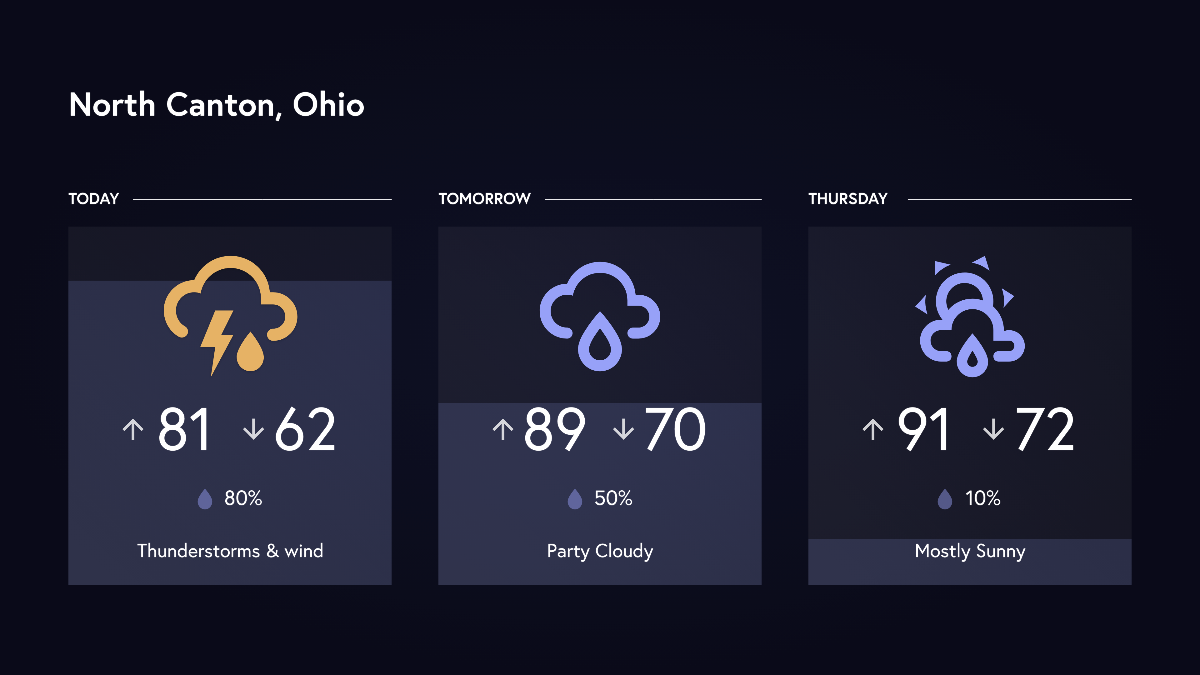
Display your local weather forecast as digital signage in your organization. This Ditto update brings digital signage templates for hourly and...
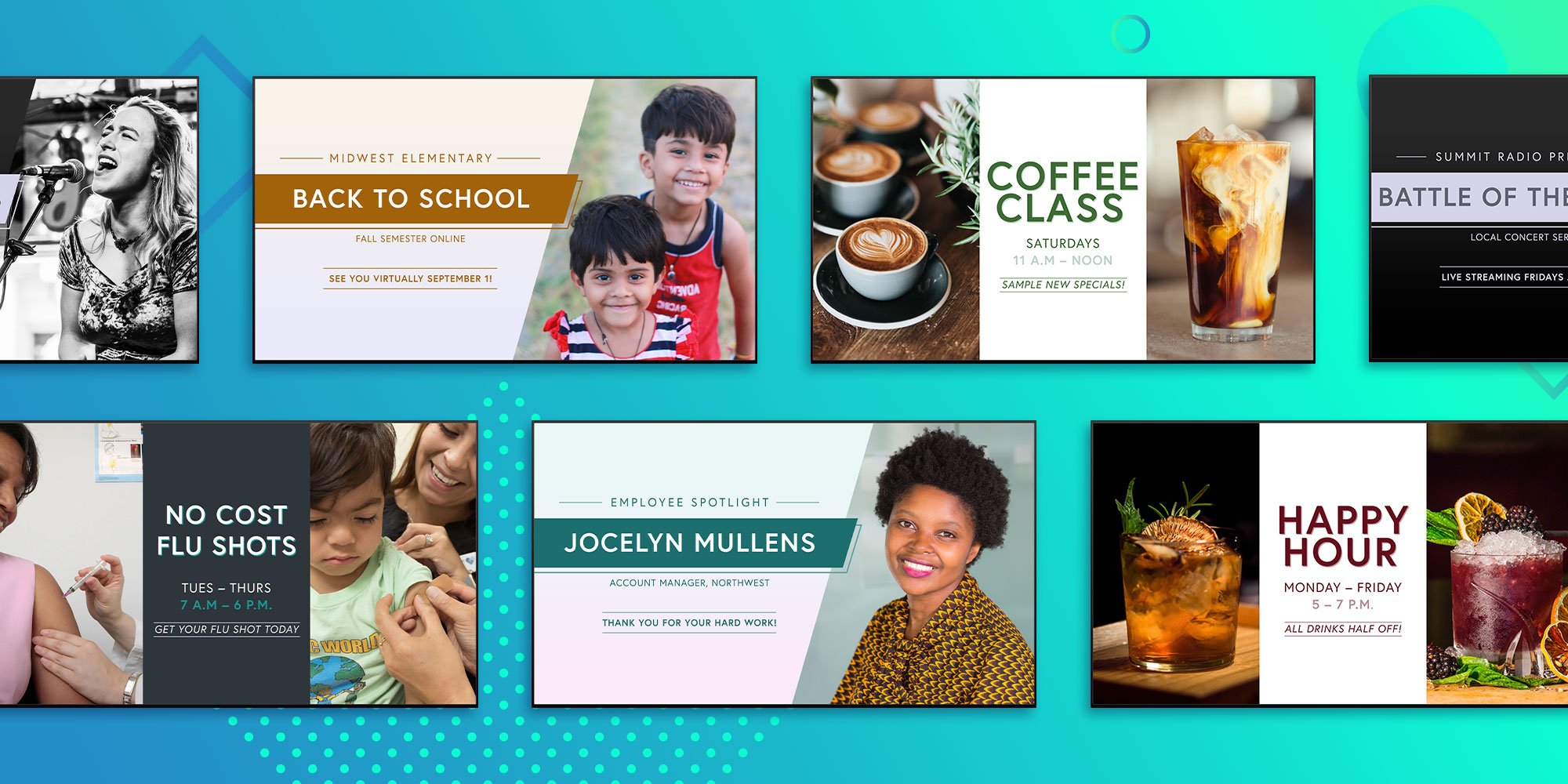
A new batch of customizable digital signage templates are available now with Ditto Digital Signage. Share your message and spotlight the right...

Mirror any device to your screen — wirelessly.
One universal license for each app — works on macOS and Windows.
— or buy Reflector 4 on its own —



For schools, districts or volume licensing — contact us.

Stream audio and video from your Mac or PC to any screen.
One universal license for each app — works on macOS and Windows.
— or buy AirParrot 3 on its own —
For schools, districts or volume licensing — contact us.