Introducing the Ditto Fire OS Receiver
Transform Amazon Fire OS-powered TVs in your school or business into screen sharing, digital signage and emergency alerting hubs with Ditto.

This new Ditto update introduces reporting metrics, support for device management platforms and zero-touch mass deployment.
Read our blog post that breaks down everything new in Ditto.
Visit our Knowledge Base if you have questions.
Don’t forget: Subscribe to our blog so you never miss an update.
Transform Amazon Fire OS-powered TVs in your school or business into screen sharing, digital signage and emergency alerting hubs with Ditto.
Transform Android-powered TVs, projectors and IFPs in your school or business into receivers for screen sharing, digital signage and emergency alerts.
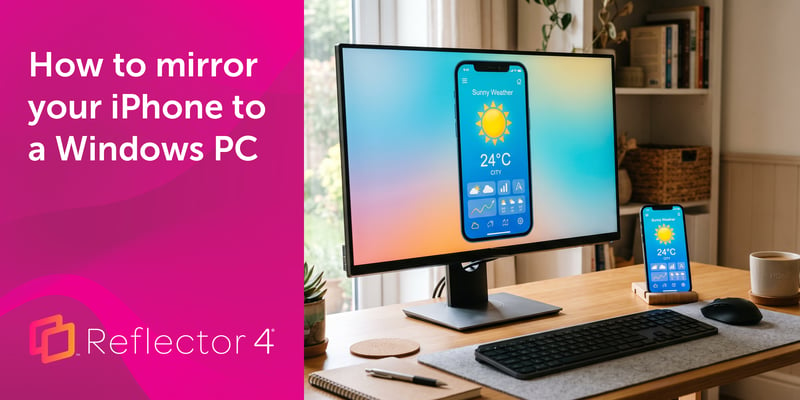
Windows can't receive AirPlay natively. Install Reflector 4 to wirelessly mirror an iPhone to your PC in four steps. No cables, adapters or extras...
The latest Ditto updates bring quality of life improvements, removing steps required to connect and decreasing the time required to start sharing.
This Ditto Windows Receiver update fixes a freeze, improves UI on different display resolutions and makes the app single-instance.
This Ditto update introduces new reporting settings, search functionality, dashboard improvements, redesigned UI of certain features and more.

Mirror any device to your screen — wirelessly.
One universal license for each app — works on macOS and Windows.
— or buy Reflector 4 on its own —



For schools, districts or volume licensing — contact us.

Stream audio and video from your Mac or PC to any screen.
One universal license for each app — works on macOS and Windows.
— or buy AirParrot 3 on its own —
For schools, districts or volume licensing — contact us.