How to Mirror Your iPhone to a Windows PC
Windows still can't receive AirPlay connections on its own. Try to open Screen Mirroring on an iPhone in a room full of PCs. The list comes back...

2 min read
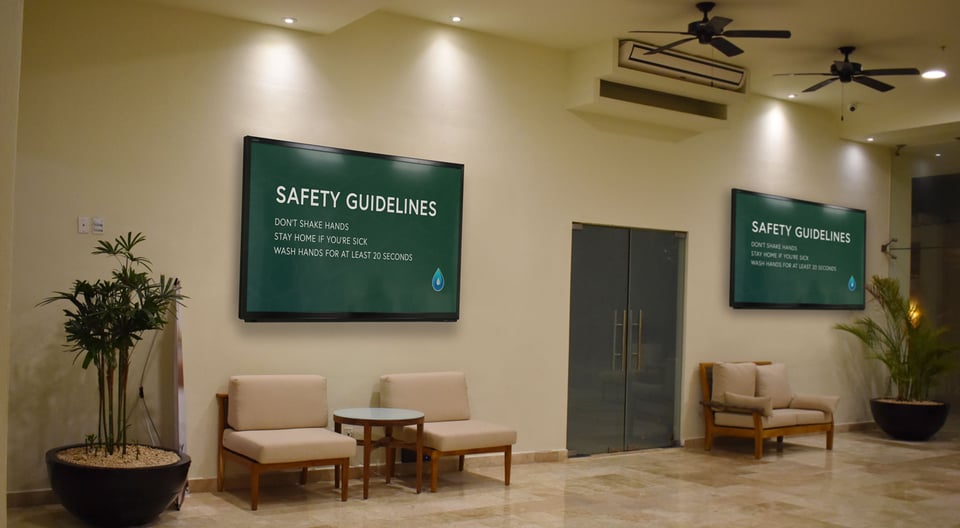
Digital signage is a powerful way to disseminate content about public health concerns and current events. These tips will help you create and manage digital signage that promotes the safety and wellbeing of employees, stakeholders and the general public.
Need a digital signage player with a CMS? Check out Ditto.
Be concise and to the point. No one will read paragraphs on a TV screen, so create easily digestible content with as few words as possible that gets your message across.
If your signage content gives directions related to public health and safety, it’s vital you present true information that is free from error. Do your research and avoid misinformation. Present facts from trusted news sources and your local government. (These are best practices for sharing information just about anywhere else, too.)
Text
Text must be legible. It’s easiest to see and read when it is a contrasting color from its background.
Visuals
Visuals should complement your message. Use only images you have licenses for or browse photography websites that publish license-free visuals (like Unsplash or Gratisography). Add your company branding such as logos and icons to each graphic, or use a content management system (CMS) like Ditto that does it for you.
Information
Information must be organized in a way that makes sense. Use hierarchy in your text and utilize bullet points when possible.
When a public health crisis occurs, new information and resources become available every day — or sometimes every hour. If your digital signage CMS is web-based, you should be able to update your signage content remotely as long as you’re connected to the internet. That means if new information comes in during off hours or when you’re out of the office, you can still edit and publish your content from anywhere.
Digital signage content should be easy to organize, create and publish. A good digital signage CMS will also make it simple to schedule content on any number of displays from any location.
When you have vital communications with potentially life-saving content to share, you shouldn’t have to worry about where design files are located or if you can display them in the right locations. A good CMS makes your content easy to access and simple to disseminate wherever it needs to go.
If you’re researching digital signage solutions, try out Ditto. Ditto makes it easy to manage all your content and helps you communicate with free pre-made templates that get your message heard loud and clear.

Windows still can't receive AirPlay connections on its own. Try to open Screen Mirroring on an iPhone in a room full of PCs. The list comes back...
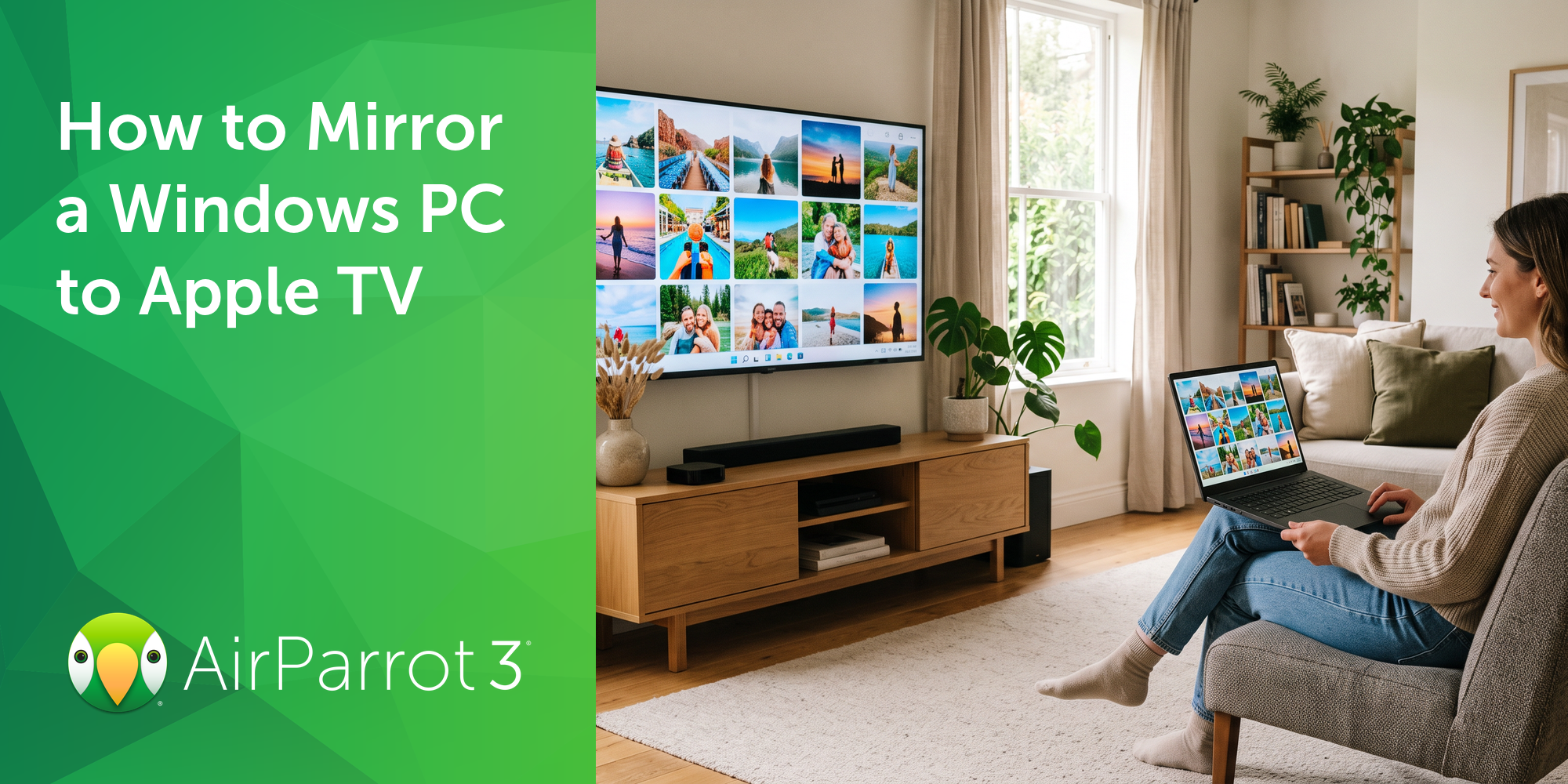
Windows doesn't include AirPlay. Apple TV doesn't support Miracast, the wireless display standard built into Windows devices. That's why your PC...
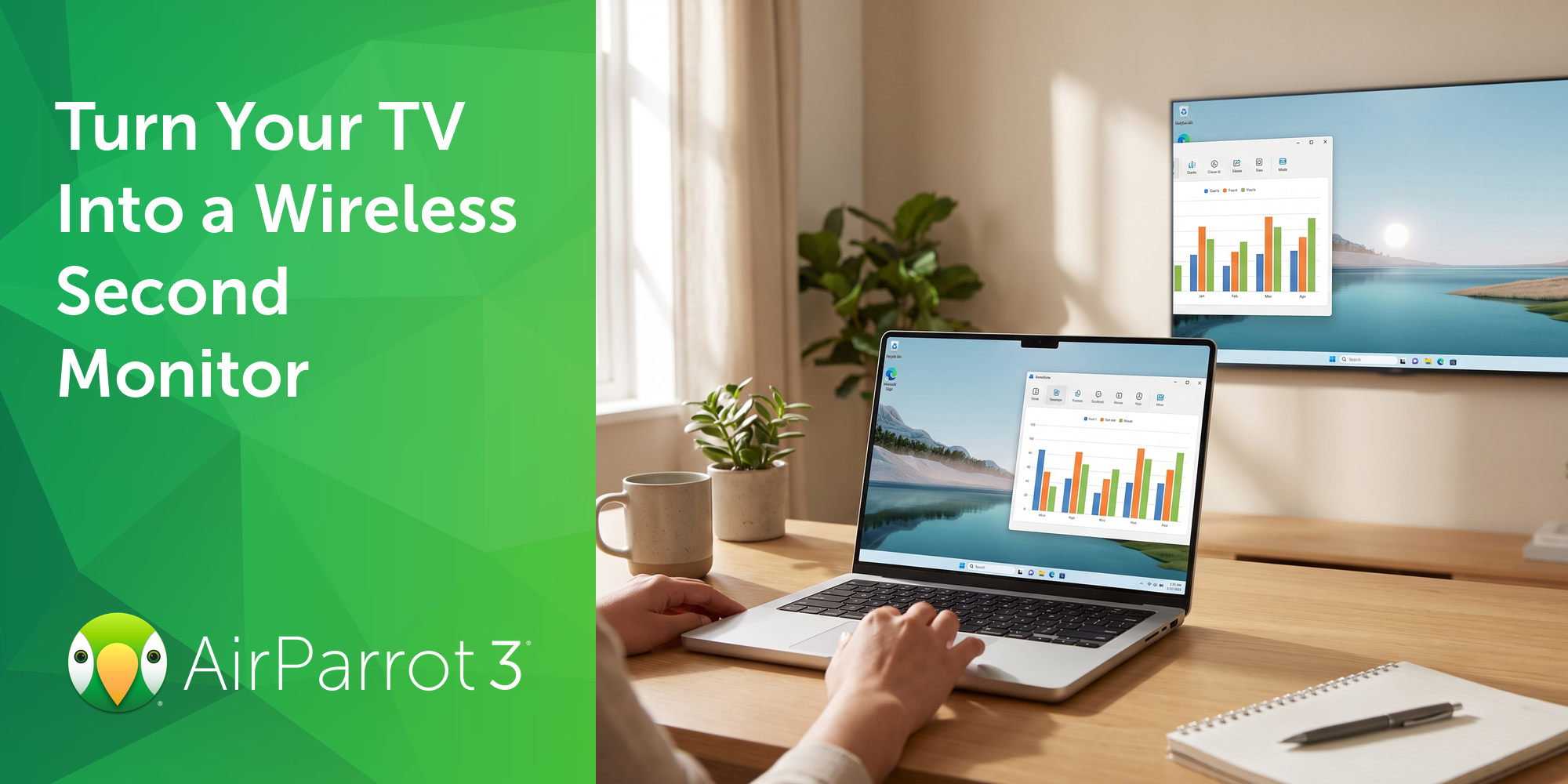
Most people don't need a second monitor every day. Sometimes it's just helpful to have one for the next two hours: tax documents next to the filing...
1 min read
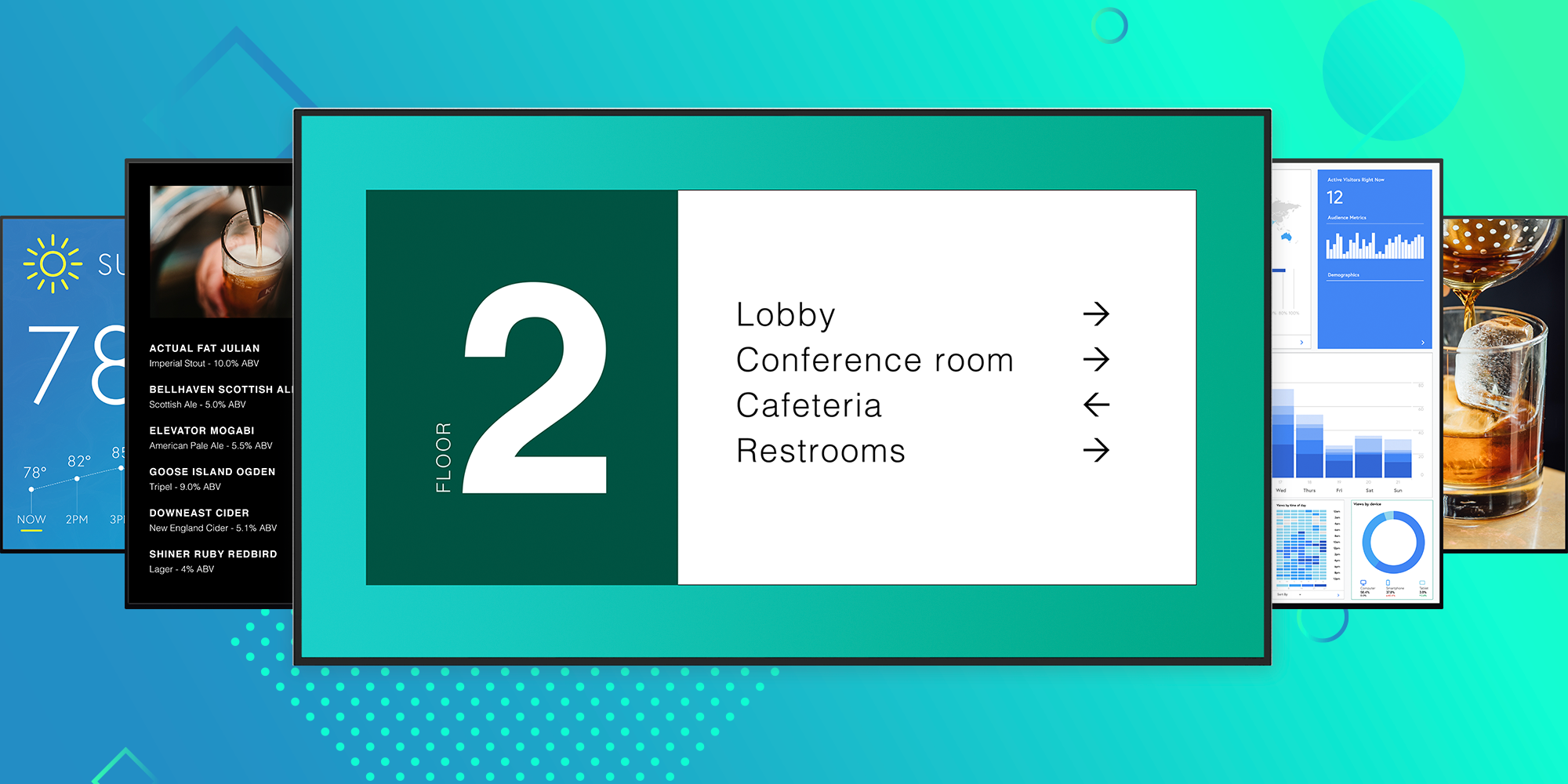
Managing digital signage is easy, right? Just copy and paste text, clip art and miscellaneous images you found from colleagues, documents and...

1 min read
New Ditto digital signage templates are here! The latest templates call out single or dual images with large headlines and descriptive body text....
1 min read
Today we’re excited to announce a major new Ditto release. Ditto digital signage is now available for all of your displays. People all over the globe...

Mirror any device to your screen — wirelessly.
One universal license for each app — works on macOS and Windows.
— or buy Reflector 4 on its own —



For schools, districts or volume licensing — contact us.

Stream audio and video from your Mac or PC to any screen.
One universal license for each app — works on macOS and Windows.
— or buy AirParrot 3 on its own —
For schools, districts or volume licensing — contact us.