How to Mirror Your iPhone to a Windows PC
Windows still can't receive AirPlay connections on its own. Try to open Screen Mirroring on an iPhone in a room full of PCs. The list comes back...

2 min read
We are excited to announce the release of Ditto Director — an app that allows you to remotely manage and moderate screen mirroring connections from an iPhone or iPad.
Get Ditto Director for free on the App Store.
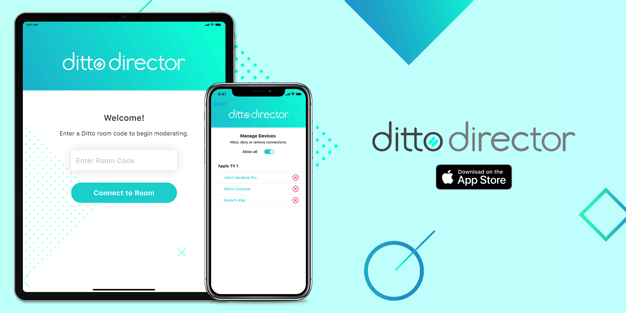
Ditto Director is a free companion app to our Ditto screen mirroring solution. The app allows users to act as a moderator during wireless collaboration sessions. Use it to approve or deny incoming mirroring requests before a device can mirror to your TVs or other displays. Additionally, it provides an option to remove devices that are already connected.
Ditto Director makes in-person wireless collaboration more organized. It's ideal for classrooms, presentations or meetings. The designated moderator, such as a teacher, meeting leader or producer, can use Ditto Director to dictate who can share content as well as when they can share.
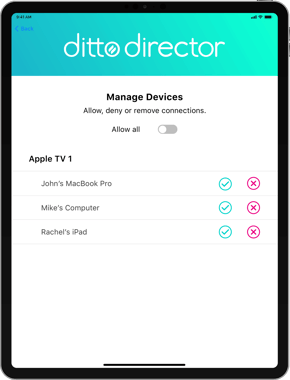
Moderation capabilities were heavily requested, especially in school environments. Ditto had existing methods to prevent unwanted screen mirroring connections from individuals looking to disrupt class, such as masked connection information and required on-screen codes. The release of Ditto Director puts more control in the teacher's hands. When a Ditto receiver is moderated, students will not be able to share content to classroom displays without teacher approval.
An active Ditto account is required to use Ditto Director. Moderation with Ditto Director is enabled on all accounts by default. The Ditto account admin can disable Ditto Director for their organization in the Ditto Account Portal.
1. The moderator downloads Ditto Director on their iPhone or iPad from the App Store.
2. Enter a room code for the Ditto receiver(s) you would like to moderate.
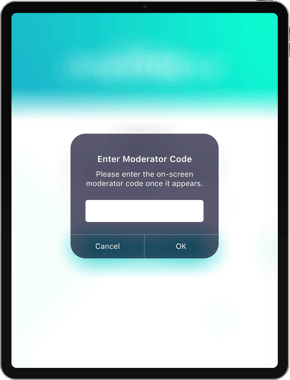
3. Then enter the moderator code. Depending on your Account Portal settings for Ditto Director, this code will either (1) appear on your Ditto receiver-enabled display or (2) will be a custom password known to the moderator.
4. That's it! You will now have moderation capabilities over devices trying to wirelessly connect to the Ditto receivers in that space.
Get complete Ditto Director user instructions here.
Note: Only one iPhone/iPad running Ditto Director can be paired to the receivers in a "Ditto room" at a time. In other words, you can't have more than one director in the same space. However, an iPhone/iPad running Ditto Director can pair and connect to other Ditto rooms. Additionally, Ditto Director is not compatible with legacy Ditto receivers. Compatible Ditto receivers include Apple TVs running tvOS and Windows devices.
Ditto Director is available on iOS and iPadOS for free on the app store.
Ditto brings cross-platform, multi-display and multi-device screen mirroring capabilities to any space. It's the best and easiest way to share content wirelessly in collaborative environments. Ditto is trusted by some of the biggest names in tech and education. Try Ditto free for 30 days.

Windows still can't receive AirPlay connections on its own. Try to open Screen Mirroring on an iPhone in a room full of PCs. The list comes back...
Windows doesn't include AirPlay. Apple TV doesn't support Miracast, the wireless display standard built into Windows devices. That's why your PC...
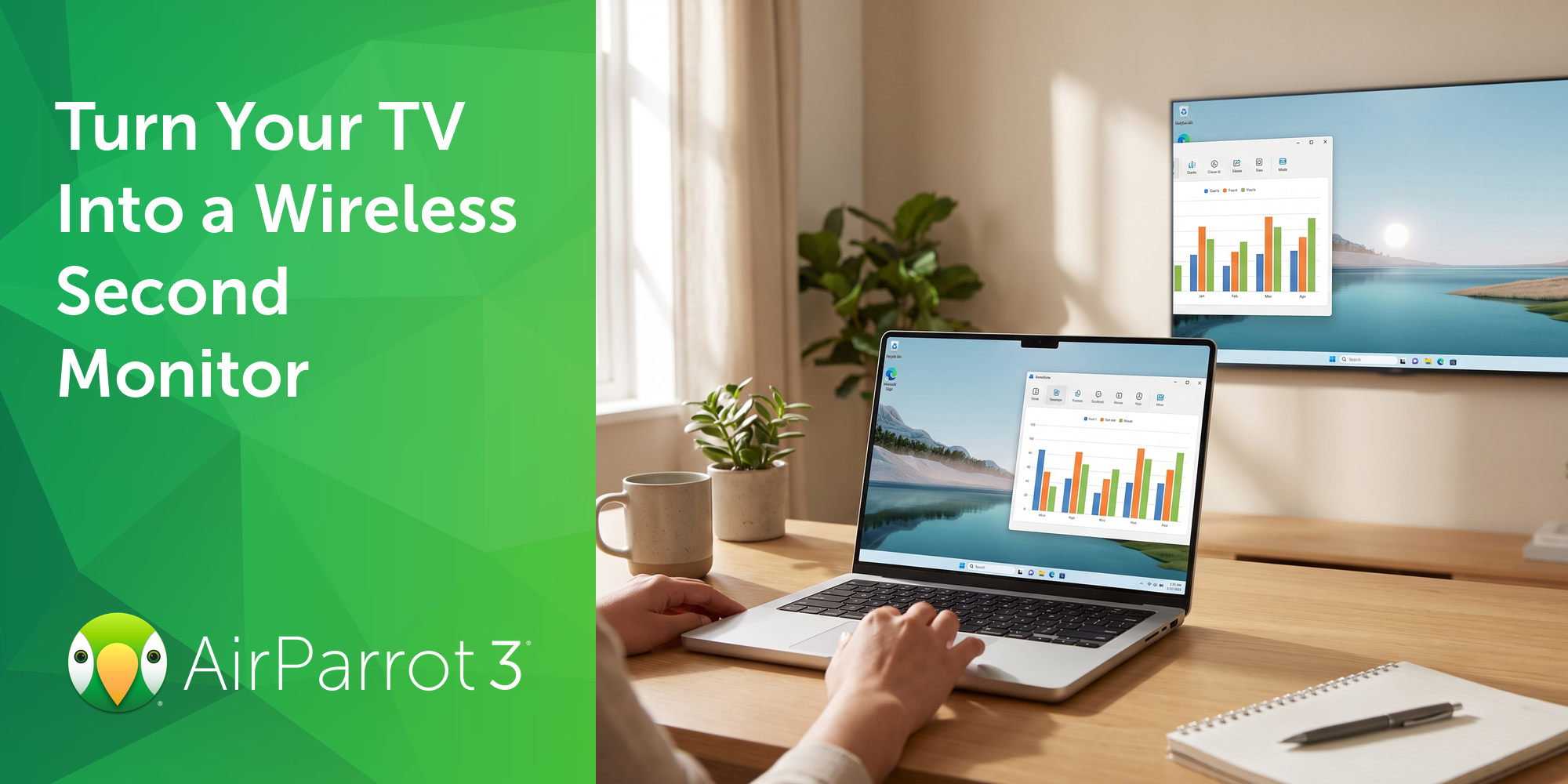
Most people don't need a second monitor every day. Sometimes it's just helpful to have one for the next two hours: tax documents next to the filing...
1 min read
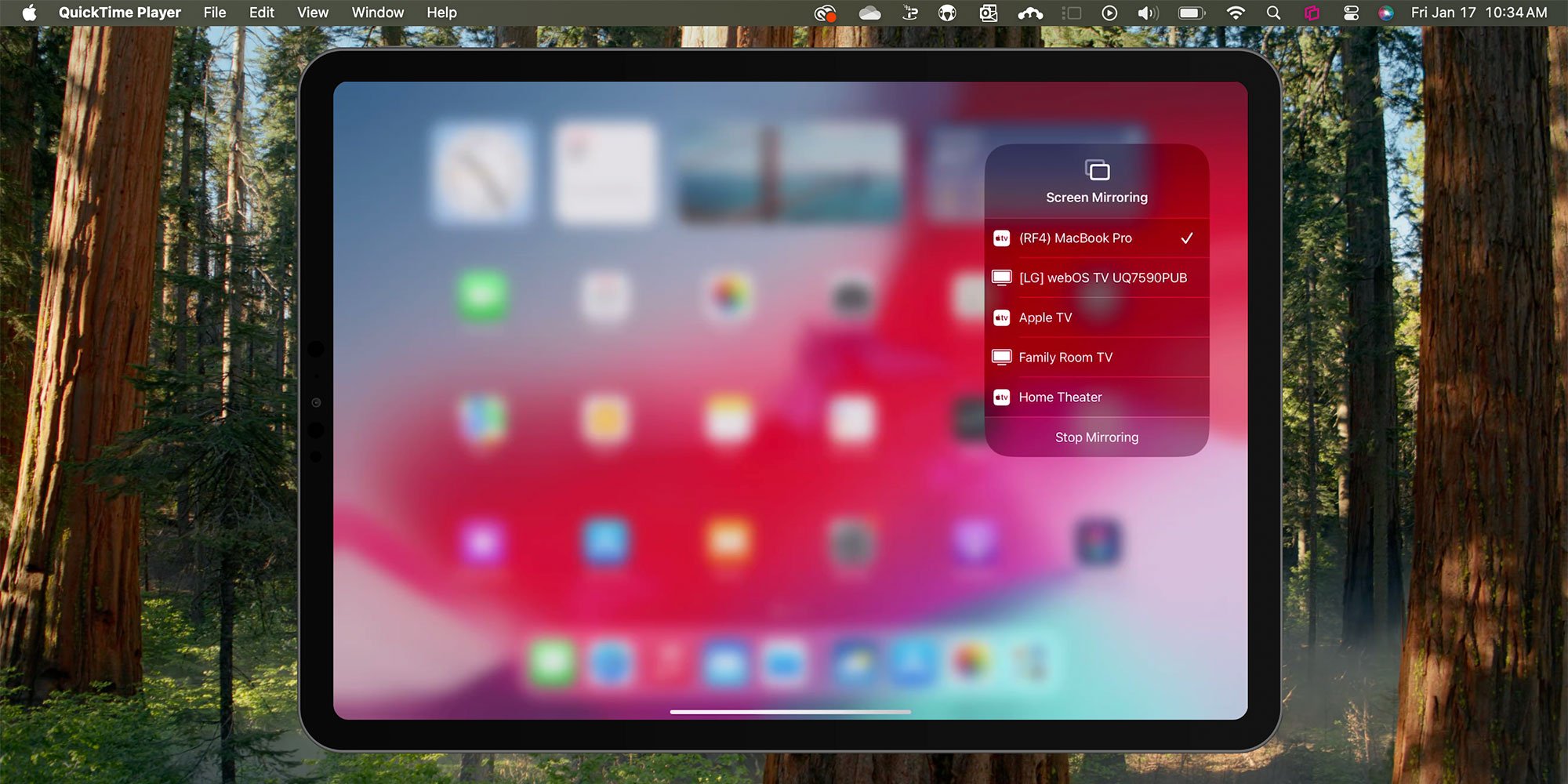
You can screen mirror any iPad running iPadOS 18 in a few quick steps. Fortunately, AirPlay functionality in the latest iPadOS from Apple remains...
1 min read
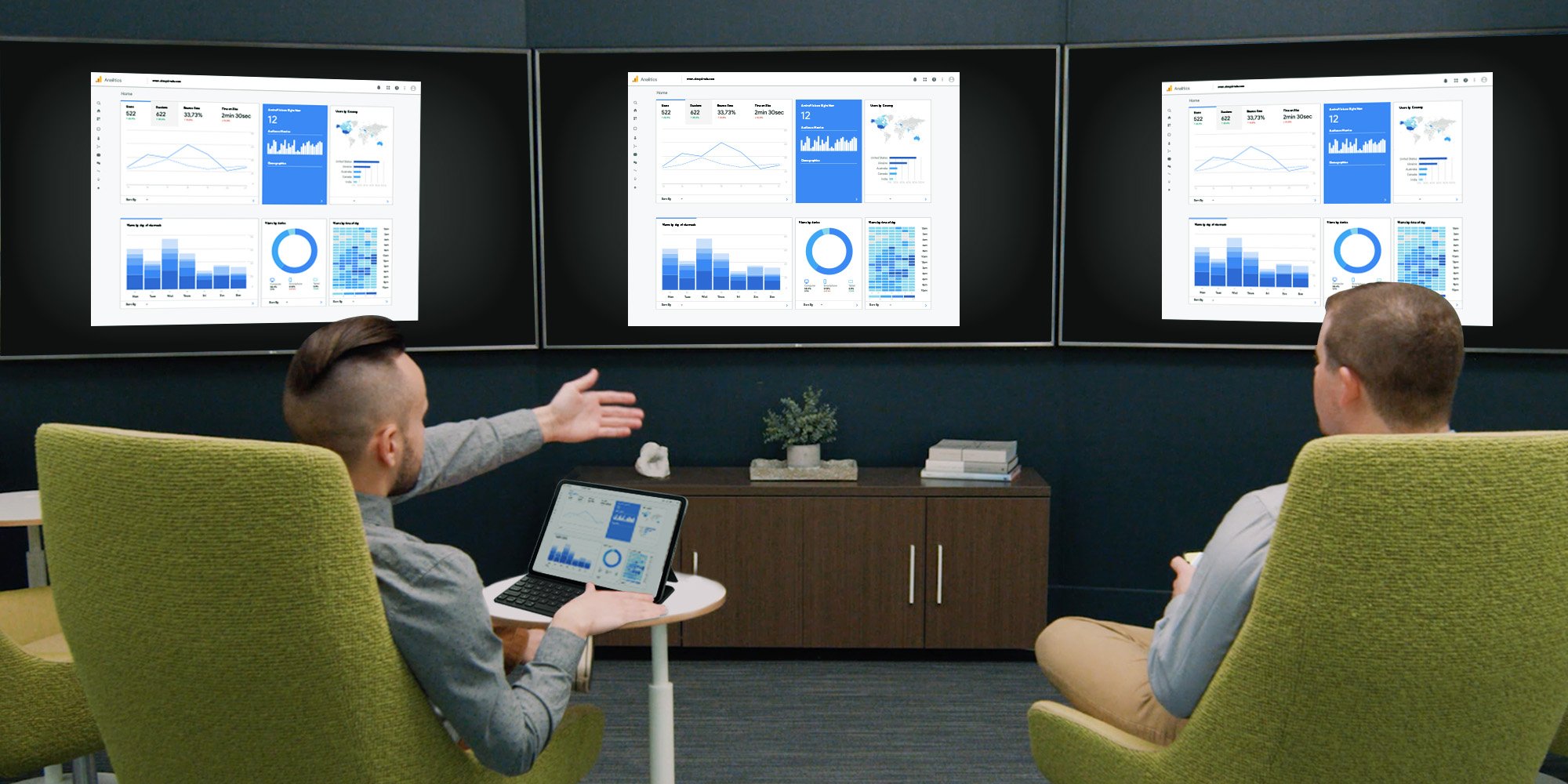
AirPlay allows you to wirelessly screen mirror an iPad to an Apple TV, but what if you need to mirror the iPad to multiple Apple TVs at the same...
1 min read
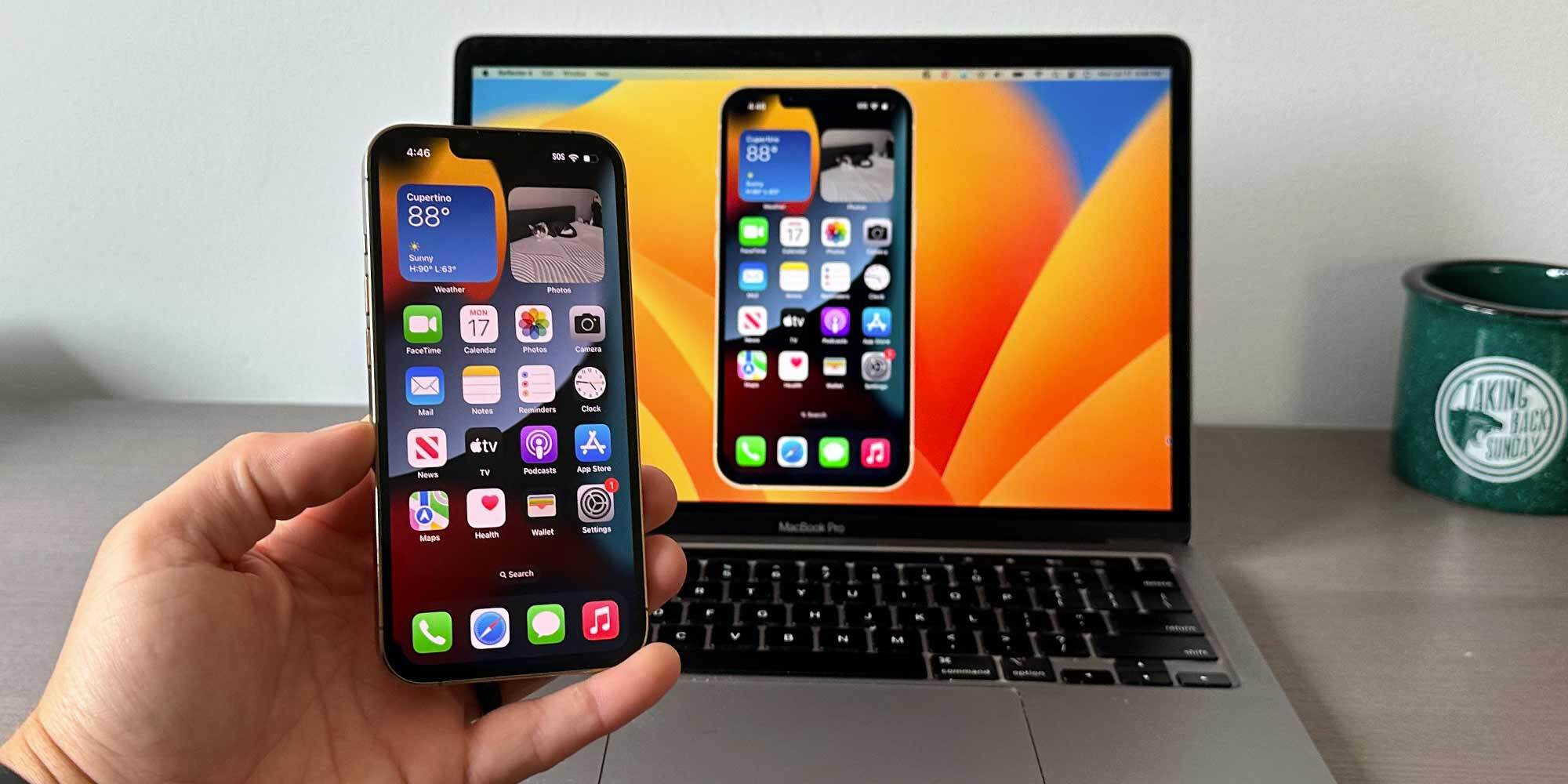
This guide delivers a crash course on the best ways to screen mirror an iPhone running iOS 17 to TVs, interactive whiteboards, Apple TVs, projectors...

Mirror any device to your screen — wirelessly.
One universal license for each app — works on macOS and Windows.
— or buy Reflector 4 on its own —



For schools, districts or volume licensing — contact us.

Stream audio and video from your Mac or PC to any screen.
One universal license for each app — works on macOS and Windows.
— or buy AirParrot 3 on its own —
For schools, districts or volume licensing — contact us.