Introducing the Ditto Fire OS Receiver
The new Ditto Fire OS Receiver brings wireless screen mirroring, digital signage and emergency alerts to Fire OS devices. It joins Windows, Apple TV...

1 min read
iOS 9 is a big change from what everyone was previously used to. We've got good news, though. The way you mirror your iPads and iPhones to Reflector hasn't changed. Simply make sure you've updated to the latest version of Reflector and connect away!
Update: We have the complete guide for screen mirroring the all-new iOS 15. See it here.
If you're not familiar with iOS mirroring, follow the steps below to get connected. The steps are the same for iPads and iPhones using iOS 9.
Step One
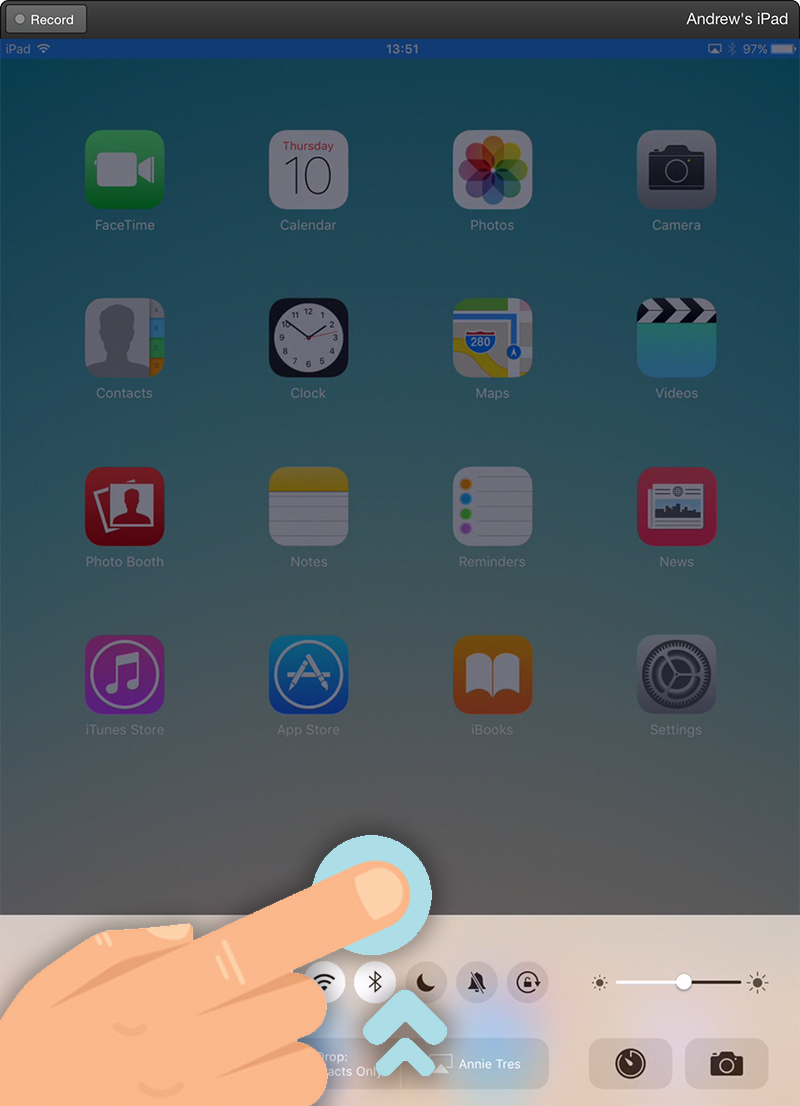
After unlocking your device, swipe up to reveal the control center.
Step Two
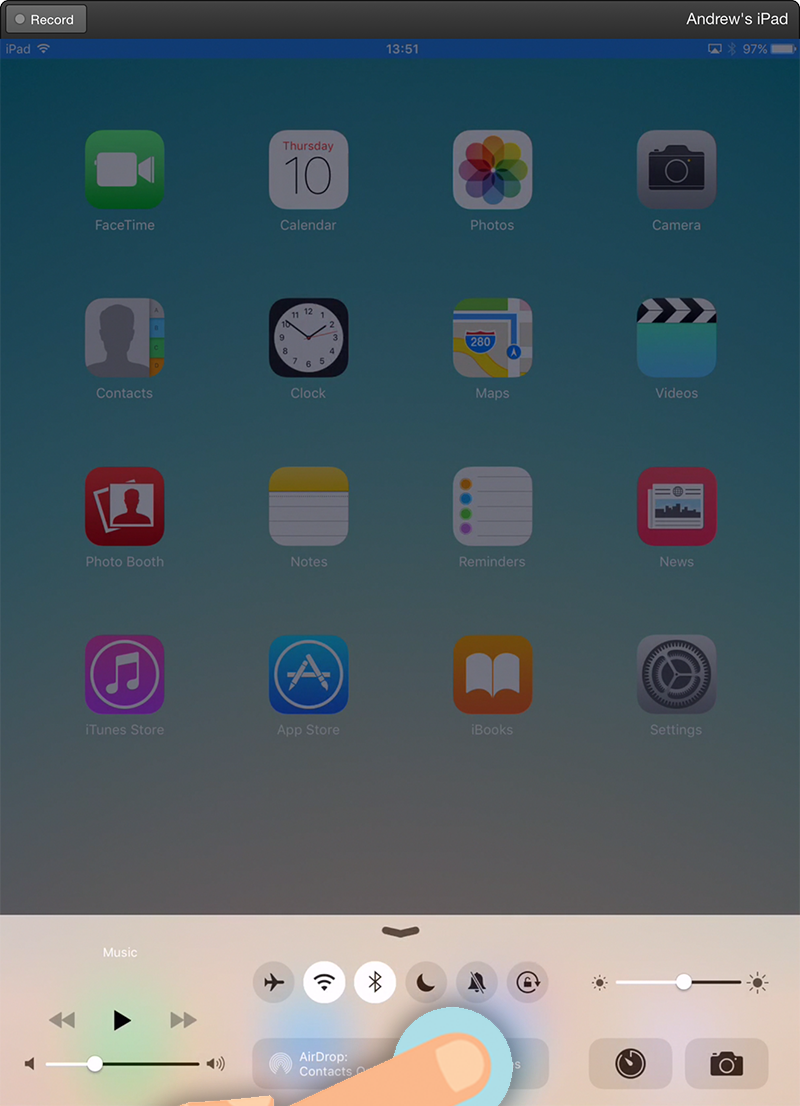
Tap the AirPlay icon to reveal the AirPlay list.
Step Three
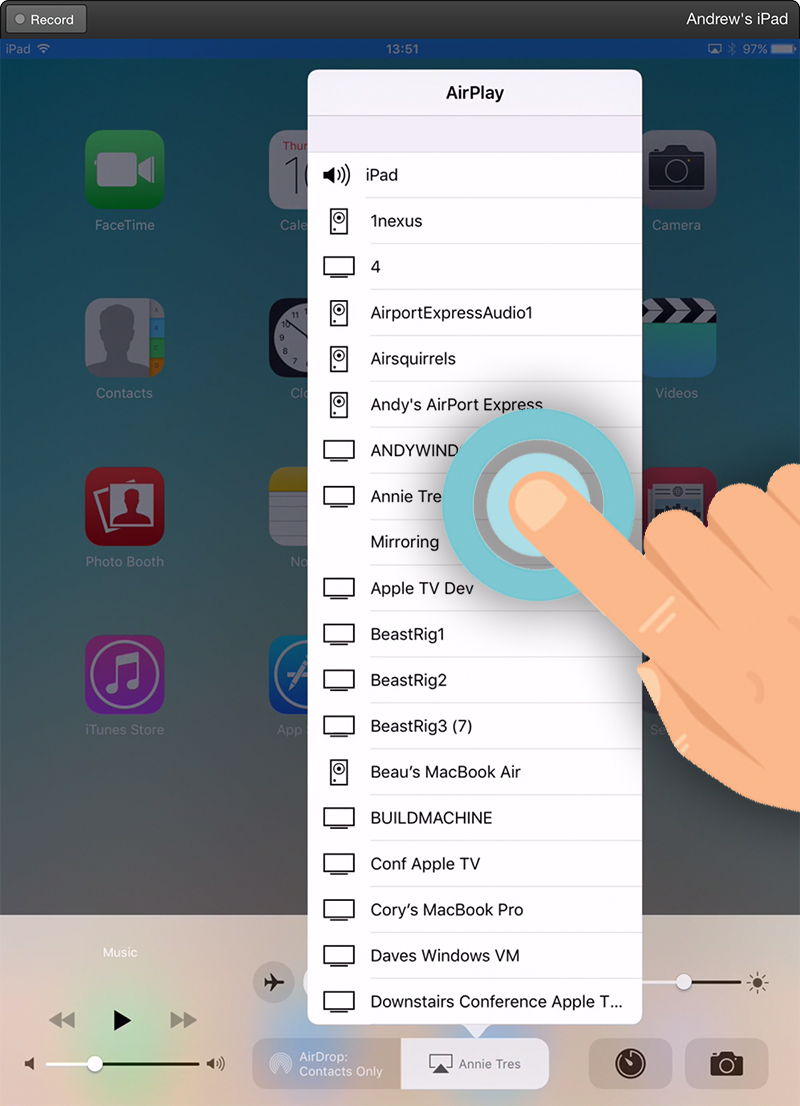
Select your computer from the list.
Step Four - IMPORTANT!
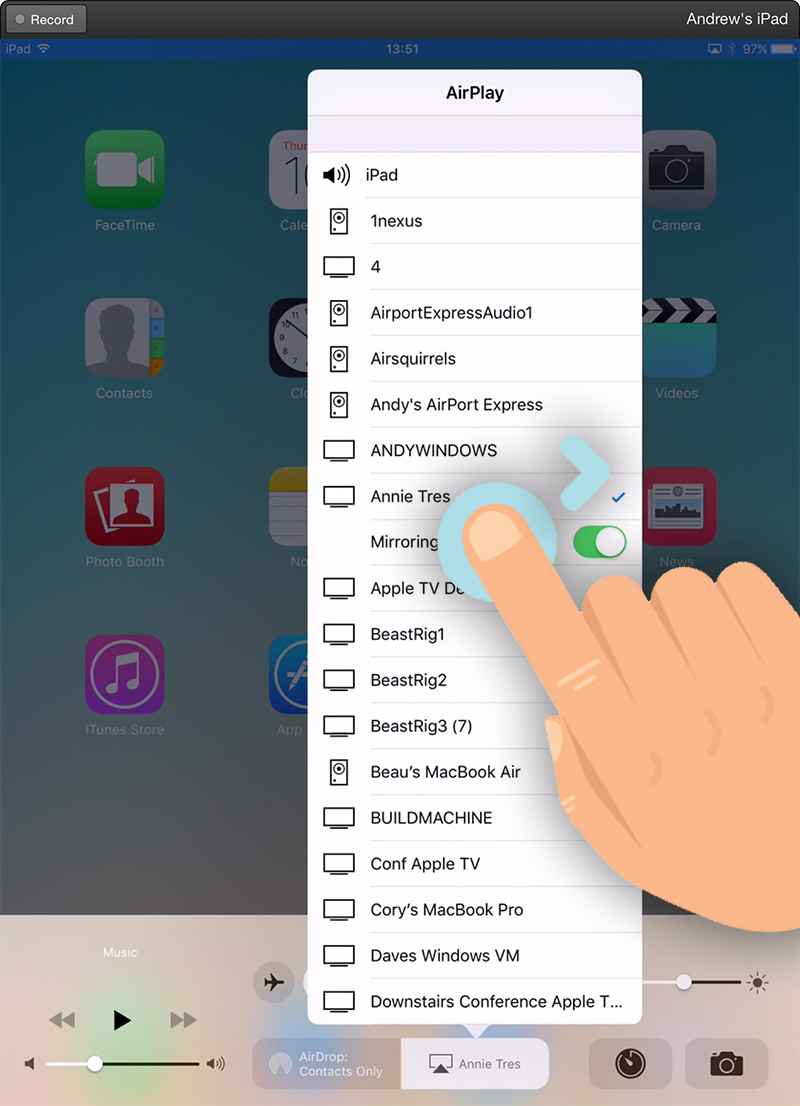
Important: Make sure you toggle the mirroring switch after selecting your device.
That's it!
Your device should appear on your computer screen! iOS 9 mirroring is that easy.
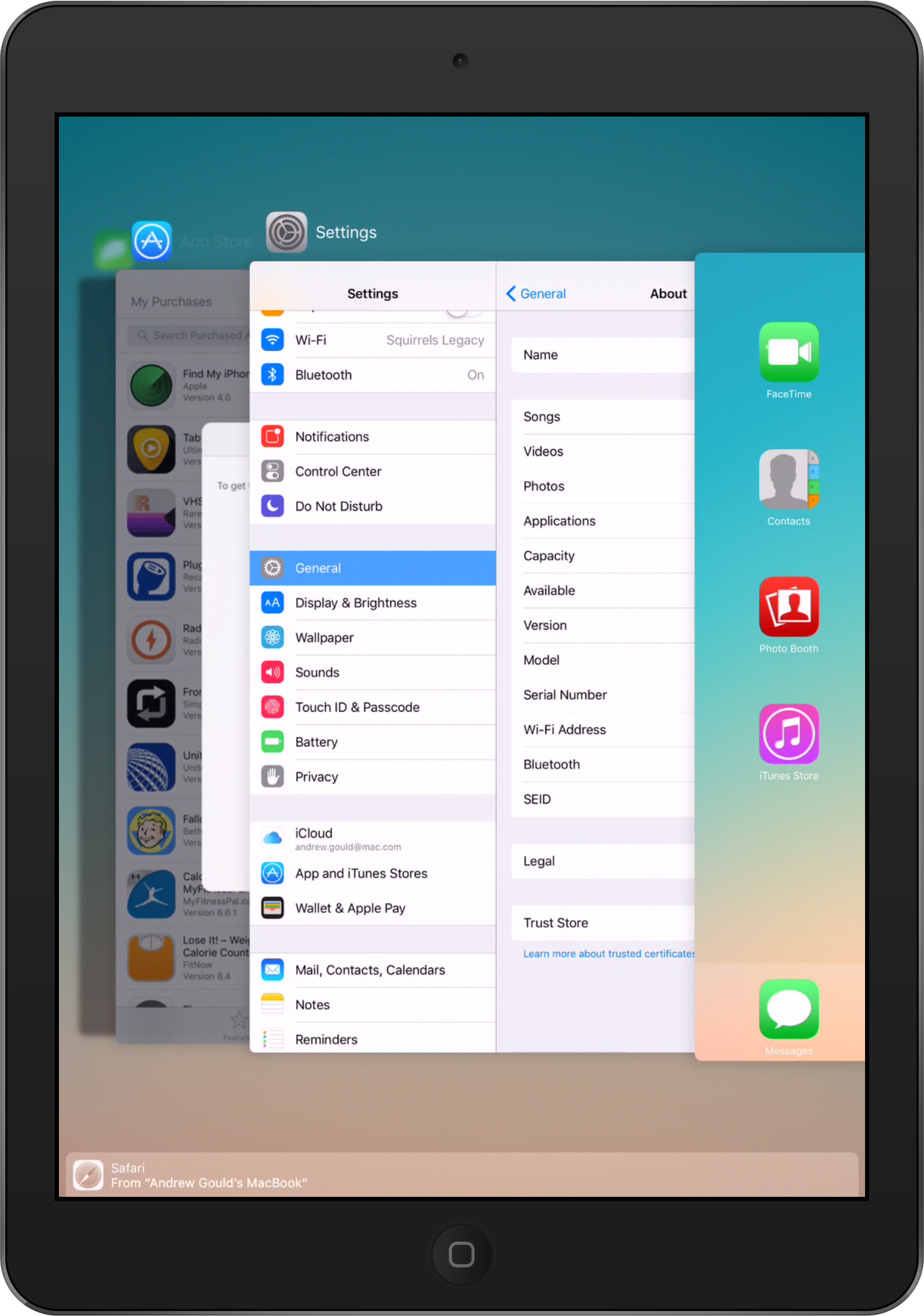
Having trouble? We're happy to help! Contact our support team for detailed assistance and help with mirroring!
Get Reflector today to begin mirroring iOS 11 devices.
Last updated 9/23/21
The new Ditto Fire OS Receiver brings wireless screen mirroring, digital signage and emergency alerts to Fire OS devices. It joins Windows, Apple TV...
Ditto now runs on Android-powered displays. The new Ditto Android Receiver gives schools and businesses another way to bring wireless screen...
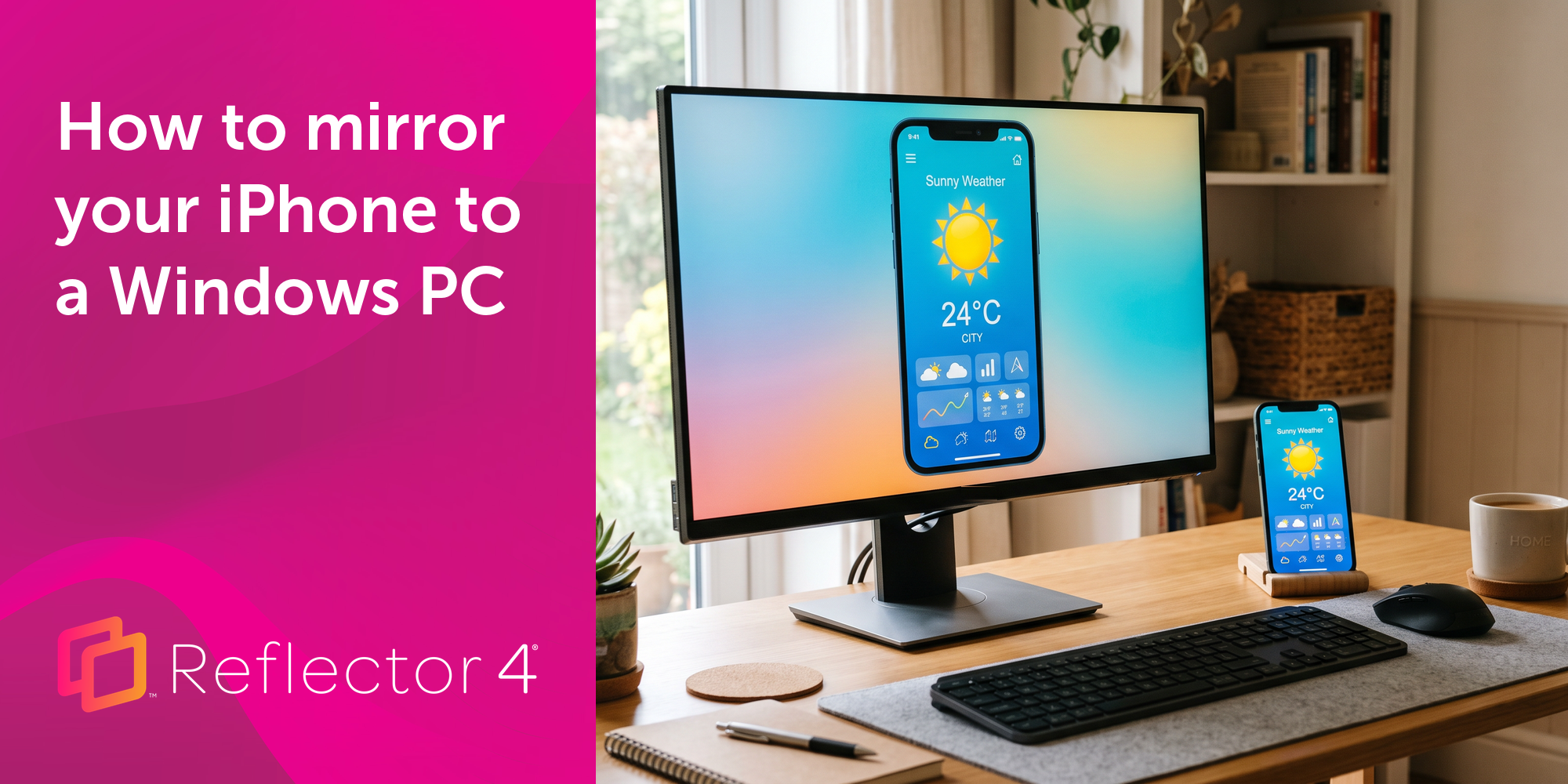
Windows still can't receive AirPlay connections on its own. Try to open Screen Mirroring on an iPhone in a room full of PCs. The list comes back...
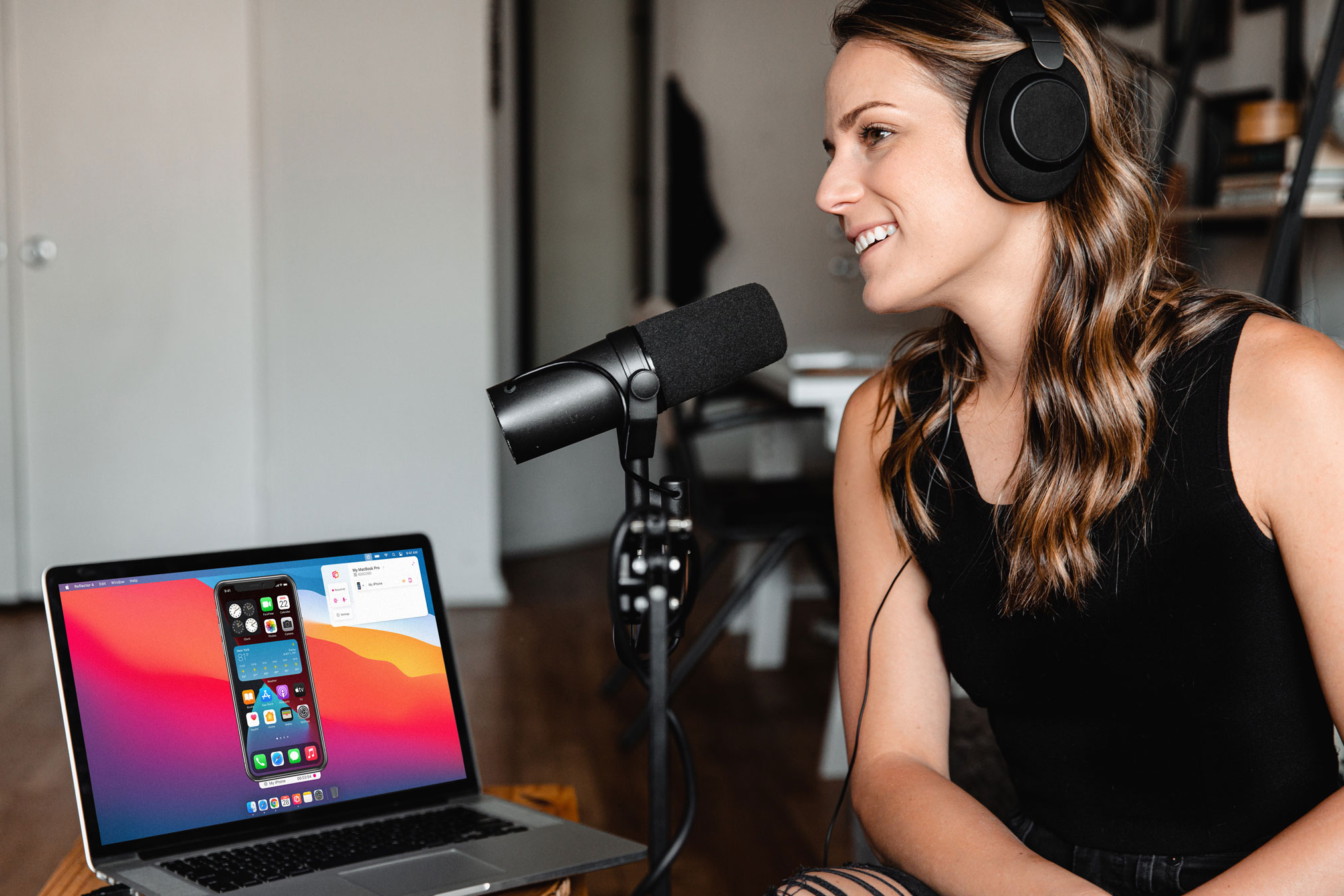
Learn how to easily narrate audio and record voiceover while screen recording iPhone using this quick guide.
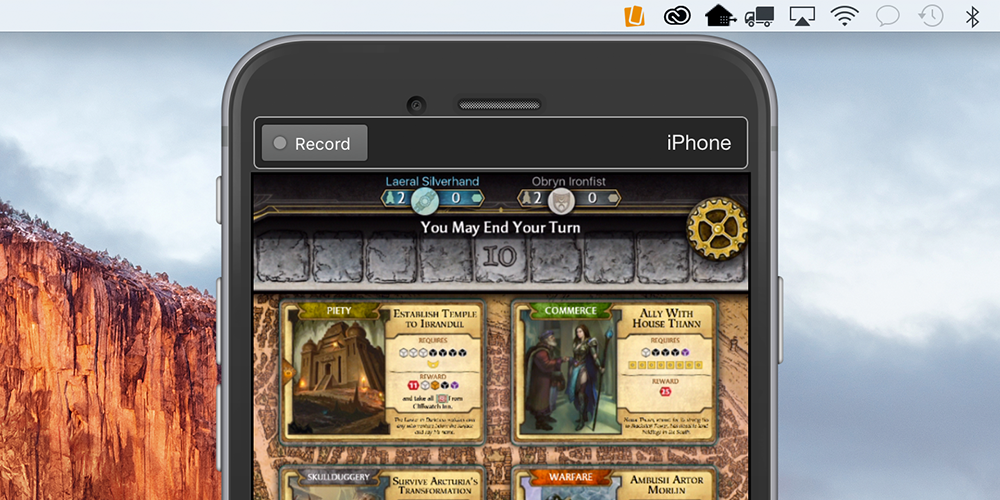
Learn how to record and share Bubble Witch gameplay with Reflector.
This Reflector software update adds the new iPhone 15 models to its selection of device frames and improves iOS screen mirroring connection speeds.
Mirror any device to your screen — wirelessly.
One universal license for each app — works on macOS and Windows.
— or buy Reflector 4 on its own —



For schools, districts or volume licensing — contact us.

Stream audio and video from your Mac or PC to any screen.
One universal license for each app — works on macOS and Windows.
— or buy AirParrot 3 on its own —
For schools, districts or volume licensing — contact us.