Introducing the Ditto Fire OS Receiver
The new Ditto Fire OS Receiver brings wireless screen mirroring, digital signage and emergency alerts to Fire OS devices. It joins Windows, Apple TV...

1 min read
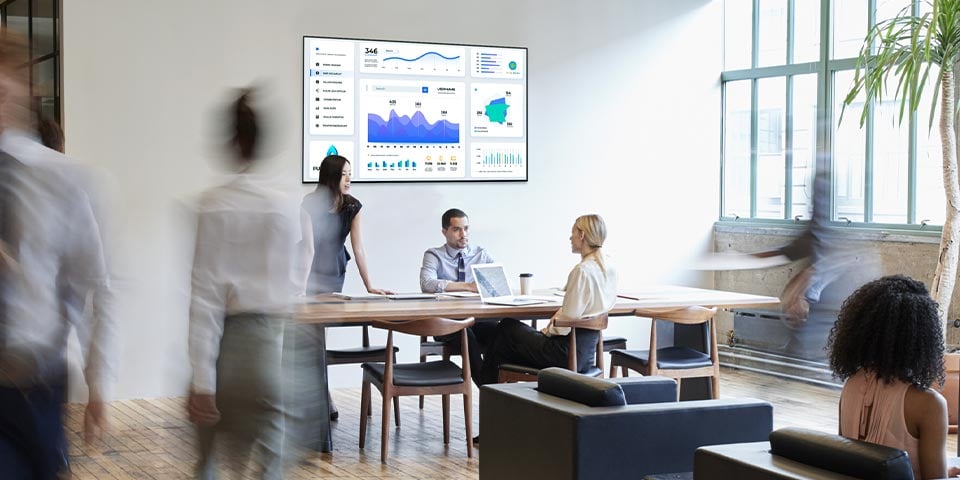
Your Ditto digital signage experience just got an upgrade. Our latest Ditto release enables users to display static web URLs as digital signage. Display intranets, internal charts, graphs, websites and more with Ditto.
This update gives users another way to customize what is shown on their Ditto-enabled displays.
Ditto captures an image from the URL and displays it on the desired Ditto receivers. Ditto refreshes the URL every 10 minutes to ensure data is current.
Learn how to set up static web URL signage.
This release brings an update that improves onboarding for new Ditto admin users who are given access to existing Ditto accounts. These users will automatically receive the Ditto setup tutorial, allowing them to easily discover Ditto Account Portal functionality and reduce training time.
The Ditto setup tutorial can be accessed at any time by all Ditto Account Portal users.
The release also includes several bug fixes and improvements.
Log in to your Ditto account or create an account to begin using URL digital signage.
Visit our Knowledge Base if you have questions.
Don’t forget: Subscribe to our blog so you never miss an update.

The new Ditto Fire OS Receiver brings wireless screen mirroring, digital signage and emergency alerts to Fire OS devices. It joins Windows, Apple TV...

Ditto now runs on Android-powered displays. The new Ditto Android Receiver gives schools and businesses another way to bring wireless screen...

Windows still can't receive AirPlay connections on its own. Try to open Screen Mirroring on an iPhone in a room full of PCs. The list comes back...
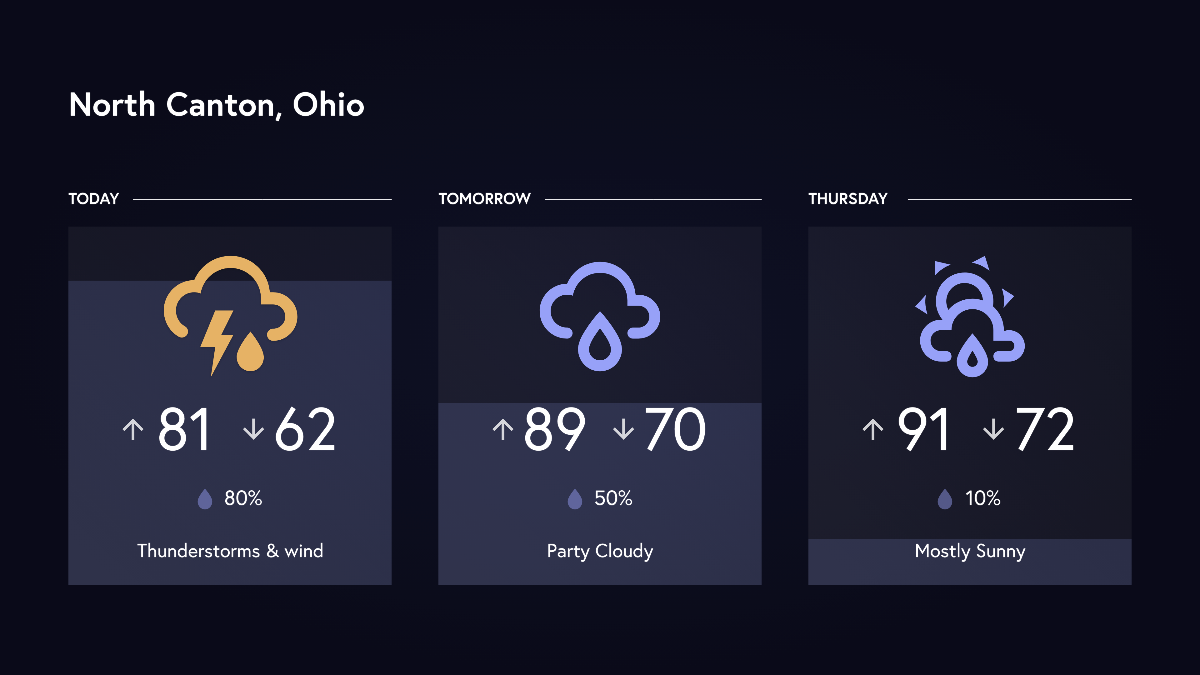
Display your local weather forecast as digital signage in your organization. This Ditto update brings digital signage templates for hourly and...

A new Ditto Account Portal update introduces digital signage quadrants and the ability to schedule on-screen alerts.
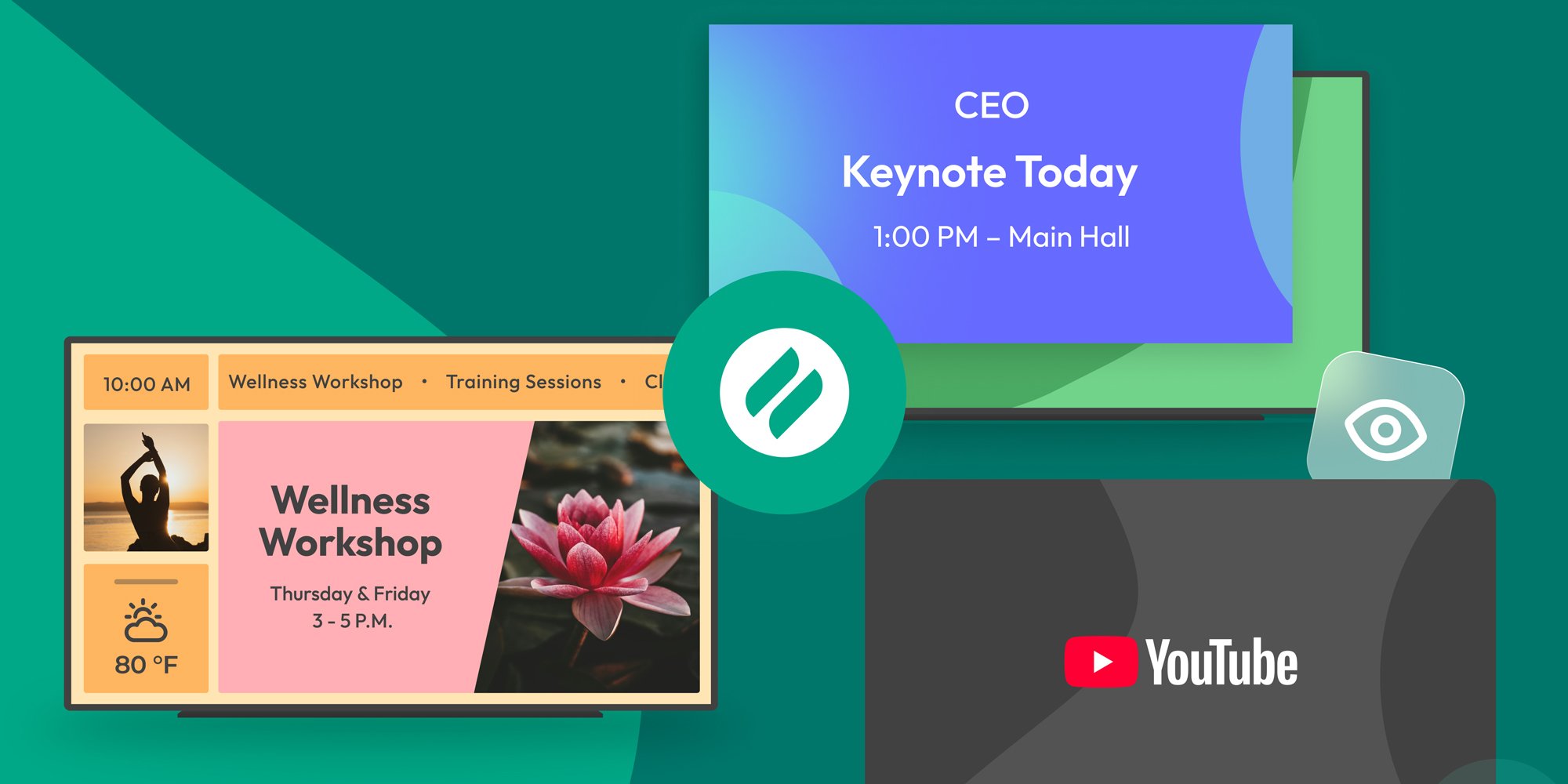
Three major new Ditto updates — digital signage zones, display takeovers and YouTube signage — help you curate the right signage for any moment.

Mirror any device to your screen — wirelessly.
One universal license for each app — works on macOS and Windows.
— or buy Reflector 4 on its own —



For schools, districts or volume licensing — contact us.

Stream audio and video from your Mac or PC to any screen.
One universal license for each app — works on macOS and Windows.
— or buy AirParrot 3 on its own —
For schools, districts or volume licensing — contact us.