Introducing the Ditto Fire OS Receiver
The new Ditto Fire OS Receiver brings wireless screen mirroring, digital signage and emergency alerts to Fire OS devices. It joins Windows, Apple TV...

1 min read
The Ditto wireless presentation solution received a number of highly requested feature updates that will make each screen-mirroring experience feel unique to your organization.
The new customization features allow schools, businesses and other organizations to offer their users a personal and familiar screen-mirroring solution.
So what's new?
Ditto room codes are what users type into the Ditto Connect page to wirelessly display their screen to the AirPlay or Cast receiver in the room. Previously, these codes were randomly assigned to each room by Ditto. An organization had no control over their codes.
That all changed.
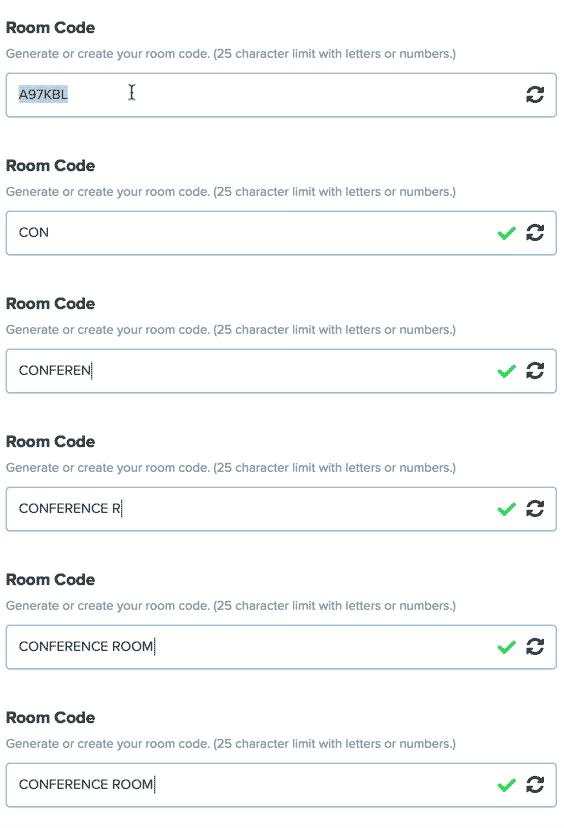
You can now customize Ditto room codes instead of using randomly assigned codes. The custom codes can incorporate your school name, company name, building name, room name or anything else.
For example, a school can now create a code like “Franklin Hall 101” to align the Ditto room code with the actual room. Custom codes are more memorable and more appropriate for each setting.
Easily create your own branded Ditto connect page. Upload a logo, a unique background image and colors. Even insert a custom message for your users containing connection instructions or pertinent organizational information.
Using a branded connect page makes it feel like Ditto is a screen-mirroring solution tailored to your organization rather than a service provided by a third party.
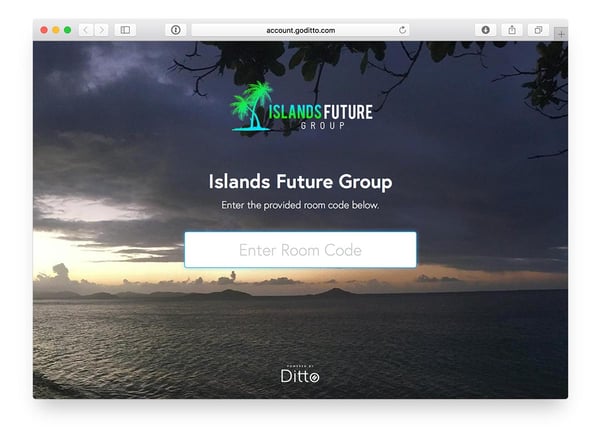
When you create a branded Ditto connect page, you receive a special URL that’s needed to access the page. You’ll want a simple way to direct your end users to the branded page so they can enter their Ditto room code there instead of our generic Ditto Connect page.
That’s easy when you create a custom subdomain. Pair your branded connect page with a domain alias such as ditto.yoursite.com for an even more immersive experience and easier access. Learn how to create a custom subdomain.

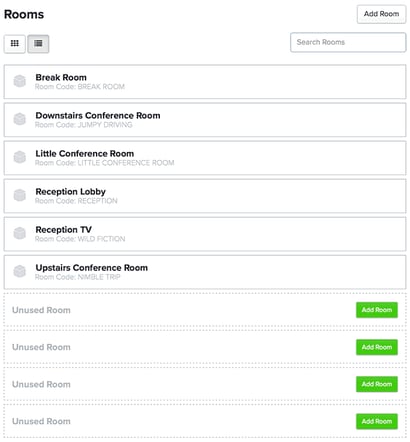
The list of rooms in the admin portal can get lengthy if you have many Ditto rooms. Now you can easily search and find any Ditto-enabled room to make adjustments to rooms as needed.
These features are free and available now for all Ditto customers. This update takes Ditto way beyond your standard screen-mirroring solution. Ditto provides quality and reliable screen mirroring during presentations and meetings. That’s a given. Now you can turn Ditto into a solution that’s completely in tune with and connected to your brand.
We're excited to bring even more user-requested enhancements later this year. Stay tuned: More updates to come.

The new Ditto Fire OS Receiver brings wireless screen mirroring, digital signage and emergency alerts to Fire OS devices. It joins Windows, Apple TV...

Ditto now runs on Android-powered displays. The new Ditto Android Receiver gives schools and businesses another way to bring wireless screen...

Windows still can't receive AirPlay connections on its own. Try to open Screen Mirroring on an iPhone in a room full of PCs. The list comes back...

The latest Ditto Account Portal update adds more detail to Rooms, changes a default moderation setting and fixes customer-reported bugs.
Get more ways to wirelessly mirror screens, create digital signage and customize your Ditto experience than ever before.
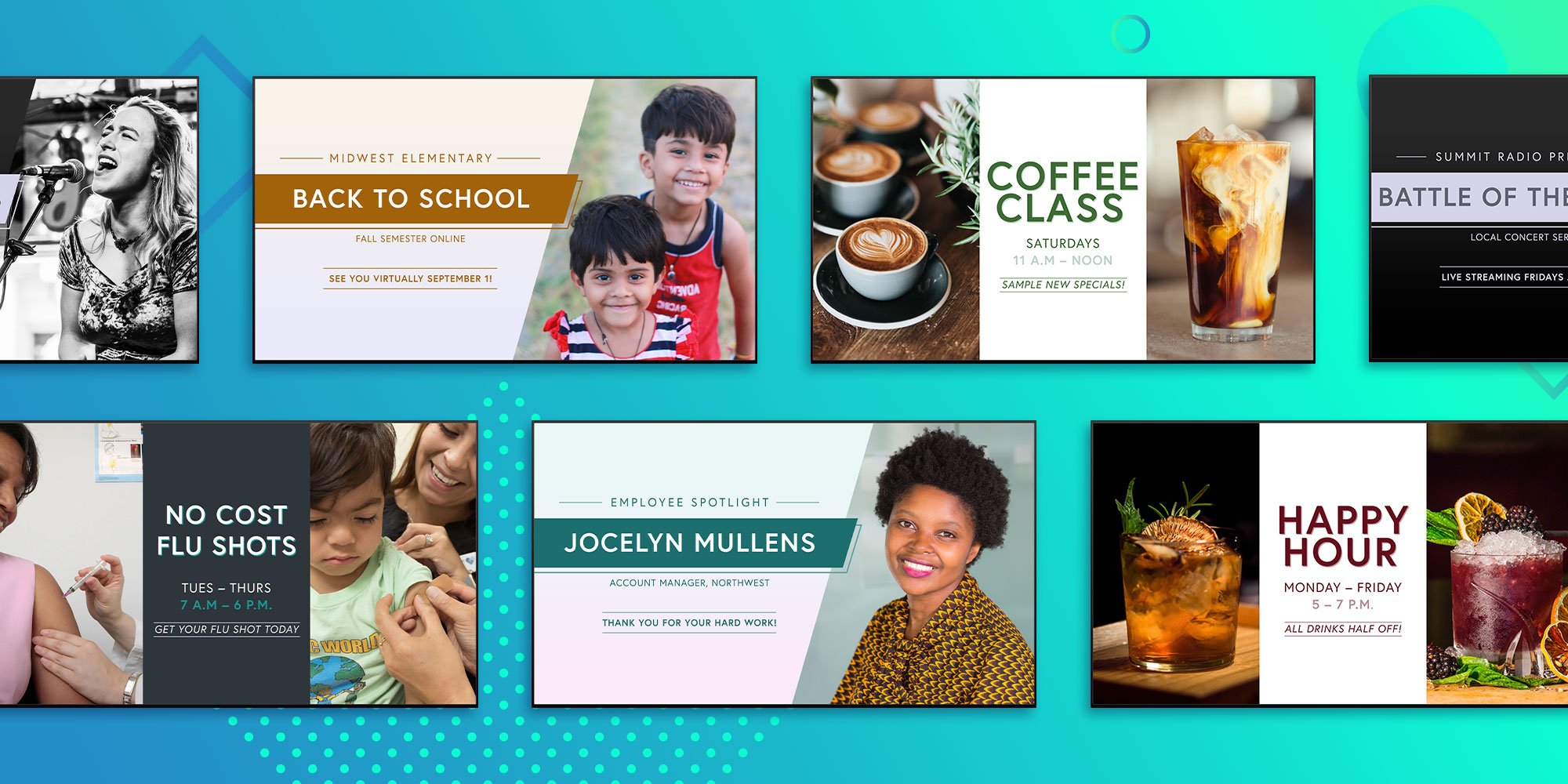
A new batch of customizable digital signage templates are available now with Ditto Digital Signage. Share your message and spotlight the right...

Mirror any device to your screen — wirelessly.
One universal license for each app — works on macOS and Windows.
— or buy Reflector 4 on its own —



For schools, districts or volume licensing — contact us.

Stream audio and video from your Mac or PC to any screen.
One universal license for each app — works on macOS and Windows.
— or buy AirParrot 3 on its own —
For schools, districts or volume licensing — contact us.