Introducing the Ditto Fire OS Receiver
The new Ditto Fire OS Receiver brings wireless screen mirroring, digital signage and emergency alerts to Fire OS devices. It joins Windows, Apple TV...

2 min read
iPadOS 14 makes it easy to screen mirror your iPad to TVs, computers and other displays. This iPad operating system uses AirPlay to wirelessly share content from your iPad to another screen. Use this guide to learn how to screen mirror your iPad using iPadOS 14.
Plus, take advantage of many more screen mirroring features with a simple app for your computer.
UPDATE: Need to screen mirror iPad with iPadOS 17 instead? Get the new guide for the latest iPad operating system here.
This method uses AirPlay and the computer app  to wirelessly display an iPad on your computer. If you want to screen mirror your iPad to an Apple TV or other AirPlay receiver, just follow steps 4-6.
Download and install Reflector on your computer. It’s a screen mirroring app available for both macOS and Windows.
Connect your computer and iPad to the same wifi network.
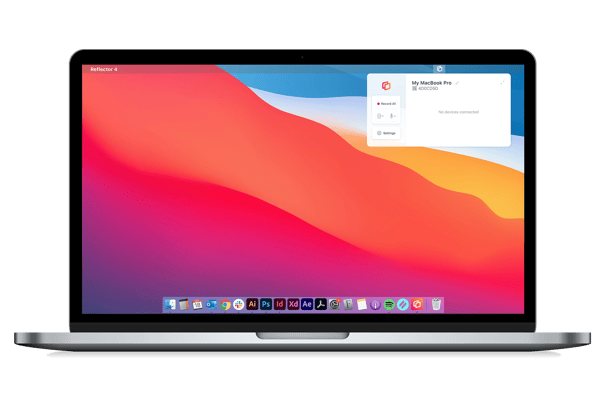
Open Reflector on your computer.
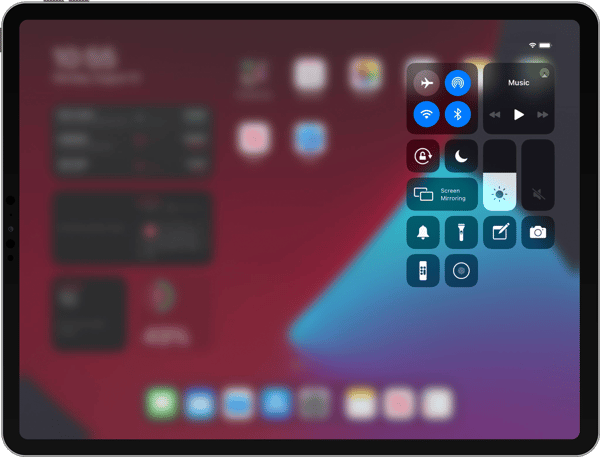
Open Control Center on your iPad by swiping down from the top right corner.
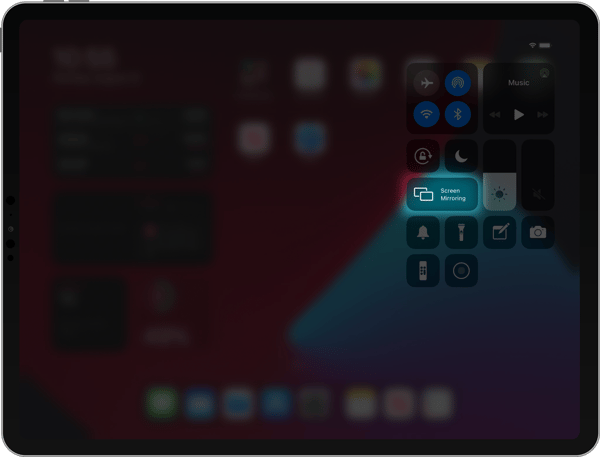
Tap “Screen Mirroring.”
Scroll through the list of receivers and select where you want to mirror your screen. If you’re using Reflector, this will be the name of your computer.
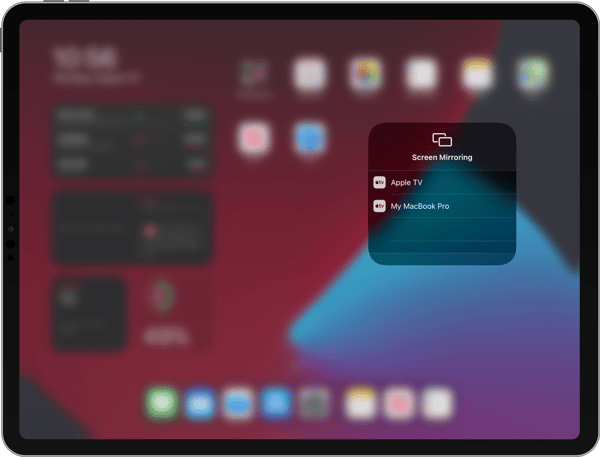
That’s it! Now you’re wirelessly screen mirroring your device with iPadOS 14.
Reflector allows you to share your mobile device screen to videoconferecing platforms, like Zoom, GoToMeeting, Microsoft Teams, Cisco Webex, Google Meet, Slack and Discord.
This method is easy and works great for most people, but it may not be the best for use in professional environments with numerous devices on corporate networks. If you need to set up iPhone/iPad screen sharing at work or school, check out Ditto screen mirroring instead. Ditto allows you to mirror an iPad to multiple Apple TVs simultaneously.
Remember: Mirroring your iPad to an Apple TV or other AirPlay receiver works the same way. Simply select the name of your Apple TV or receiver from the screen mirroring list on your iPad.
Want to become a screen mirroring expert? Here’s everything you need to know.
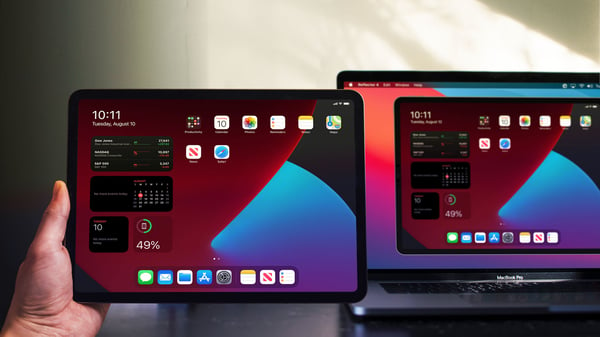
Get Reflector today to screen mirror all of your devices to the big screen.
Last updated 9/23/21

The new Ditto Fire OS Receiver brings wireless screen mirroring, digital signage and emergency alerts to Fire OS devices. It joins Windows, Apple TV...

Ditto now runs on Android-powered displays. The new Ditto Android Receiver gives schools and businesses another way to bring wireless screen...

Windows still can't receive AirPlay connections on its own. Try to open Screen Mirroring on an iPhone in a room full of PCs. The list comes back...
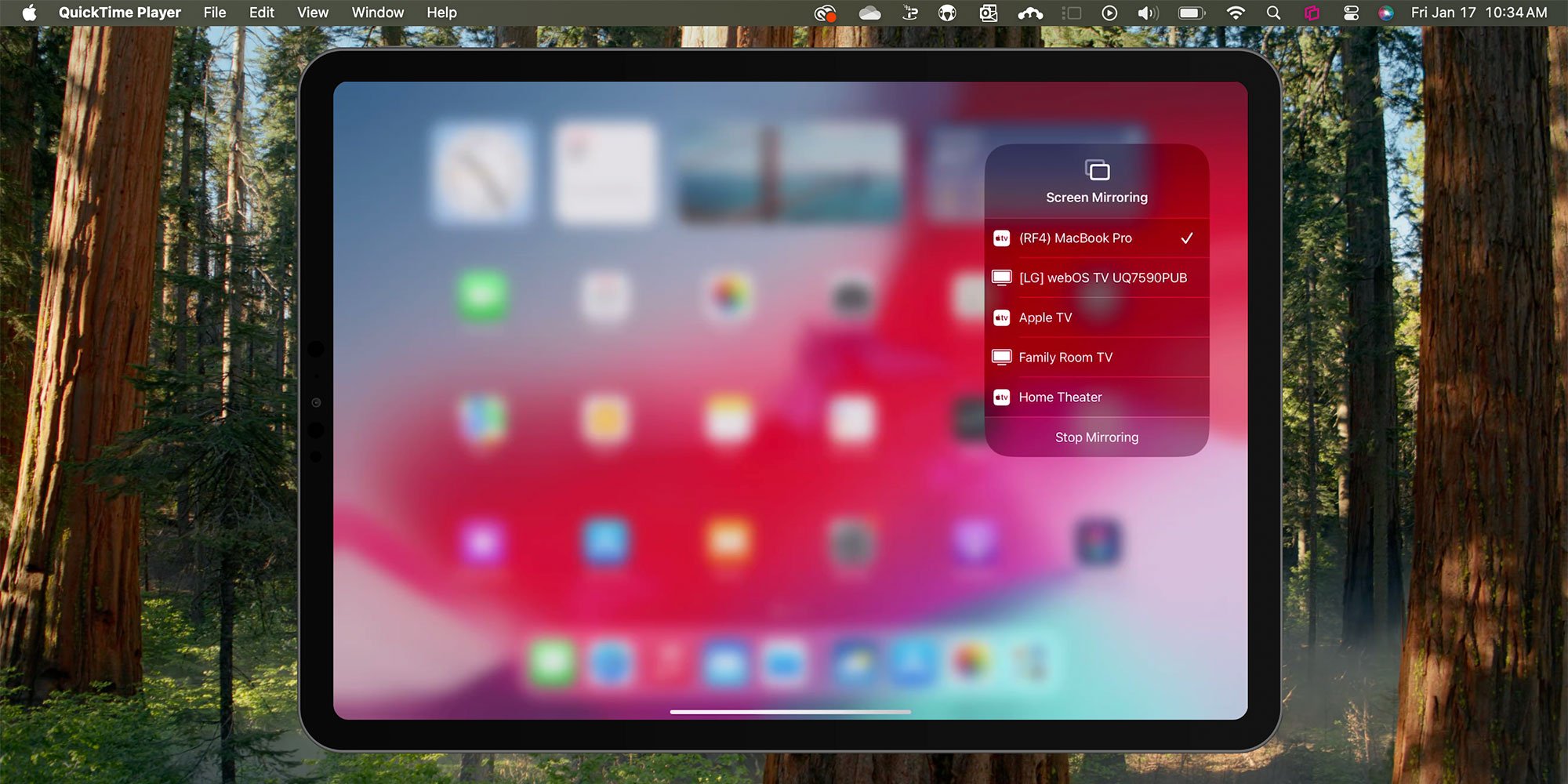
Discover how easy it is to AirPlay screen mirror an iPad, iPad Pro, iPad Mini or iPad Air running iPadOS 18. Get step-by-step instructions for your...
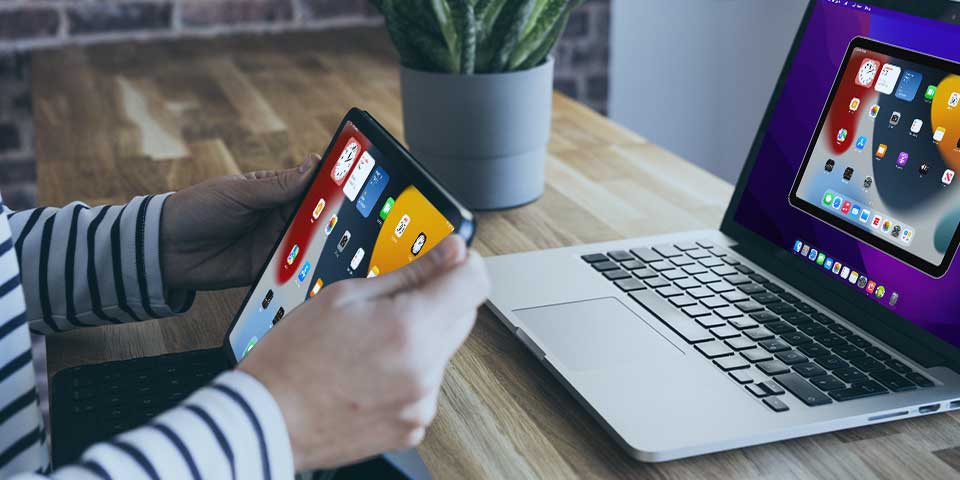
This quick guide shows you how to screen mirror an iPad to a Mac computer with iPadOS 15. Follow these simple steps using AirPlay and Reflector to...
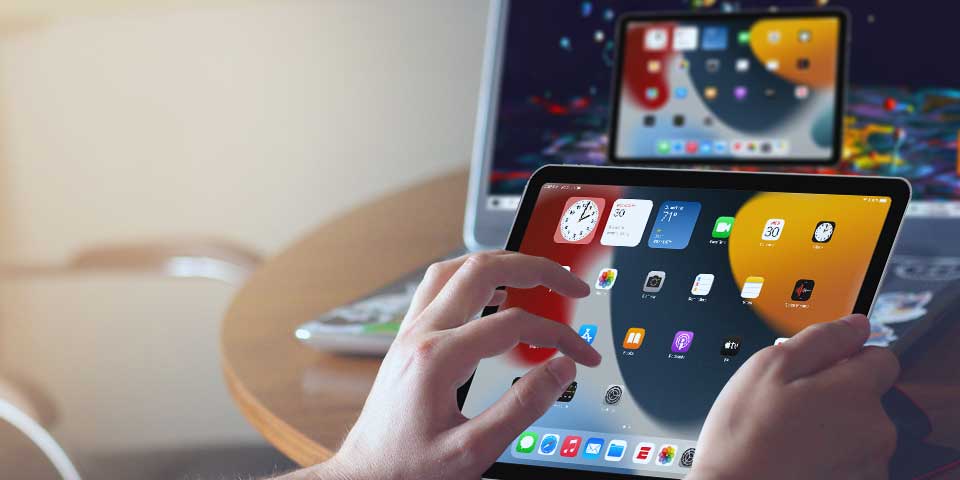
Learn how to share your iPad with AirPlay to Windows using the app Reflector and iPadOS 15. Quickly screen mirror an iPad to any PC.

Mirror any device to your screen — wirelessly.
One universal license for each app — works on macOS and Windows.
— or buy Reflector 4 on its own —



For schools, districts or volume licensing — contact us.

Stream audio and video from your Mac or PC to any screen.
One universal license for each app — works on macOS and Windows.
— or buy AirParrot 3 on its own —
For schools, districts or volume licensing — contact us.