Introducing the Ditto Fire OS Receiver
The new Ditto Fire OS Receiver brings wireless screen mirroring, digital signage and emergency alerts to Fire OS devices. It joins Windows, Apple TV...

1 min read
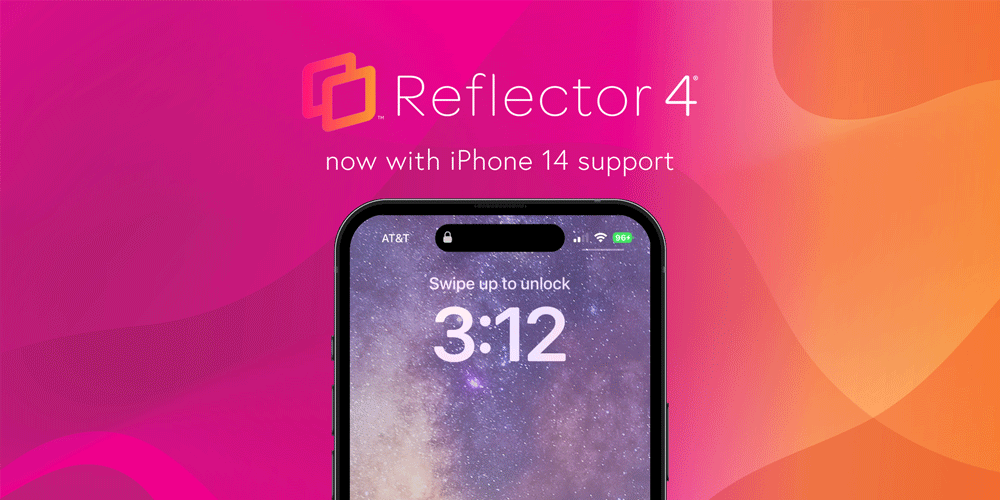
The new iPhone 14 is now available as a Reflector 4 frame option. Reflector users love the ability to include device frames with their mirrored content. Frames bring a unique quality and a more polished feel to any mirroring session — something that is not possible with native AirPlay, Cast and other screen sharing technology.
The new Reflector iPhone 14 frames include iPhone 14, iPhone 14 Plus, iPhone 14 Pro and iPhone 14 Pro Max in gold, black and silver colors. Additionally, the frames accommodate the dynamic pill design element of iPhone 14, replacing the old iPhone notch.
Using frames is easy in Reflector 4. After mirroring a device to your Reflector software, simply click the settings cog icon on the mirrored device and click the frame option. This enables you to change the frame surrounding your device. You may also edit frame settings in the Reflector menu or turn frames off entirely.
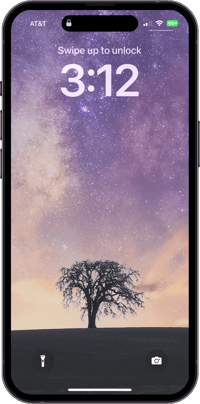
This update includes fixes for a few alignment issues that occurred when mirroring a device to macOS Ventura.
Download the latest version of Reflector 4 here or in the app to enjoy this release.
Don’t have Reflector 4? Get it here.

The new Ditto Fire OS Receiver brings wireless screen mirroring, digital signage and emergency alerts to Fire OS devices. It joins Windows, Apple TV...

Ditto now runs on Android-powered displays. The new Ditto Android Receiver gives schools and businesses another way to bring wireless screen...

Windows still can't receive AirPlay connections on its own. Try to open Screen Mirroring on an iPhone in a room full of PCs. The list comes back...
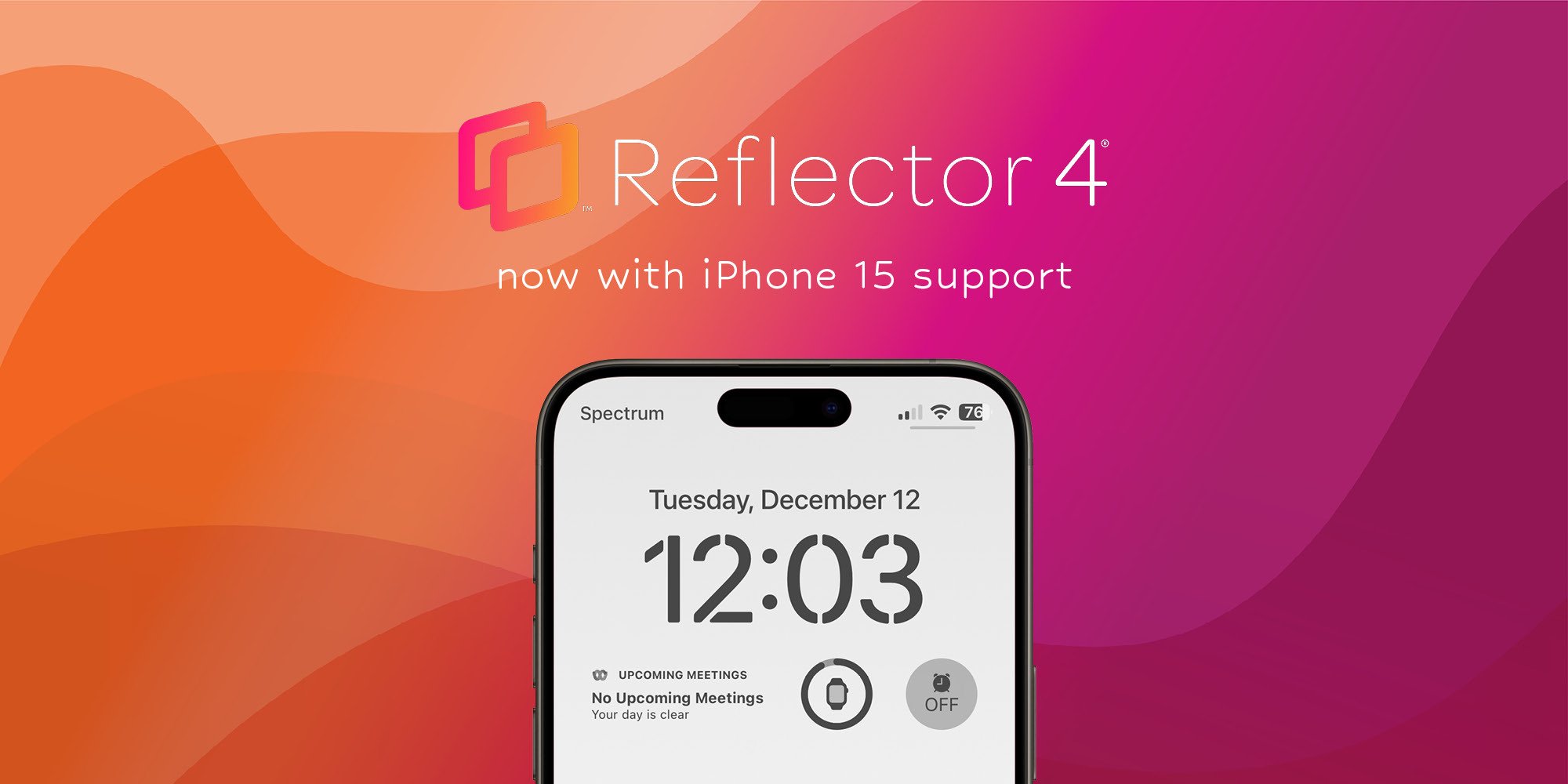
This Reflector software update adds the new iPhone 15 models to its selection of device frames and improves iOS screen mirroring connection speeds.
This Reflector 4 update adds the new iPhone 13 and iPad device frames when screen mirroring, improves the connection process, brings updated UI and...
The latest Reflector 4 release adds the iPhone 14 as a mirrored device frame option and fixes some minor bugs on macOS Ventura.

Mirror any device to your screen — wirelessly.
One universal license for each app — works on macOS and Windows.
— or buy Reflector 4 on its own —



For schools, districts or volume licensing — contact us.

Stream audio and video from your Mac or PC to any screen.
One universal license for each app — works on macOS and Windows.
— or buy AirParrot 3 on its own —
For schools, districts or volume licensing — contact us.