Introducing the Ditto Fire OS Receiver
The new Ditto Fire OS Receiver brings wireless screen mirroring, digital signage and emergency alerts to Fire OS devices. It joins Windows, Apple TV...

2 min read
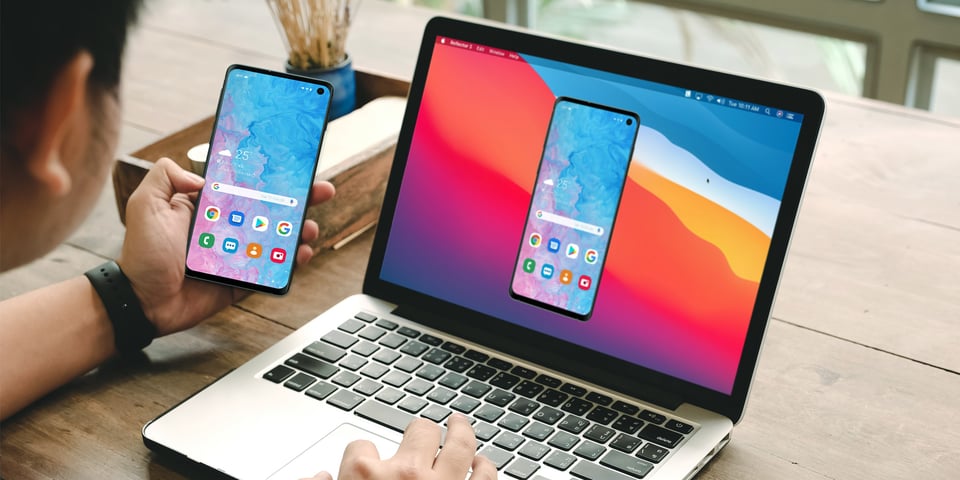
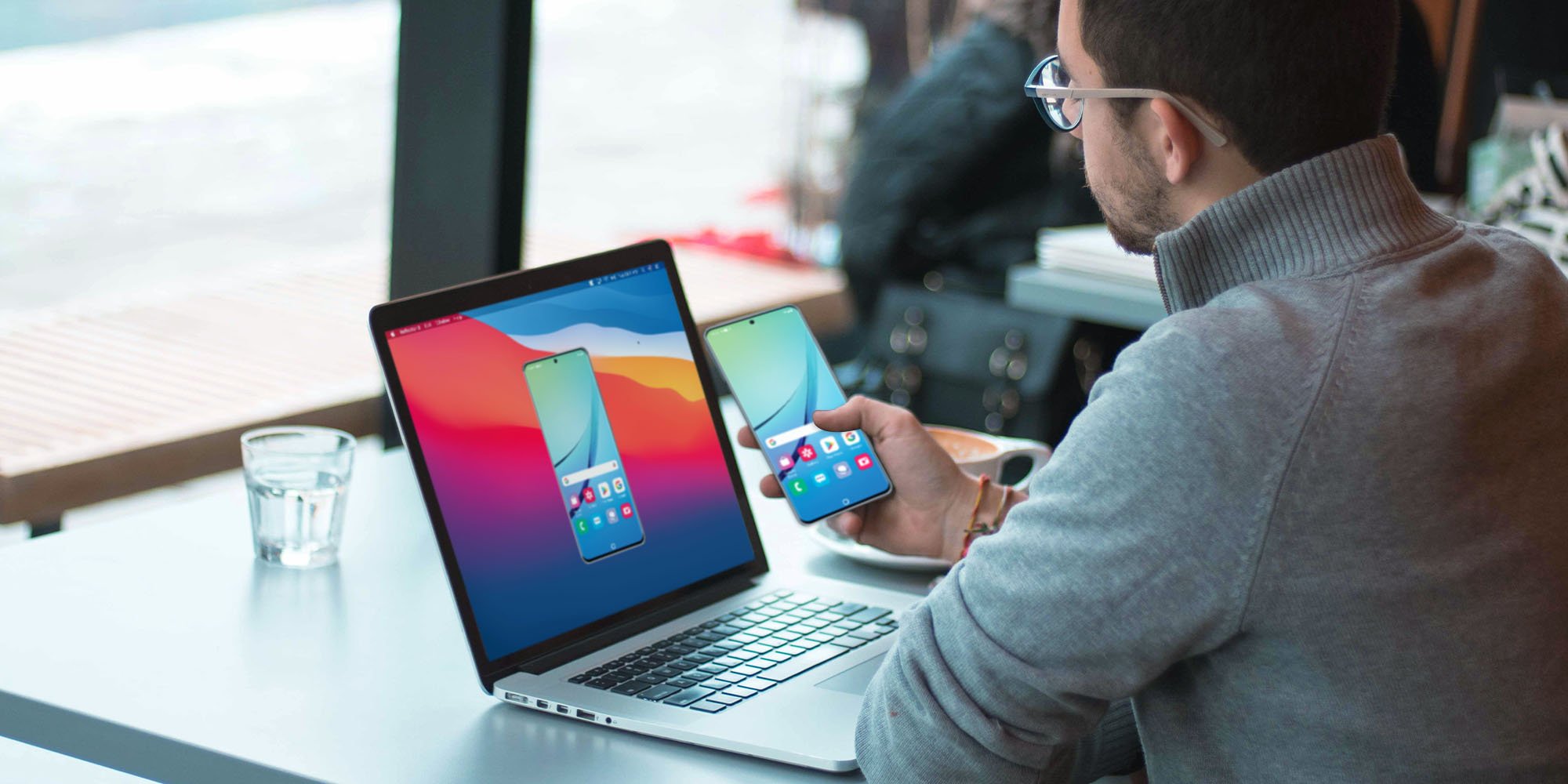
It's easy to wirelessly cast the screen of a Samsung phone or tablet with the Smart View app. But if you have a Samsung device running Android 11 or later, Samsung recently disabled the ability to use Smart View with anything other than a Samsung-branded device (like a Samsung Smart TV or speaker).
Stay here to learn how to enable robust casting from Samsung phones or tablets running Android 11 and later without Smart View. You'll discover alternative ways to add Google Cast to mirror the screen of any Samsung phone or tablet to your computer, smart TV, smart speaker or any other compatible wireless receiver.
These instructions work for screen mirroring the Samsung Galaxy S23, S22, S21, S20, Tab S8, Tab S7, S7+, Note20, A71, Z Fold2, A7 and more.
Download and install Reflector on your Mac or Windows computer. Make sure your computer and Samsung device are on the same wifi network.
Download and install Quick Settings on your Samsung phone or tablet. It’s free.
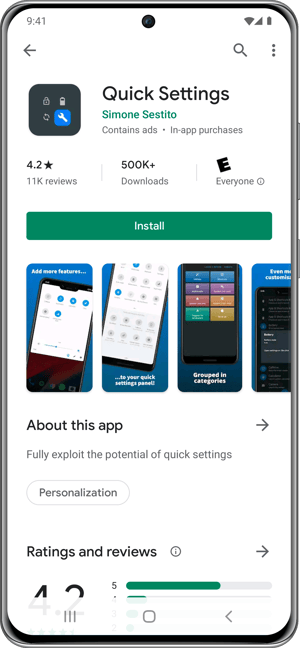
On your Samsung phone or tablet, open the Quick Settings app and select Multimedia.
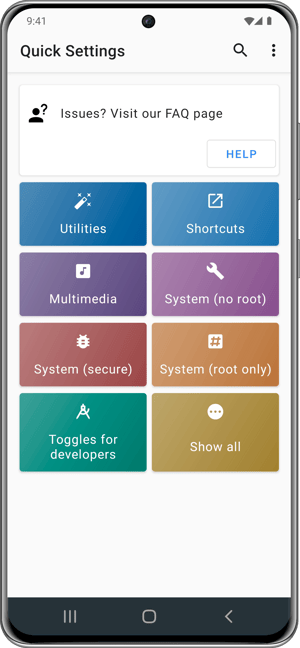
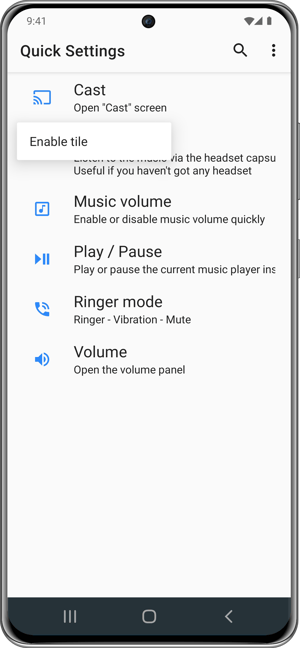
Tap Cast and then select Enable tile. If you see a window describing the Quick Settings panel, tap OK.
Pull down the extended view of the Quick Settings tray: Swipe down twice from the top of your device screen. Ensure the tray is pulled down all the way and you can see more than one row of icons.
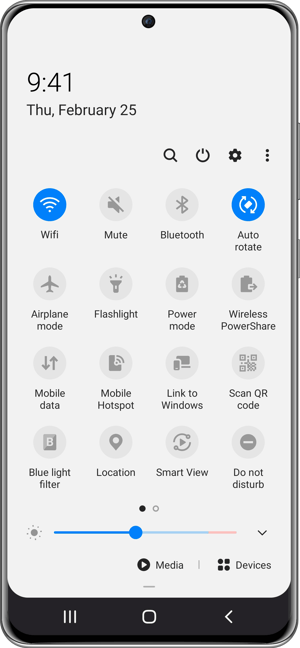
Tap the three dots icon to display more options.
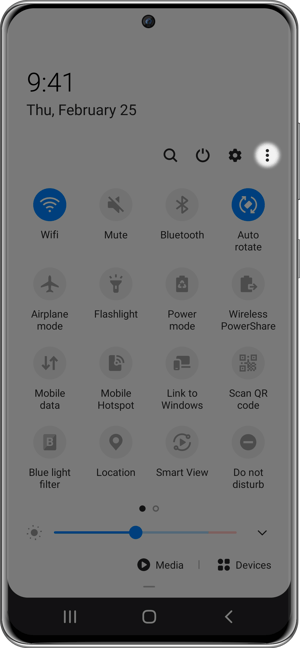
Select Button order (this may also be called Edit buttons).
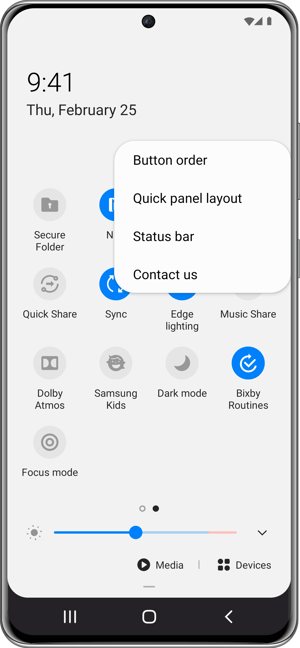
The Cast icon will now appear as an option. Tap and drag the Cast icon into the tray. Place it where it’s most accessible to you.
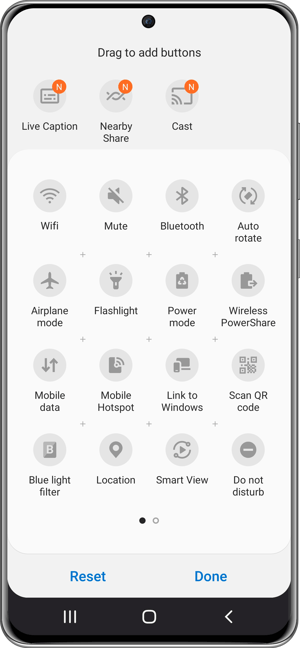
Tap Done at the bottom of the screen to save these changes.
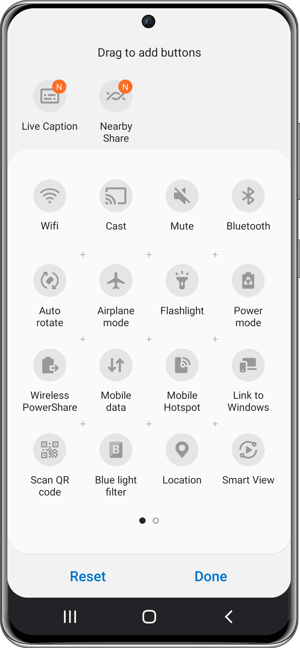
The Cast icon will now remain in the Quick Settings tray. You can tap Cast whenever you’d like to screen mirror and cast your Samsung device to a Reflector-enabled computer, smart TV, smartspeaker or other wireless receiver.
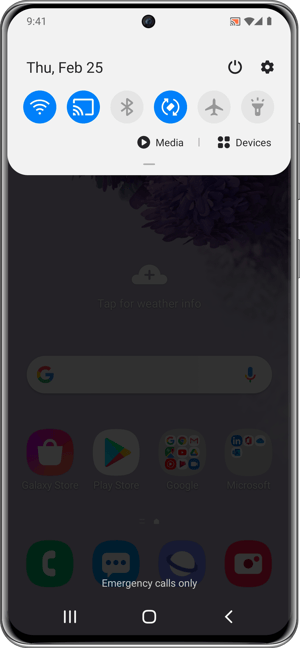
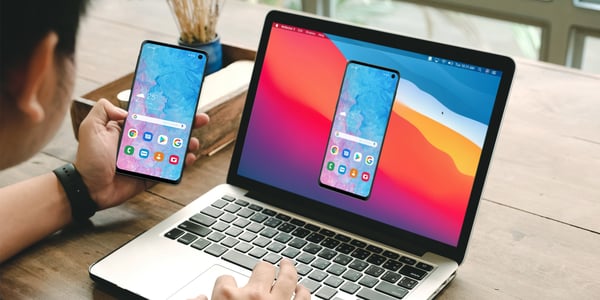
You can mirror your Samsung phone or tablet to more places than just a Samsung smart TV or speaker. With the computer app Reflector, you can use the steps in this blog to mirror your device to a computer. This is especially useful if you need to record instructional videos or share your tablet screen during a virtual meeting like Zoom or Microsoft Teams. Get Reflector here to screen mirror nearly any device to a Mac or Windows computer.
Updated 8/9/2023

The new Ditto Fire OS Receiver brings wireless screen mirroring, digital signage and emergency alerts to Fire OS devices. It joins Windows, Apple TV...

Ditto now runs on Android-powered displays. The new Ditto Android Receiver gives schools and businesses another way to bring wireless screen...

Windows still can't receive AirPlay connections on its own. Try to open Screen Mirroring on an iPhone in a room full of PCs. The list comes back...
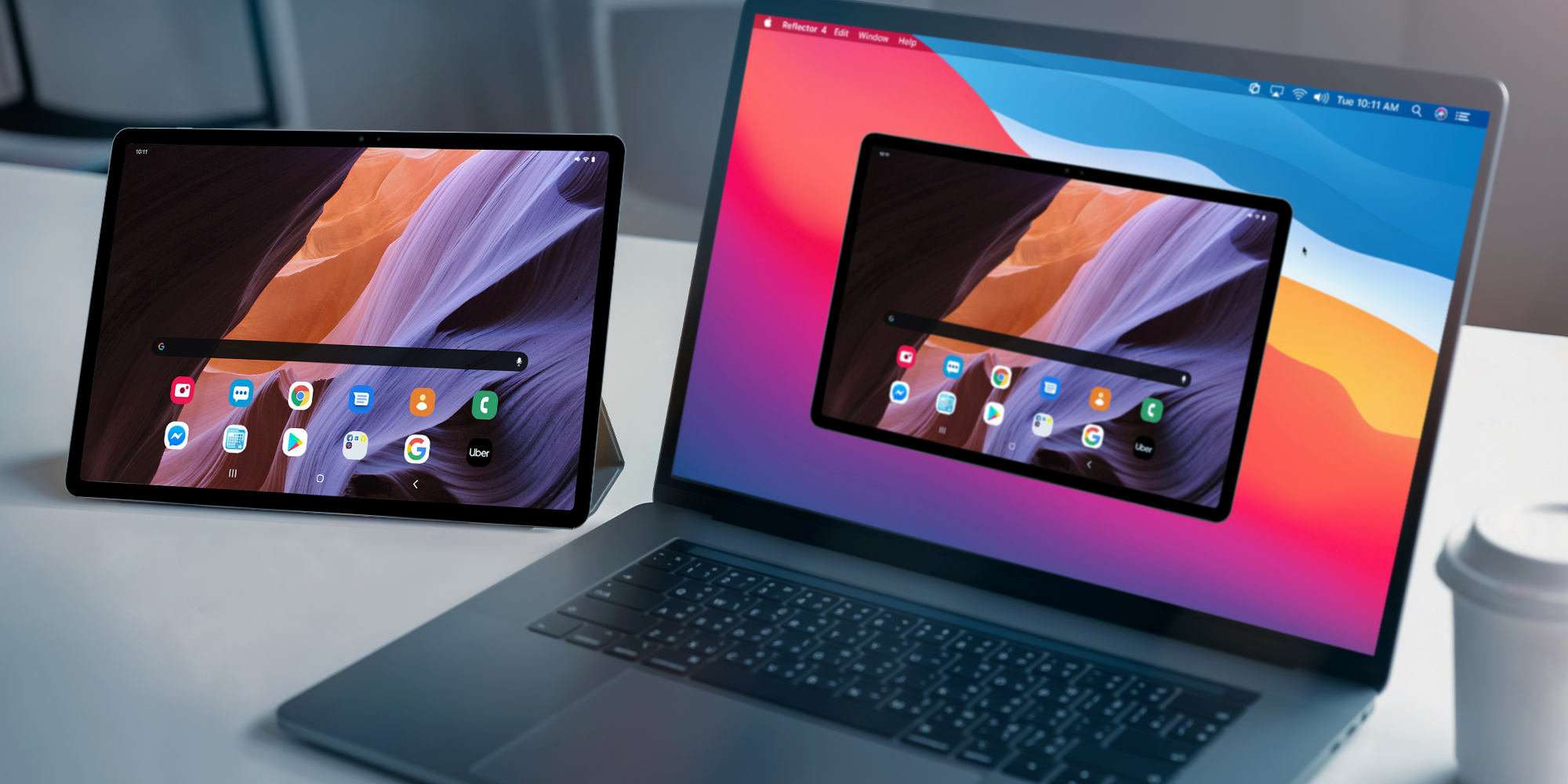
This step-by-step guide shows you how to access Smart View on your tablet and wirelessly cast a Samsung Galaxy Tab S7 (and other models like the Tab...
This step-by-step guide shows you how to wirelessly access Smart View to cast a Samsung Galaxy S20 phone (as well as the S10, Note20, A71, Z Fold2...
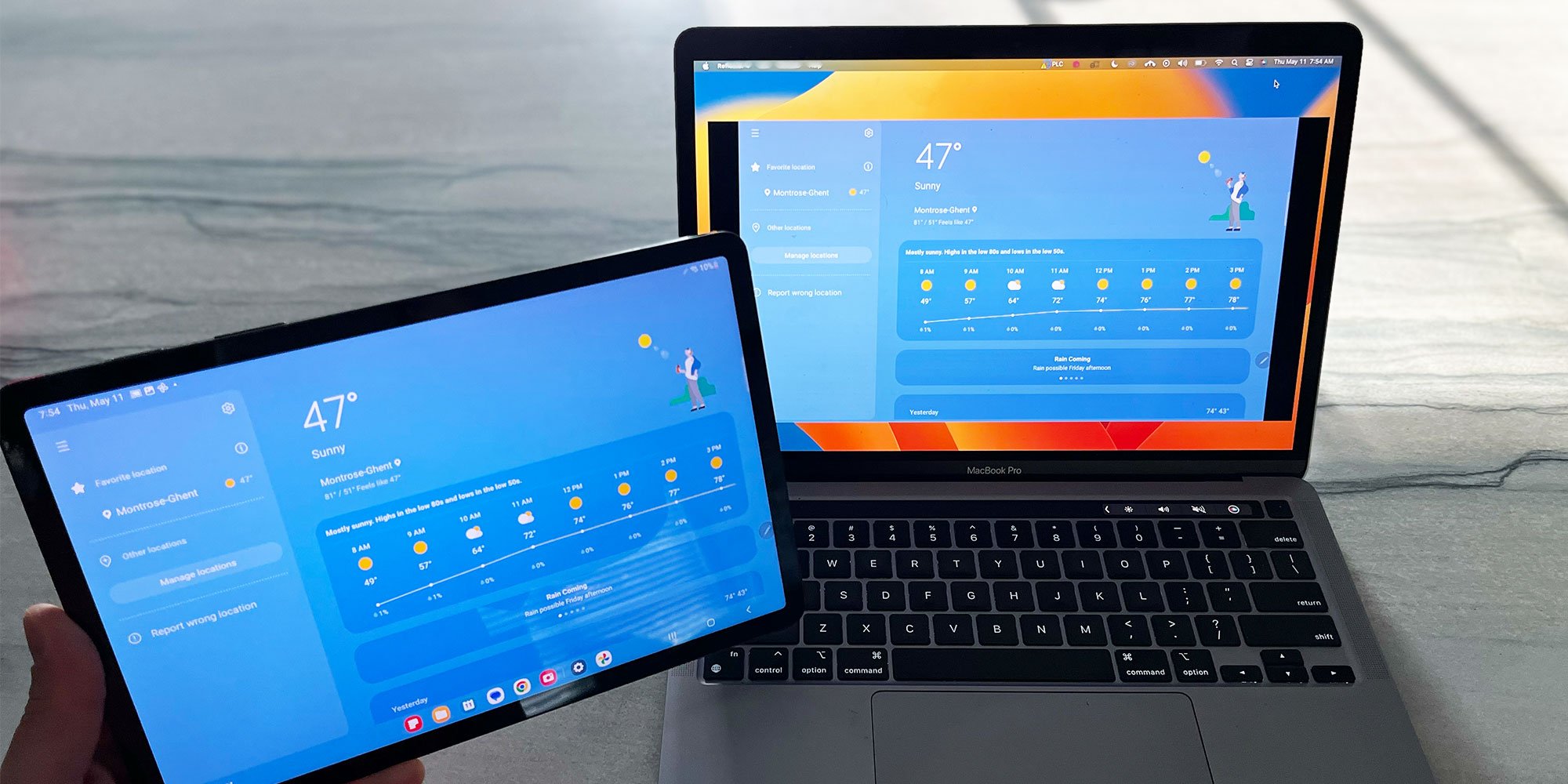
Here are the steps for screen mirroring a Samsung Galaxy Tab S8, S8+ and S8 Ultra to Samsung TVs, Mac and Windows computers, and other TV brands.

Mirror any device to your screen — wirelessly.
One universal license for each app — works on macOS and Windows.
— or buy Reflector 4 on its own —



For schools, districts or volume licensing — contact us.

Stream audio and video from your Mac or PC to any screen.
One universal license for each app — works on macOS and Windows.
— or buy AirParrot 3 on its own —
For schools, districts or volume licensing — contact us.