Meet the New Ditto Android Receiver
Ditto now runs on Android-powered displays. The new Ditto Android Receiver gives schools and businesses another way to bring wireless screen...

1 min read
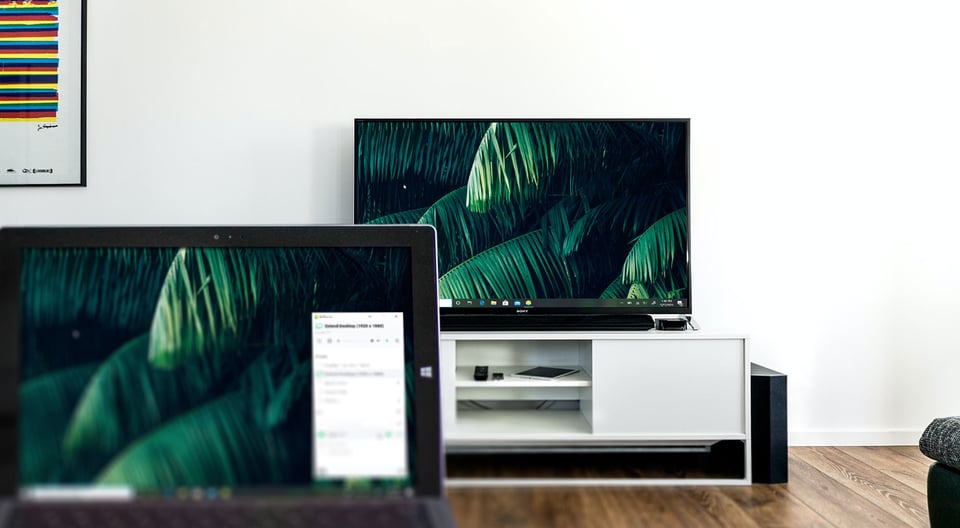
It’s easy to extend your Windows PC desktop to your TV. Got a Chromecast or Apple TV plugged into your Sony, Samsung, Vizio, LG or any other TV? Then it’s possible to turn your TV into a completely wireless Windows computer monitor in just a few minutes.
If you’re working from home or just need some extra space on that Windows computer screen, this guide will show you how to extend your desktop for more screen real estate without leaving the couch.
What's AirParrot? AirParrot is an app for your Mac or Windows PC that lets you wirelessly stream and send content from your computer to AirPlay and Google Cast devices like Apple TV and Chromecast. It’s perfect for screen mirroring and extending your desktop to create a crafty dual-monitor display.
Download and install AirParrot on your Mac or Windows computer.
Make sure your Apple TV/Chromecast is connected to the same wifi network as your computer.
Pro tip: If possible, we recommend connecting your Apple TV or Chromecast to ethernet for the most reliable connection.
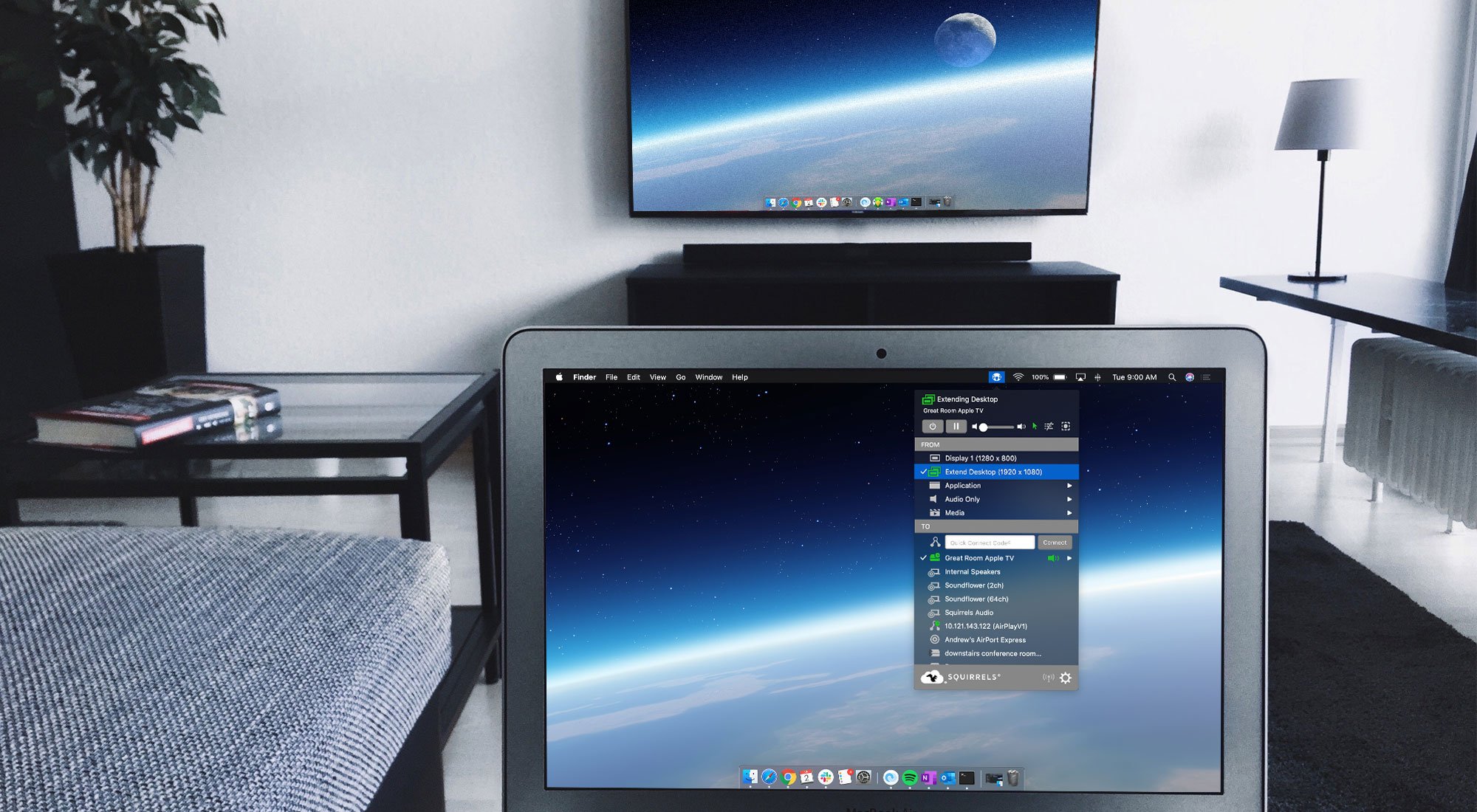
Launch AirParrot and select “Extend Desktop” in the menu.
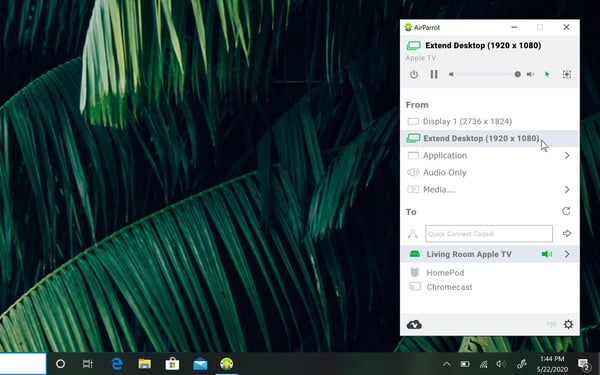
Select the name of your wireless receiver in the AirParrot menu.
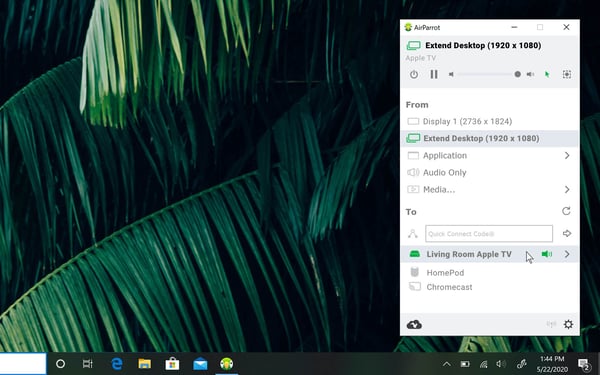
Your computer’s desktop will now extend to the display connected to your Apple TV or Chromecast. Open up more apps, rearrange new windows around and even move that remote meeting call to your TV.
In addition to extending your desktop, AirParrot lets you mirror your screen, play audio and stream video files in 4K to wireless receivers like Apple TV, Chromecast, HomePod, Reflector and more.

Ditto now runs on Android-powered displays. The new Ditto Android Receiver gives schools and businesses another way to bring wireless screen...

Windows still can't receive AirPlay connections on its own. Try to open Screen Mirroring on an iPhone in a room full of PCs. The list comes back...
Windows doesn't include AirPlay. Apple TV doesn't support Miracast, the wireless display standard built into Windows devices. That's why your PC...
1 min read
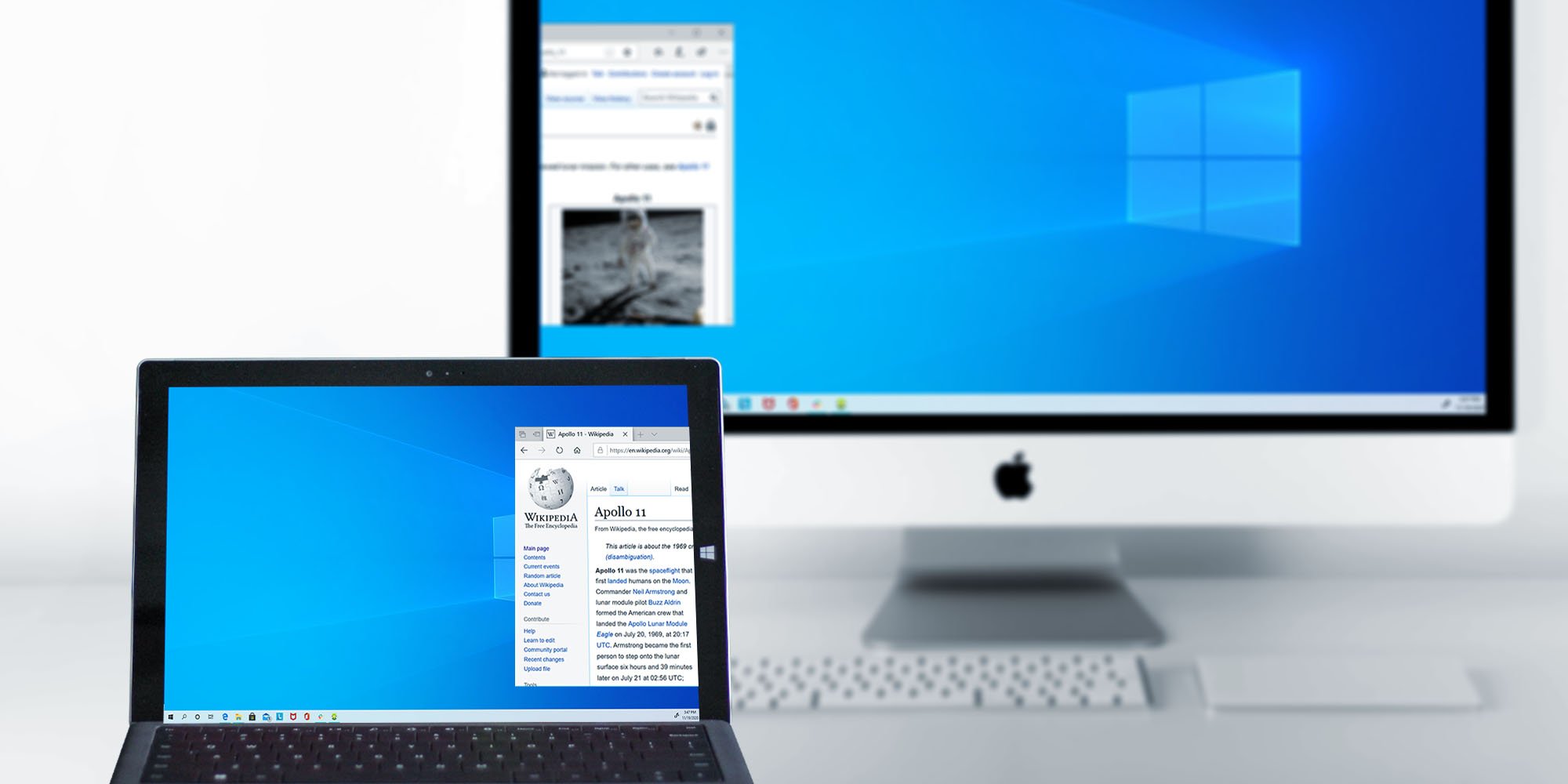
Maximize your screen space by wirelessly extending your Windows desktop to a Mac. It’s a quick and simple way to clear up your screen without extra...
1 min read
Working from home is a new challenge for many people, especially if you’re missing your office setup when you’re working from the living room. All...
1 min read
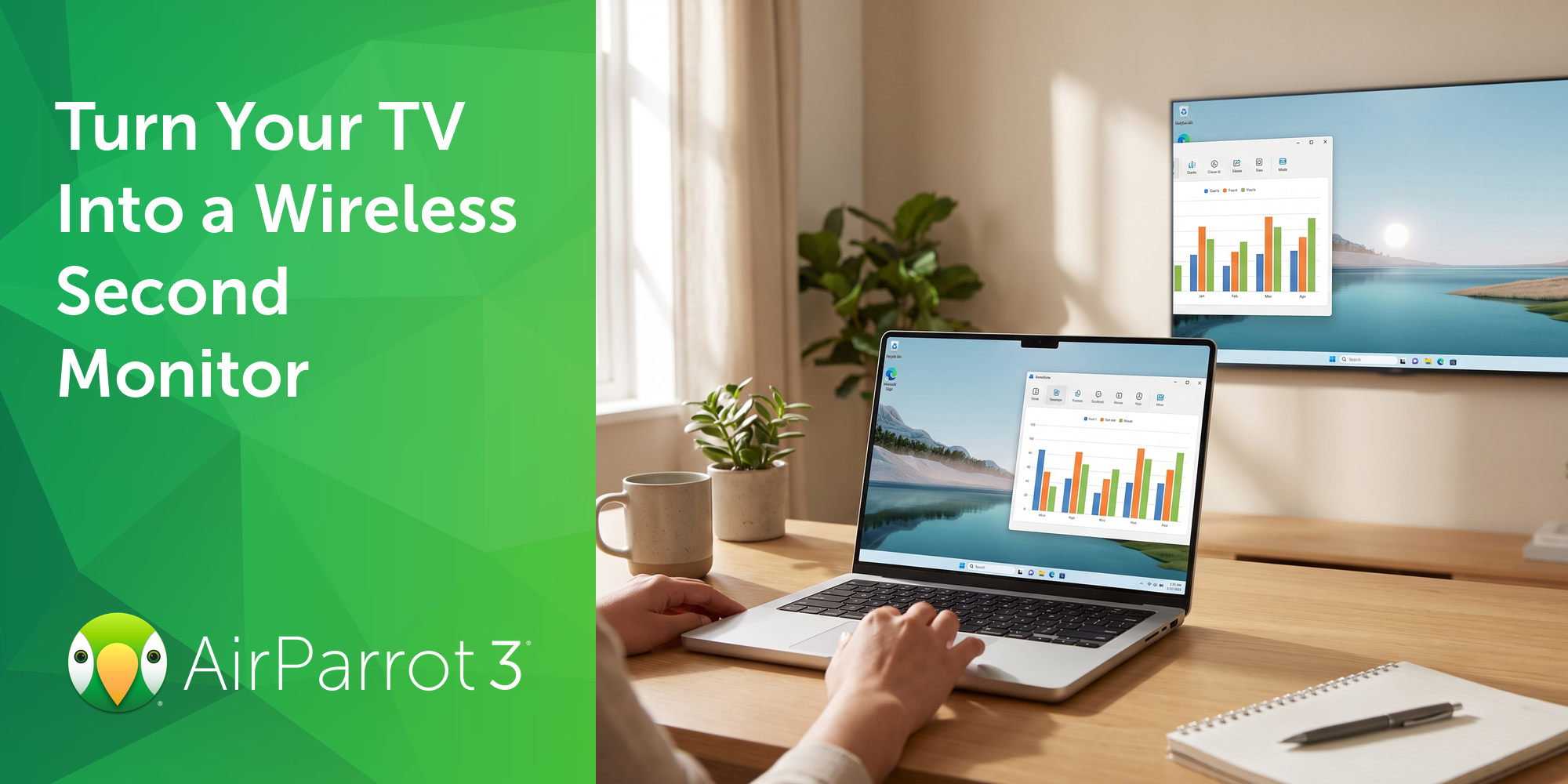
Most people don't need a second monitor every day. Sometimes it's just helpful to have one for the next two hours: tax documents next to the filing...

Mirror any device to your screen — wirelessly.
One universal license for each app — works on macOS and Windows.
— or buy Reflector 4 on its own —



For schools, districts or volume licensing — contact us.

Stream audio and video from your Mac or PC to any screen.
One universal license for each app — works on macOS and Windows.
— or buy AirParrot 3 on its own —
For schools, districts or volume licensing — contact us.