Introducing the Ditto Fire OS Receiver
The new Ditto Fire OS Receiver brings wireless screen mirroring, digital signage and emergency alerts to Fire OS devices. It joins Windows, Apple TV...

1 min read
The presentation you’re about to give is a big one. You’ve rehearsed it a hundred times over, crafted a beautiful slideshow and have a demo ready to go on your laptop.
But there’s a problem. You can’t connect to the conference room screen.
The TV won’t accept your screen sharing request and now you’re frantically trying to connect your computer with a cluster of cords and cables. All while the audience shifts in their seats, waiting…
Today we announce a slew of new Ditto updates that will keep your meetings and presentations on track.
Starting today, Ditto brings a wireless, all-in-one presentation solution to the workplace. With screen mirroring support for Android, Windows, macOS, iOS, Chrome OS, Chromecast and Apple TV, everything goes cross-platform.
Subscribe to our blog so you never miss an update.
Ditto is compatible with the most common devices used today. That means no more worrying about which device can connect where. We’ve got you covered:
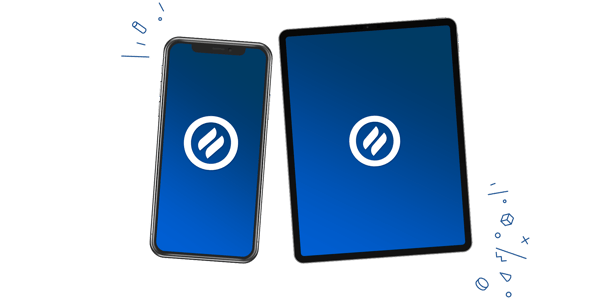 The Ditto Connect app for iOS lets you screen mirror your iPhone or iPad to Ditto receivers, such as Windows devices and Apple TV. That means Ditto takes you places AirPlay can’t. Find it here on the App Store.
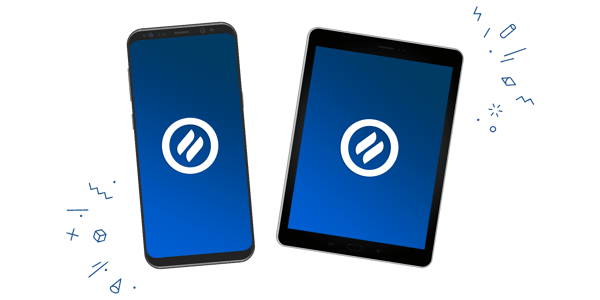 Ditto Connect for Android mirrors your screen anywhere your organization uses Ditto. Compatibility issues? Not anymore. Mirror your screen to Ditto receivers such as Apple TV, Chromecast or a Windows device. Find it here on Google Play.
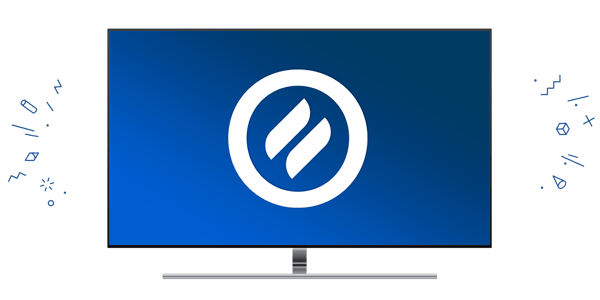
The Ditto tvOS Receiver allows an Apple TV 4K or Apple TV HD to wirelessly display Windows, Android, macOS and iOS devices. Just launch the Ditto Receiver app and mirror your device screen in seconds. Find it here on the App Store for Apple TV.
Learn how to set up a Ditto tvOS Receiver.
Turn your Windows device into a Ditto receiver. It’s capable of displaying iOS, Android, macOS, Chrome OS and Windows devices.
Learn how to set up a Windows Device as a Ditto Receiver.
Ditto works with a variety of receiver types – devices you already use and love. By working with your existing hardware, Ditto saves you from spending extra on expensive technology used for only one purpose. Wirelessly present to Apple TV, Chromecast, or Windows devices.
We’re excited for these new updates and the problems they solve – making it even easier for you to do your best work.
The new Ditto Fire OS Receiver brings wireless screen mirroring, digital signage and emergency alerts to Fire OS devices. It joins Windows, Apple TV...
Ditto now runs on Android-powered displays. The new Ditto Android Receiver gives schools and businesses another way to bring wireless screen...
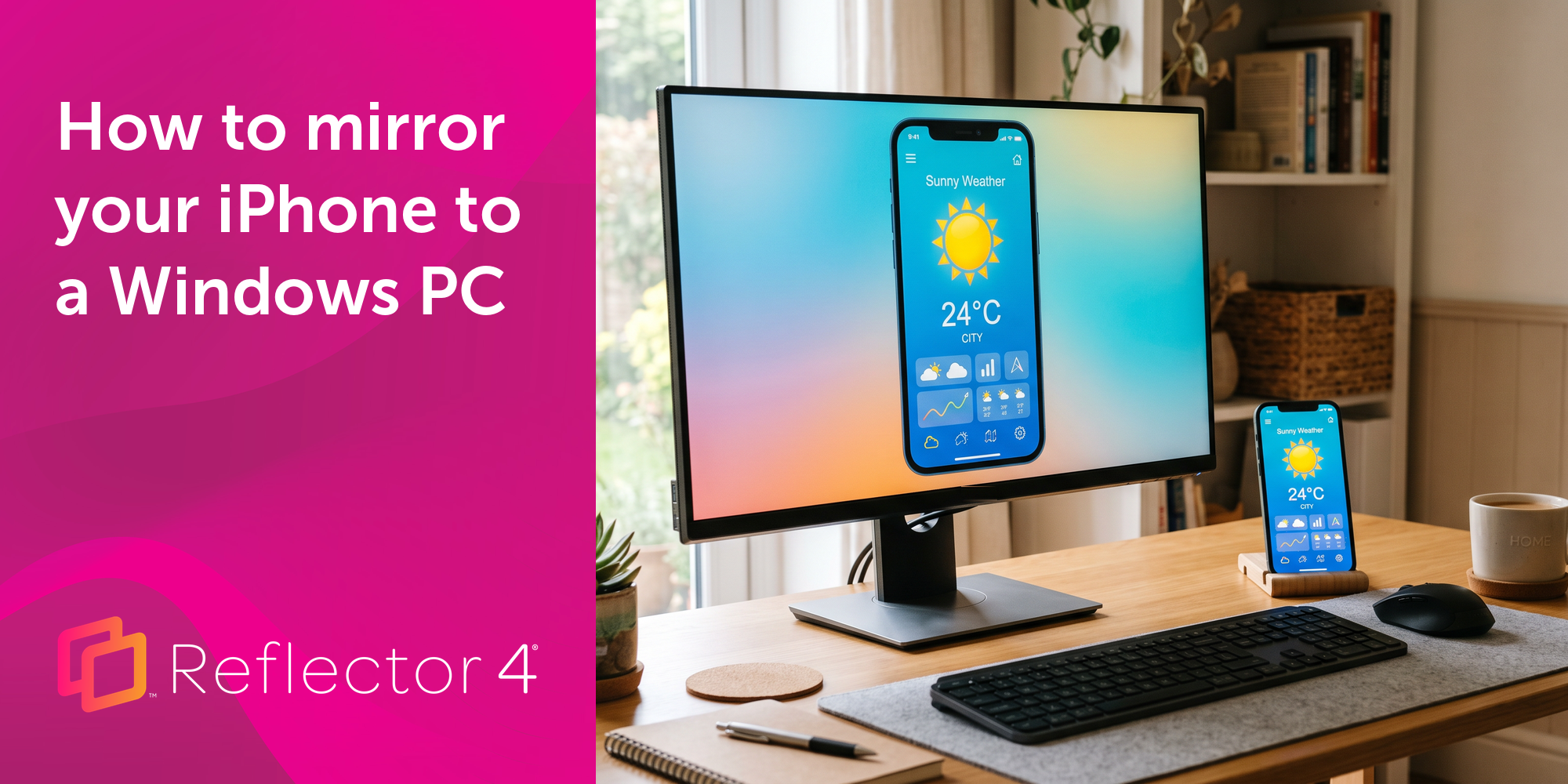
Windows still can't receive AirPlay connections on its own. Try to open Screen Mirroring on an iPhone in a room full of PCs. The list comes back...
This Ditto Connect for Chrome OS update now allows receivers to indicate which user is actively screen mirroring.
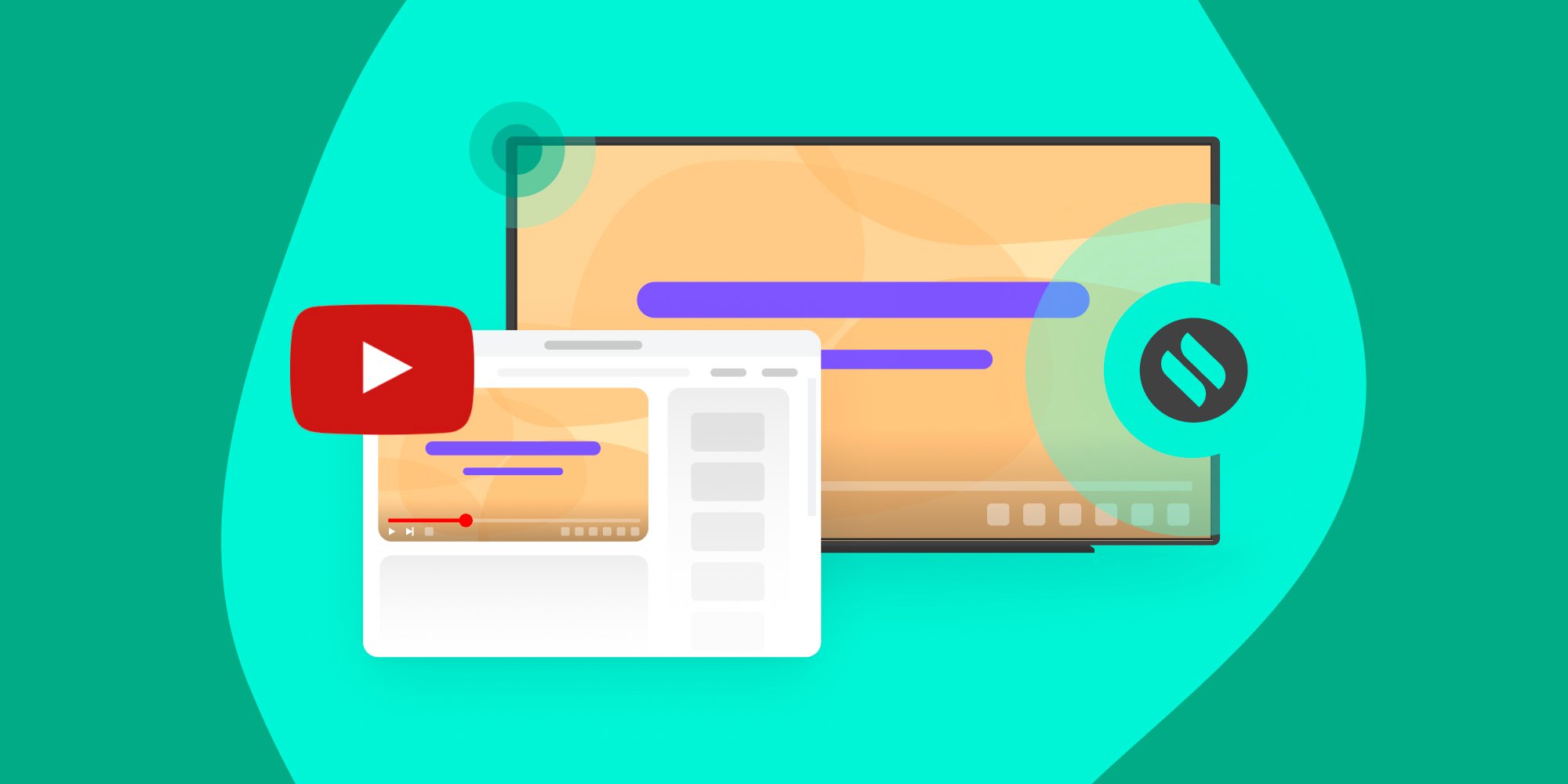
Wirelessly stream YouTube videos from your devices to any Ditto-enabled display. See how this Ditto update introduces a better way to share videos.
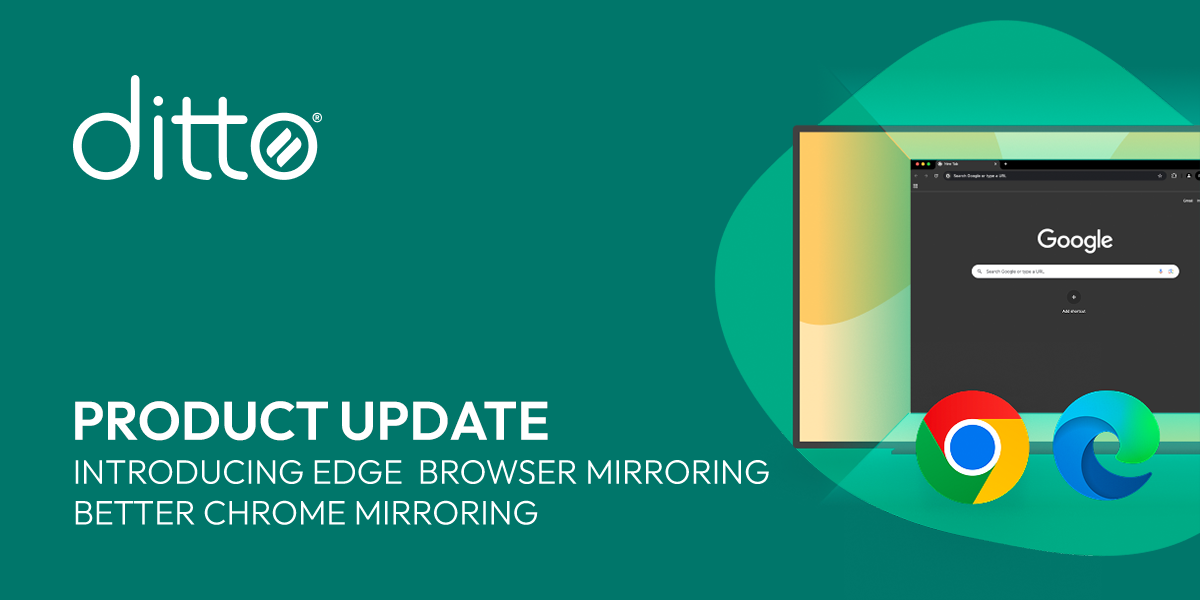
This Ditto update adds Microsoft Edge browser screen mirroring compatibility and improves performance for Chrome browser mirroring.
Mirror any device to your screen — wirelessly.
One universal license for each app — works on macOS and Windows.
— or buy Reflector 4 on its own —



For schools, districts or volume licensing — contact us.
Stream audio and video from your Mac or PC to any screen.
One universal license for each app — works on macOS and Windows.
— or buy AirParrot 3 on its own —
For schools, districts or volume licensing — contact us.