Introducing the Ditto Fire OS Receiver
Transform Amazon Fire OS-powered TVs in your school or business into screen sharing, digital signage and emergency alerting hubs with Ditto.

2 min read

Let’s face it: There’s a huge disconnect between classrooms and school IT departments.
The IT team handles behind-the-scenes tasks while teachers and students are in the trenches. These groups are perpetually out of sync. Decisions are made and technology is deployed, but no one communicates why.
It’s difficult for schools to find a cohesive mobile device management (MDM) solution that meets their needs. So many options are available today, but what benefits IT departments does little to empower students or teachers.
MDM software does one thing really well.
It excels at implementing technology in schools. MDM software is used to track assets, configure devices, deploy software and execute many other district-wide tasks.
These capabilities are irreplaceable for school IT departments. A good MDM solution keeps school technology ecosystems humming behind the scenes.
The problem with MDM software is that it has the power to benefit teachers and students as much as the IT team, but it doesn’t.
MDM software doesn’t engage students or aid lessons. The only notable interaction most students have with MDM is when they’re restricted from accessing online content. While features like this are critical, MDM tech lacks a proactive way to empower student learning.
If schools want to successfully integrate MDM software, they must gather data and teacher feedback. MDM tools exist that benefit both teachers and IT – conduct research to find the solution your school needs.
Observe how students and teachers actually use their devices. IT departments should survey teachers to see how they manage classrooms and where they excel or struggle with technology.
When schools implement new tech initiatives, it is “integral that administrators support educators and keep pedagogy in mind,” write education researchers Rafael Inoa and Steven LoCascio for EdTech Magazine.
In other words: The MDM software you choose should meet IT standards while enhancing teacher and student interaction.
When technology is blindly put in place, learning suffers, time is wasted and money is lost. Finding an MDM solution that benefits everyone will simplify your operations and streamline device use in the classroom.
The team at Squirrels earned respect in the EdTech community by using teacher feedback to develop education software. We listen to teachers who use our products. We learn how they teach with technology and how their students use devices in class.
Common themes emerged as we collected feedback: Schools lack a cohesive platform that allows IT departments to manage devices and teachers to manage classrooms. We learned that teachers want to monitor student device screens, easily share content or mirror student screens to a larger display. We listened. Then we built ClassHub.
ClassHub connects the IT department and the classroom with both MDM features and classroom management tools. With ClassHub, IT admins manage devices and install applications. Teachers monitor student screens, open URLs and push apps.
See all of the ways ClassHub makes life easier for IT admins and teachers.
Never deploy mobile device management software without asking a vital question: does it really benefit the classroom? When classroom management is prioritized by teachers and IT departments alike, everyone – especially students – benefits.
Give your teachers and IT department the tools they need to manage and monitor classroom devices. Learn more about ClassHub.
Transform Amazon Fire OS-powered TVs in your school or business into screen sharing, digital signage and emergency alerting hubs with Ditto.
Transform Android-powered TVs, projectors and IFPs in your school or business into receivers for screen sharing, digital signage and emergency alerts.
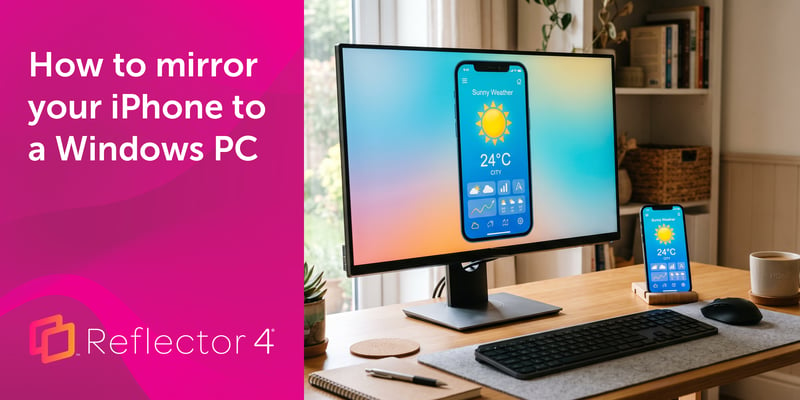
Windows can't receive AirPlay natively. Install Reflector 4 to wirelessly mirror an iPhone to your PC in four steps. No cables, adapters or extras...
This new update to Ditto improves performance while making the user experience even better. See all that's new here.
This update to Ditto boosts performance, consumes less energy, increases security and more. Learn everything new here.
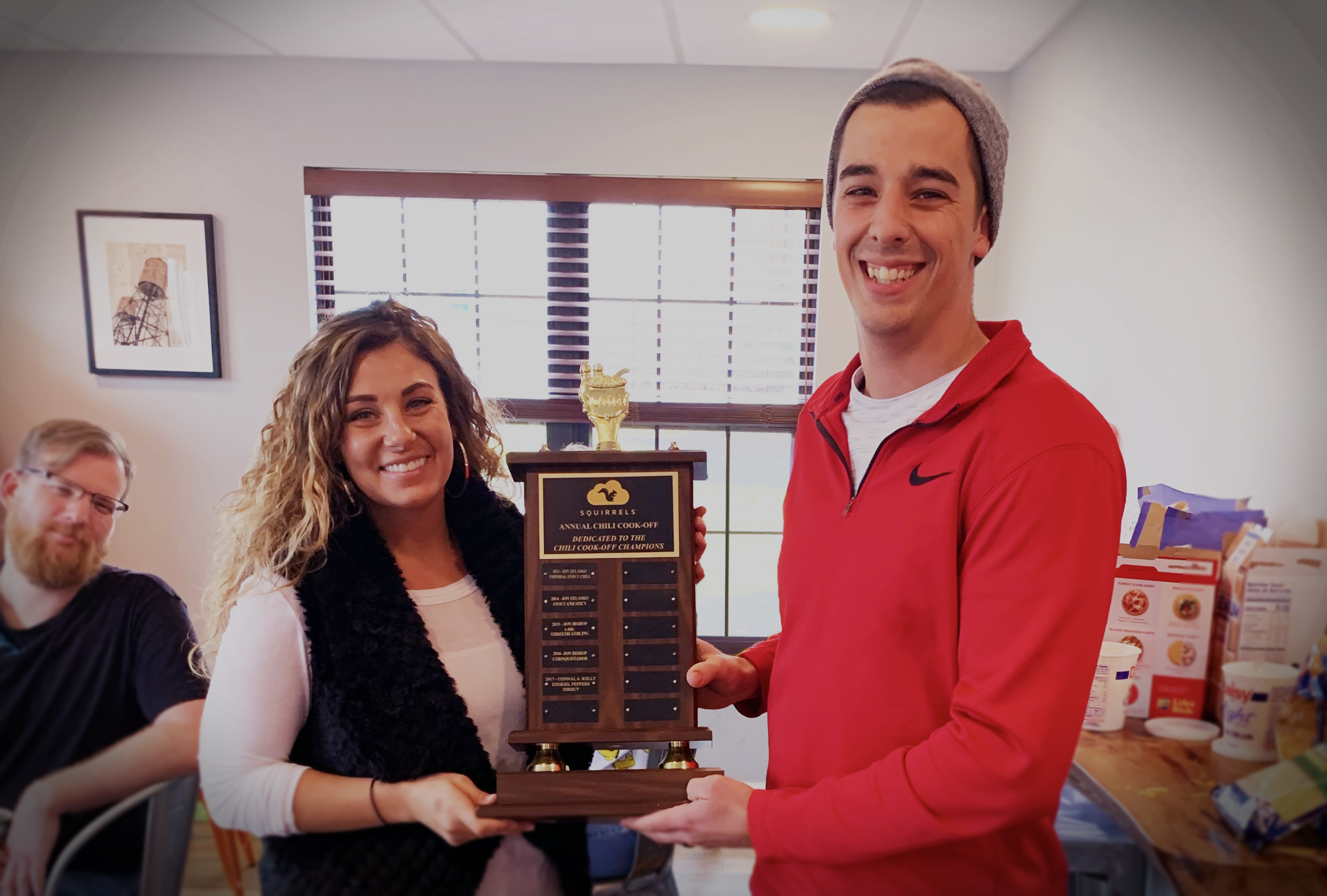
The annual Squirrels Chili Cook-off has a brand new champion. Find the delicious details and snag the recipe for yourself here.

Mirror any device to your screen — wirelessly.
One universal license for each app — works on macOS and Windows.
— or buy Reflector 4 on its own —



For schools, districts or volume licensing — contact us.

Stream audio and video from your Mac or PC to any screen.
One universal license for each app — works on macOS and Windows.
— or buy AirParrot 3 on its own —
For schools, districts or volume licensing — contact us.