Introducing the Ditto Fire OS Receiver
The new Ditto Fire OS Receiver brings wireless screen mirroring, digital signage and emergency alerts to Fire OS devices. It joins Windows, Apple TV...

2 min read
HDMI cables. Document cameras. DVD players. Dongles and adapters.
Many classrooms still rely on these old technologies, but students and educators expect more.
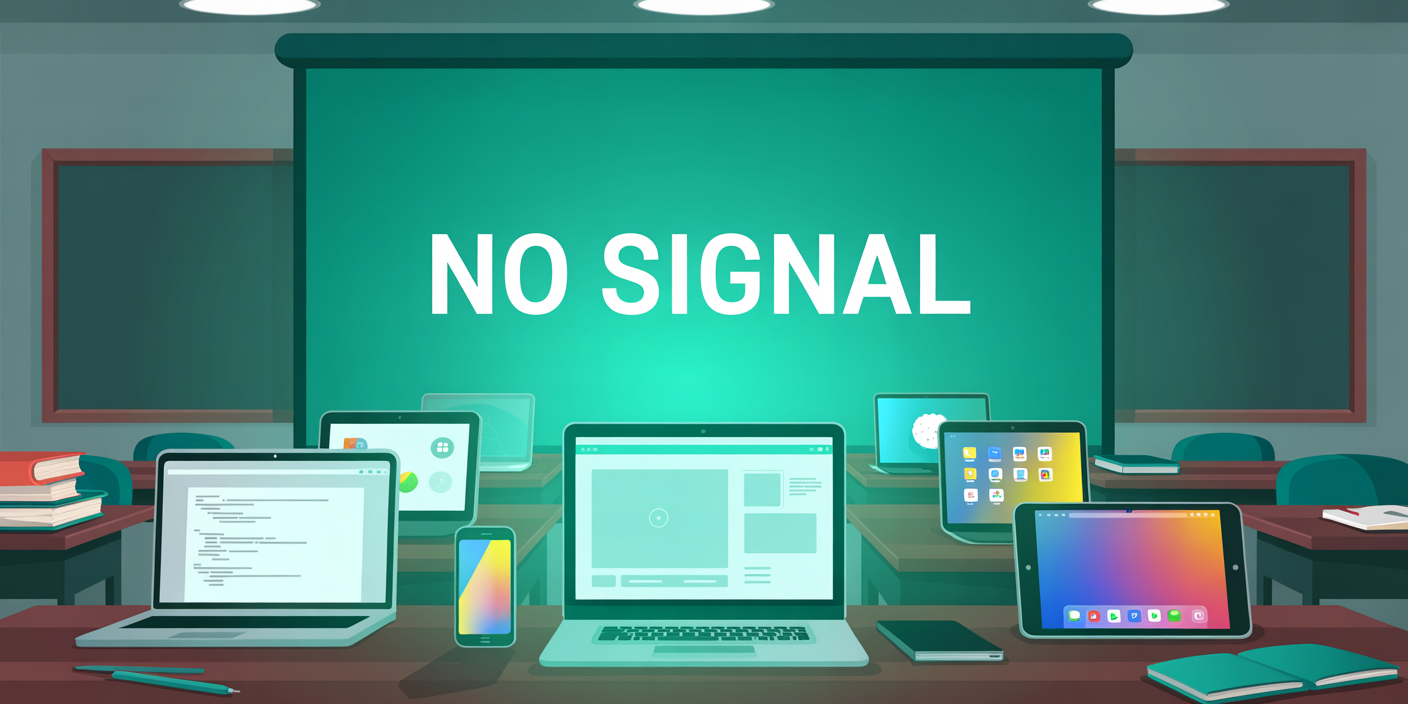
Classroom audiovisual (AV) tech from 20-plus years ago doesn't work with today’s workflows.
It was built for old-school lectures without engagement, interaction and collaboration. Students were expected to listen and not participate. Classroom tech too often remains stuck in the past while learning styles and teaching methods have moved forward.
Faculty and students now bring laptops, phones, tablets and Chromebooks to class. Content is created in browsers and saved to the cloud. Thumb drives and desktop folders simply aren't a thing anymore.
In too many classrooms, AV tech still involves:
Calling IT to help connect student devices
Giving up and emailing presentation slides to someone else
Switching inputs three times before anything shows up on the screen
Printing out laminated "how to share" instructional sheets that inevitably get lost
That’s not a tech problem. That’s a user-experience problem, and it’s costing you more than you think.
There's almost always a screen within viewing distance of students and faculty in educational spaces. It's the main feature of any room. People use these screens constantly, and they expect to know how to use them instinctively.
So when they walk into a classroom and can’t share their screen without asking for help or hunting for an adapter, it breaks that expectation. It’s frustrating. The more comfortable people are with screens, the less patient they are when one doesn’t work.
Faculty shouldn’t need a cheat sheet to teach. Students shouldn’t feel anxiety about presenting. If connecting to a display feels like a puzzle, they’ll eventually stop using it.
That’s when AV goes unused — not always because it’s broken, but because it’s unfamiliar, complicated and lackluster.
Just like all those screens, wireless screen sharing isn’t a new frontier. It’s expected.
Universities and schools aren't leading the curve on this — your users are. They’ve already formed expectations based on how every other screen in their life works. When a classroom doesn’t deliver that experience, it doesn’t feel normal. It feels behind and outdated.
Your faculty members expect it. Your students definitely expect it. Wireless screen sharing is no longer a cutting-edge innovation. It's the new standard.
Let’s reset the baseline for classroom AV tech:
Wireless screen sharing that works across all student, teacher and faculty devices
No adapters or cables
Consistent user experience across all rooms
Admin-level control for IT
Budget-friendly and continually evolving
Bonus: built-in digital signage and emergency alerts
That’s what a modern classroom needs to function. Fortunately, you don't need a luxury AV stack to get there.
Ditto makes this standard easy to reach. It works with the hardware you already have—displays, projectors, whatever’s in the room.
It gives your users one simple, consistent way to share wirelessly, no matter their device, and it removes the confusion that comes from mixing modern users with legacy workflows.
Wireless screen sharing is no longer a nice-to-have. It’s what your users assume you already support.
With Ditto, you can meet and exceed that expectation.
See how Ditto sets the new standard for campus AV →

The new Ditto Fire OS Receiver brings wireless screen mirroring, digital signage and emergency alerts to Fire OS devices. It joins Windows, Apple TV...

Ditto now runs on Android-powered displays. The new Ditto Android Receiver gives schools and businesses another way to bring wireless screen...

Windows still can't receive AirPlay connections on its own. Try to open Screen Mirroring on an iPhone in a room full of PCs. The list comes back...
Discover why summer is the best time for IT teams to standardize AV tech in classrooms. Learn how Ditto simplifies the process for a seamless...
![How to Wirelessly Screen Mirror a Chromebook to Apple TV and Windows [2020 Update]](https://blog.airsquirrels.com/hubfs/Blog%20Images/B317%20-%20Mirror%20Chromebook%20Ditto/Chromebook-Blog.jpg)
Learn how to screen mirror Chromebooks to an Apple TV or Windows device with this quick how-to guide. Wirelessly present Chromebooks and more.
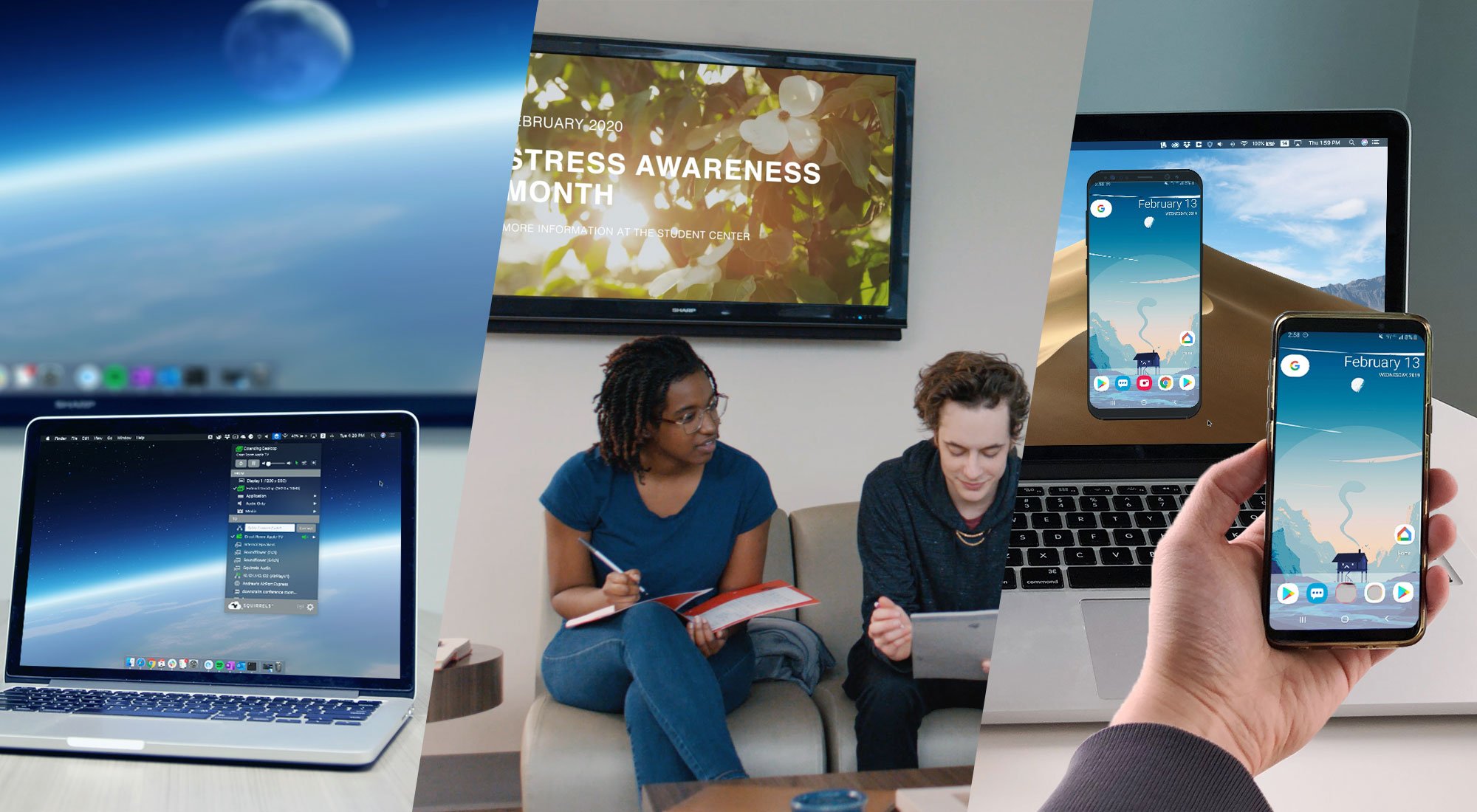
Learn the difference between these screen mirroring technologies made by Squirrels. Discover which software is best for you: Ditto, AirParrot or...

Mirror any device to your screen — wirelessly.
One universal license for each app — works on macOS and Windows.
— or buy Reflector 4 on its own —



For schools, districts or volume licensing — contact us.

Stream audio and video from your Mac or PC to any screen.
One universal license for each app — works on macOS and Windows.
— or buy AirParrot 3 on its own —
For schools, districts or volume licensing — contact us.