Introducing the Ditto Fire OS Receiver
The new Ditto Fire OS Receiver brings wireless screen mirroring, digital signage and emergency alerts to Fire OS devices. It joins Windows, Apple TV...

1 min read
We couldn’t be more excited to introduce our latest development in screen-mirroring technology. Reflector Director, a companion app to Reflector 2, is a brand new, first-of-its-kind technology that allows Mac and PC users to remotely control their displays.
Picture this: With Reflector, you’re using an iPad or iPhone to command a presentation in the boardroom, deliver a lesson plan in the classroom or show vacation photos in the family living room. Your audience is captivated watching the big screen as you dictate what they see directly from your mobile device.
This display of technical know-how and Reflector screen mirroring technology is impressive. That is, until it’s time to mirror a different mobile device simultaneously.
Your time-crunched coworkers, eager students or impatient relatives grow increasingly distracted as you hurry back to your computer to manage the screen while another peer, student or family member connects their mobile device as well. Momentum halted. Audience lost. Game over.
We created Reflector Director to fix that awkward transition because nobody likes awkward moments. We cringe just thinking about it.
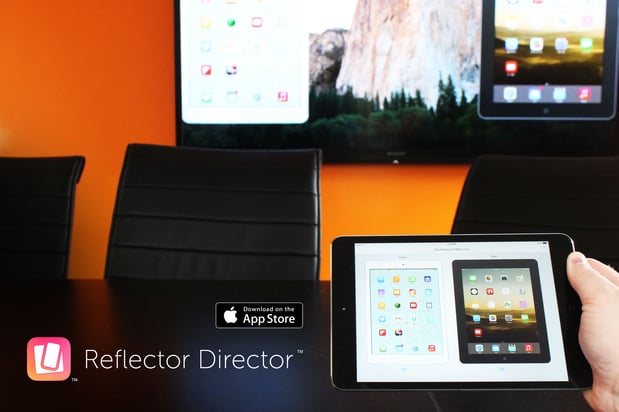
Reflector Director helps you keep an engaged audience…engaged. You can preview and manage mirrored devices directly from your own mobile device with Reflector Director. It allows you to immediately show the classroom what a specific student is working on or the rest of the boardroom that interesting graphic your coworker has on his tablet from the iPad or iPhone you’re holding in your hand. All without missing a beat.
A good presentation thrives on preparation, confidence and audience engagement. Reflector Director makes audience participation and collaborative learning via mobile devices seamless. Device management has never been easier, and your audience has quite literally never been more connected.
Reflector Director features include the ability to:
Reflector Director is a tool with the ability to change the way people learn and collaborate. Its value in education, business and home entertainment makes it a breakthrough in screen mirroring technology.
Check out Reflector Director for yourself. We hope you love it as much as we do.
Visit https://www.airsquirrels.com/reflector/director for more information!
The new Ditto Fire OS Receiver brings wireless screen mirroring, digital signage and emergency alerts to Fire OS devices. It joins Windows, Apple TV...
Ditto now runs on Android-powered displays. The new Ditto Android Receiver gives schools and businesses another way to bring wireless screen...
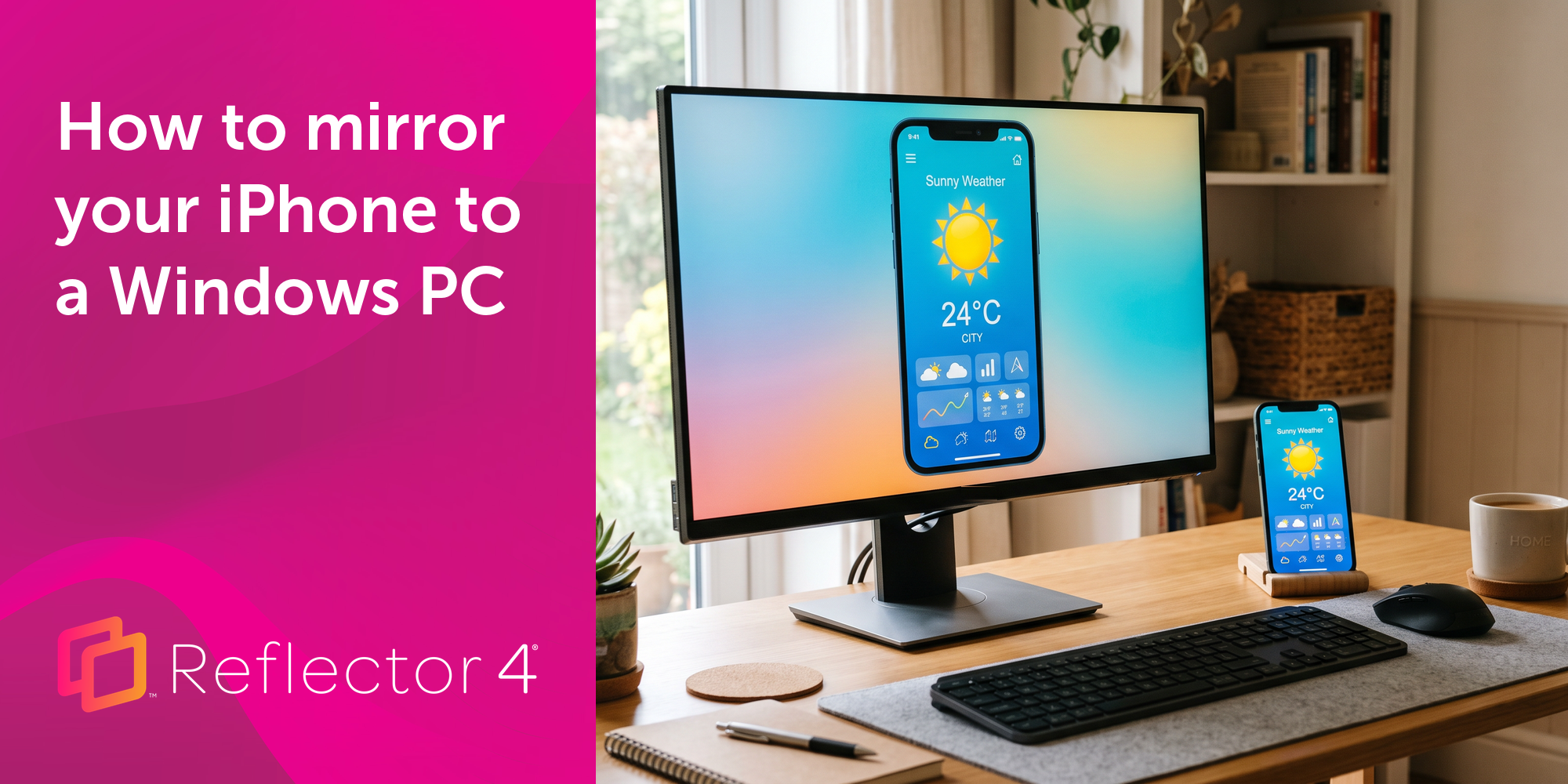
Windows still can't receive AirPlay connections on its own. Try to open Screen Mirroring on an iPhone in a room full of PCs. The list comes back...
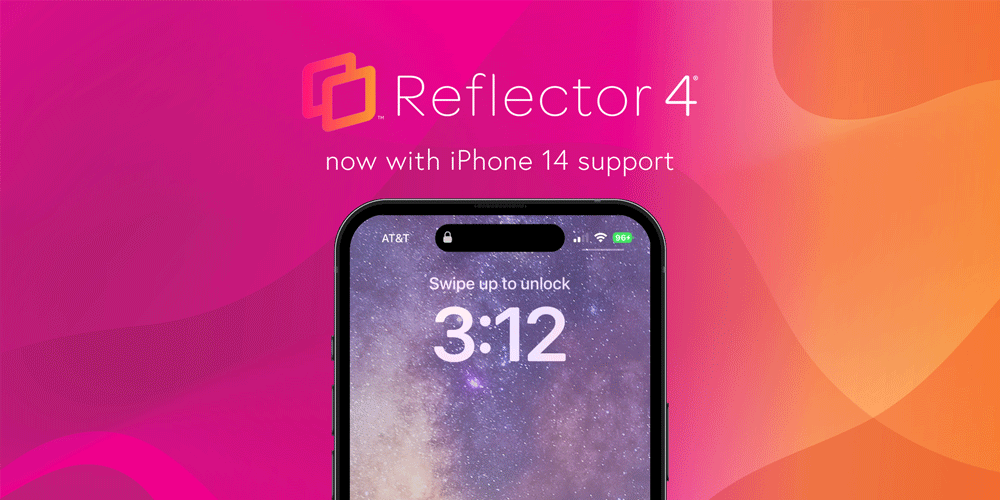
Reflector 4 adds all iPhone 14 models to its selection of mirrored device frames. Add the new frames to shared content while mirroring iPhone 14.
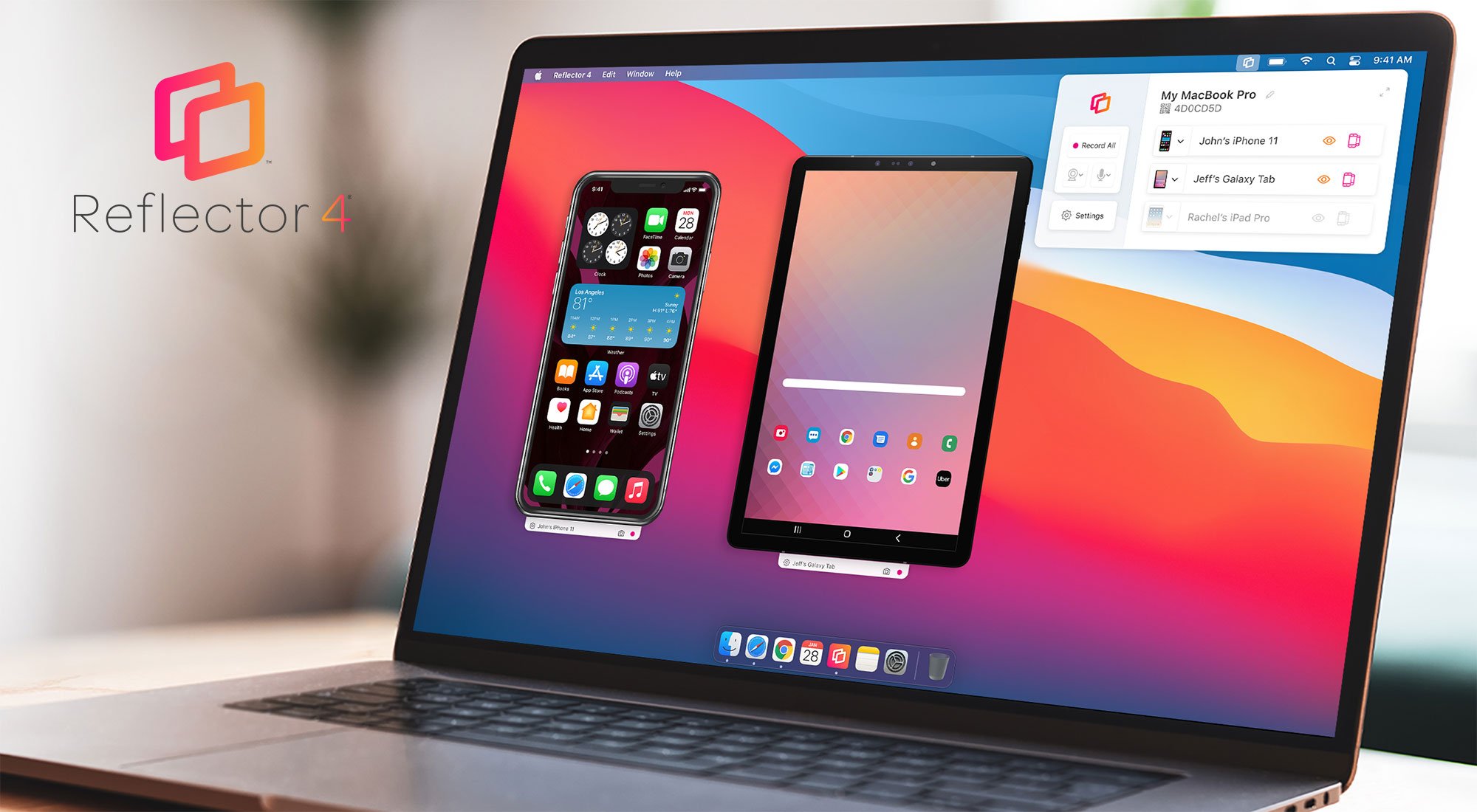
The all-new Reflector 4 is our most powerful screen mirroring and streaming receiver yet. Learn all about new software features, design and...
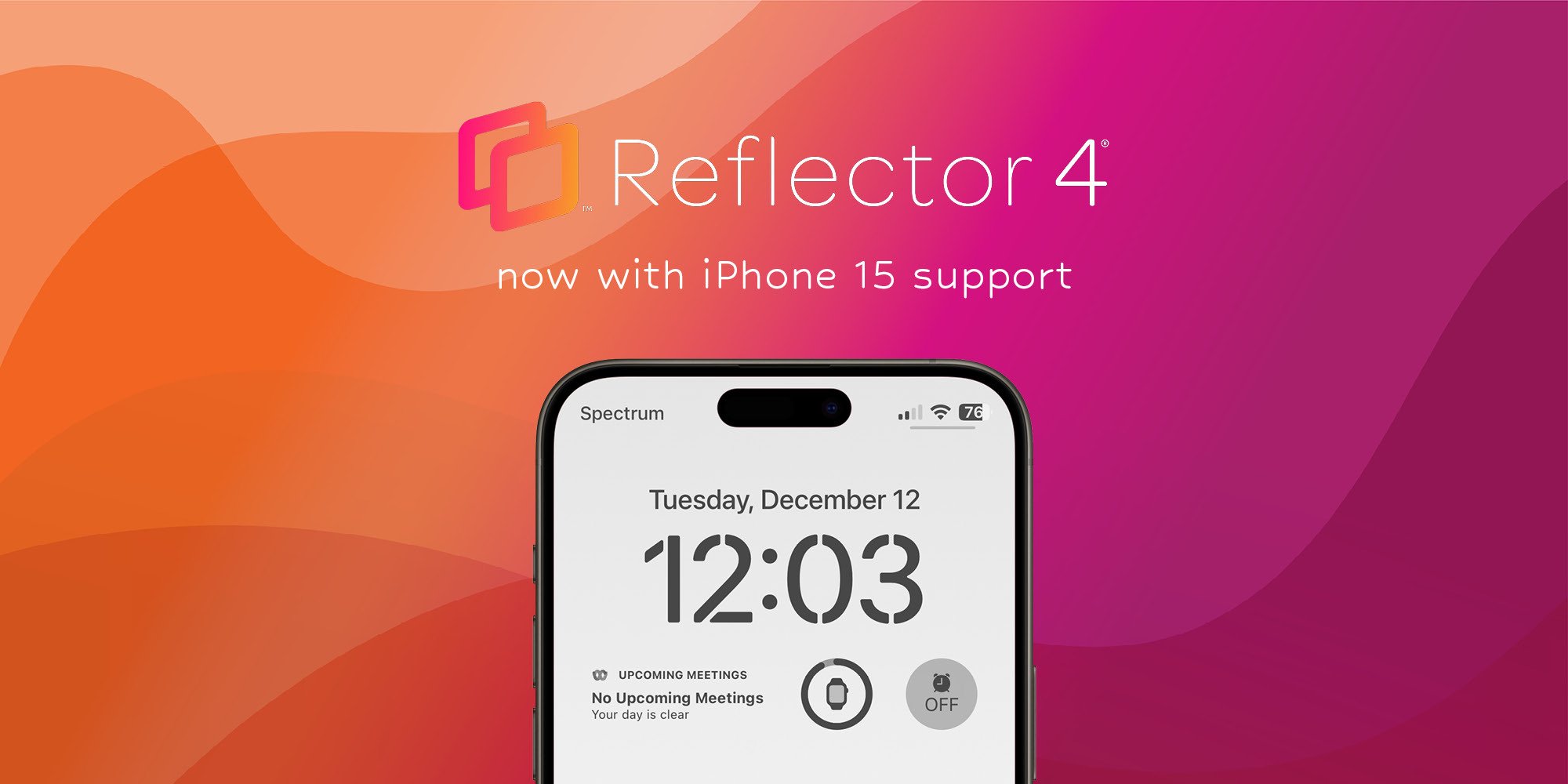
This Reflector software update adds the new iPhone 15 models to its selection of device frames and improves iOS screen mirroring connection speeds.
Mirror any device to your screen — wirelessly.
One universal license for each app — works on macOS and Windows.
— or buy Reflector 4 on its own —



For schools, districts or volume licensing — contact us.

Stream audio and video from your Mac or PC to any screen.
One universal license for each app — works on macOS and Windows.
— or buy AirParrot 3 on its own —
For schools, districts or volume licensing — contact us.