Introducing the Ditto Fire OS Receiver
The new Ditto Fire OS Receiver brings wireless screen mirroring, digital signage and emergency alerts to Fire OS devices. It joins Windows, Apple TV...

1 min read
The latest Ditto Account Portal update improves page load times and introduces new page navigation options.
Users now have the ability to select how many items are shown at a time on the Rooms, Receivers and Locations pages. Adjust page settings to show 10, 50, 100 or 500 items per page. Optionally show all items on a single page.
Previously, every room, receiver or location created in a Ditto account would be shown on a single page. For example, if an organization had 208 Ditto receivers in its Ditto account, the Receivers page would list all 208 receivers at once. This created an “endless scroll” for bigger accounts with large quantities of rooms, receivers and locations. It was clunky to manage and slowed page load times.
This new Ditto update fixes those issues and improves the user experience with better account portal navigation and easier asset management.
Here's a snapshot of what’s new in Ditto:
Ditto Account Portal:
Visit our Knowledge Base if you have questions.
Don’t forget: Subscribe to our blog so you never miss an update.
The new Ditto Fire OS Receiver brings wireless screen mirroring, digital signage and emergency alerts to Fire OS devices. It joins Windows, Apple TV...
Ditto now runs on Android-powered displays. The new Ditto Android Receiver gives schools and businesses another way to bring wireless screen...
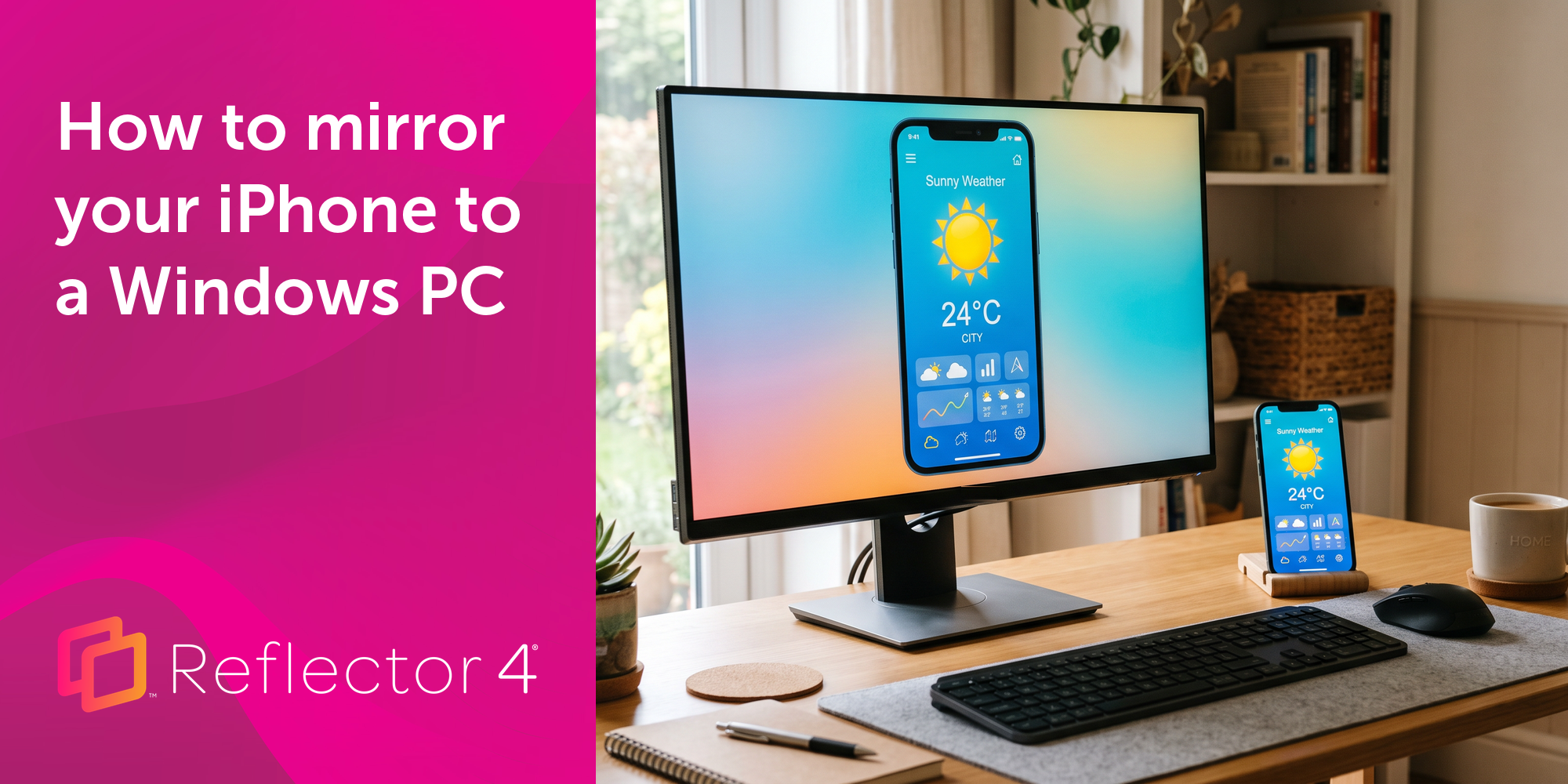
Windows still can't receive AirPlay connections on its own. Try to open Screen Mirroring on an iPhone in a room full of PCs. The list comes back...
A new Ditto update creates a branded screen-mirroring experience with custom room codes, custom branded connection pages and more.
This new update to Ditto improves performance while making the user experience even better. See all that's new here.
This new update to Ditto improves performance and user experience while adding new digital signage capabilities.
Mirror any device to your screen — wirelessly.
One universal license for each app — works on macOS and Windows.
— or buy Reflector 4 on its own —



For schools, districts or volume licensing — contact us.
Stream audio and video from your Mac or PC to any screen.
One universal license for each app — works on macOS and Windows.
— or buy AirParrot 3 on its own —
For schools, districts or volume licensing — contact us.