Meet the New Ditto Android Receiver
Ditto now runs on Android-powered displays. The new Ditto Android Receiver gives schools and businesses another way to bring wireless screen...

2 min read
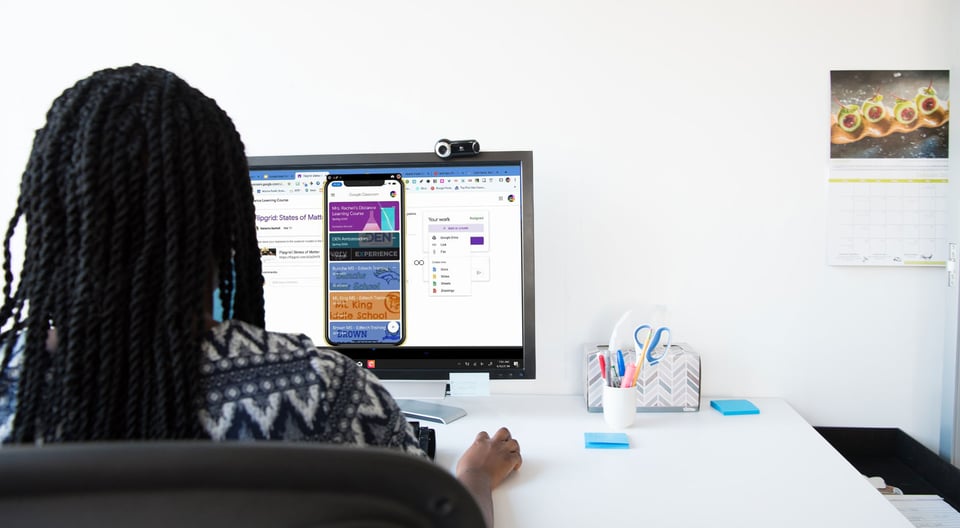
No distance learning plan is complete without technology integrators and administrators. These staff members are important to the success of distance learning, as they provide direct instruction and support for teachers.
When teachers are new to working from home, they experience many tech challenges for the first time. Luckily, there’s an easy way for EdTech integrators to provide professional development training from anywhere. This guide shows you how with examples from a real educator doing it herself.
Certified EdTech expert Jennifer Hall showed exactly how she remotely trained teachers at Atlanta Public Schools on Google Classroom with an app called Reflector.
It was so awesome being able to easily mirror my iPhone using @ReflectorApp and demo the @GoogleForEdu Classroom app during my online training with @apsupdate Ts. #edtech #TechTips411 #APSITInspires @APSInstructTech #distancelearning @ahrosser @emilycarle pic.twitter.com/GMTnoS9pdL
— 𝐉𝐞𝐧𝐧𝐢𝐟𝐞𝐫 𝐇𝐚𝐥𝐥, 𝐍𝐁𝐂𝐓 (@apsitjen) March 17, 2020
Reflector, along with a videoconferencing tool like Zoom or Microsoft Teams, can be the easy solution to maintain your professional development and training goals no matter where your teachers are working.
Note: This setup will also work if you want to share a recorded training with your teachers instead of holding a live session. Learn more below.
This example highlights Google Classroom, but any app or extension can be shared with Reflector.
Download and install Reflector on your Mac or PC.
Open Google Classroom on your mobile device.
Open your preferred videoconferencing tool on your Mac or PC.
Open Reflector on your Mac or PC.
On your mobile device, open the screen mirroring/cast options and tap the name of your computer to begin screen mirroring to Reflector.
Not sure how? Check these out:
Note: Make sure your device is connected to the same wifi network as your computer.
Within your videoconferencing tool, select the option to share your screen.
Note: The videoconferencing tool is not needed if you prefer to record your lesson and share it later instead of holding a live remote training. Simply utilize the recording features in Reflector.
Start your PD session in your PJs!
The teachers you are working with will be able to follow along as you walk through new applications. Remote teaching can be a challenge, but it does not have to stop you from sharing resources and supporting your teachers. Reflector will allow you to continue your interactive and engaging training.
Last updated 9/23/21

Ditto now runs on Android-powered displays. The new Ditto Android Receiver gives schools and businesses another way to bring wireless screen...

Windows still can't receive AirPlay connections on its own. Try to open Screen Mirroring on an iPhone in a room full of PCs. The list comes back...
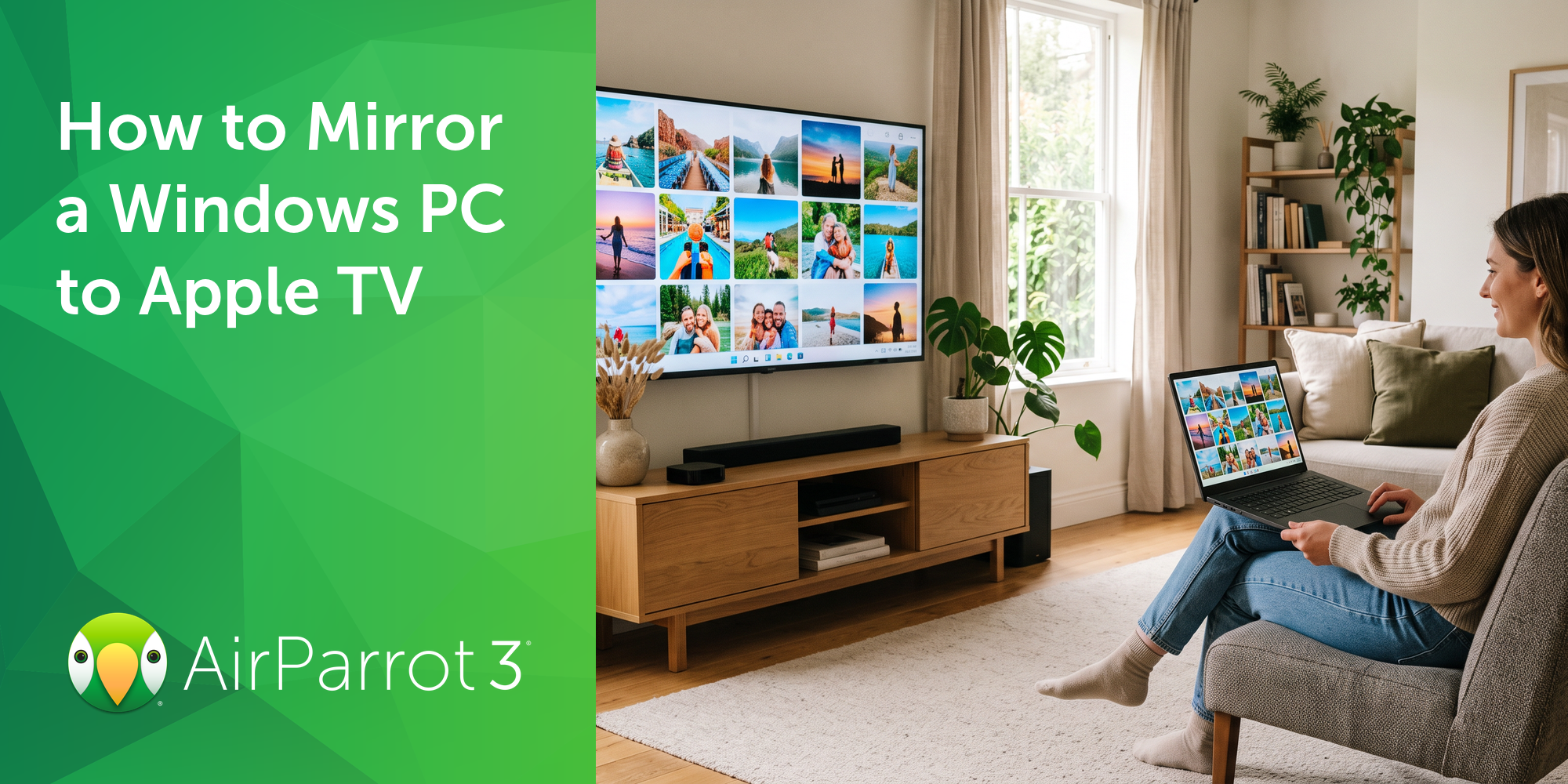
Windows doesn't include AirPlay. Apple TV doesn't support Miracast, the wireless display standard built into Windows devices. That's why your PC...
1 min read
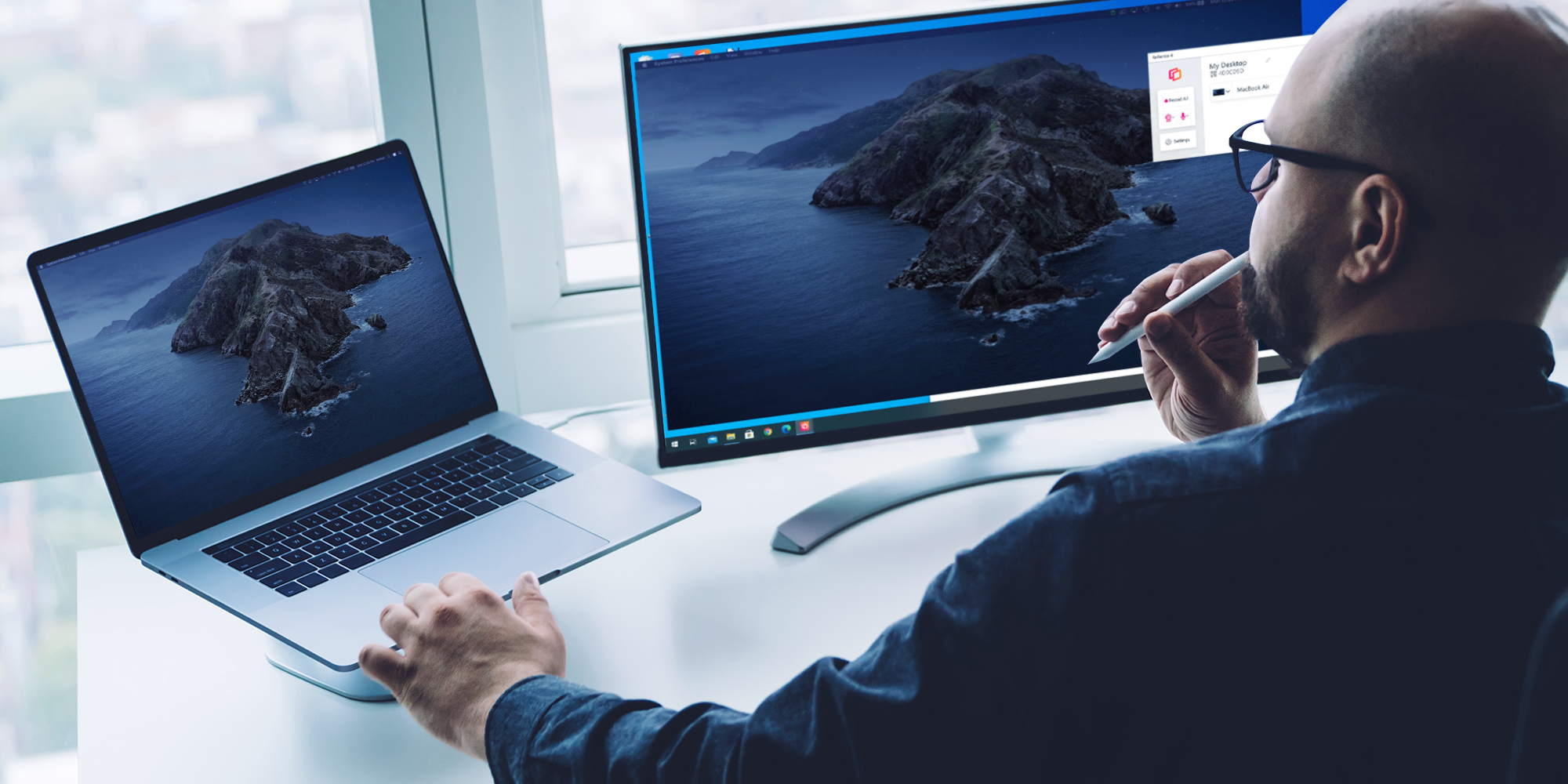
Extending your Mac desktop to a Windows computer is a great way to clear up space on your screen. If you have both a Mac and Windows device and you...
1 min read
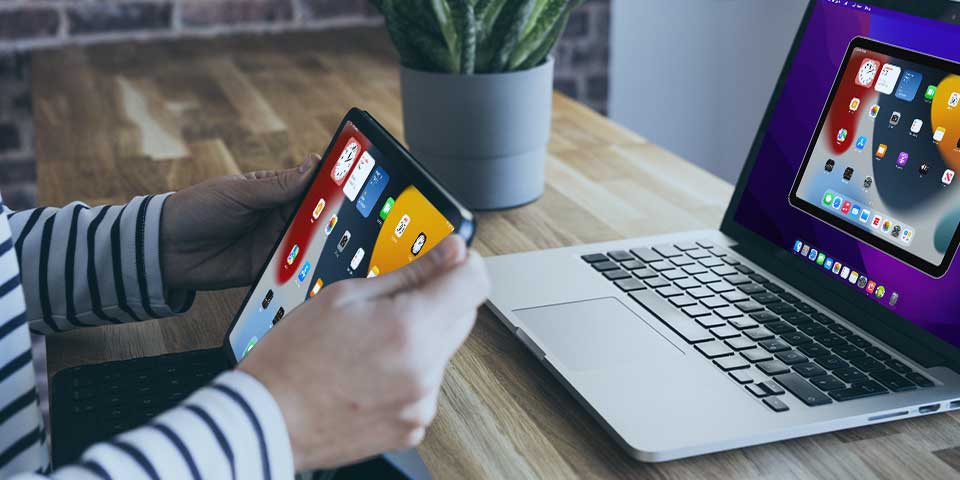
Need to know how to screen mirror an iPad to a Mac computer? Curious about sharing content with AirPlay? You found the best guide to learn all about...
1 min read
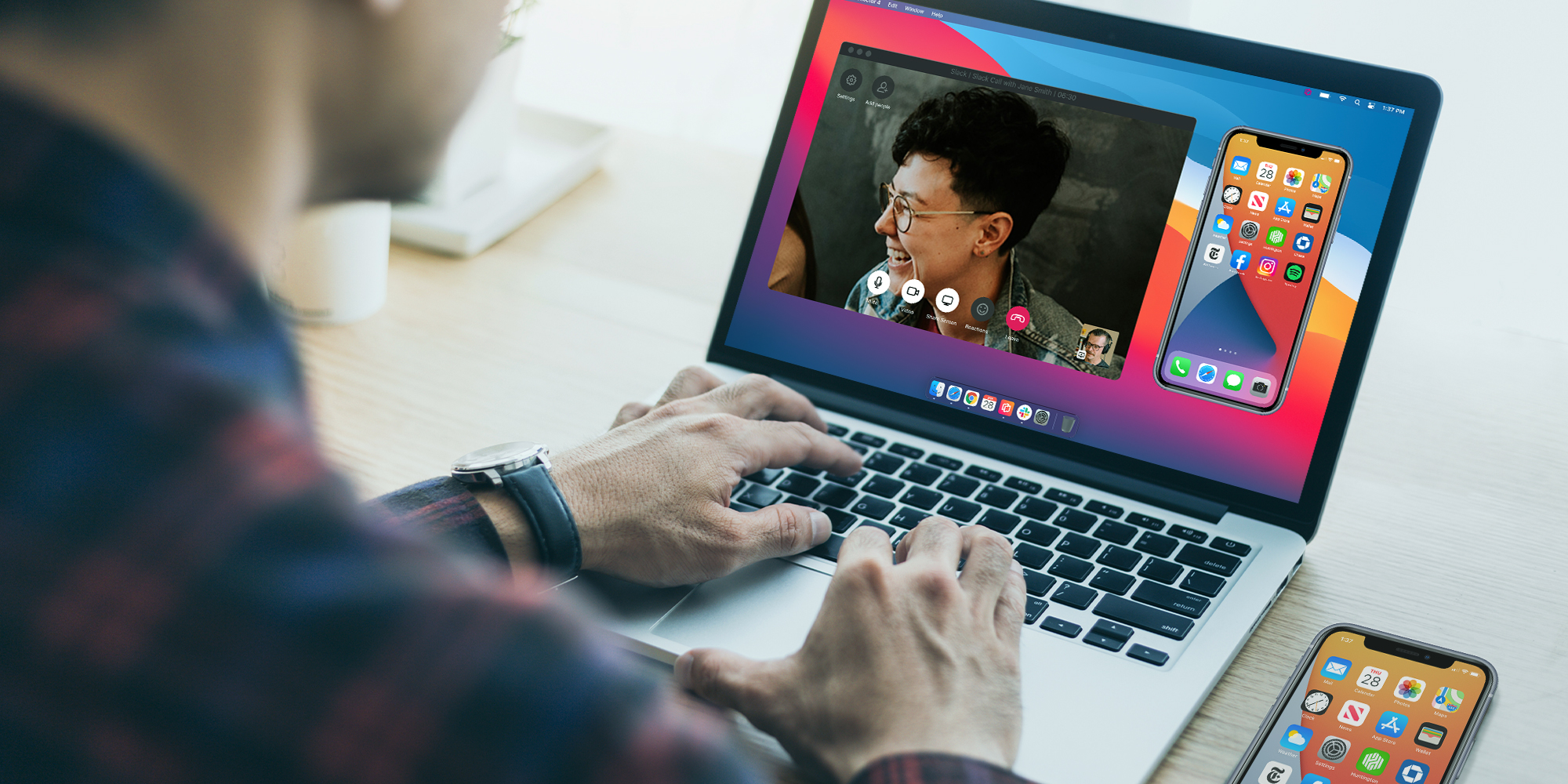
This quick guide shows you how to share your iPhone, iPad and Android screen during a Slack call. Slack is a messaging and collaboration platform...

Mirror any device to your screen — wirelessly.
One universal license for each app — works on macOS and Windows.
— or buy Reflector 4 on its own —



For schools, districts or volume licensing — contact us.

Stream audio and video from your Mac or PC to any screen.
One universal license for each app — works on macOS and Windows.
— or buy AirParrot 3 on its own —
For schools, districts or volume licensing — contact us.