Meet the New Ditto Android Receiver
Ditto now runs on Android-powered displays. The new Ditto Android Receiver gives schools and businesses another way to bring wireless screen...

1 min read
Squirrels Updated on February 4, 2025
Samsung devices running recent versions of the One UI operating system have a hidden Cast function. Here’s how to activate it so you can wirelessly share content to Cast-enabled receivers.
Note that these instructions should work for any recent Samsung phones or tablets running the latest One UI — One UI 6.1. This includes Samsung Galaxy S24, S23, S22, Tab 9, Tab 8 and many other Samsung devices.
Samsung has been flirting with Chromecast (sometimes called Google Cast or simply Cast) for years, but the relationship has definitely been hot and cold.
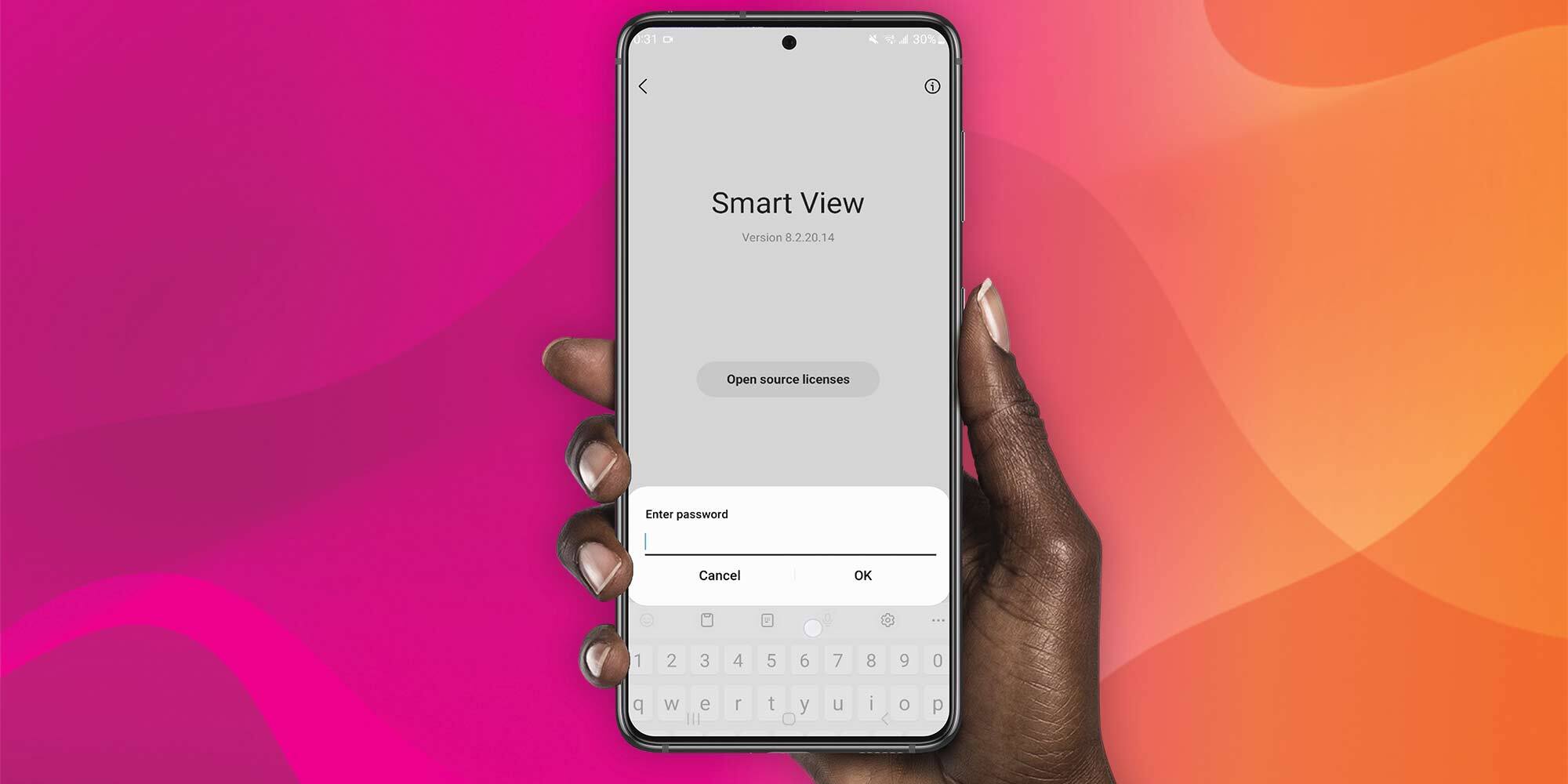
Samsung phones and tablets include a wireless content sharing feature called Smart View. Smart View allows users to share content to compatible TVs and other receivers. It’s based on the Miracast protocol and is similar to the Apple AirPlay and Google Casting protocols.
Cast compatibility was abruptly removed from Smart View in 2020. In 2023, it was discovered that you could re-enable Cast via a Samsung device’s developer options. Now, it’s way easier to bring Cast back to your Samsung devices. Here’s how:
Swipe down to reveal the full Settings Tray. Click “Smart View.”
Click the three-dot menu icon located in the top right corner of the screen.
Click the “Settings” option.
Click the “Labs” option.
Toggle the Chromecast support option to the enabled position.
That’s it! You’ll now be able to wirelessly mirror content from your Samsung phone or tablet to cast-enabled receivers, including TVs, Chromecast and more. Cast devices will appear in the receiver menu after clicking Smart View. Just make sure your Samsung device and the Cast receiver are connected to the same wifi network.
Psst…if you need an easy and reliable way to wirelessly share content from and collaborate with all of the devices in your organization, check out Ditto. Ditto is perfect for wireless collaboration from all your devices, but it also keeps your displays active 24/7 with digital signage and emergency alerts.
Ditto now runs on Android-powered displays. The new Ditto Android Receiver gives schools and businesses another way to bring wireless screen...
Windows still can't receive AirPlay connections on its own. Try to open Screen Mirroring on an iPhone in a room full of PCs. The list comes back...
Windows doesn't include AirPlay. Apple TV doesn't support Miracast, the wireless display standard built into Windows devices. That's why your PC...
1 min read
It's easy to wirelessly cast the screen of a Samsung phone or tablet with the Smart View app. But if you have a Samsung device running Android 11 or...
1 min read
Discover the secret Samsung menu that brings Google Cast to Smart View sharing. Smart View allows Samsung device users to wirelessly share content...
1 min read
There are several ways to share content from Samsung mobile devices, such as a Samsung Galaxy Tab S7. These options can sometimes be frustrating and...
Mirror any device to your screen — wirelessly.
One universal license for each app — works on macOS and Windows.
— or buy Reflector 4 on its own —

For schools, districts or volume licensing — contact us.

Stream audio and video from your Mac or PC to any screen.
One universal license for each app — works on macOS and Windows.
— or buy AirParrot 3 on its own —
For schools, districts or volume licensing — contact us.
Before you check out
Save … when you purchase together.
+
Your license key was sent to your email.
Download your software