Introducing the Ditto Fire OS Receiver
The new Ditto Fire OS Receiver brings wireless screen mirroring, digital signage and emergency alerts to Fire OS devices. It joins Windows, Apple TV...

2 min read
Windows still can't receive AirPlay connections on its own. Try to open Screen Mirroring on an iPhone in a room full of PCs. The list comes back empty because Microsoft never built an AirPlay receiver into Windows and Apple never shipped one. The fix is software on the PC side. All you have to do is install a receiver app if you want your computer to show up in that list like an Apple TV would. Here's the whole process with Reflector 4. It takes less than a minute.
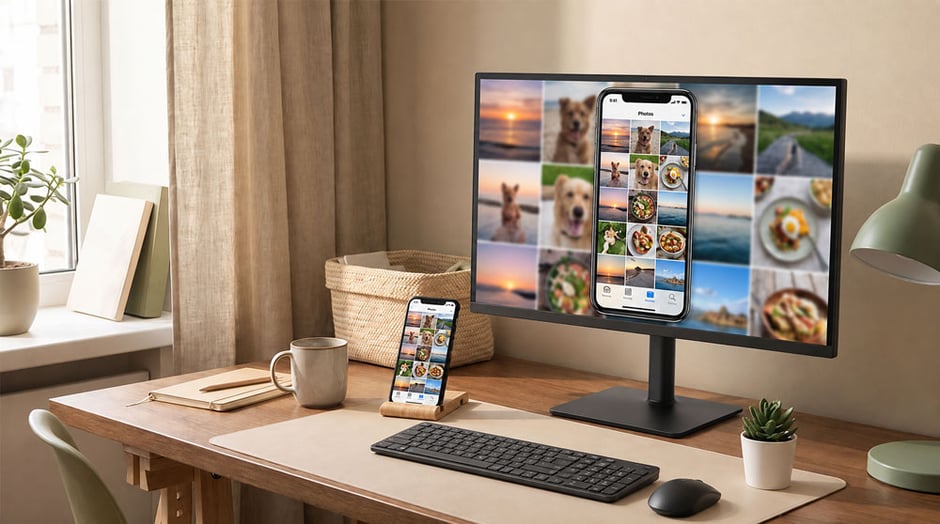
Nothing gets installed on the phone. The sending side is the AirPlay feature already built into iOS, so there's nothing extra to install or sign in to.
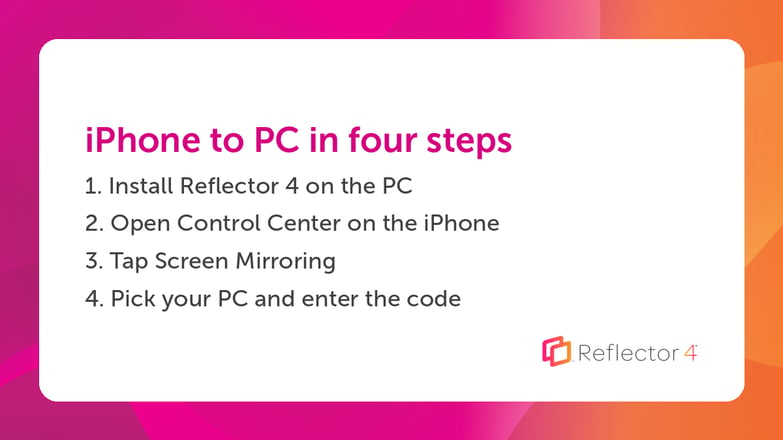
Everything on the phone now shows on the PC at up to 60 frames per second. Apps, games, photos, video, all of it live.
If you see the code we mentioned in step 4, that's a special security feature. Reflector can require an on-screen AirPlay code before any device connects, so a person has to physically see your monitor to mirror to it. The neighbor in the next apartment and the office prankster won't be able to put their phone on your Windows PC screen. You can also set Reflector to ask you before any device appears, every single time.
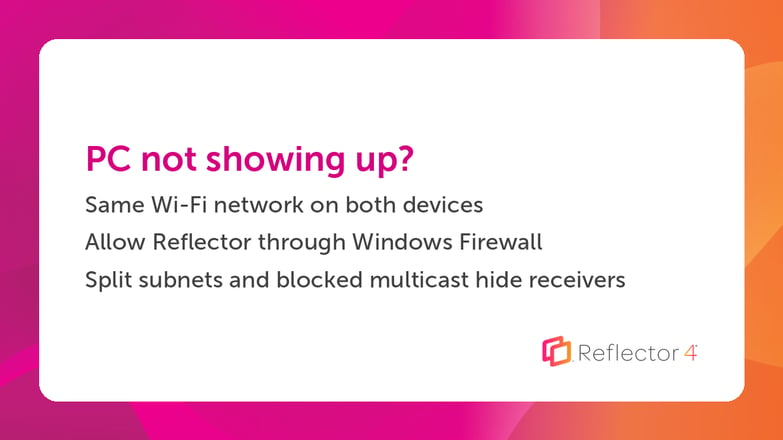
Screen Mirroring only finds receivers on the same network, and that's where nearly every failed connection starts. Three things to check:
There are free AirPlay receivers for Windows, and for casual one-off use some of them do an ok job. The trade-offs eventually show up. Free tools tend to watermark the screen, cap session length or lag behind iOS releases. AirPlay isn't a published standard. Apple changes how it behaves with major iOS updates, and a receiver that isn't maintained against those changes stops working, usually in September when your iPhone updates itself overnight.
Keeping pace with iOS is most of the job of building an AirPlay receiver, and it's where the engineering time behind Reflector goes. Compatibility work happens against new iOS versions before they reach the public.
Once the phone is on the PC screen, Reflector does a few things the throwaway tools don't:
The full version of Reflector 4 is free to try. Download the trial and install it on your PC. Your iPhone will be mirrored to your Windows PC in no time.

The new Ditto Fire OS Receiver brings wireless screen mirroring, digital signage and emergency alerts to Fire OS devices. It joins Windows, Apple TV...

Ditto now runs on Android-powered displays. The new Ditto Android Receiver gives schools and businesses another way to bring wireless screen...

Windows still can't receive AirPlay connections on its own. Try to open Screen Mirroring on an iPhone in a room full of PCs. The list comes back...
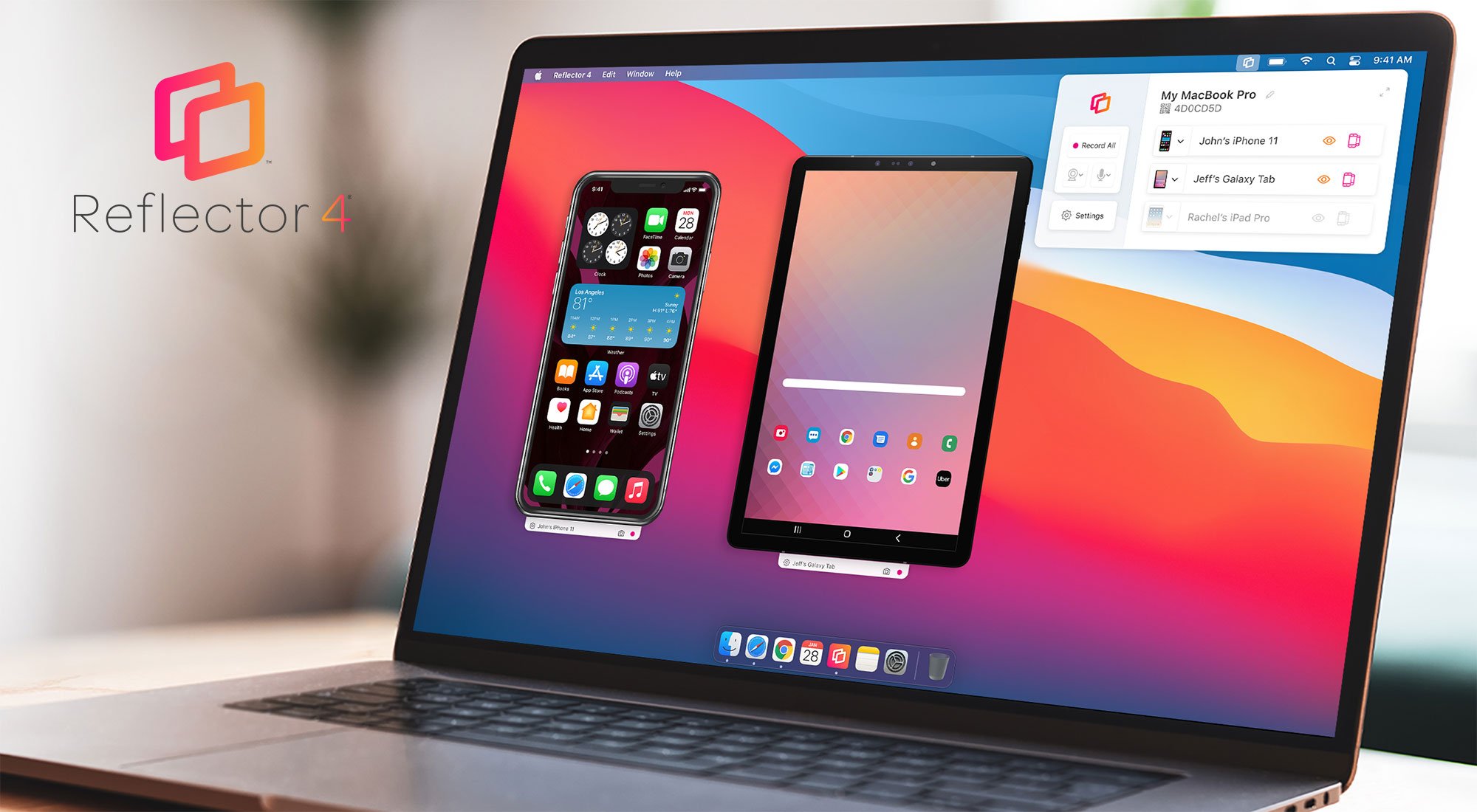
The all-new Reflector 4 is our most powerful screen mirroring and streaming receiver yet. Learn all about new software features, design and...
The best way to wirelessly screen mirror iOS 12 devices like iPad, iPhone X, iPhone XS Max and more to Mac or Windows computers is with Reflector....
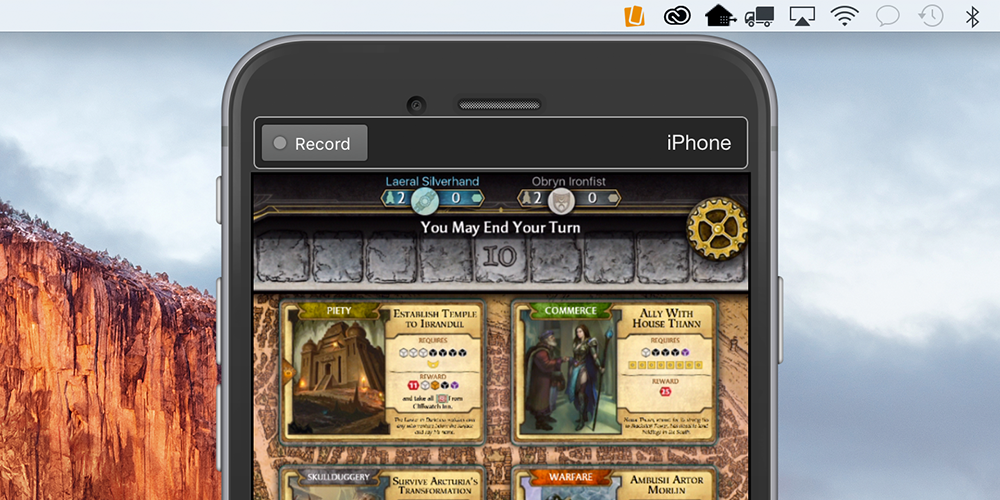
Learn how to record and share Bubble Witch gameplay with Reflector.

Mirror any device to your screen — wirelessly.
One universal license for each app — works on macOS and Windows.
— or buy Reflector 4 on its own —



For schools, districts or volume licensing — contact us.

Stream audio and video from your Mac or PC to any screen.
One universal license for each app — works on macOS and Windows.
— or buy AirParrot 3 on its own —
For schools, districts or volume licensing — contact us.