How to Mirror Your iPhone to a Windows PC
Windows still can't receive AirPlay connections on its own. Try to open Screen Mirroring on an iPhone in a room full of PCs. The list comes back...

2 min read

The arrival of digital signage roles in the Ditto Account Portal brings signage creation and management capabilities to more people in your organization. Better yet, it enables Ditto admins to spend less time updating digital signage.
Individuals with Ditto Account Portal access can now be added to digital signage roles. A signage role gives people the ability to create and manage digital signage in identified Ditto rooms. All other Ditto account settings for rooms, receivers, billing, alerts, etc., cannot be viewed or edited.
Signage roles give people the power to maintain digital signage in their own spaces without Ditto admins worrying about critical Ditto account settings being edited.
Note that the default Ditto system roles — Admin and User — maintain the same levels of account access as before and have access to all digital signage in the account.
Admins have access to the entire Ditto Account Portal
Users have access to the entire Ditto Account Portal except billing, roles and users
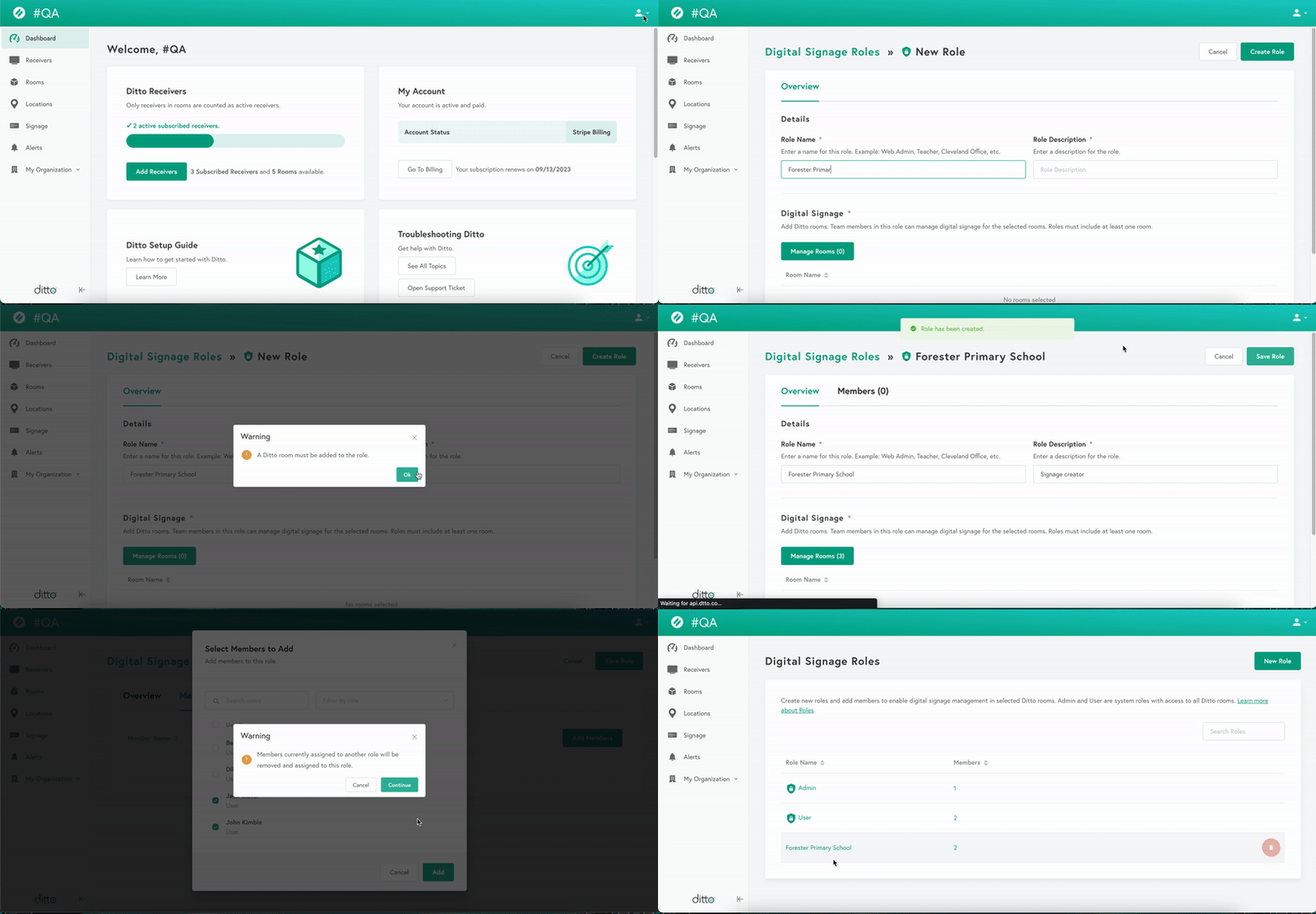
A Ditto admin at a school district could create a new signage role titled "Forester Primary School" and add the Ditto rooms located at that school to this new role. The admin could then invite teachers or an IT specialist at Forester Primary School to join the Ditto Account Portal and add them to that role. These individuals would now be able to create and manage digital signage for the identified rooms.
Signage roles can be segmented as much as desired. A signage role could be created for a single teacher in a specific classroom or a group of teachers in a specific department.
Likewise, a Ditto admin at a large corporation could create signage roles for specific departments, such as the marketing or sales departments. Team members in those departments would then be able to manage the signage in Ditto rooms assigned to their role.
Want more details? Discover how to create roles and improve your organization’s digital signage management with Ditto today.
Learn how to use Ditto roles here.
A Ditto account is required to use digital signage roles. Create an account and try Ditto free for 30 days.
Ditto brings cross-platform screen mirroring and digital signage capabilities to any space. It's the best and easiest way to share and display content in your spaces. Ditto is trusted by some of the biggest names in tech and education.

Windows still can't receive AirPlay connections on its own. Try to open Screen Mirroring on an iPhone in a room full of PCs. The list comes back...
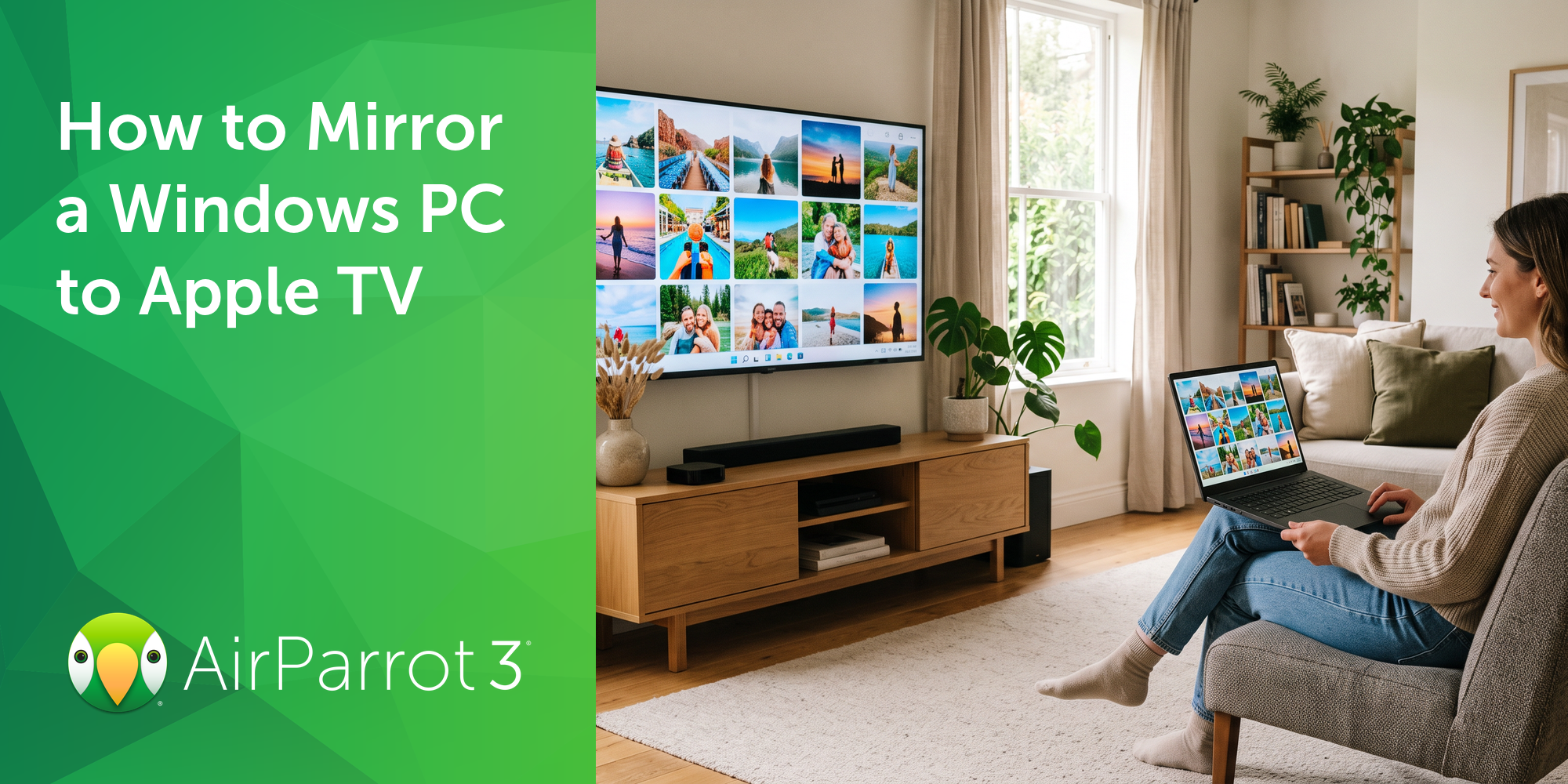
Windows doesn't include AirPlay. Apple TV doesn't support Miracast, the wireless display standard built into Windows devices. That's why your PC...
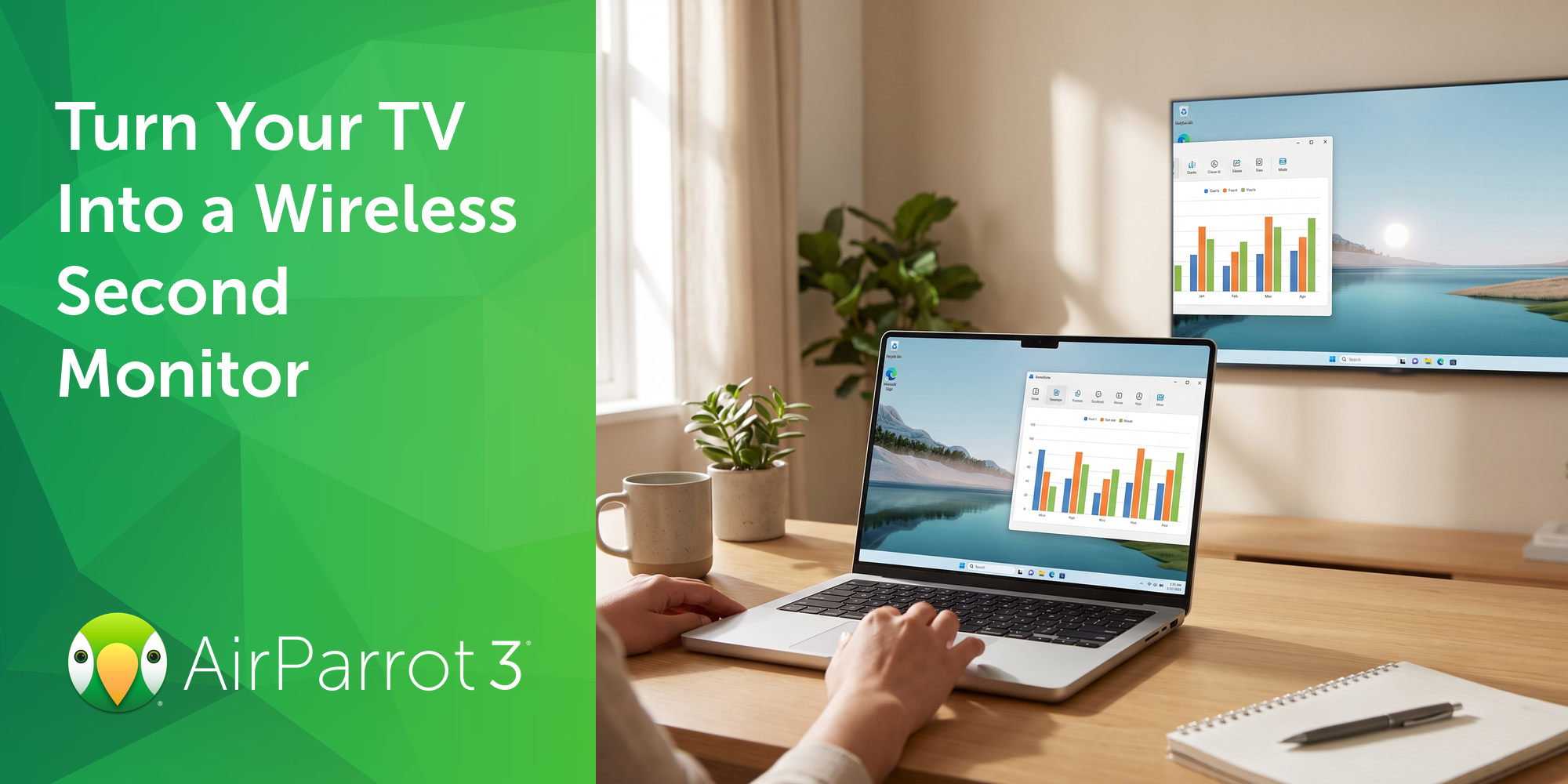
Most people don't need a second monitor every day. Sometimes it's just helpful to have one for the next two hours: tax documents next to the filing...

1 min read
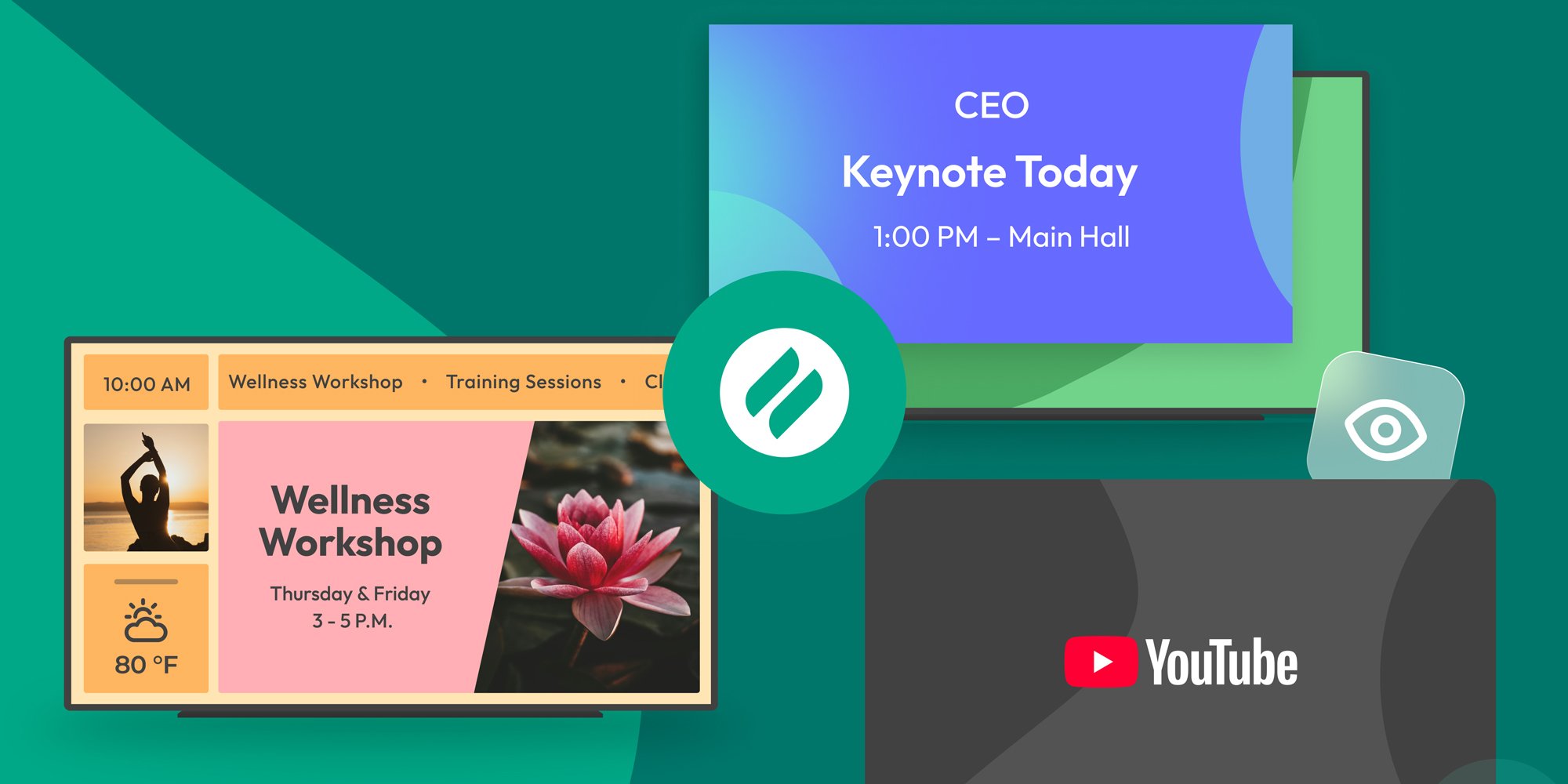
New Ditto digital signage templates are here! The latest templates call out single or dual images with large headlines and descriptive body text....
1 min read
The takeover begins now. Three major Ditto digital signage updates help you bring the right signage to the right moment.

1 min read
The latest Ditto release brings new digital signage scheduling functionality that makes it easier than ever to display signage on your screens where...

Mirror any device to your screen — wirelessly.
One universal license for each app — works on macOS and Windows.
— or buy Reflector 4 on its own —



For schools, districts or volume licensing — contact us.

Stream audio and video from your Mac or PC to any screen.
One universal license for each app — works on macOS and Windows.
— or buy AirParrot 3 on its own —
For schools, districts or volume licensing — contact us.