Introducing the Ditto Fire OS Receiver
The new Ditto Fire OS Receiver brings wireless screen mirroring, digital signage and emergency alerts to Fire OS devices. It joins Windows, Apple TV...

2 min read
The latest business technology is often designed or priced for large companies with big budgets.
But that’s not our style.
Meet Ditto
Our latest screen-sharing service, Ditto, is practical and efficient in any workplace environment. Even the smallest teams of business professionals will enjoy the ability to share their computer screens instantly, wirelessly and without the all-too-common confusion that comes with cords, additional software and long lists of AirPlay/Cast receivers.

A meeting. A brainstorm. A touch base. A powwow. Call it what you want, but small businesses meet a lot. How do these professionals share the valuable data, documents and forecasts contained on their computer screens with everyone else in the room? There often isn’t a great answer for small businesses.
Cable and cord connections?
Bad. Using connector cords in your conference rooms is like using pencil and paper to write business documents. Cords have a tendency to be confusing, incompatible with a wide range of devices and they always seem to disappear from the conference room, don’t they?
Ditto is wireless.
Screen-sharing software?
While there are some good screen-sharing and streaming software solutions on the market, it often requires a larger budget and licenses for each individual user.
Permanent software requires routine updates from time to time. Ditto lives in the cloud, so it doesn’t take up computer storage space or require any user software updates, which is good because we know you all select “Update Later” every time anyway.
Don’t forget… no software management means no individual license management either!
How Ditto works
Ditto allows any employee or guest to instantly share their computer screen to any external display that’s connected to an Apple TV or Chromecast. When your business signs up for Ditto, each conference room or meeting space that has an Apple TV/Chromecast receives a unique Ditto room code. Anyone can instantly share their computer screen to the projector, TV or external display in the room simply by entering that code at connect.goditto.com.
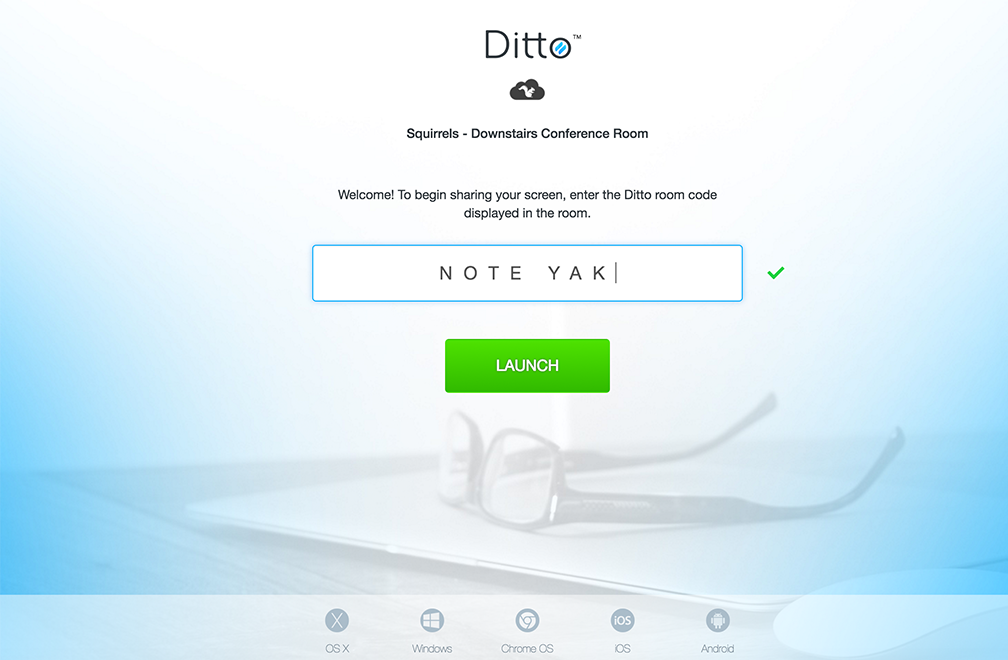
Yes, it’s really that easy.
Ditto is unlimited. Any employee or guest can use the service. If you have a client or business partner coming in for a meeting, that person can share their screen without needing special permissions or extra software to do it.
Priced for small business
Ditto is priced to be a viable solution for both small and large businesses. It runs on an annual fee per room, not per user like most business software. At $149.99/year per room, Ditto costs hundreds to thousands of dollars less than alternative screen-sharing solutions.
See? Your small business isn’t too small for the latest technology. Get started with Ditto by visiting www.goditto.com. As always, feel free to ask us any questions or give us feedback in the comment section below!

The new Ditto Fire OS Receiver brings wireless screen mirroring, digital signage and emergency alerts to Fire OS devices. It joins Windows, Apple TV...

Ditto now runs on Android-powered displays. The new Ditto Android Receiver gives schools and businesses another way to bring wireless screen...

Windows still can't receive AirPlay connections on its own. Try to open Screen Mirroring on an iPhone in a room full of PCs. The list comes back...
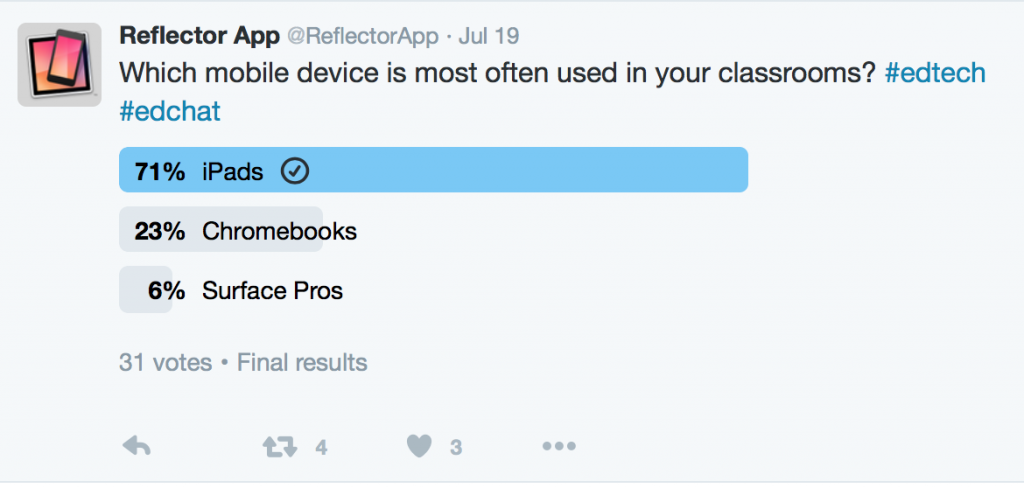
How To Use Ditto Screen-Sharing Technology in 1:1 Surface Pro Classrooms
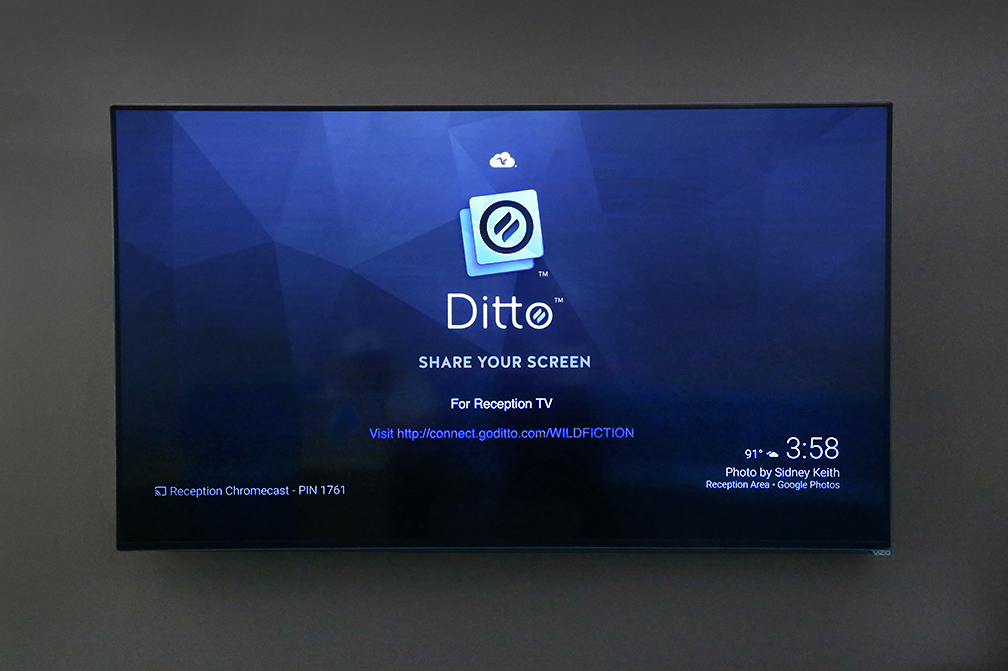
How to Configure a Chromecast Background to Display Ditto Connection Details

Discover how using Kandji MDM with Squirrels screen mirroring and digital signage software delivers cost efficiencies, security and seamless...

Mirror any device to your screen — wirelessly.
One universal license for each app — works on macOS and Windows.
— or buy Reflector 4 on its own —



For schools, districts or volume licensing — contact us.

Stream audio and video from your Mac or PC to any screen.
One universal license for each app — works on macOS and Windows.
— or buy AirParrot 3 on its own —
For schools, districts or volume licensing — contact us.