Introducing the Ditto Fire OS Receiver
The new Ditto Fire OS Receiver brings wireless screen mirroring, digital signage and emergency alerts to Fire OS devices. It joins Windows, Apple TV...

1 min read
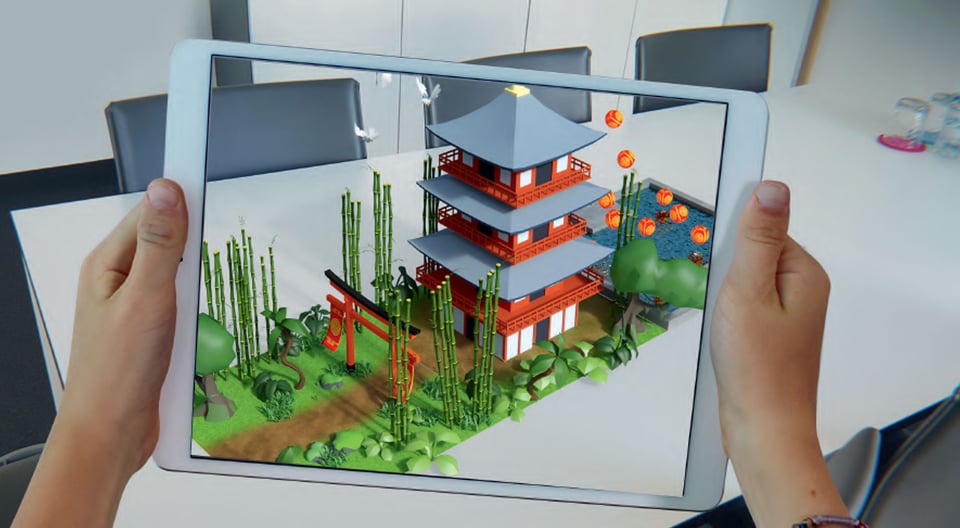
Welcome to part four of a bite-sized series about tools and techniques educators use to teach augmented reality (AR) and virtual reality (VR) in the classroom. Read part three here.
CoSpaces Edu is a great platform for student-generated content. The CoSpaces app lets students design, code and view their own AR and VR experiences. Students insert characters and objects into 360-degree environments. They animate characters with block-based coding and explore spaces directly on their devices in AR and VR. It’s simple, fun and interactive.
With basic coding, students can program and animate their creations. CoSpaces even integrates with Merge Cube to allow for a personalized, project-based AR experience.
What’s Merge Cube? Check out the previous post in this series.
CoSpaces provides timely open source projects and remote lesson plans. Students and teachers can create virtual environments, discuss current events and showcase learning over video chats and other remote learning platforms. Get project ideas and teacher resources for remote learning here.
You'll also want to be able to share what's happening on the CoSpaces app with everyone else in the classroom. To do this, you'll simply use Reflector Teacher (as shown in the video above) to wirelessly screen mirror a real-time view of the device screen to a larger display. Read part one in this series to learn how to screen mirror with Reflector Teacher.
Be on the lookout for part five!
This blog series is created by Alpha Squirrel Christine Danhoff. An Ohio-based educator and member of the Alpha Squirrel program, Christine is an ambassador for Squirrels and is an expert on developing creative ways to educate students and other educators with technology.

The new Ditto Fire OS Receiver brings wireless screen mirroring, digital signage and emergency alerts to Fire OS devices. It joins Windows, Apple TV...

Ditto now runs on Android-powered displays. The new Ditto Android Receiver gives schools and businesses another way to bring wireless screen...

Windows still can't receive AirPlay connections on its own. Try to open Screen Mirroring on an iPhone in a room full of PCs. The list comes back...
Educators no longer need to peer over a student’s shoulder to monitor progress. They don’t even have to leave their desks.
Using technology to get students moving is easy. Here's how one educator found a cost-effective way to energize his students. Plus, learn how you can...
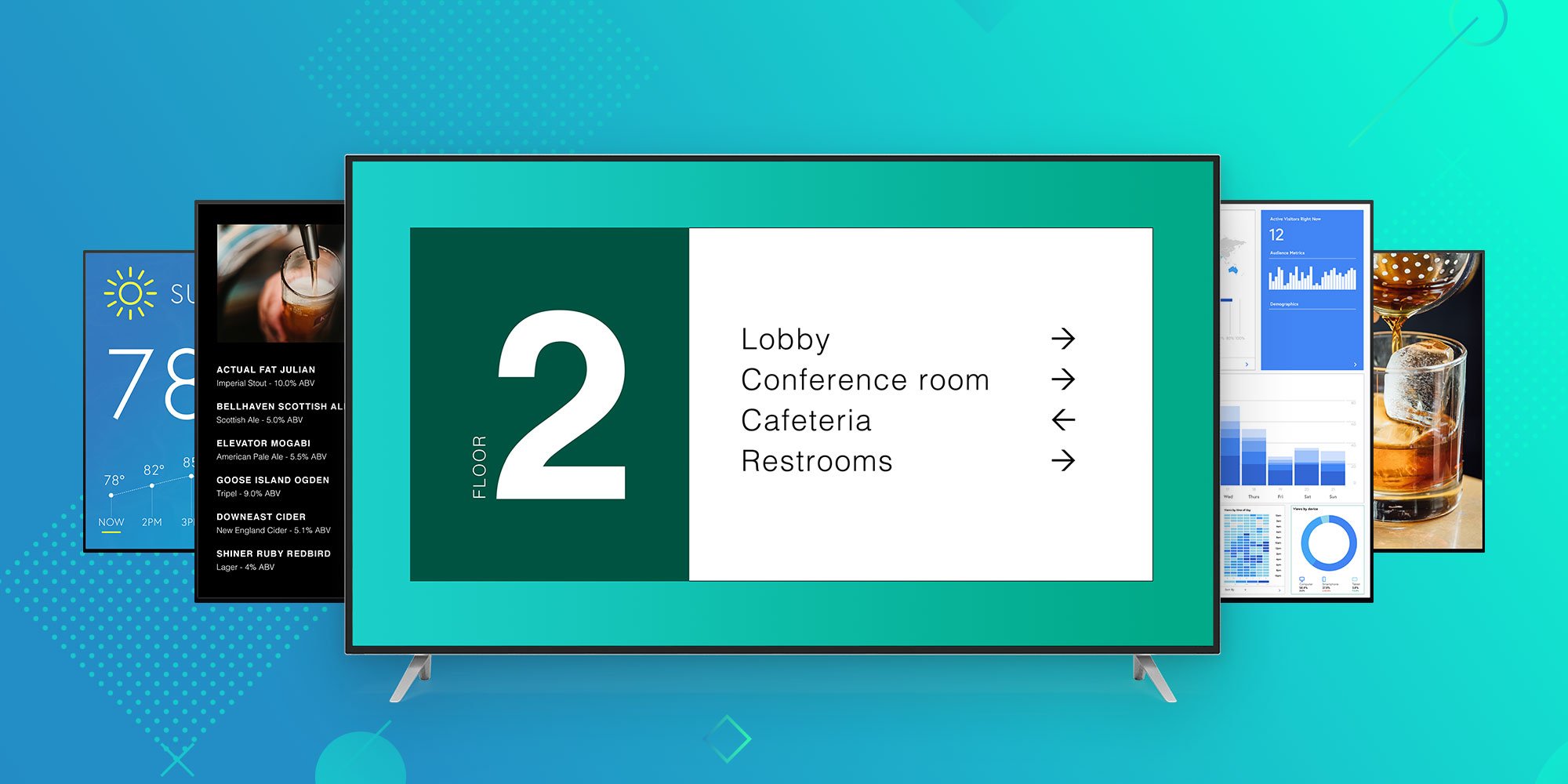
Ditto brings digital signage for Apple TV and Windows to any business or university. Learn why Ditto is the best way to educate, inform and engage...

Mirror any device to your screen — wirelessly.
One universal license for each app — works on macOS and Windows.
— or buy Reflector 4 on its own —



For schools, districts or volume licensing — contact us.

Stream audio and video from your Mac or PC to any screen.
One universal license for each app — works on macOS and Windows.
— or buy AirParrot 3 on its own —
For schools, districts or volume licensing — contact us.