Meet the New Ditto Android Receiver
Transform Android-powered TVs, projectors and IFPs in your school or business into receivers for screen sharing, digital signage and emergency alerts.

2 min read
The new Ditto Fire OS Receiver brings wireless screen mirroring, digital signage and emergency alerts to Fire OS devices. It joins Windows, Apple TV and Android as another Ditto receiver option, giving you one more way to turn a screen you already own into a Ditto-ready display.

Fire OS devices are budget-friendly alternatives to more costly media players, set-top boxes and TVs. They're a classic gap-filler in spaces that don't require robust collaboration capabilities. You won't traditionally find them powering collaboration in classrooms and meeting spaces. Instead, you might have an Amazon Fire TV Stick tucked behind a hallway TV or lobby screen running digital signage.
That changes now.
The new Ditto Fire OS Receiver app gives schools and businesses a way to turn Fire OS-powered displays into wireless collaboration and communication hubs. You don't need to buy and deploy costly hardware, HDMI cables or multiple different solutions to bring screen sharing, signage and alerts to your screens.
Whether you need a full-scale wireless collaboration solution or just a simple way to display digital signage on that hallway display, Ditto has you covered.
Download the Ditto Fire OS Receiver app on compatible devices here.
Once a Ditto Fire OS Receiver is running, you can:
Mirror wirelessly: Anyone in the room can share their Mac, Windows, iPhone, iPad, Android or Chromebook screen to the Fire OS display in seconds. No HDMI cables or adapters required.
Display digital signage: When the screen isn't being used for collaboration, put it to work with announcements, schedules, branded content or reminders.
Deliver emergency alerts: Push emergency and safety alerts directly to the display to get urgent information in front of people immediately.
Buying and deploying dedicated presentation or signage hardware is expensive and slow. IT and AV teams already have enough on their plates without adding a new device type to procure, set up and support. The Ditto Fire OS Receiver skips all of that on screens that already run Fire OS. That means faster rollouts, fewer purchase orders and one less system to account for in the budget.
It also means more consistency. Instead of juggling native protocols like AirPlay, Cast or Miracast, each with its own connection steps and network requirements, every device connects the same way. End users get fewer unwanted surprises. IT teams get fewer help tickets.
Related: Learn about the new Ditto Android Receiver.
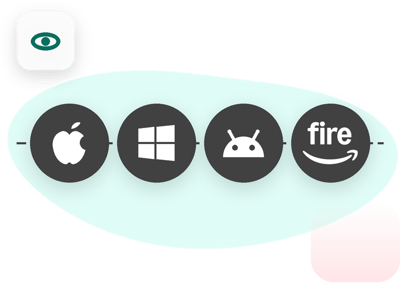
Ditto users can expect the same screen sharing experience to Fire OS-powered displays. Open Ditto Connect on your device, enter the Room Code shown on the display and start mirroring. Whether the room's receiver happens to be a Fire TV, an Apple TV, a Windows PC or an Android device, the process for the person presenting looks and feels the same. That's the cross-platform consistency we always strive to deliver.
Compare compatible Ditto receivers.
Download the Ditto Fire OS Receiver from the Amazon Store on your displays today.
Don't have Ditto in your school or business? Start a 30-day free Ditto trial here.
Transform Android-powered TVs, projectors and IFPs in your school or business into receivers for screen sharing, digital signage and emergency alerts.
Windows can't receive AirPlay natively. Install Reflector 4 to wirelessly mirror an iPhone to your PC in four steps. No cables, adapters or extras...
Windows devices do not have AirPlay. AirParrot 3 adds it, so your PC can mirror, extend and stream to the same Apple TV every other device already...

Transform Android-powered TVs, projectors and IFPs in your school or business into receivers for screen sharing, digital signage and emergency alerts.
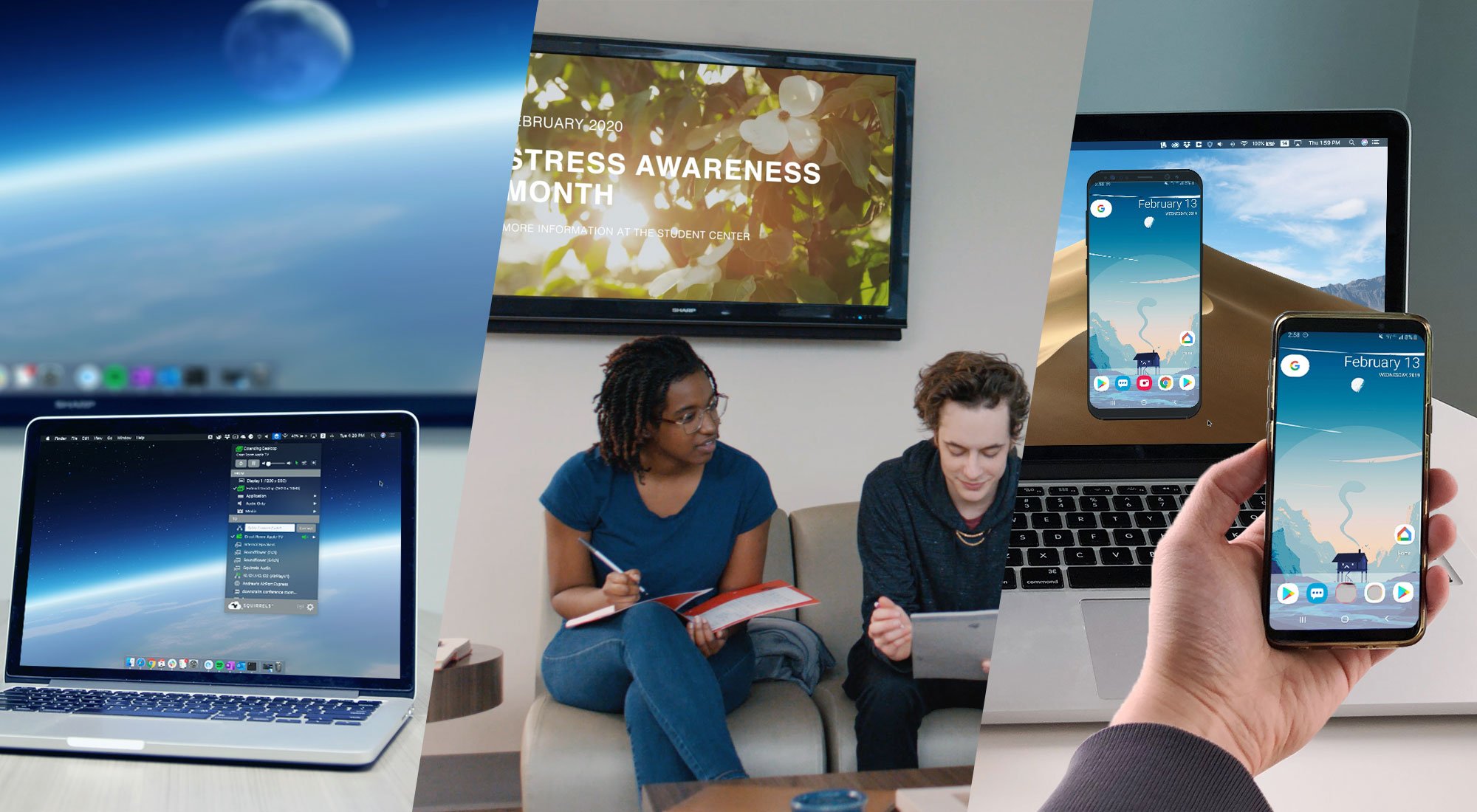
Learn the difference between these screen mirroring technologies made by Squirrels. Discover which software is best for you: Ditto, AirParrot or...
Intel Unite will be discontinued on December 31, 2023. Transition to Ditto to keep your screens and spaces collaboration-ready before time runs out.

Mirror any device to your screen — wirelessly.
One universal license for each app — works on macOS and Windows.
— or buy Reflector 4 on its own —



For schools, districts or volume licensing — contact us.

Stream audio and video from your Mac or PC to any screen.
One universal license for each app — works on macOS and Windows.
— or buy AirParrot 3 on its own —
For schools, districts or volume licensing — contact us.