Introducing the Ditto Fire OS Receiver
Transform Amazon Fire OS-powered TVs in your school or business into screen sharing, digital signage and emergency alerting hubs with Ditto.

2 min read
It's not a secret that school districts operate with tight budgets. This limits their ability to invest in crucial technology that teachers and students need to succeed. Fortunately, schools are taking advantage of Medicaid reimbursements to unlock funding for new educational technology.
This article explains how to get started with Medicaid reimbursements in your school district.
Medicaid provides schools with reimbursement opportunities for eligible health-related services delivered to students. These reimbursements are a vital resource, helping districts recover costs to reinvest in educational programs. Schools maximize these reimbursements when they partner with Go Solutions and leverage GoClaim.
GoClaim streamlines the Medicaid billing process. It ensures compliance with complex state and federal regulations and identifies untapped revenue opportunities. The result? More money flowing into schools. This money can be reinvested into transformative tools like Ditto. Ditto software brings wireless content sharing, digital signage and alerts to TVs, projectors and other devices in the classroom.

Reallocating Medicaid reimbursements for new tech helps both students and teachers. Tools like Ditto offer seamless screen mirroring, enabling teachers to:
Share content wirelessly from any device to a classroom display.
Foster collaboration and engagement through interactive lessons.
Save time troubleshooting connectivity issues, allowing educators to focus on teaching.
Ditto improves learning outcomes and makes teachers more efficient. It creates an environment where everyone delivers their best work.
It’s difficult for schools to navigate Medicaid reimbursements on their own. The Medicaid billing experts at Go Solutions help districts optimize their claims process, ensuring no reimbursement opportunities are missed. This proactive approach means schools have the financial flexibility to:
Upgrade classroom technology
Provide training and support for teachers to adopt new tools
Enhance critical areas of student services and support
Collaborating with Go Solutions allows schools to prioritize student education while the complexities of Medicaid billing are handled by experts.
Software like Ditto is not just a luxury but a necessity in today’s tech-driven classrooms. Technology empowers students to engage with content more actively and enables teachers to deliver lessons in more impactful ways.
Maximizing Medicaid reimbursements gives schools the ability to
Equip classrooms with the latest technology
Ensure equitable access to digital resources for all students
Foster a culture of innovation and continuous improvement in education
Go Solutions and Squirrels are committed to helping schools achieve their goals. Go Solutions gives districts the ability to secure the funding they need, while Squirrels provides the tools required to make classrooms more interactive and efficient. Together, these solutions create an environment that benefits students, teachers and administrators alike.
Maximizing Medicaid reimbursements with GoClaim is the first step toward transforming your classrooms. Contact Go Solutions to learn how its expertise helps your district unlock additional funding. Explore Ditto to see how screen mirroring technology creates new possibilities in your educational environment.
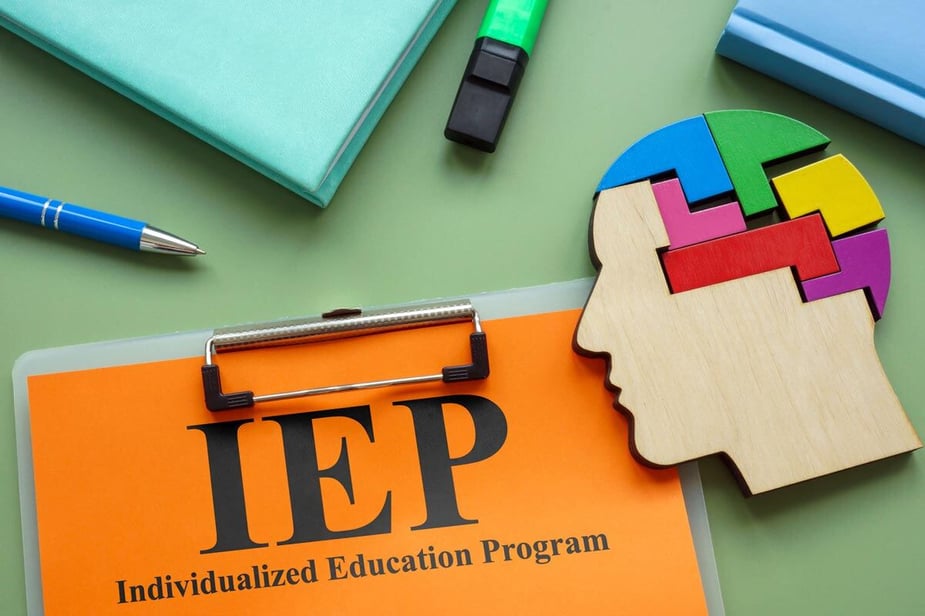
Looking for more insights? Read how Go Solutions transforms special education and IEP meetings with Ditto and discover new ways to improve learning experiences.
Transform Amazon Fire OS-powered TVs in your school or business into screen sharing, digital signage and emergency alerting hubs with Ditto.
Transform Android-powered TVs, projectors and IFPs in your school or business into receivers for screen sharing, digital signage and emergency alerts.
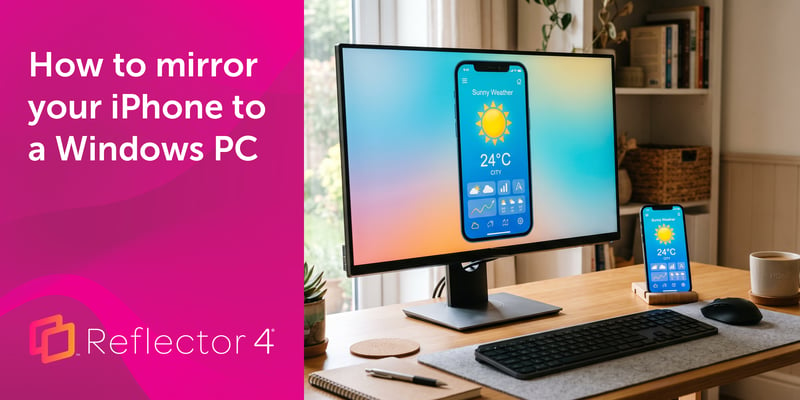
Windows can't receive AirPlay natively. Install Reflector 4 to wirelessly mirror an iPhone to your PC in four steps. No cables, adapters or extras...
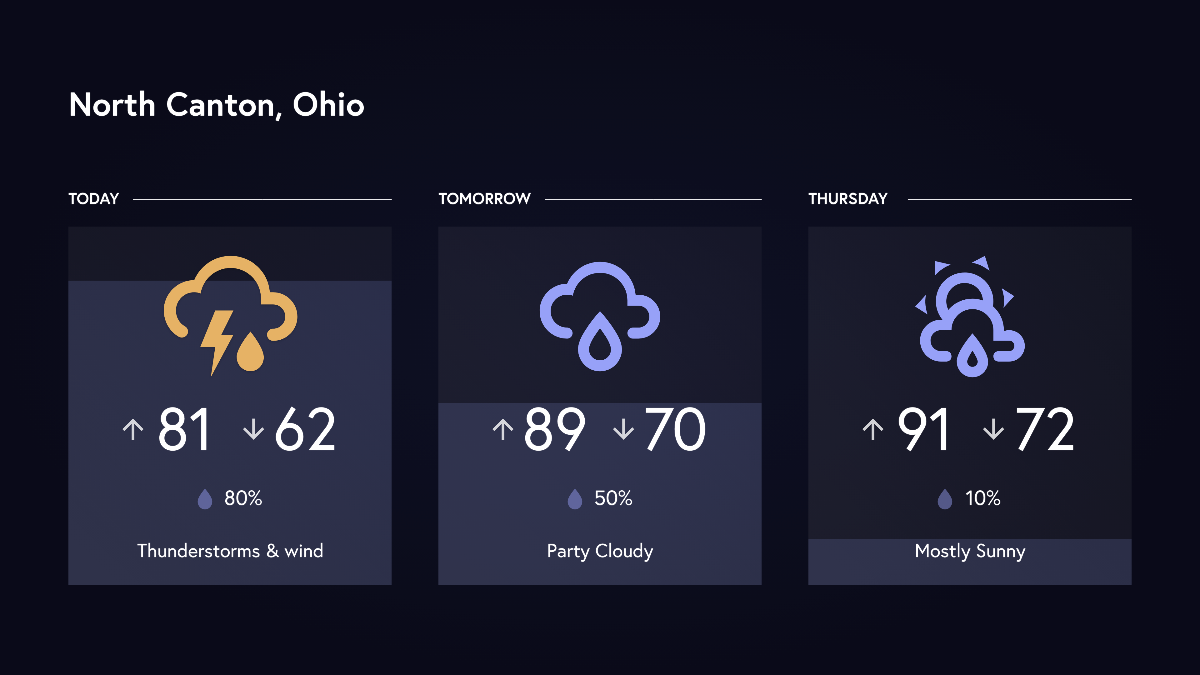
Display your local weather forecast as digital signage in your organization. This Ditto update brings digital signage templates for hourly and...
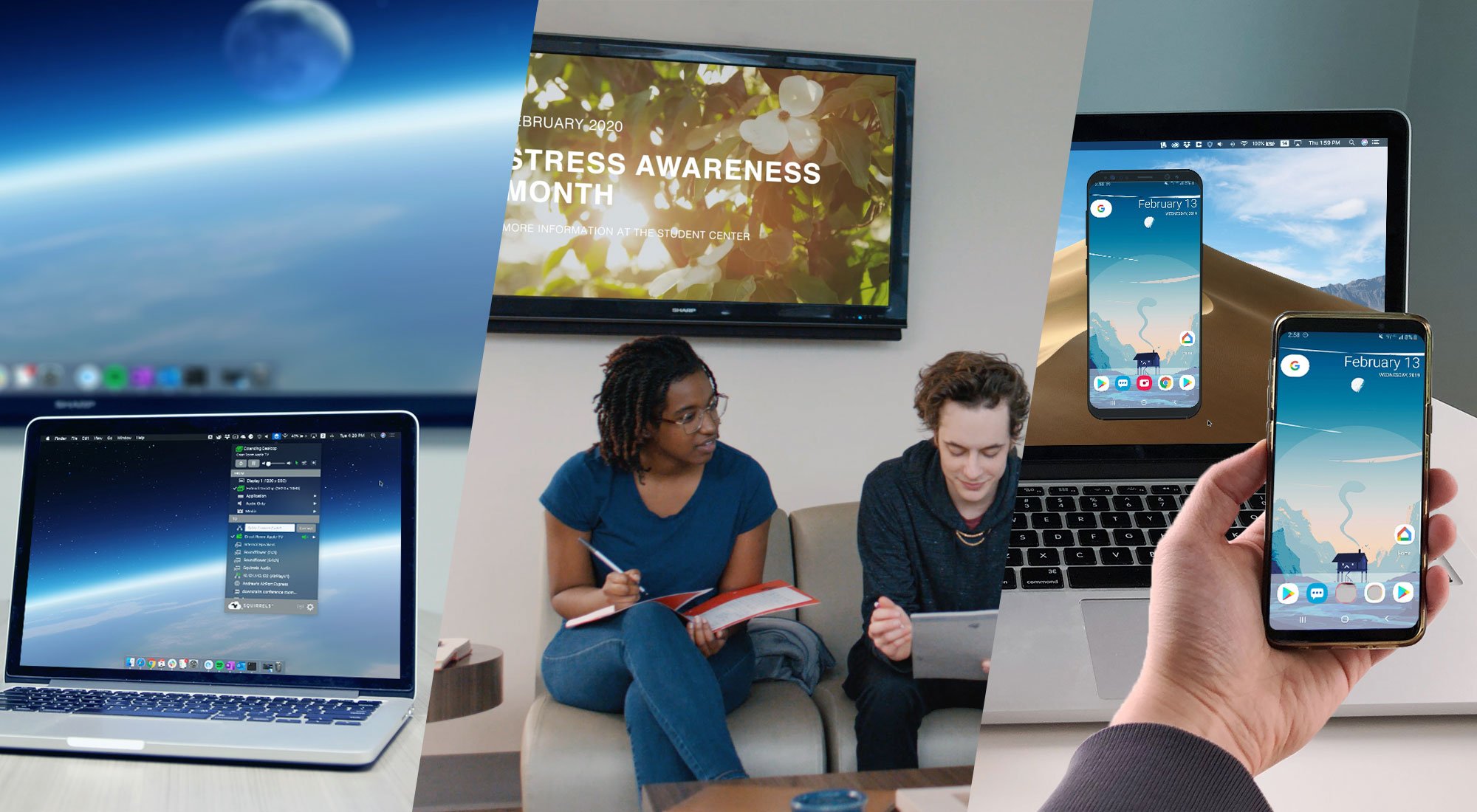
Learn the difference between these screen mirroring technologies made by Squirrels. Discover which software is best for you: Ditto, AirParrot or...
Discover why summer is the best time for IT teams to standardize AV tech in classrooms. Learn how Ditto simplifies the process for a seamless...

Mirror any device to your screen — wirelessly.
One universal license for each app — works on macOS and Windows.
— or buy Reflector 4 on its own —



For schools, districts or volume licensing — contact us.

Stream audio and video from your Mac or PC to any screen.
One universal license for each app — works on macOS and Windows.
— or buy AirParrot 3 on its own —
For schools, districts or volume licensing — contact us.