Introducing the Ditto Fire OS Receiver
The new Ditto Fire OS Receiver brings wireless screen mirroring, digital signage and emergency alerts to Fire OS devices. It joins Windows, Apple TV...

2 min read
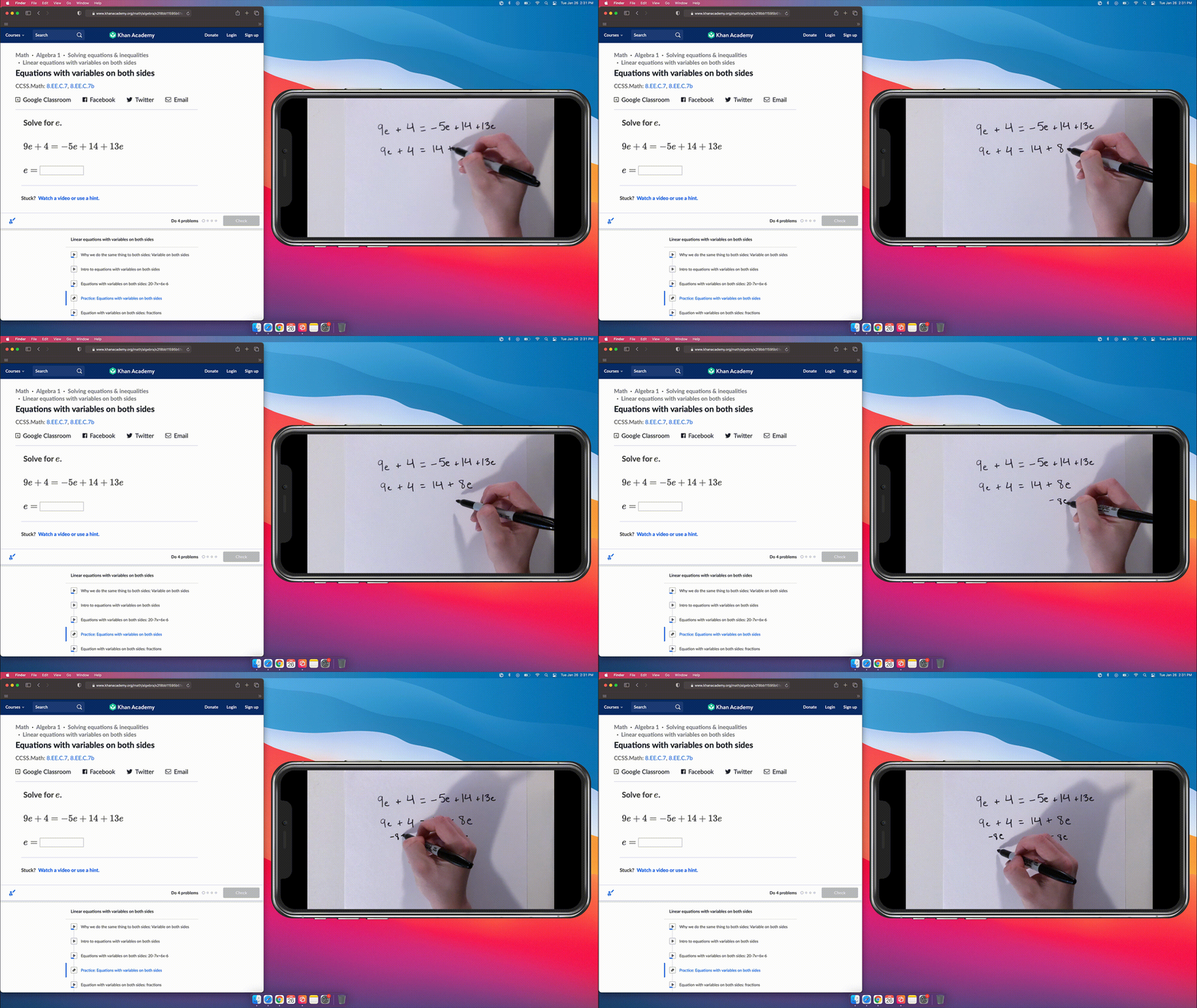
Teachers and instructors use document cameras to share handwritten formulas, instructions, demonstrations and diagrams. However, traditional document cameras can be expensive, clunky and difficult to use.
How can teachers share information to the classroom screen without costly hardware?
The answer lies in your pocket. Or on your desk. Or maybe it’s currently charging on your nightstand.
You can replace your classroom document camera/visualizer with just your personal device and one app for your computer. This method will allow you to demonstrate, dissect, explain and share during class sessions. Better yet, you can even use this method as a document camera for distance learning via videoconferencing software. Read on to discover how.
Reflector is a desktop app that turns your computer into a wireless receiver. That means you can screen mirror almost any device directly to your computer (which can be connected to your classroom display) without any cables or adapters. It will turn your phone or tablet into a document camera. Here’s how.
Download and install Reflector on your Mac or Windows computer.
Make sure your computer and mobile device are connected to the same wifi network.
Connect your computer to your classroom display — a TV, projector or digital whiteboard.
Launch Reflector on your computer.
On your mobile device, open the screen mirroring/cast options and begin screen mirroring to Reflector.
Not sure how? Check these out:
Your mobile device will now appear on your computer screen.
Open the camera app on your mobile device. Place your device within view of the teaching materials you’d normally use a document camera for, such as a notepad, textbook, diagram or model. Your computer will wirelessly display anything in view of your device camera.
Students will be able to see your computer screen, as well as your phone/tablet document camera on the classroom display.
Note: This method can also be used for distance learning.
Need some inspiration to use Reflector as a document camera? Try these:
Last updated 8/10/2023

The new Ditto Fire OS Receiver brings wireless screen mirroring, digital signage and emergency alerts to Fire OS devices. It joins Windows, Apple TV...

Ditto now runs on Android-powered displays. The new Ditto Android Receiver gives schools and businesses another way to bring wireless screen...

Windows still can't receive AirPlay connections on its own. Try to open Screen Mirroring on an iPhone in a room full of PCs. The list comes back...
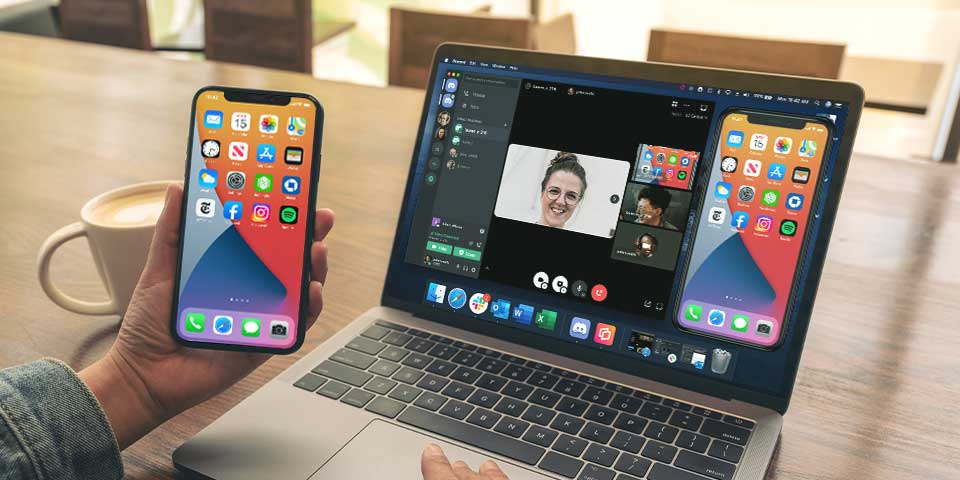
Learn how to screen mirror your iPhone 12, iPad Air, Samsung Galaxy Tab S7, Samsung Galaxy S21, Google Pixel 5 and more in a Discord direct message...
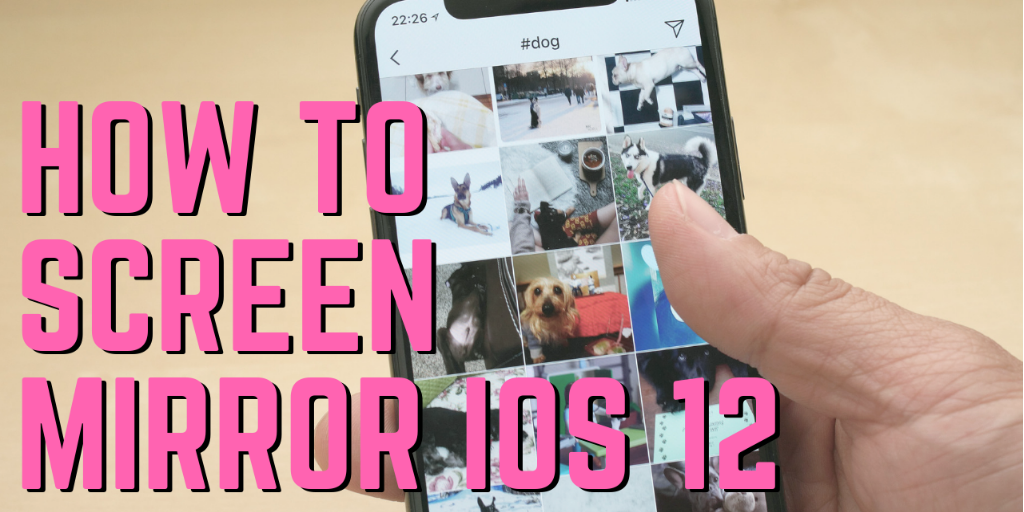
The best way to wirelessly screen mirror iOS 12 devices like iPad, iPhone X, iPhone XS Max and more to Mac or Windows computers is with Reflector....
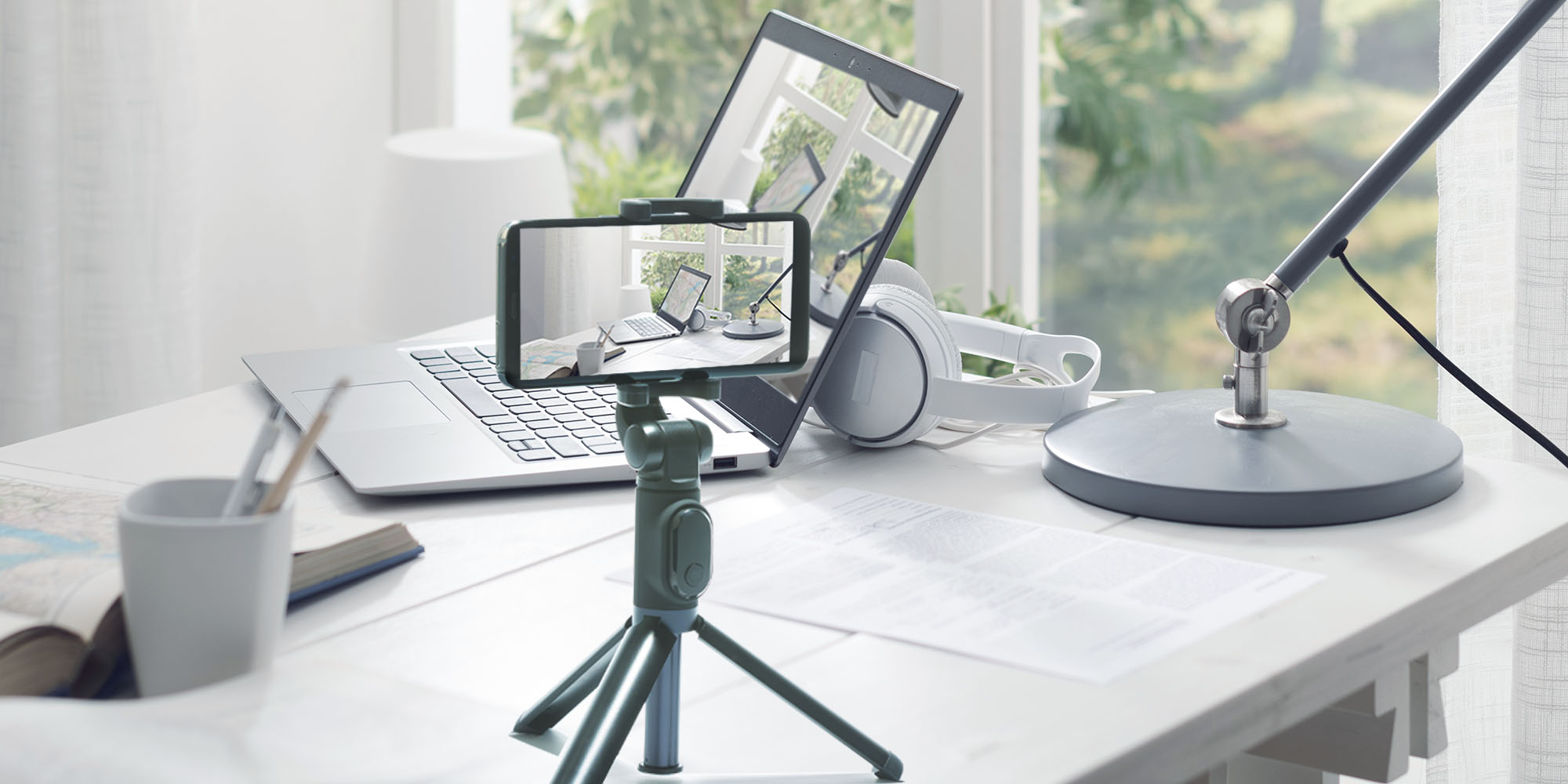
Learn how to easily set up craft, cooking, recipe, home improvement tutorials and more videos. See how Reflector helps you film everything on a phone...

Mirror any device to your screen — wirelessly.
One universal license for each app — works on macOS and Windows.
— or buy Reflector 4 on its own —



For schools, districts or volume licensing — contact us.

Stream audio and video from your Mac or PC to any screen.
One universal license for each app — works on macOS and Windows.
— or buy AirParrot 3 on its own —
For schools, districts or volume licensing — contact us.