Introducing the Ditto Fire OS Receiver
The new Ditto Fire OS Receiver brings wireless screen mirroring, digital signage and emergency alerts to Fire OS devices. It joins Windows, Apple TV...

2 min read

We need to have a chat about media access control (MAC) addresses.
What is a MAC address? How do you find a MAC address? Why should you care about a MAC address in the first place?
We have the answers you’re looking for. Here’s what you need to know about MAC addresses:
A MAC address is a unique identifier for a device that accesses the internet. Think of a MAC address like your car’s vehicle identification number. It’s assigned to your device and never changes.
You’ve probably encountered MAC addresses if you configure devices or set up receivers on a network. For example, a MAC address is needed to enable Ditto screen mirroring in conference rooms and classrooms.
Learn how to present to the big screen without wires using Ditto.
A MAC address is a string of 12 figures, usually displayed as six sets of two digits or characters, separated by colons or hyphens.
Here are a few examples:
00-14-22-01-23-45
00:0a:95:9d:68:16
A MAC address is typically assigned to a network interface card (NIC). The NIC is a small circuit board inside your computer that makes it possible for your device to communicate over a network, such as the internet.
There are different ways to find your MAC address depending on your device. Here’s a handy list with instructions:
MAC addresses are commonly used to identify your device when connecting to a network. Routers can filter out MAC addresses they don’t recognize. It’s useful to know the MAC address of your device to ensure it connects to the network properly.
Let’s revisit the example we used before. MAC addresses are important if you want a wireless presentation solution like Ditto for your organization. Ditto uses MAC addresses to recognize each specific wireless receiver on your organization’s network. This ensures that every meeting space is set up with the correct receiver and screen mirroring works flawlessly.
The new Ditto Fire OS Receiver brings wireless screen mirroring, digital signage and emergency alerts to Fire OS devices. It joins Windows, Apple TV...
Ditto now runs on Android-powered displays. The new Ditto Android Receiver gives schools and businesses another way to bring wireless screen...
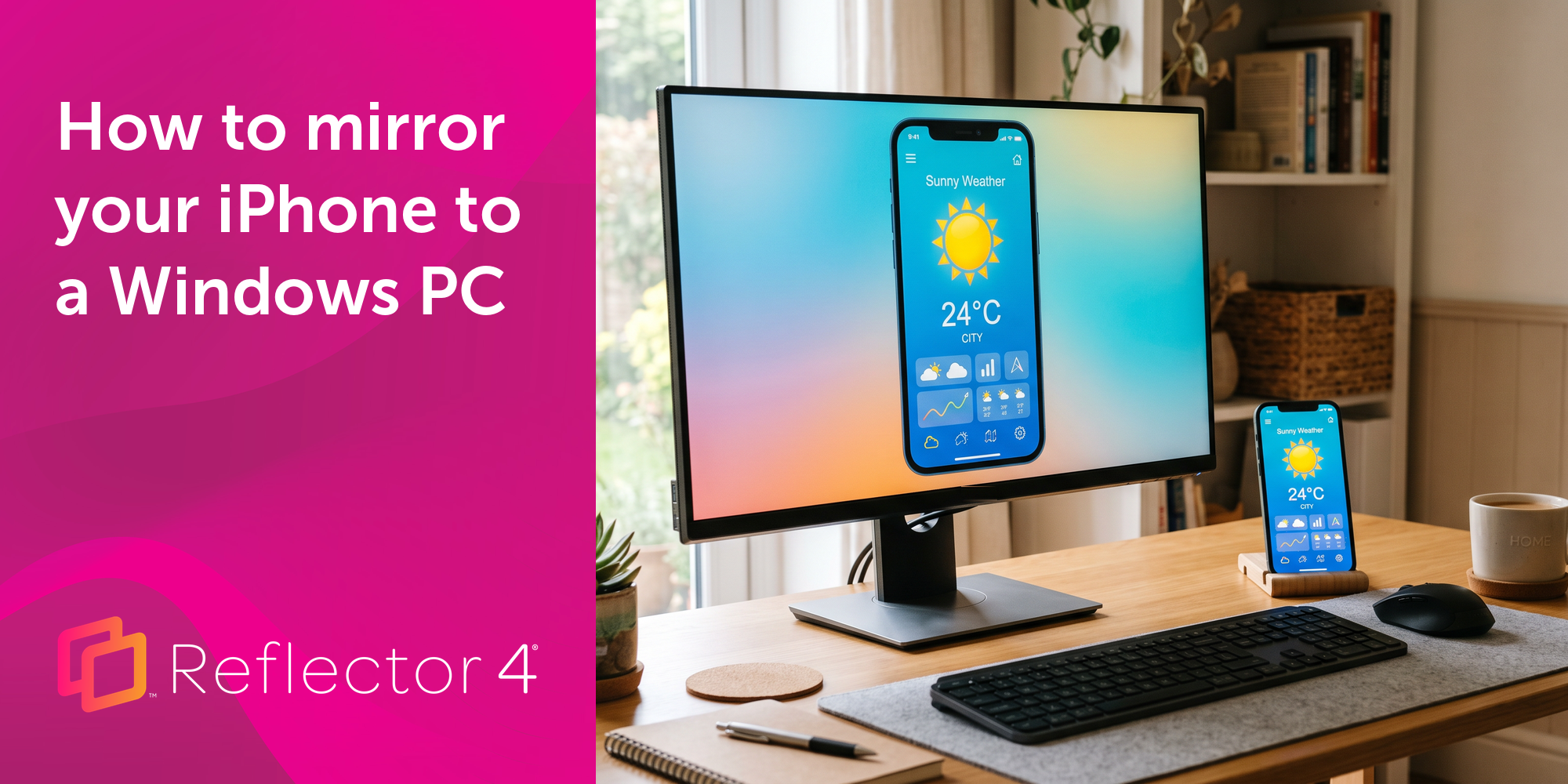
Windows still can't receive AirPlay connections on its own. Try to open Screen Mirroring on an iPhone in a room full of PCs. The list comes back...
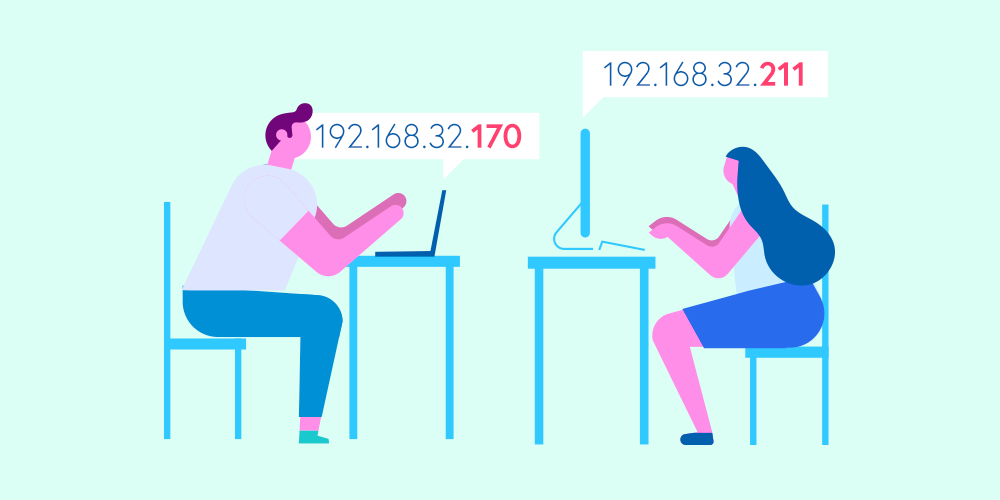
IP addresses are everywhere. What are they and why should you know yours? Read our very simple “explain-it-like-I’m-five” guide to IP addresses.
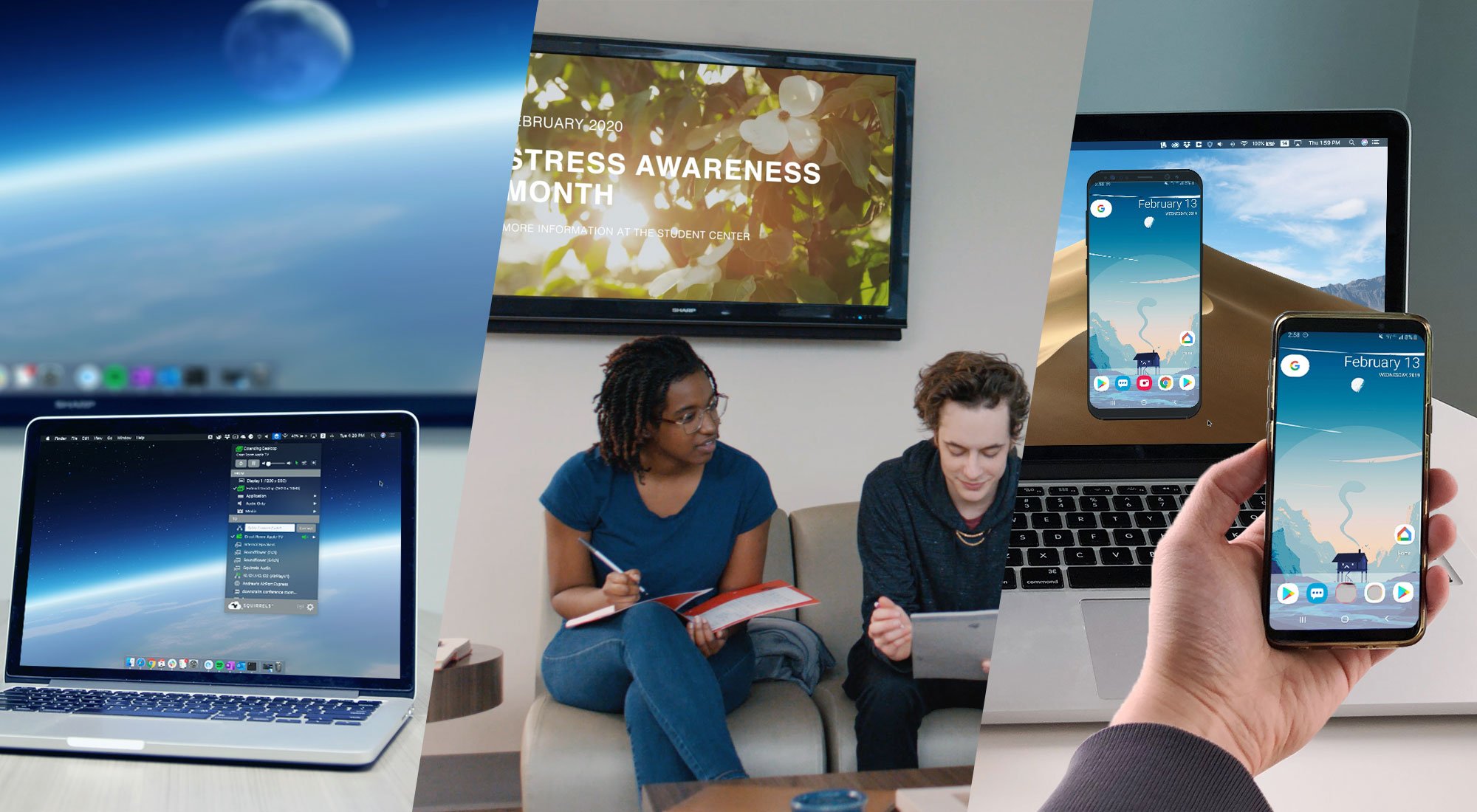
Learn the difference between these screen mirroring technologies made by Squirrels. Discover which software is best for you: Ditto, AirParrot or...
Need to turn off notifications when screen mirroring or using AirPlay? This 2020 update to our guide shows you how. Get instructions for iPhone,...
Mirror any device to your screen — wirelessly.
One universal license for each app — works on macOS and Windows.
— or buy Reflector 4 on its own —



For schools, districts or volume licensing — contact us.

Stream audio and video from your Mac or PC to any screen.
One universal license for each app — works on macOS and Windows.
— or buy AirParrot 3 on its own —
For schools, districts or volume licensing — contact us.