Introducing the Ditto Fire OS Receiver
The new Ditto Fire OS Receiver brings wireless screen mirroring, digital signage and emergency alerts to Fire OS devices. It joins Windows, Apple TV...

2 min read
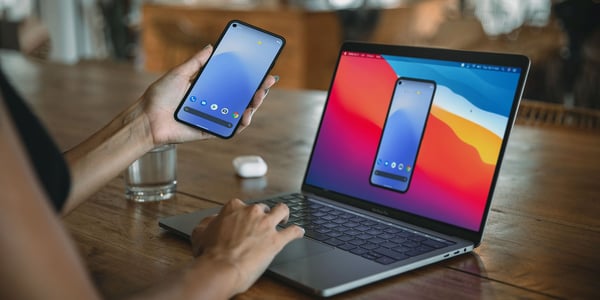
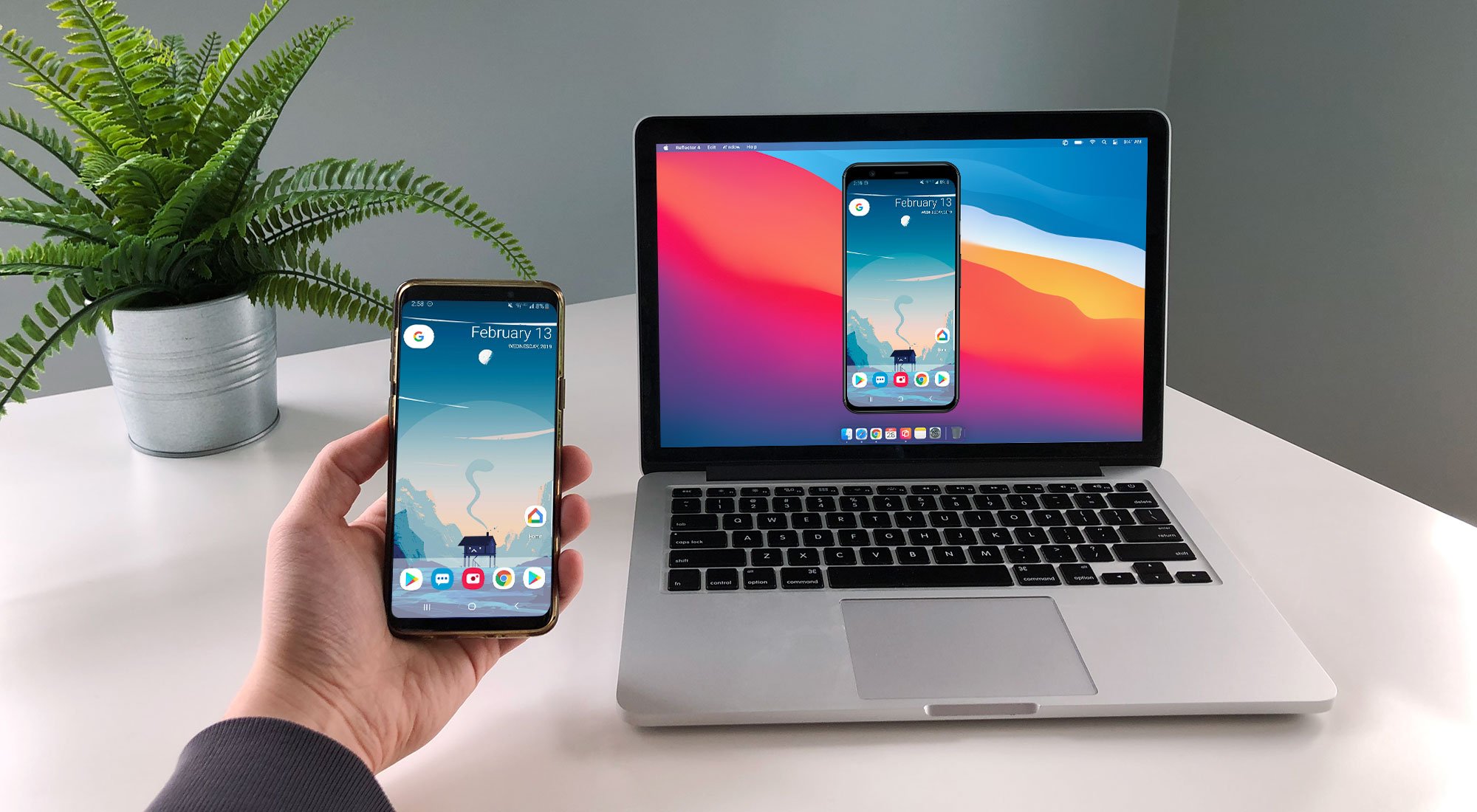
You can cast your Google Pixel wirelessly to a TV or computer. Whether you’re on the newest Google Pixel 5 with Android 11 or on previous versions of the phone or operating system, this quick guide shows you how. Use these instructions to screen mirror and cast the Google Pixel 5, 4a, 3, Motorola Moto G Power, TCL 10 Pro and more.
UPDATE: Discover how to screen mirror and cast Google Pixel 8 and 8 Pro here.
The Google Pixel phone allows you to cast natively. There’s no need to download additional apps on your phone.
We’ll show you how to cast wirelessly to a computer, but you can follow the same steps (beginning with step 3) to cast to other wireless receivers, like a compatible smart TV or Chromecast.
You will need a receiver app on your computer to display mirrored content from your Pixel. We recommend Reflector.
 is a simple app for your Mac or Windows computer. You can mirror your phone, tablet or another computer wirelessly to any Reflector-enabled computer.
Download and install Reflector on your Mac or Windows computer. Make sure your computer and Google Pixel 5 are on the same wifi network.
Open Reflector on your computer.
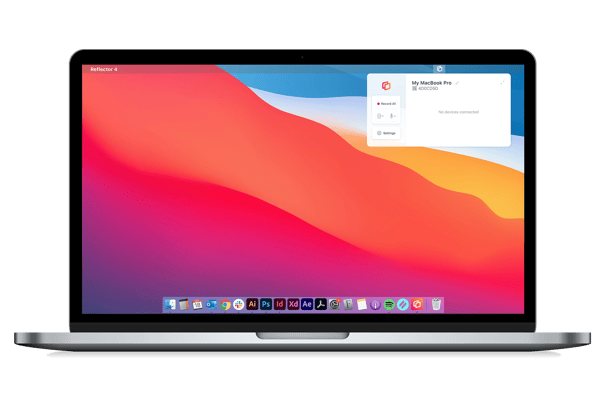
On your Pixel 5 (or older), swipe down from the top of the screen to open the Quick Settings tray.
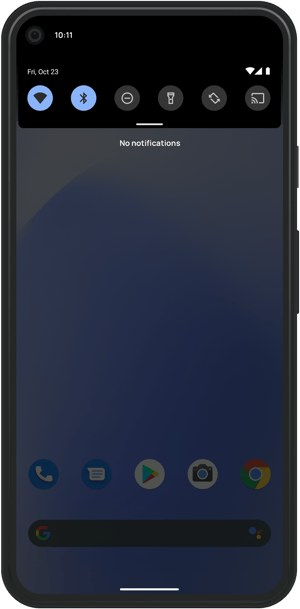
Inside Quick Settings, tap Cast. On some phones this may be labeled Screen Cast. You can pull down the Quick Settings tray into the extended view to see icon labels.
If you don't see a Cast option inside Quick Settings, follow the steps listed below.
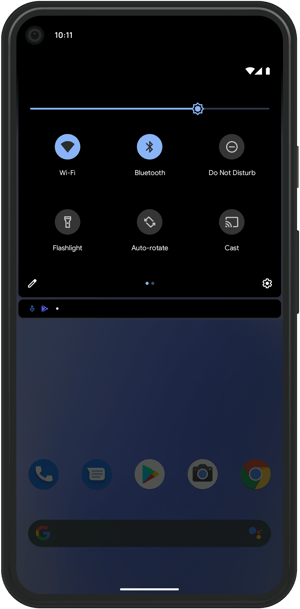
A window will appear showing available Cast receivers. Tap the name of your computer running Reflector or another Cast receiver.
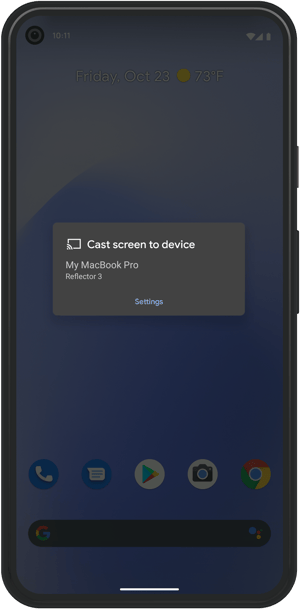
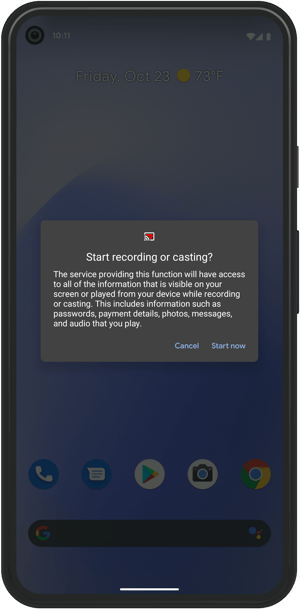
When prompted, tap Start Now. This allows your Pixel to mirror its screen contents. That’s it — your phone will begin casting to your computer.
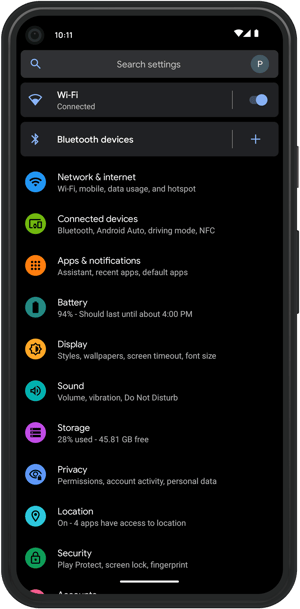
On your Google Pixel 5, navigate to Settings > Connected devices.
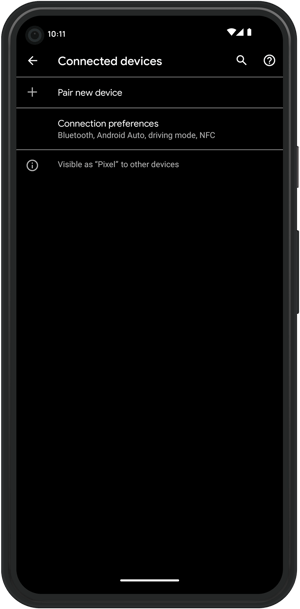
Once in Connected devices, tap Connection preferences.
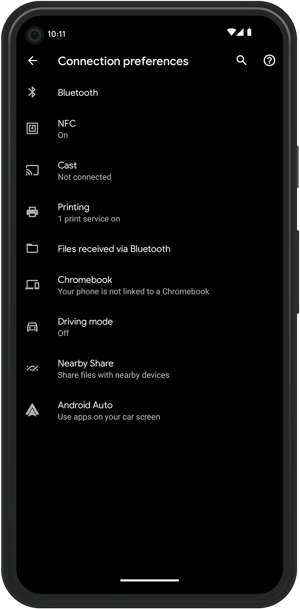
Tap Cast.
Tap the name of your computer (or other preferred Cast receiver) that appears in the list.
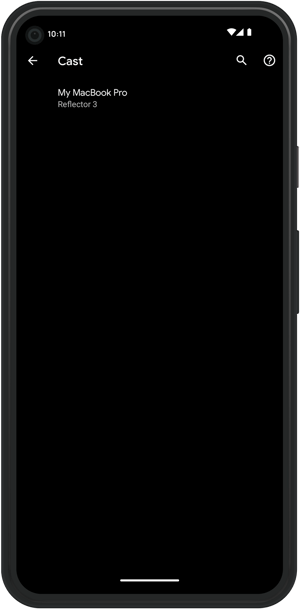
Tap Start Now and your Pixel will begin casting its screen.
Get Reflector today to screen mirror all of your devices to the big screen.
If you want to cast to another display like a compatible smart TV or Chromecast, the steps to connect will remain the same. All you have to do is choose the name of your TV or other wireless receiver from the receiver list.
Want to become a screen mirroring expert? Here’s everything you need to know.
Last updated 8/29/2023

The new Ditto Fire OS Receiver brings wireless screen mirroring, digital signage and emergency alerts to Fire OS devices. It joins Windows, Apple TV...

Ditto now runs on Android-powered displays. The new Ditto Android Receiver gives schools and businesses another way to bring wireless screen...

Windows still can't receive AirPlay connections on its own. Try to open Screen Mirroring on an iPhone in a room full of PCs. The list comes back...
Starting on Android 11, you must enable Google Cast to screen mirror / cast Samsung phones and tablets to any non-Samsung device. Learn how with the...
Learn how to screen mirror on an Android phone with this guide. See how to screen mirror your Google Pixel 6 with the Android 12 operating system.
Learn how to use Smart View to wirelessly screen mirror your Android device to your computer. It’s the easiest way to screen mirror with Samsung on...

Mirror any device to your screen — wirelessly.
One universal license for each app — works on macOS and Windows.
— or buy Reflector 4 on its own —



For schools, districts or volume licensing — contact us.

Stream audio and video from your Mac or PC to any screen.
One universal license for each app — works on macOS and Windows.
— or buy AirParrot 3 on its own —
For schools, districts or volume licensing — contact us.