1 min read
AirParrot 2 Pro Tip: Mirror Apps, Not Screens
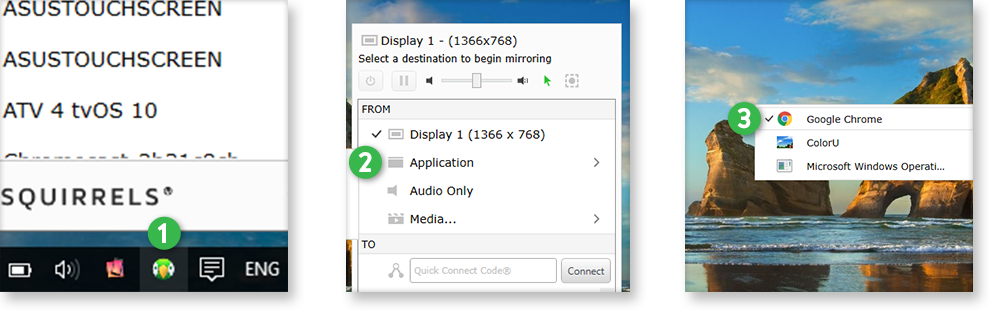
An easy-to-use AirParrot 2 feature keeps your audience focused on the most important content during a presentation or lecture.


1 min read
An easy-to-use AirParrot 2 feature keeps your audience focused on the most important content during a presentation or lecture.
1 min read
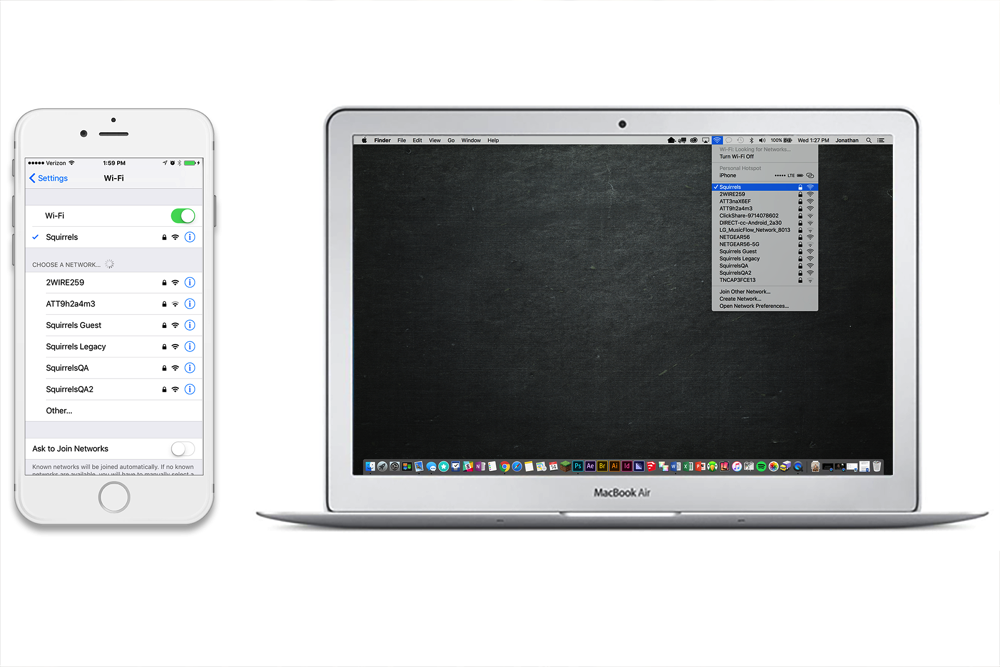
Update: How to screen mirror iOS 17 iPhones. Plus, how to screen mirror iPadOS 17 iPads. Wirelessly sharing your iPhone or iPad screen to your Mac or...
2 min read
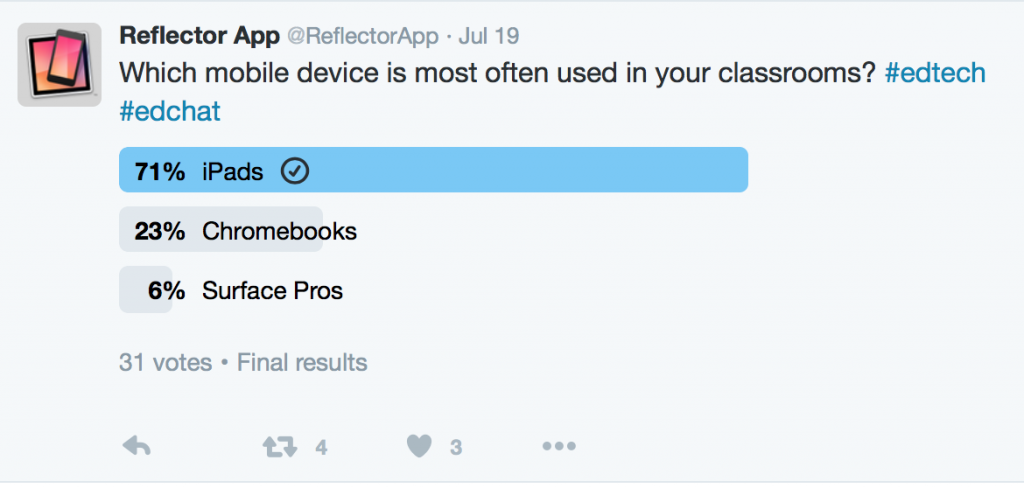
We recently asked our Reflector Twitter followers which mobile device is most often used in their classrooms. The choices included iPads, Chromebooks...

2 min read
The latest business technology is often designed or priced for large companies with big budgets.
2 min read
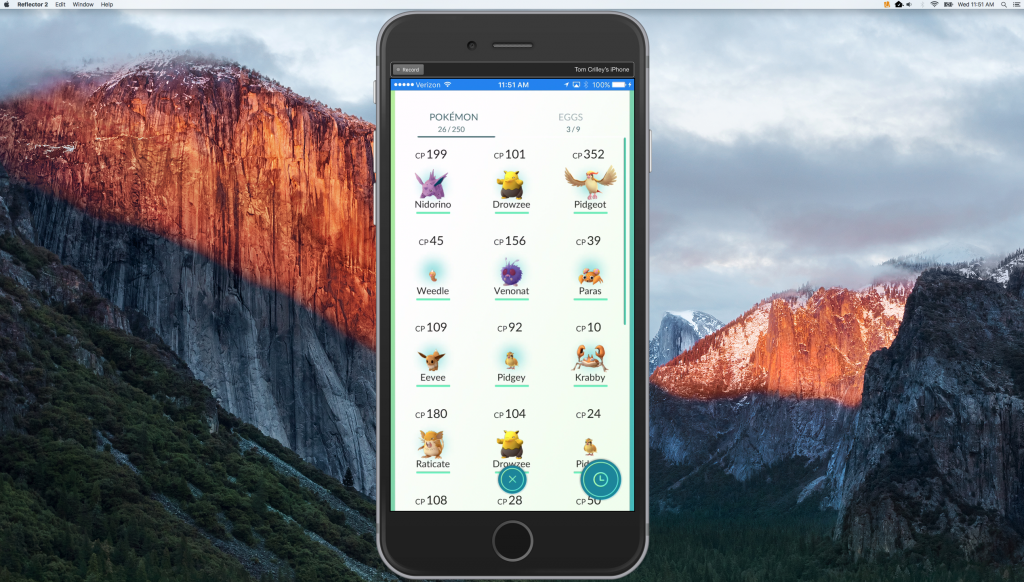
Pokémon Go is dominating the gaming world and Blink-182 just released a number one album. Let that sink in for a second. Take a moment to reassure...
2 min read
There are two main players in the screen-mirroring arena right now: Apple TV and Chromecast. Both have pros and cons. While we’ll discuss those...
2 min read
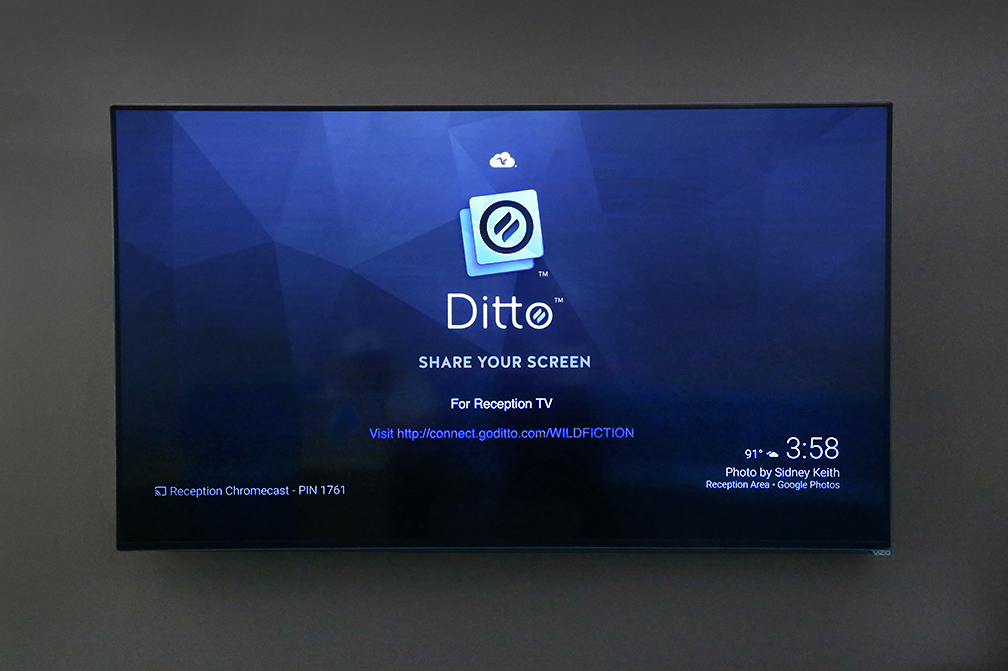
When not in use, Chromecast displays a slideshow of seemingly random photos from around the world. What few people know is that the ability to change...
1 min read
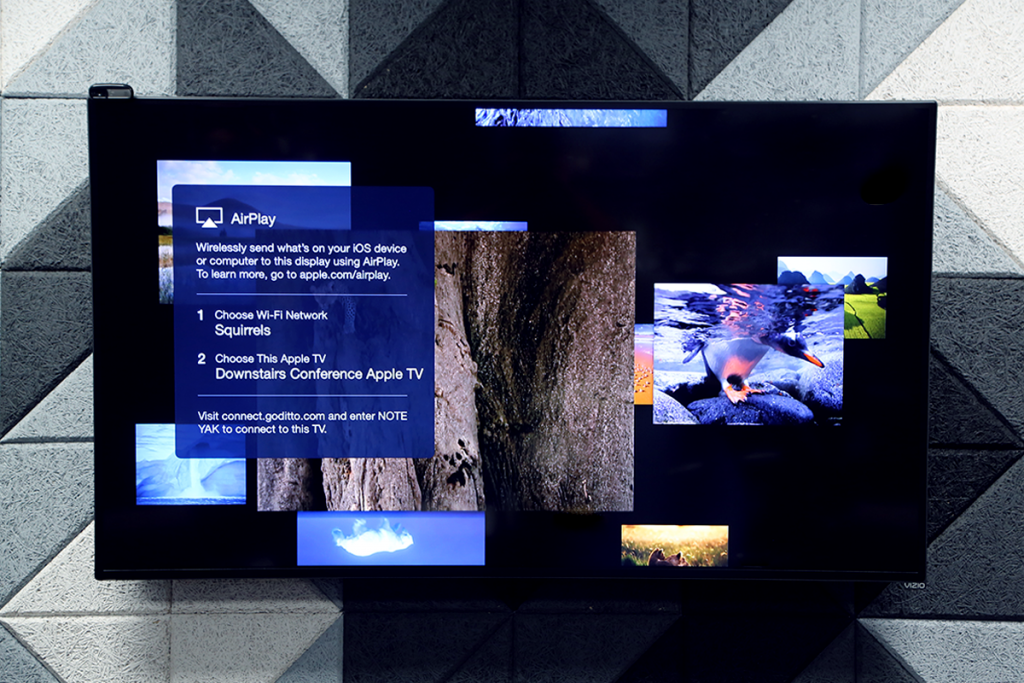
A little-known feature of Apple TV is quite handy when paired with Ditto.
2 min read
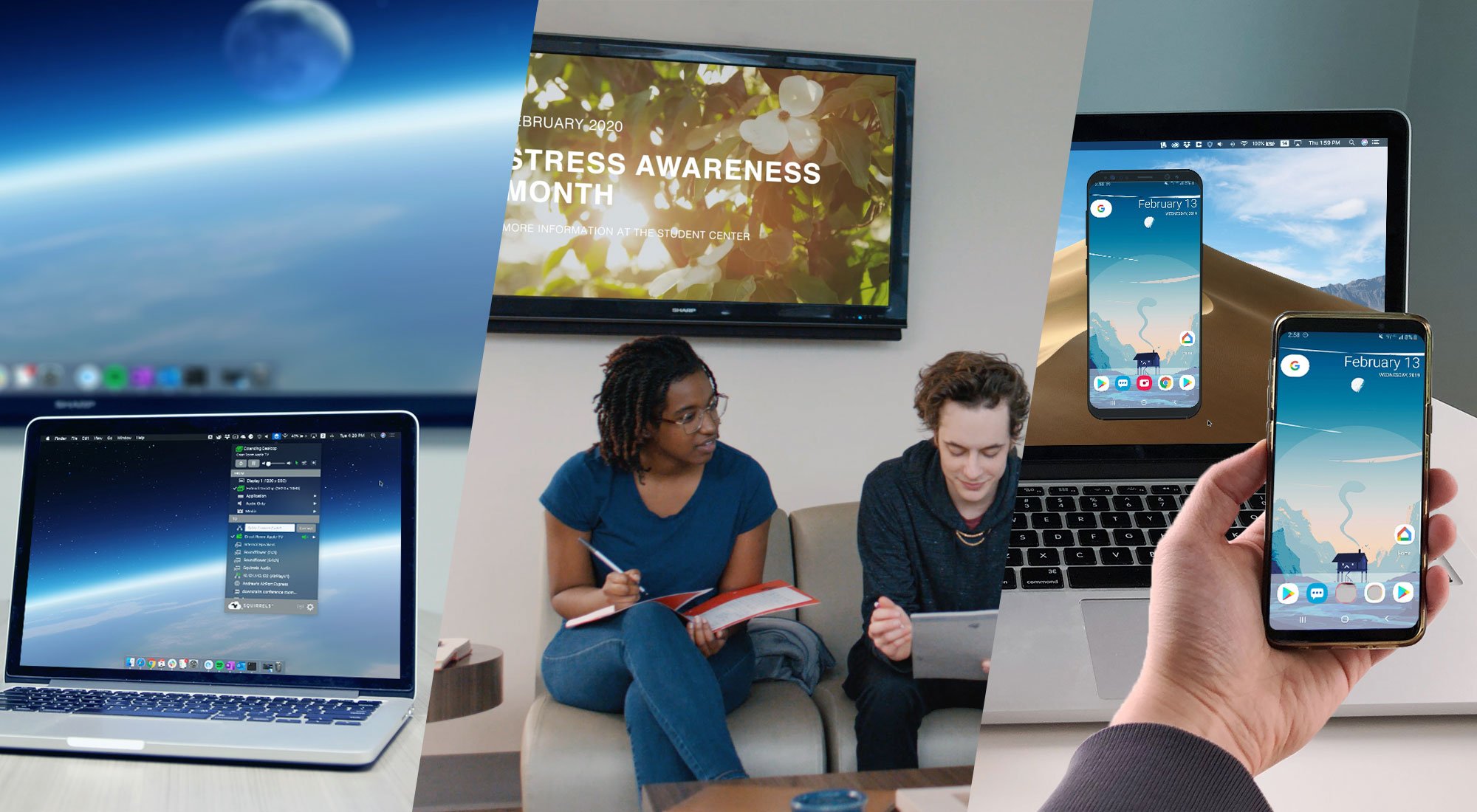
Ditto, AirParrot and Reflector are wireless presentation and screen mirroring technologies, but the core functionality differs for each. Use this...

Mirror any device to your screen — wirelessly.
One universal license for each app — works on macOS and Windows.
— or buy Reflector 4 on its own —



For schools, districts or volume licensing — contact us.

Stream audio and video from your Mac or PC to any screen.
One universal license for each app — works on macOS and Windows.
— or buy AirParrot 3 on its own —
For schools, districts or volume licensing — contact us.