Introducing the Ditto Fire OS Receiver
The new Ditto Fire OS Receiver brings wireless screen mirroring, digital signage and emergency alerts to Fire OS devices. It joins Windows, Apple TV...

1 min read
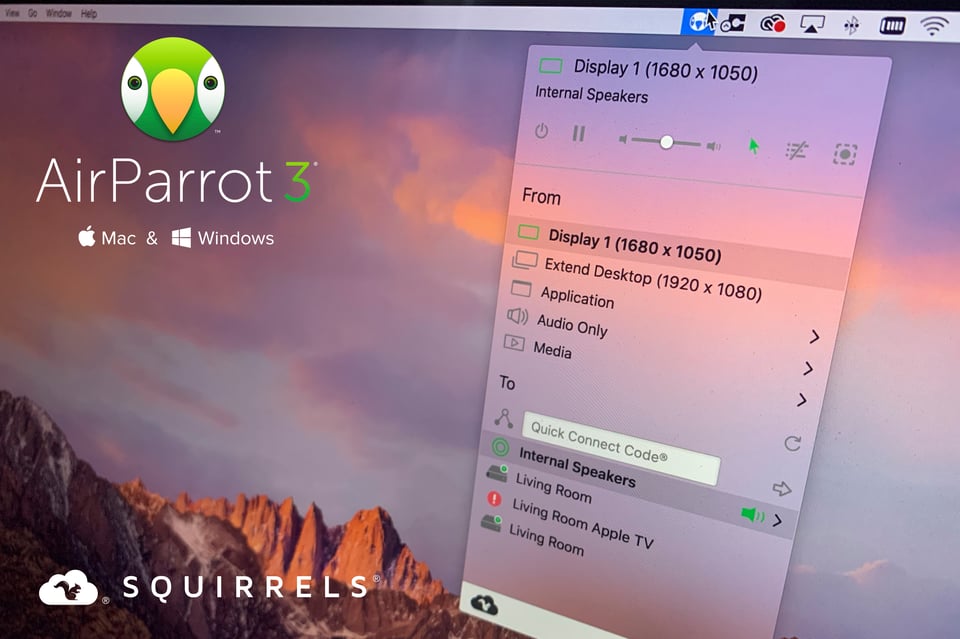
It’s time for something new.
Today we’re excited to announce the all new AirParrot 3. It’s the latest technology that advances screen mirroring and media streaming to a whole new level.
Perfect for people working from home, on the road and in school, here’s everything new in AirParrot 3:
AirParrot 3 reduces screen mirroring and streaming latency to 16 milliseconds at 60 frames per second. How fast is that? Your eyes take 100-400 milliseconds to blink. So it’s pretty fast.
AirParrot 3 uses up to 50% less CPU by offloading video processing to the GPU. That means even weaker computers that struggle to display video content can use AirParrot 3 to process video faster while using less power.
Mirror and stream faster than the blink of an eye.
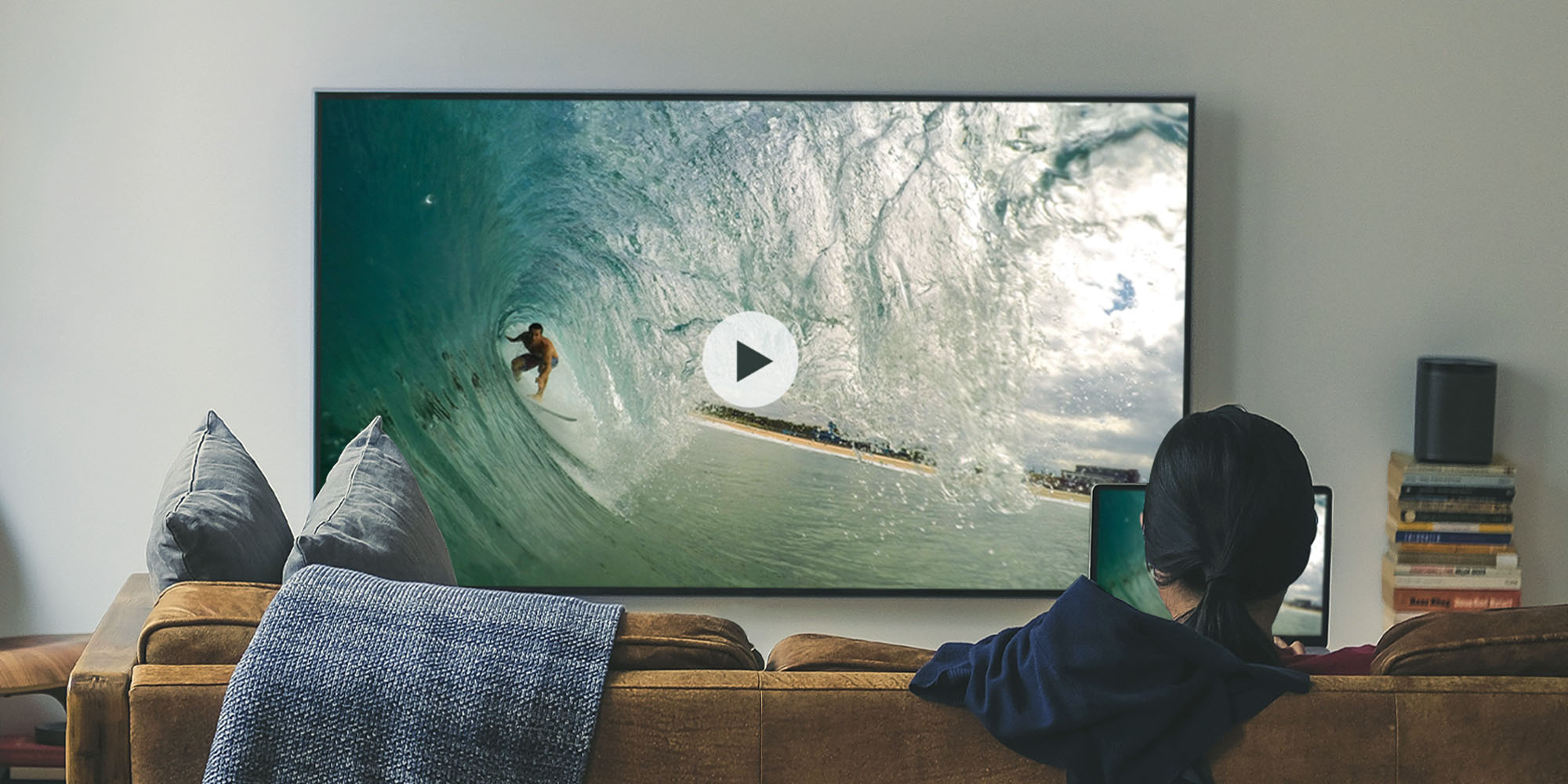
Extended desktop comes to Windows. Fully supported on both macOS and Windows, use AirParrot 3 to extend your computer desktop to an Apple TV, Chromecast or other receiver. That means your living room TV is now your office. Working from home just got a whole lot better.
Windows and macOS users can now stream directly to the Apple HomePod. Wirelessly send native audio and .mp3 and .mp4 files to one or many HomePods. Play those tunes anywhere in high definition.
AirParrot 3 streams 4K video and surround sound completely wirelessly. Immerse yourself in the highest quality picture and sound.
Beautiful icons and an updated interface. The new AirParrot 3 design matches the technology behind it: slick and powerful.
AirParrot 3 is available now starting at $15.99. Currently using AirParrot 2? Open your app for an upgrade offer!

The new Ditto Fire OS Receiver brings wireless screen mirroring, digital signage and emergency alerts to Fire OS devices. It joins Windows, Apple TV...

Ditto now runs on Android-powered displays. The new Ditto Android Receiver gives schools and businesses another way to bring wireless screen...

Windows still can't receive AirPlay connections on its own. Try to open Screen Mirroring on an iPhone in a room full of PCs. The list comes back...
AirParrot 3 is now compatible with certain AirPlay 2-enabled and Chromecast built-in devices. Plus, AirParrot Remote received a new update. Learn all...
Chromebook users can mirror their screen to Apple TV with the AirParrot 2 for Chrome OS app. This app includes Apple TV 4 and tvOS 10.3 compatibility.
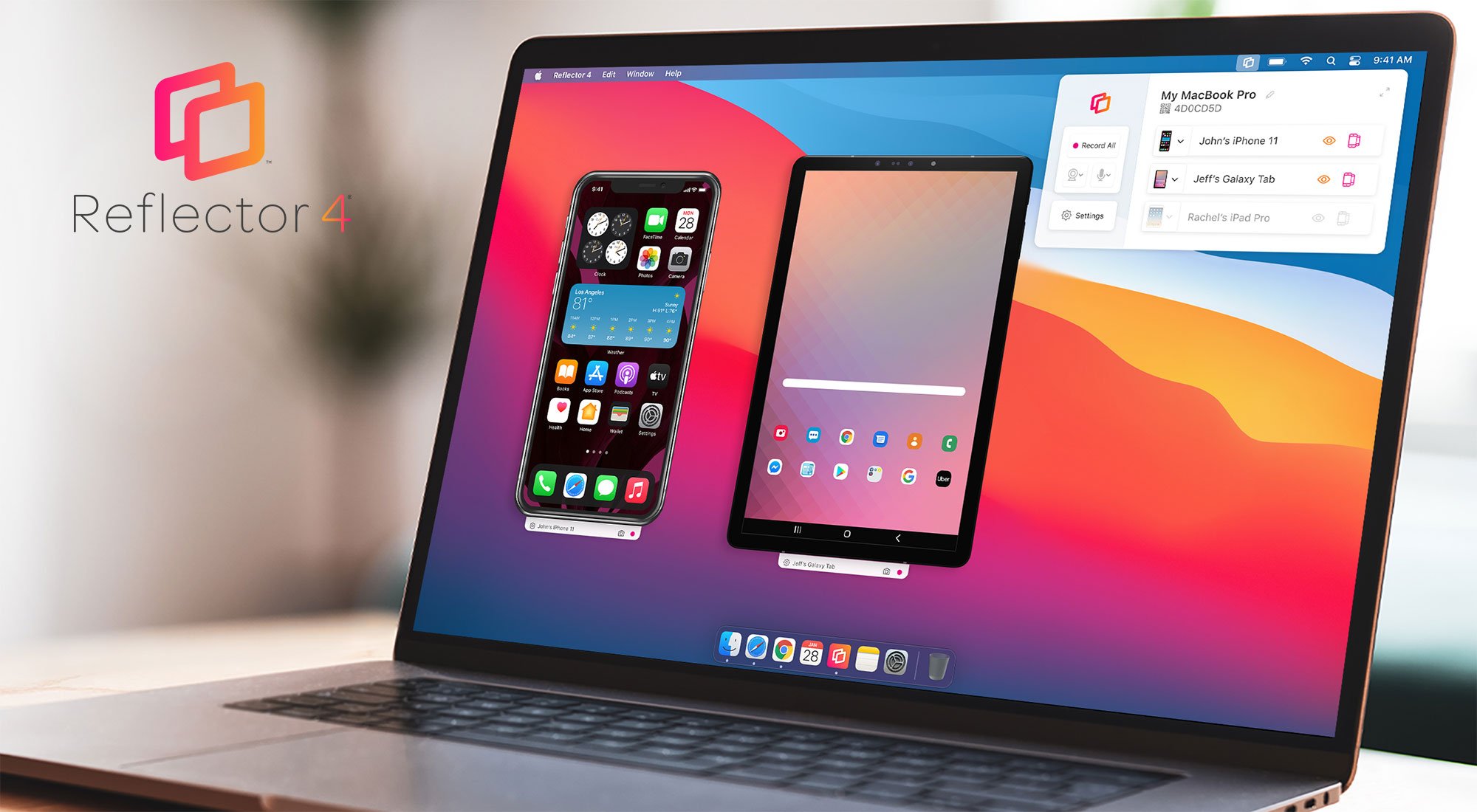
The all-new Reflector 4 is our most powerful screen mirroring and streaming receiver yet. Learn all about new software features, design and...

Mirror any device to your screen — wirelessly.
One universal license for each app — works on macOS and Windows.
— or buy Reflector 4 on its own —



For schools, districts or volume licensing — contact us.

Stream audio and video from your Mac or PC to any screen.
One universal license for each app — works on macOS and Windows.
— or buy AirParrot 3 on its own —
For schools, districts or volume licensing — contact us.